> ## Documentation Index
> Fetch the complete documentation index at: https://docs.cloudify.biz/llms.txt
> Use this file to discover all available pages before exploring further.
# Choose Your Subscription Plans
Click on “**Settings**”, then select “**Manage**” to view your Subscription Plans.
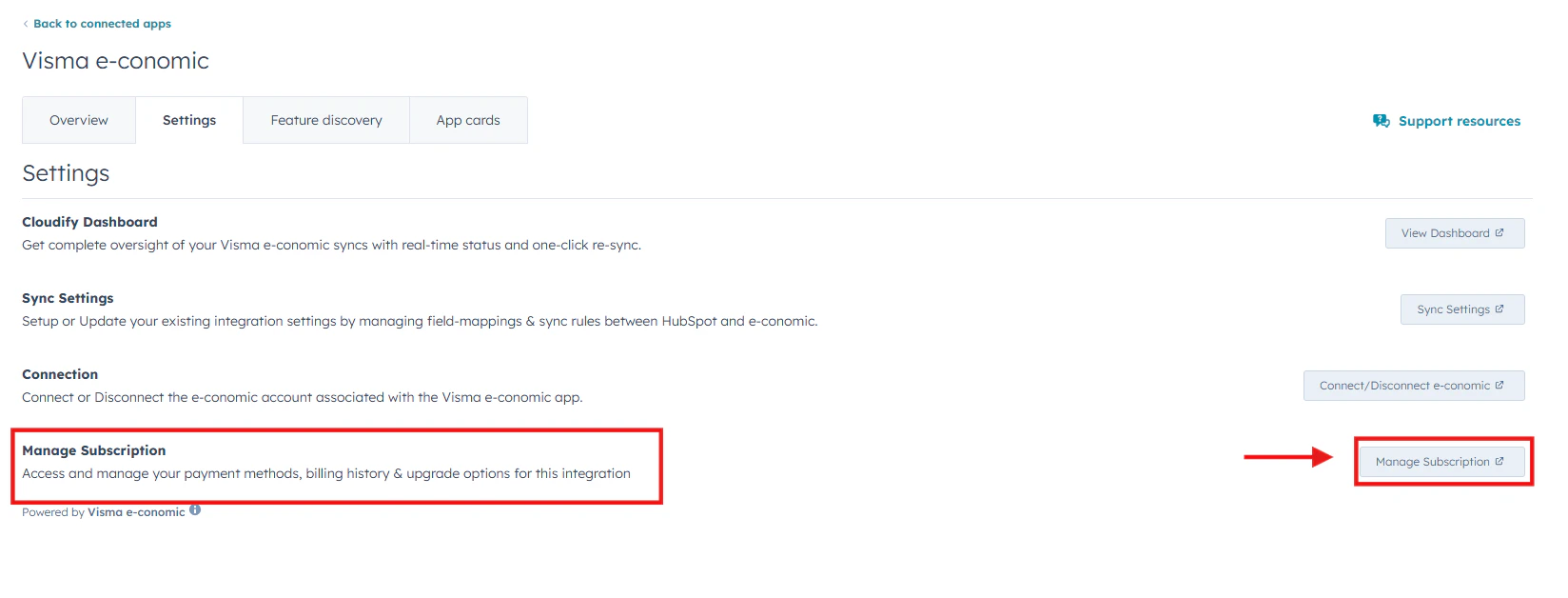 Select the subscription plan according to your requirements and click Next. There are 4 plans:
* **Free Trial**: 15 free syncs to try the integration with basic data sync features between HubSpot and e-conomic.
* **Basic**: Priced at DKK 99/month, it offers unlimited sync and financial updates for customer data from e-conomic.
* **Premium**: At DKK 199/month, this plan includes comprehensive sync for customers, products, and invoices, along with financial updates and replay functionality for HubSpot activity logs.
* **Custom**: This plan is tailored to individual business needs and provides a bespoke integration solution with dedicated support, priced on a quote basis.
Select the subscription plan according to your requirements and click Next. There are 4 plans:
* **Free Trial**: 15 free syncs to try the integration with basic data sync features between HubSpot and e-conomic.
* **Basic**: Priced at DKK 99/month, it offers unlimited sync and financial updates for customer data from e-conomic.
* **Premium**: At DKK 199/month, this plan includes comprehensive sync for customers, products, and invoices, along with financial updates and replay functionality for HubSpot activity logs.
* **Custom**: This plan is tailored to individual business needs and provides a bespoke integration solution with dedicated support, priced on a quote basis.
(4).png?fit=max&auto=format&n=ExXRtekWGFYIGcBx&q=85&s=fba6fd76f45f20cdbf094ec9695686a5)