> ## Documentation Index
> Fetch the complete documentation index at: https://docs.cloudify.biz/llms.txt
> Use this file to discover all available pages before exploring further.
# Invoice Sync Settings
## Setting Up Invoice Sync Preferences
***
### When to Create a Tripletex Invoice
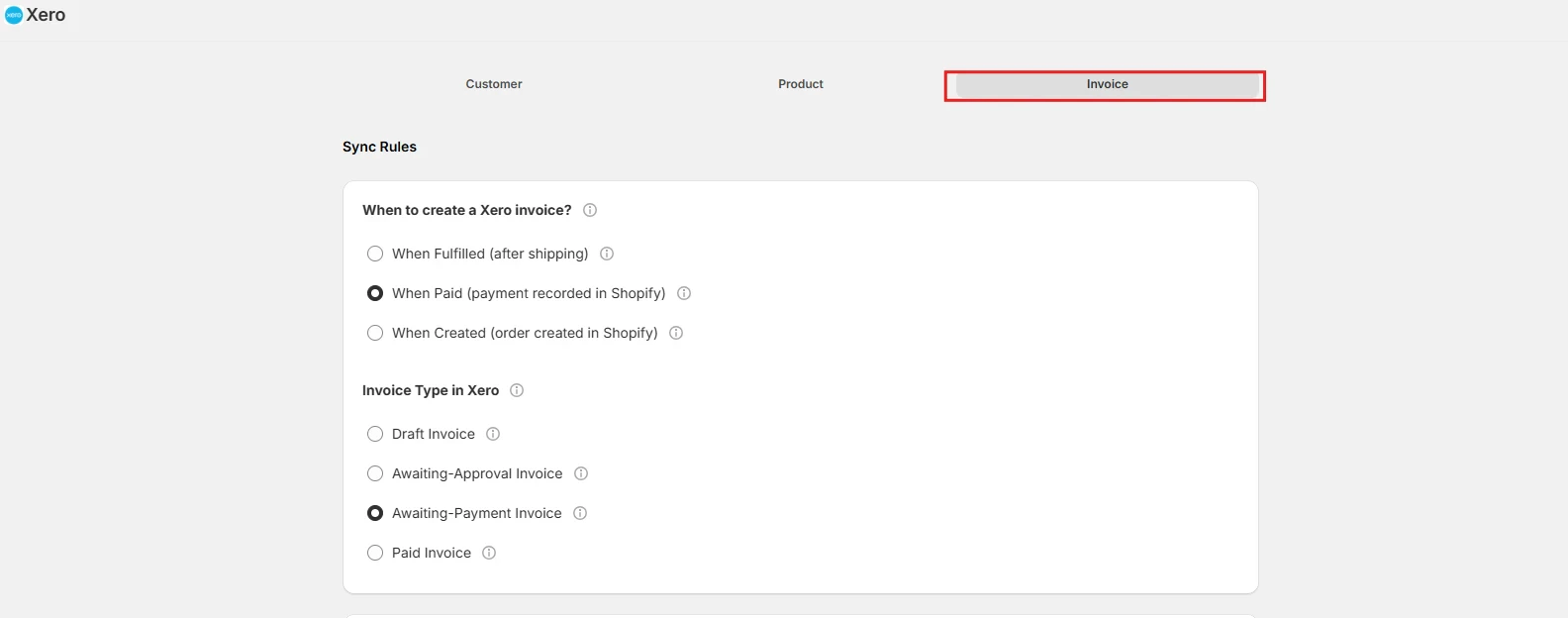
This setting determines when the integration will create an invoice in Tripletex based on the status of your Shopify order.
* **When Fulfilled (after shipping)** — An invoice will be created in Tripletex when the Shopify order status changes to **Fulfilled**. This typically happens when you've shipped the products. Choose this if you prefer to invoice customers only after their order has been sent.
* **When Paid (payment recorded in Shopify)** — An invoice will be created in Tripletex as soon as the Shopify order is marked as **Paid**. This happens when a payment is successfully processed in Shopify, regardless of whether you've shipped the products yet. Select this for quicker financial record-keeping.
* **When Created (order created in Shopify)** — Suitable for COD (Cash-on-Delivery) orders or if you want an invoice created in Tripletex as soon as a new order is received in your Shopify store.
 ***
### Invoice Type in Tripletex
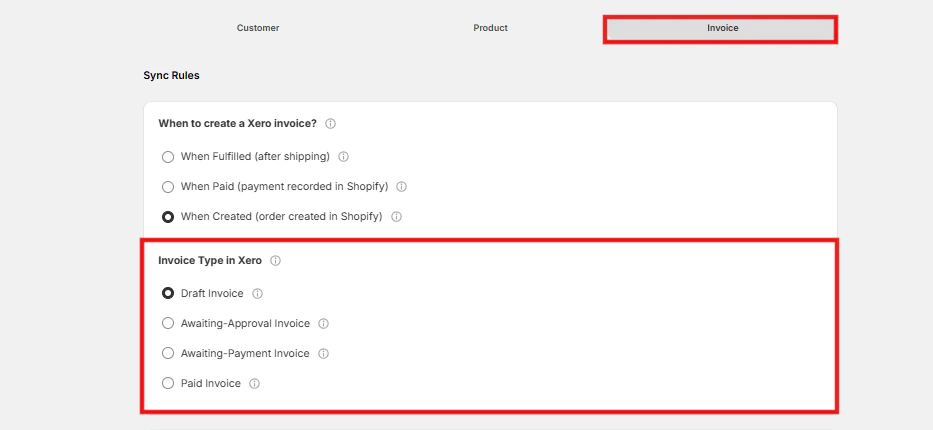
This setting determines the type of invoice that will be created in Tripletex.
* **Draft Invoice** — Creates an editable invoice in Tripletex. You'll need to review and manually post it later. Ideal if you often need to make adjustments before finalizing invoices.
* **Awaiting-Approval Invoice** — Creates an invoice that needs your approval before it's sent to the customer. Useful when you want to double-check details before making it official.
* **Awaiting-Payment Invoice** — The invoice has been sent and is waiting for the customer to pay. Helps you track outstanding amounts and follow up when needed.
* **Paid Invoice** — Marks the invoice as fully paid and complete. Keeps your records up-to-date and reflects received payments.
***
### Invoice Type in Tripletex
This setting determines the type of invoice that will be created in Tripletex.
* **Draft Invoice** — Creates an editable invoice in Tripletex. You'll need to review and manually post it later. Ideal if you often need to make adjustments before finalizing invoices.
* **Awaiting-Approval Invoice** — Creates an invoice that needs your approval before it's sent to the customer. Useful when you want to double-check details before making it official.
* **Awaiting-Payment Invoice** — The invoice has been sent and is waiting for the customer to pay. Helps you track outstanding amounts and follow up when needed.
* **Paid Invoice** — Marks the invoice as fully paid and complete. Keeps your records up-to-date and reflects received payments.
 ***
### How Should Invoice Data Fields Be Mapped?
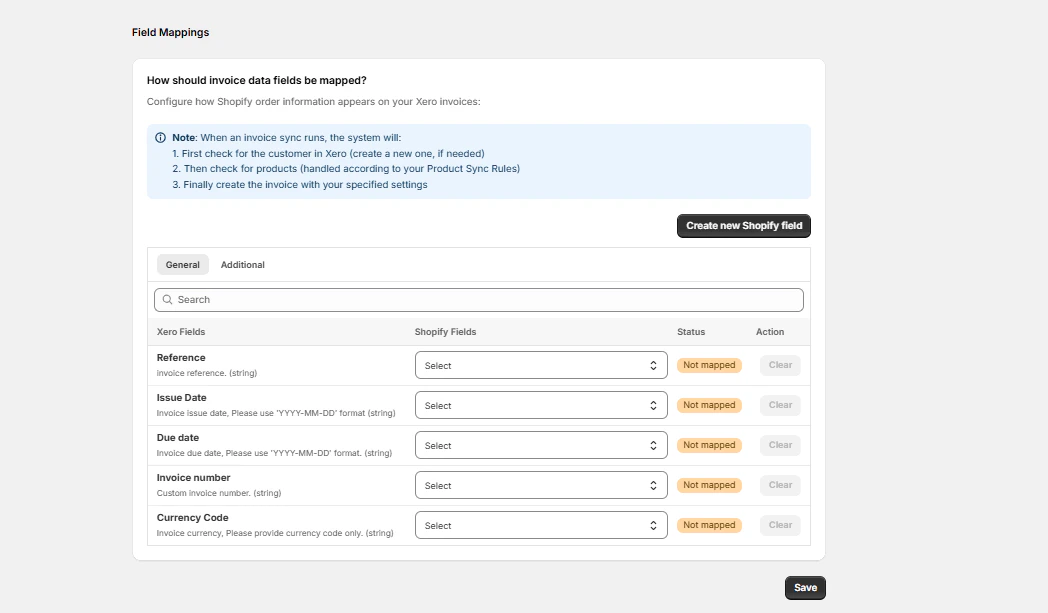
Map the necessary fields from Shopify to Tripletex for invoice creation. You can create new fields by clicking **"Create new Shopify field"**.
Click **"Save Mappings"** when done.
***
### How Should Invoice Data Fields Be Mapped?
Map the necessary fields from Shopify to Tripletex for invoice creation. You can create new fields by clicking **"Create new Shopify field"**.
Click **"Save Mappings"** when done.