> ## Documentation Index
> Fetch the complete documentation index at: https://docs.cloudify.biz/llms.txt
> Use this file to discover all available pages before exploring further.
# Bulk Update
The Bulk Update feature is crucial for maintaining accurate and up-to-date company information in your Pipedrive CRM:
1. **Efficiency:** Update multiple company records simultaneously, saving significant time and effort.
2. **Data Accuracy:** Ensure your CRM data matches the latest official VAT information, reducing errors in your business processes.
3. **Compliance:** Keep your records aligned with current VAT registrations, supporting regulatory compliance.
4. **Scalability:** Easily manage large volumes of company data, especially useful as your business grows.
5. **Data Integrity:** Automatic exclusion of invalid entries helps maintain the overall quality of your database.
***
## How Does It Work?
Navigate to the **Bulk Update** screen in the Company VAT Lookup app.
You'll see a table displaying company information including Name, Number, Domain, Country, and Create Date.
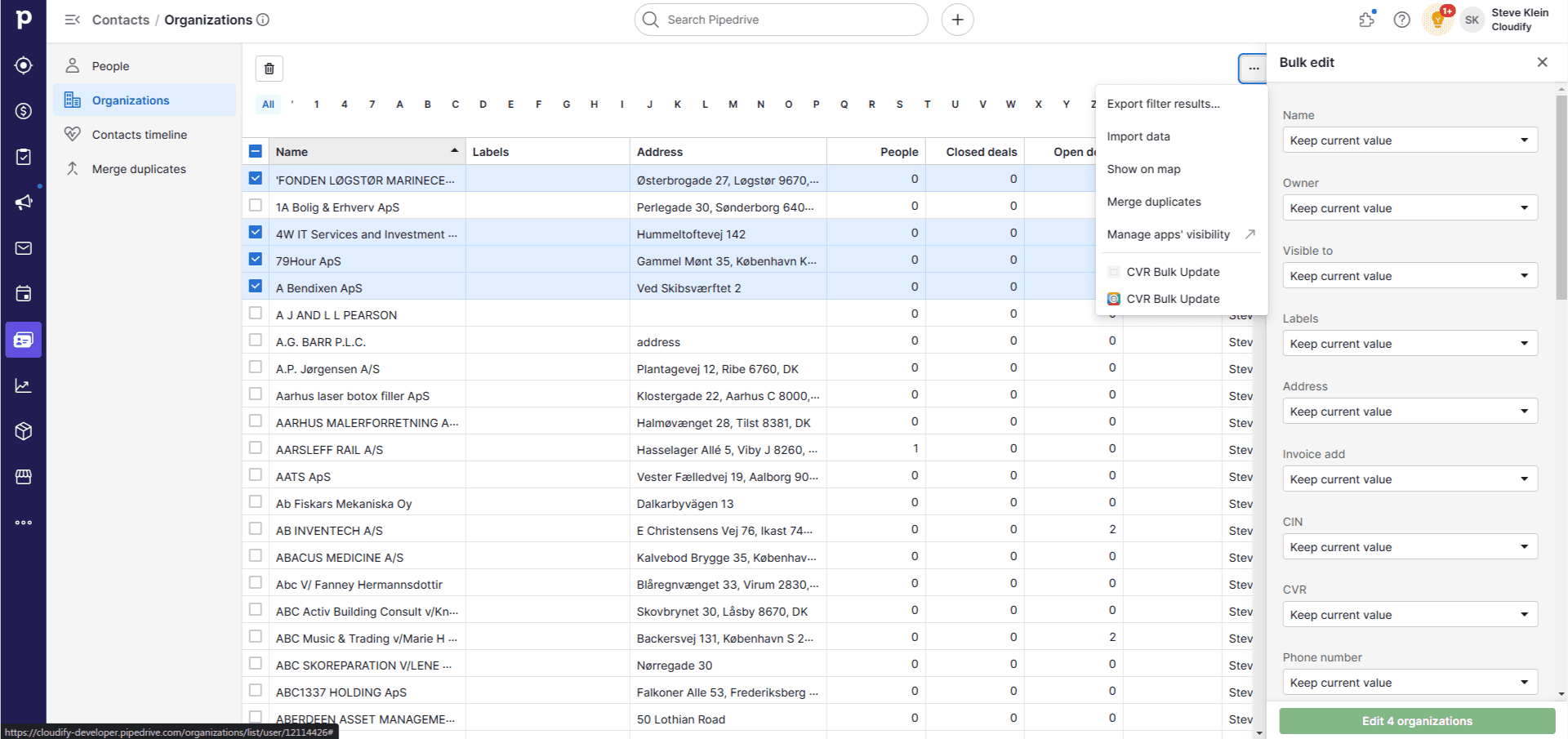
Use the **Search** bar at the top to find specific companies if needed.
Select the companies you wish to update by ticking the checkbox next to their names.
Once you've selected all desired companies, click the **"CVR Bulk Update"** button in the top right corner, then click **"Update"**.
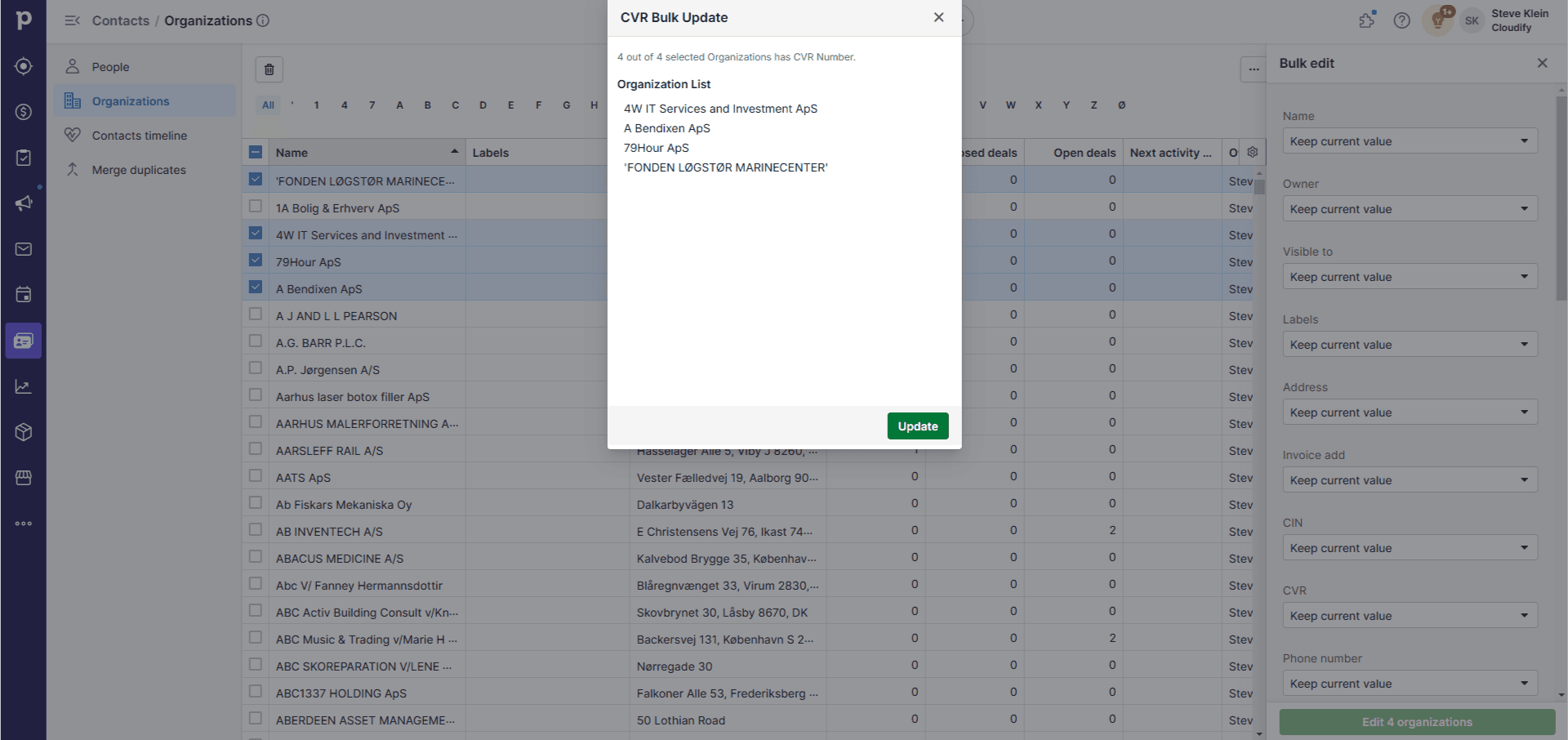
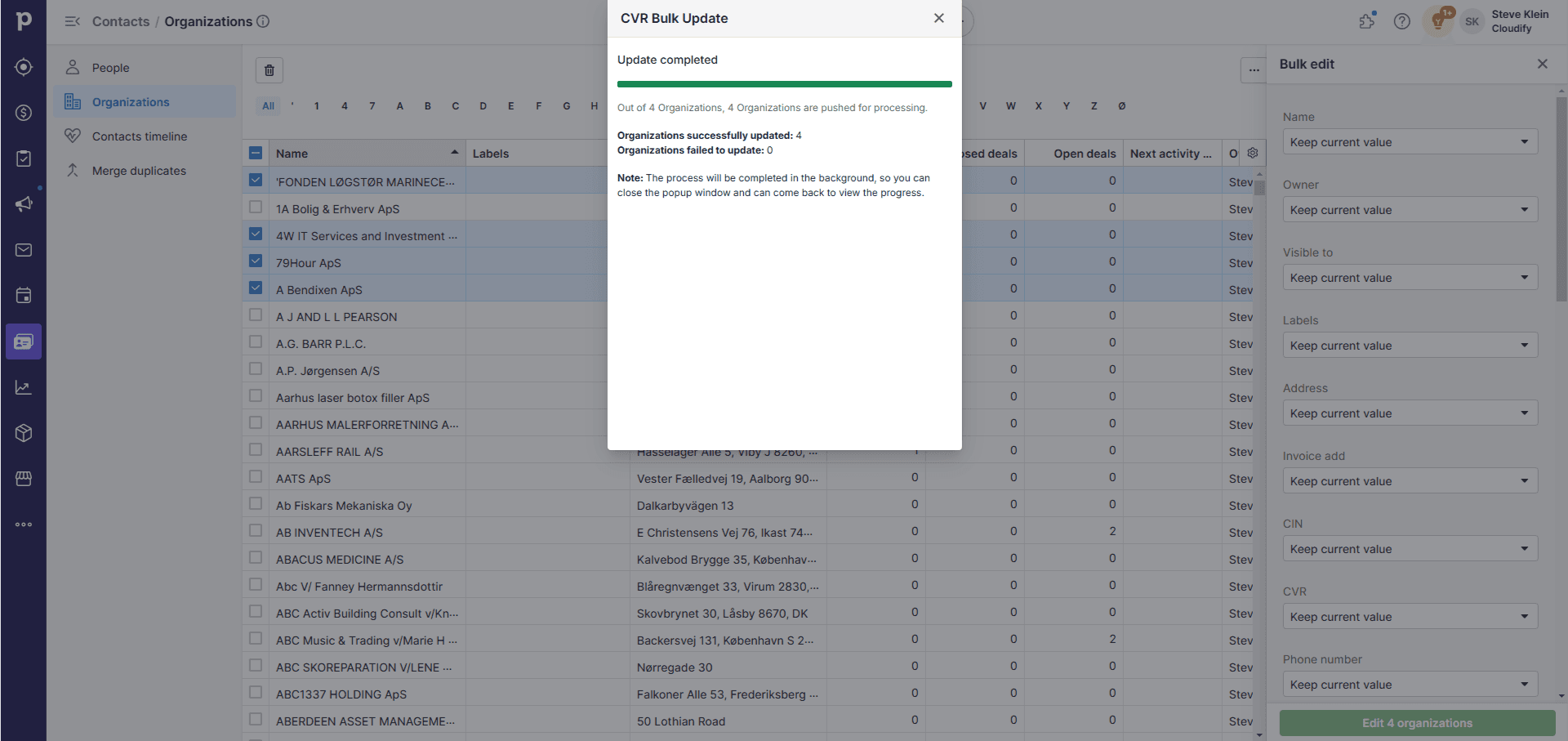
The app will update the selected companies' information in your Pipedrive CRM based on the latest data from official VAT databases.
**Got unique integration needs?**\
Our custom team can build tailored integrations, specialized data mappings, and workflow automations to perfectly match your specific business processes.
[Advanced integration settings](https://custom.cloudify.biz/)