Simple Search
Use this feature to match products between Pipedrive and e-conomic by correlating a specific field, such as SKU or product number. This is particularly useful for users who have long product lists. Choose the corresponding field in Pipedrive and e-conomic for automatic identification from the respective dropdowns.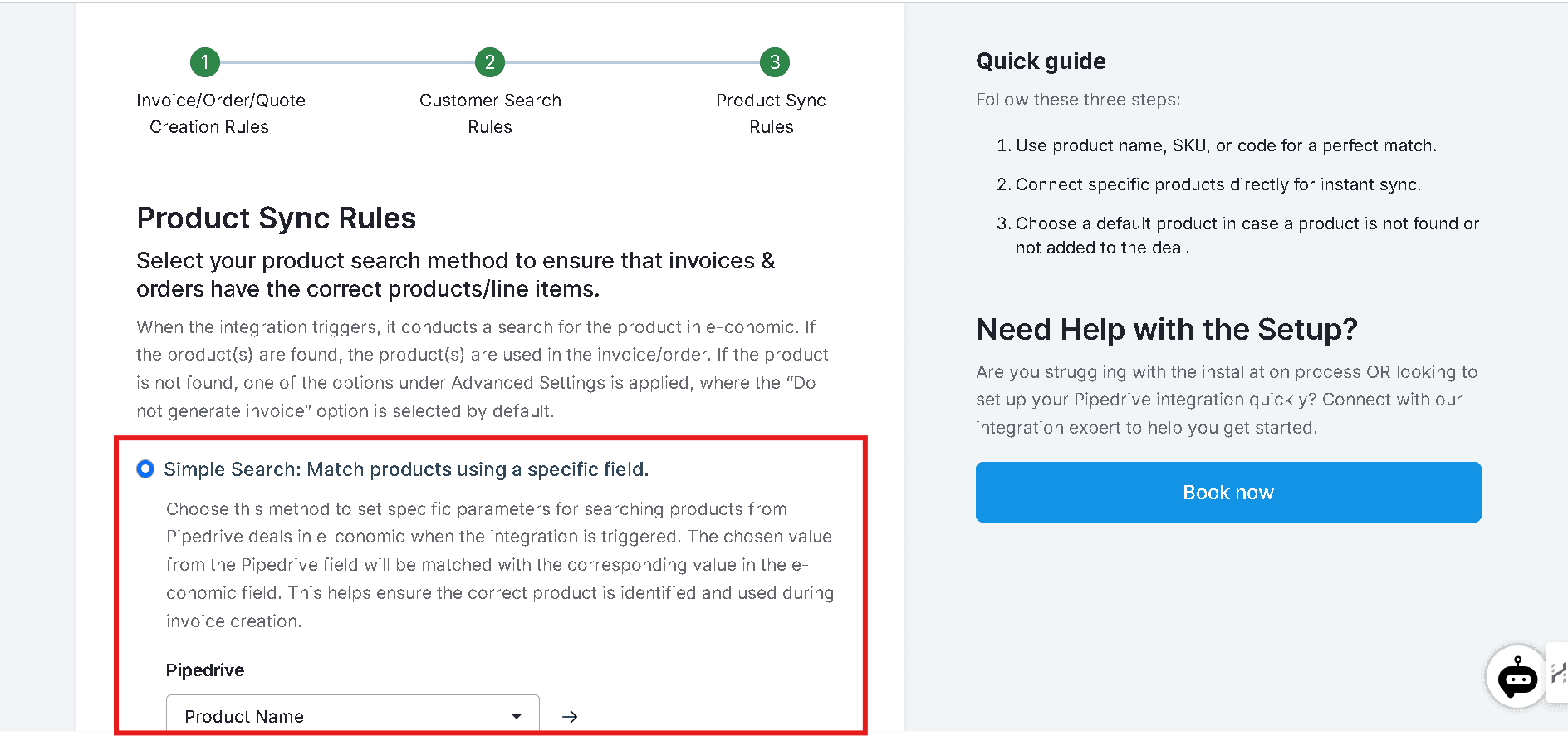
Direct Link
Connect products directly without searching. This option is useful for users who have short product lists. Map the Pipedrive fields with the e-conomic fields and click Save Mappings.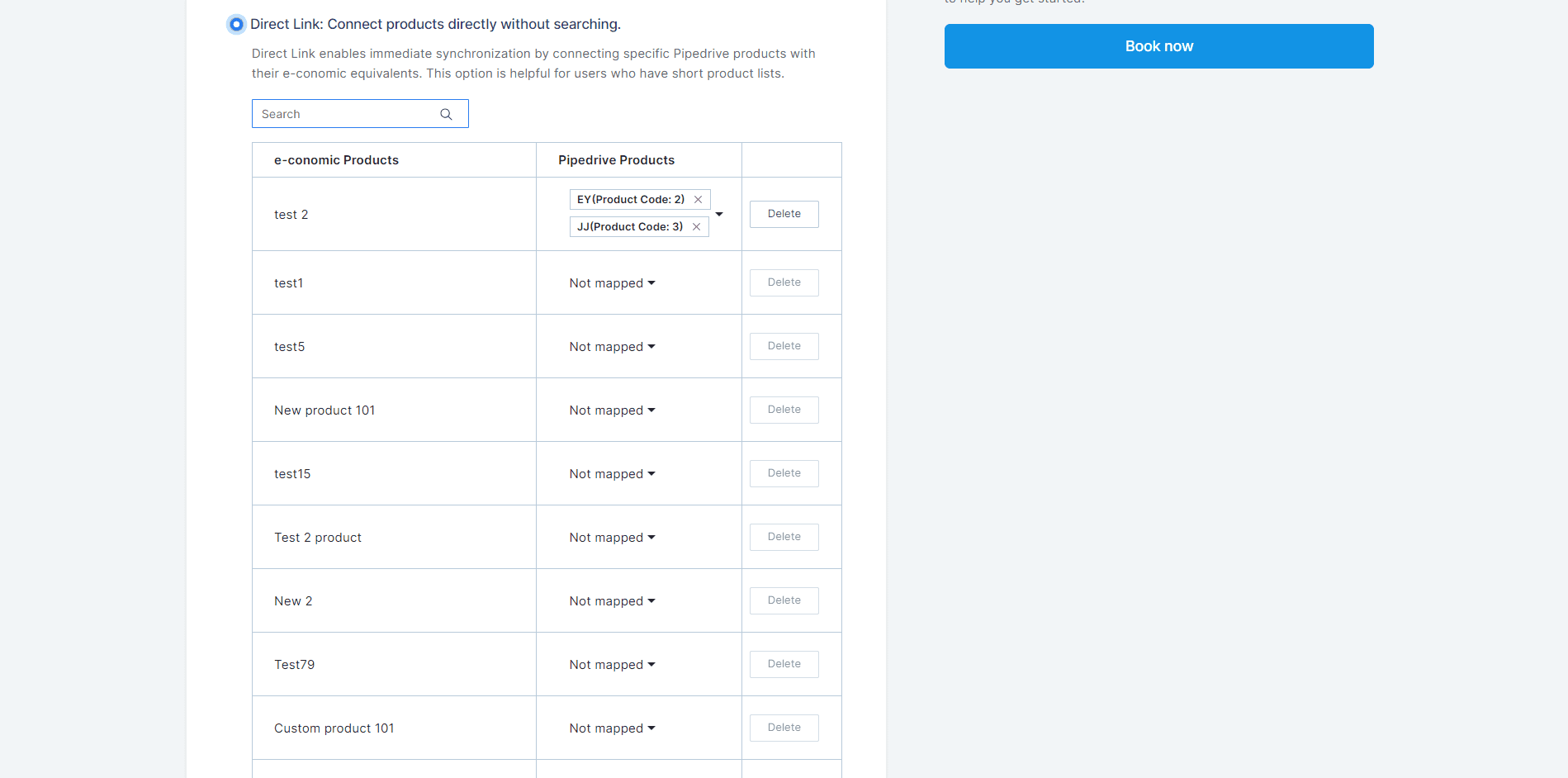
Advanced Settings
These settings apply when a product is not found during the search. Choose one of the three fallback options below:Skip invoice generation
Skip invoice generation
Select this option if you prefer not to create an invoice when a product isn’t found in e-conomic.
Use a default product
Use a default product
When a product is not found in e-conomic, the integration will use a default product from e-conomic to generate the invoice. If you select this option, you must specify a default product from your e-conomic product list.
Create a new product in e-conomic
Create a new product in e-conomic
This option automatically generates a new product entry in e-conomic when a matching item isn’t found, using product details from Pipedrive. You must specify the product group to ensure the new product aligns with the correct category in e-conomic.Select the product group and click Finish.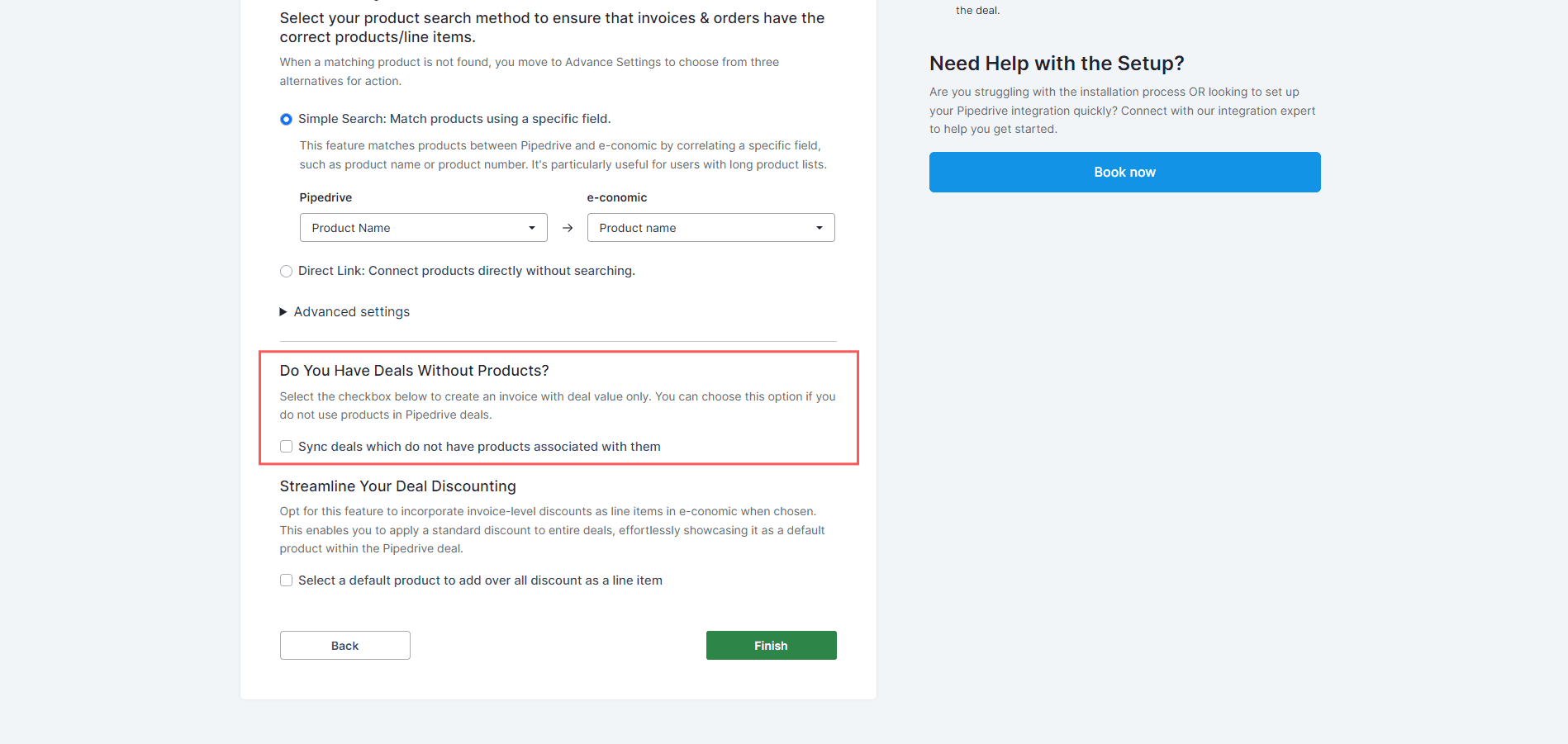
Sync Deals Without Associated Products
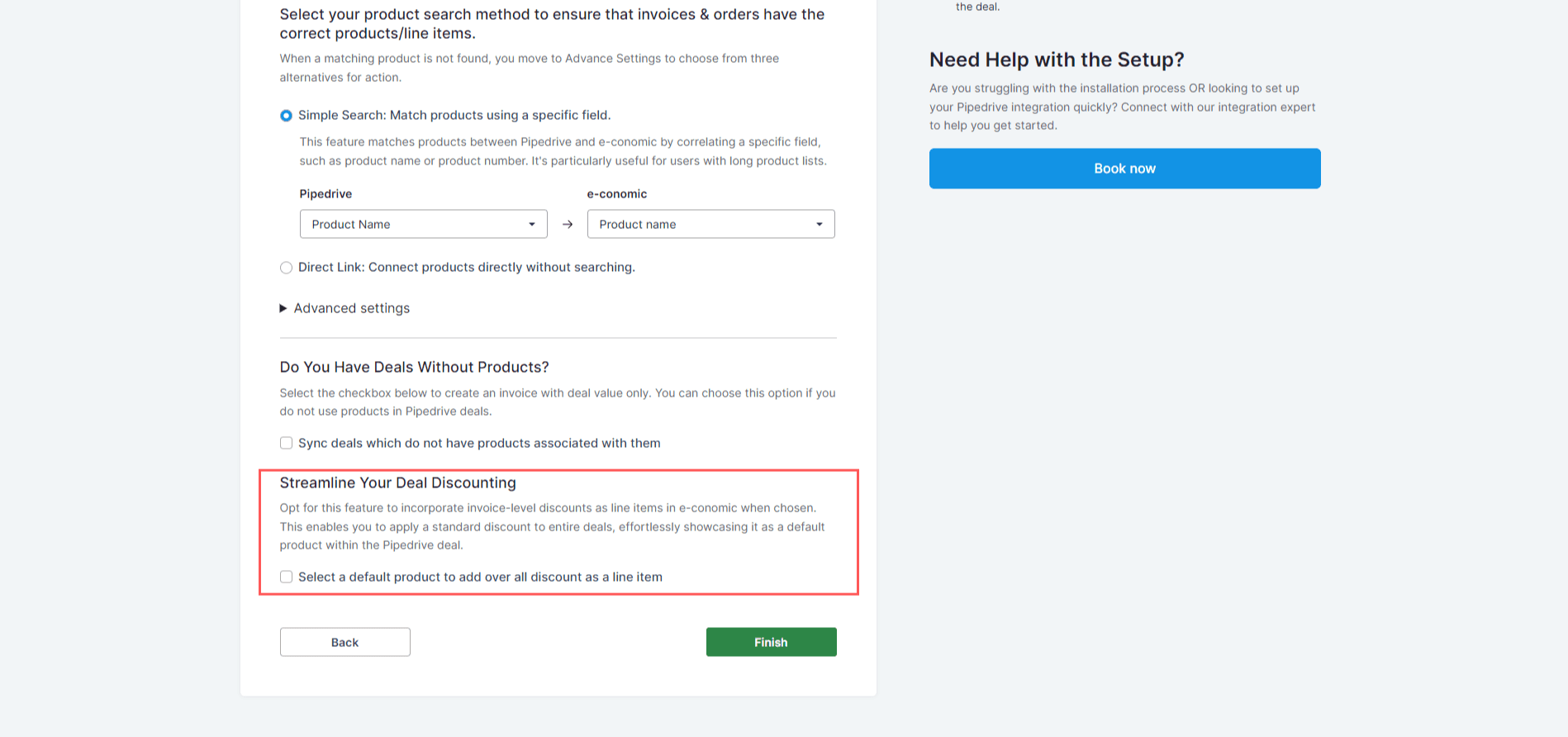
This option applies when a deal has no products attached and you still want to sync it. Enable this option, select a default product, and click Finish.Select a Default Product for Overall Discount as a Line Item
Use this feature to incorporate invoice-level discounts as line items in e-conomic. This lets you apply a standard discount to entire deals, displaying it as a default product within the Pipedrive deal.