Connect Visma e-conomic account
How to Install the App
1
-
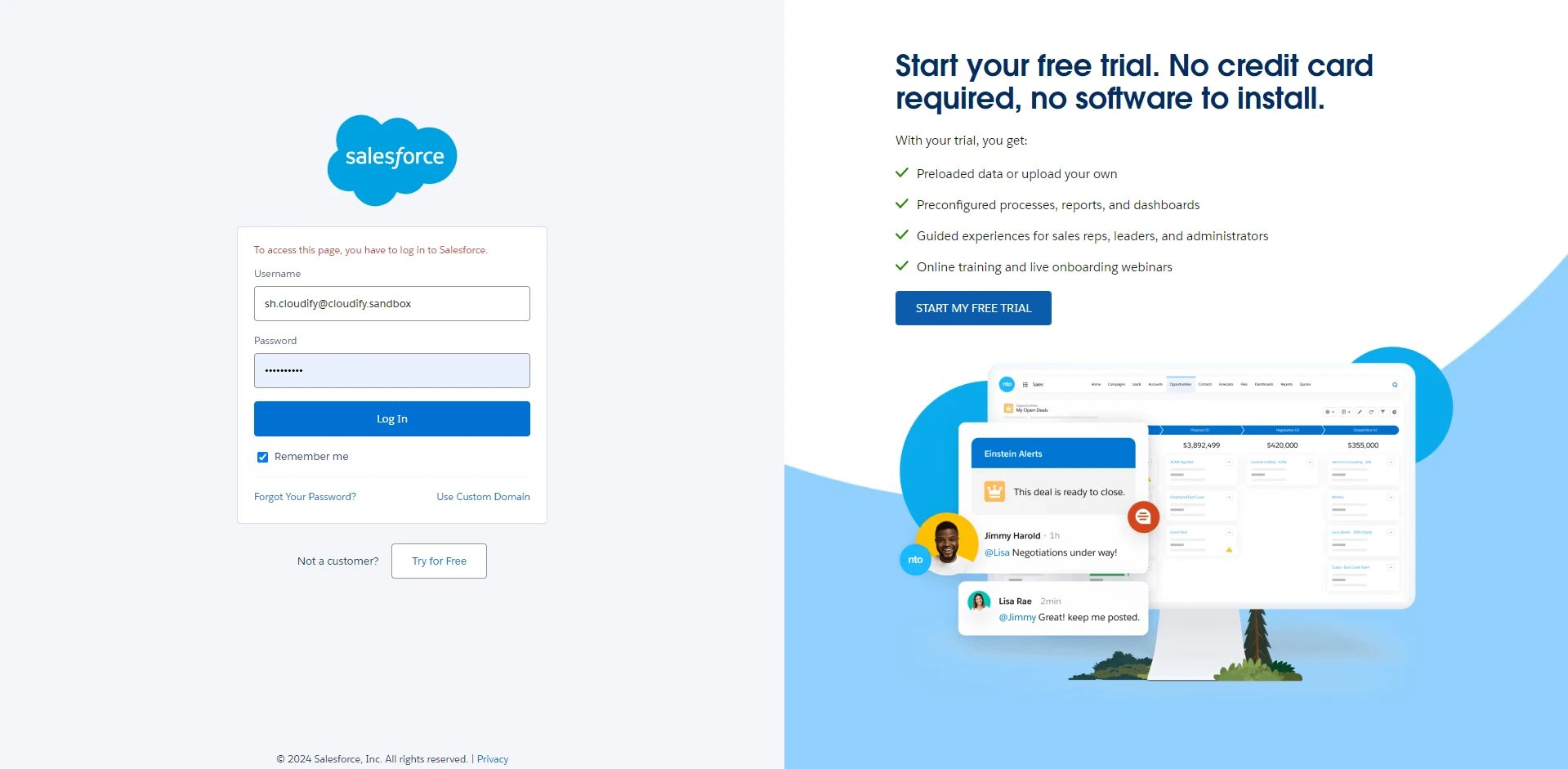
Visit this official Salesforce login link. Input your username and password and click “Login”.
2
- Find the Visma e-conomic application in the Salesforce Marketplace and click “Install”.
3
-
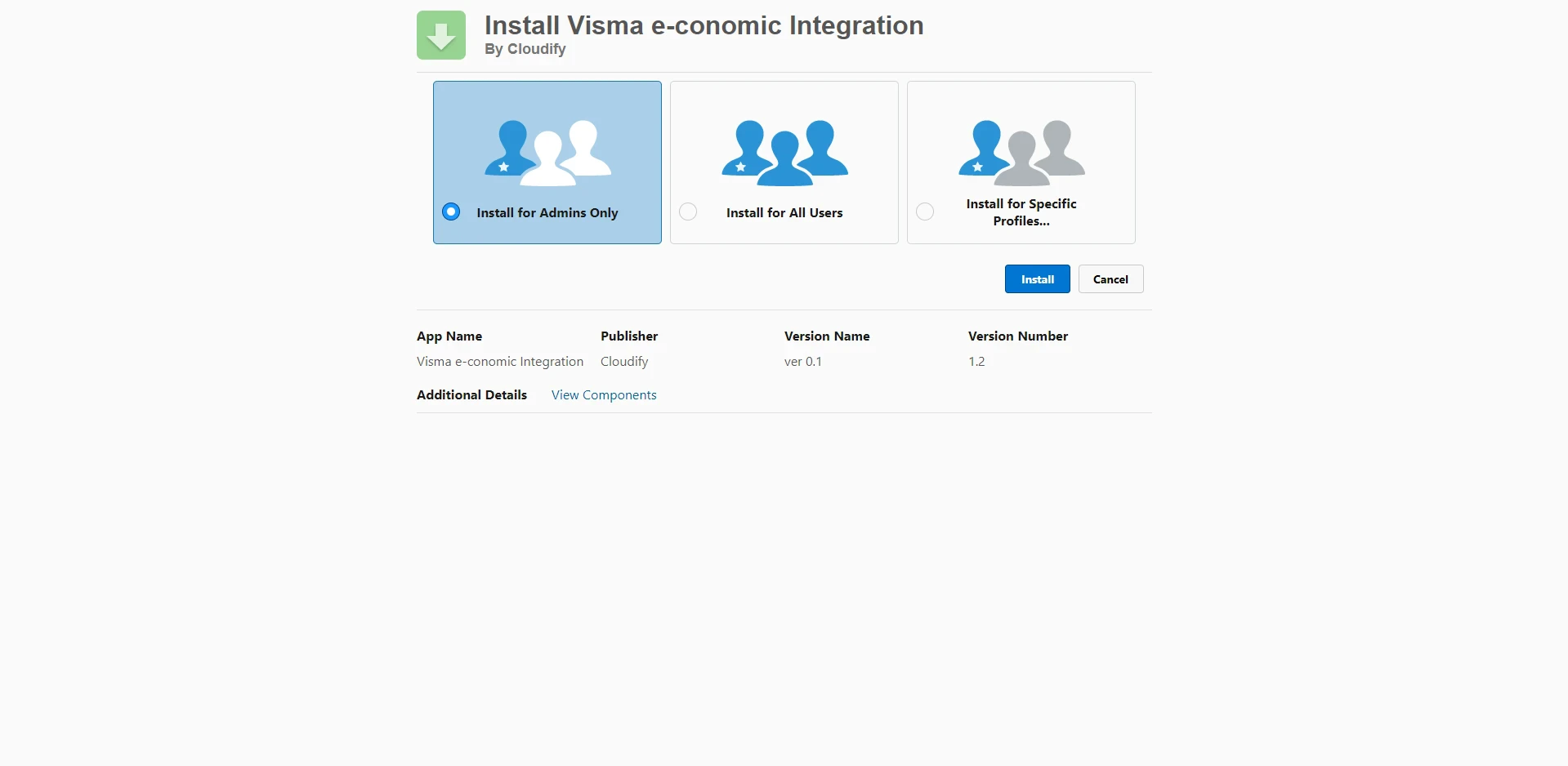
You will be shown three options. Select one of them and click “Install”.
a) Install for Admins Only: This option restricts the app usage to system administrators only.
b) Install for All Users: This option makes the app available to all users in your system.
c) Install for Specific Profiles: This option allows you to select specific user profiles for which the app will be available.