1
Log in to your HubSpot account.
2
Go to the HubSpot Marketplace.
3
Search for FlowLink.
4
Click “Install”.
5
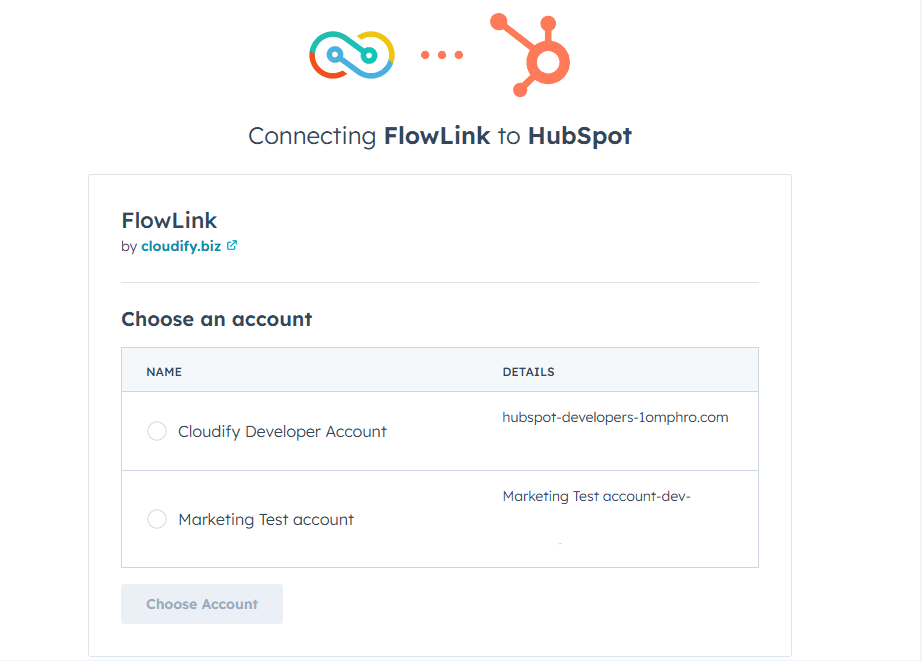
Select the correct HubSpot account you want it installed on.
Installing FlowLink
6
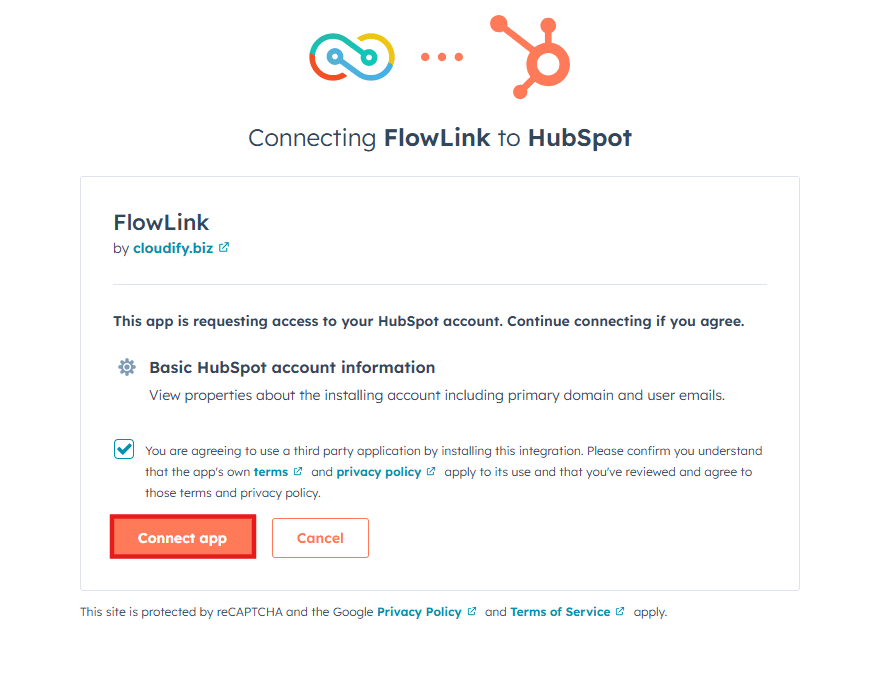
Approve the required scopes.
Installing FlowLink
The app is now installed and accessible when you create HubSpot workflows. For more information on how to use and set up FlowLink, see the Configuration pages in the left sidebar.
If you require assistance from Cloudify experts, feel free to book a Guided Installation.
Got unique integration needs?
Our custom team can build tailored integrations, specialized data mappings, and workflow automations to perfectly match your specific business processes.
Advanced integration settings