

- These steps are your starting point for all VAT operations.
- We’ve made the process simple and accessible.
- This clear process sets expectations and gives you control.
- Successfully installing the app is your first achievement, preparing you for more advanced features.
How Does It Work?
1
Click “Install App” to install the application.
2
Select the Pipedrive account where you want to install the app. 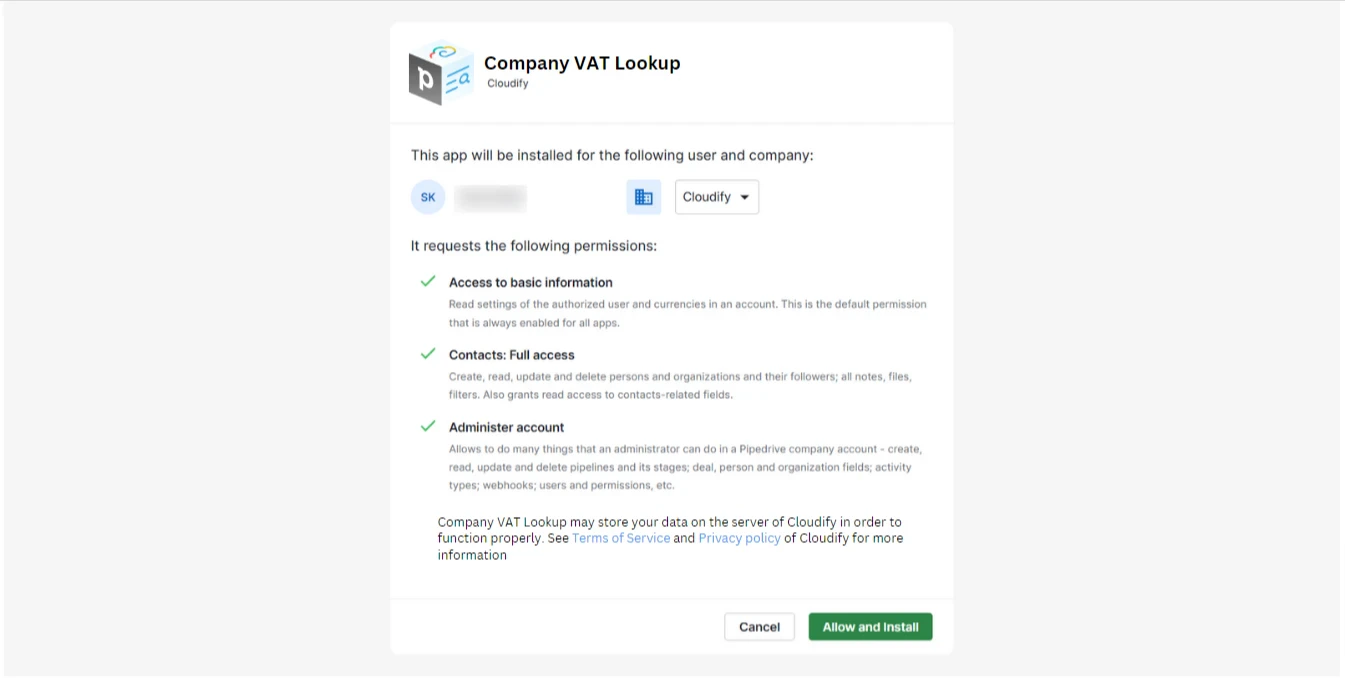
3
Click “Allow and Install’”.
4
Once you grant permission, the app will be installed automatically to the selected account. and you will be redirected to the Mapping window.