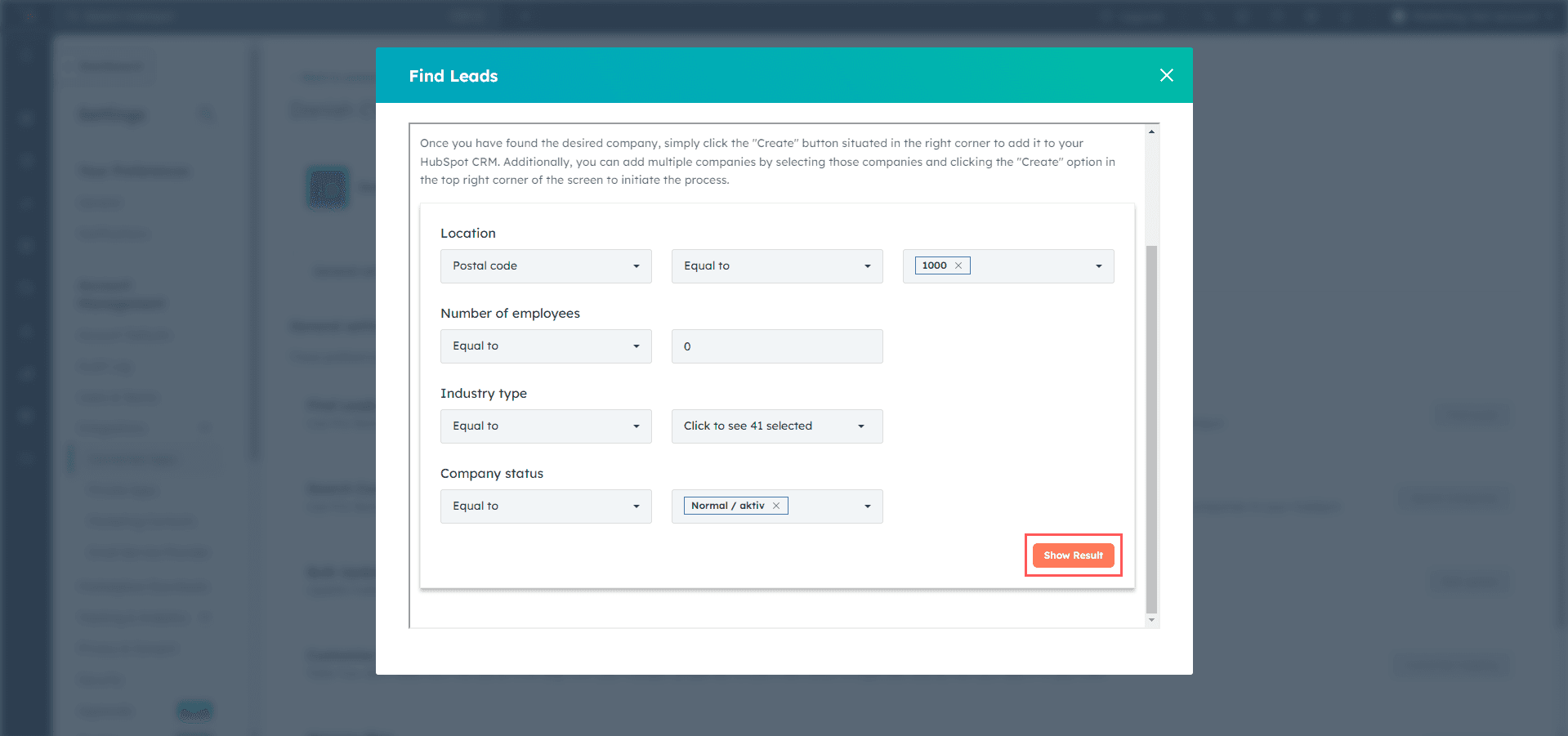
What this feature helps you do
- Target prospects by location, company size, industry, and status
- Build lists of qualified leads based on specific criteria
- Work with accurate Danish company data
- Add selected companies to HubSpot more efficiently
- Use the results for market research and outbound planning
How It Works
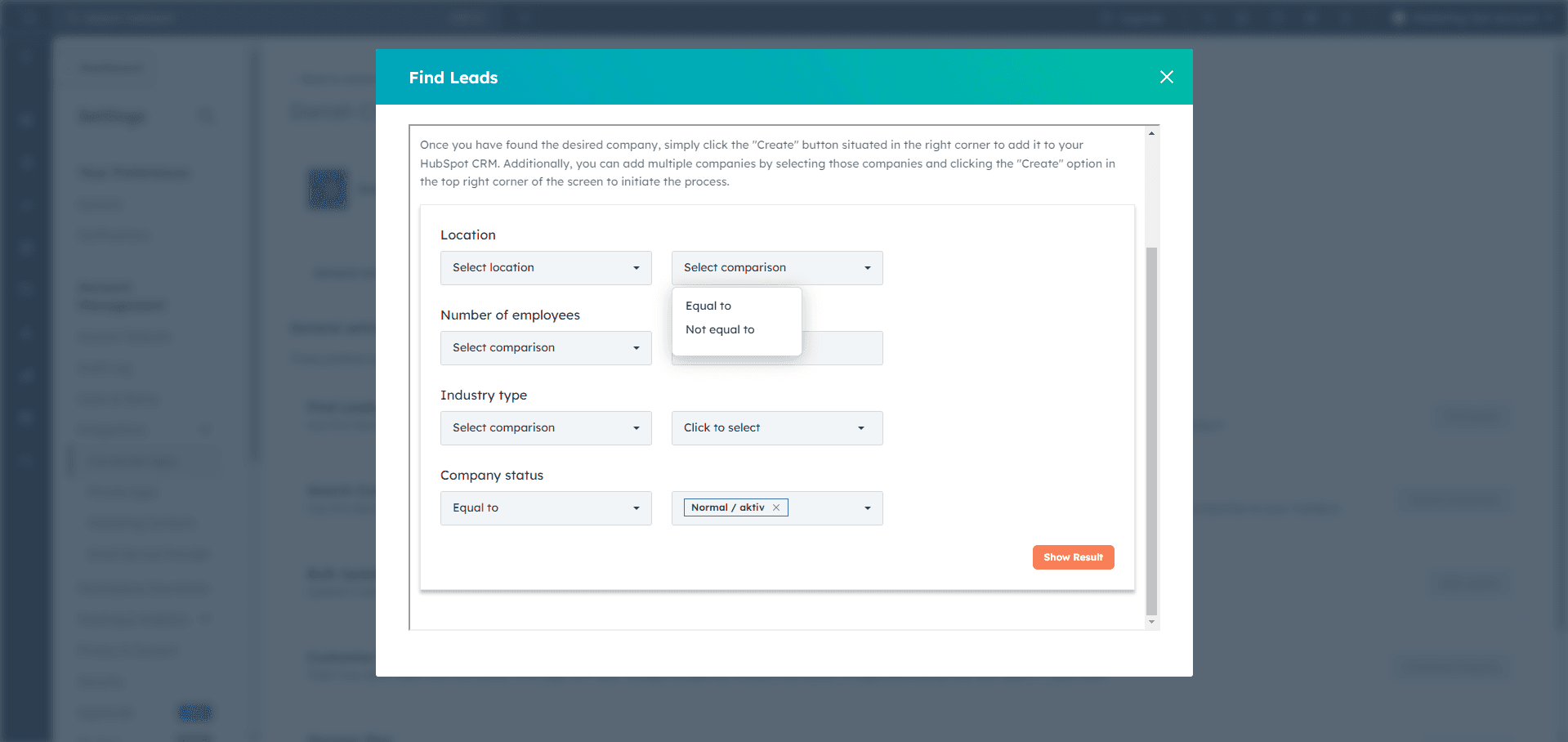
Location
Choose how you want to define the location filter.- Postal Code
- Municipality

Number of Employees
Select a comparison operator and enter the employee count.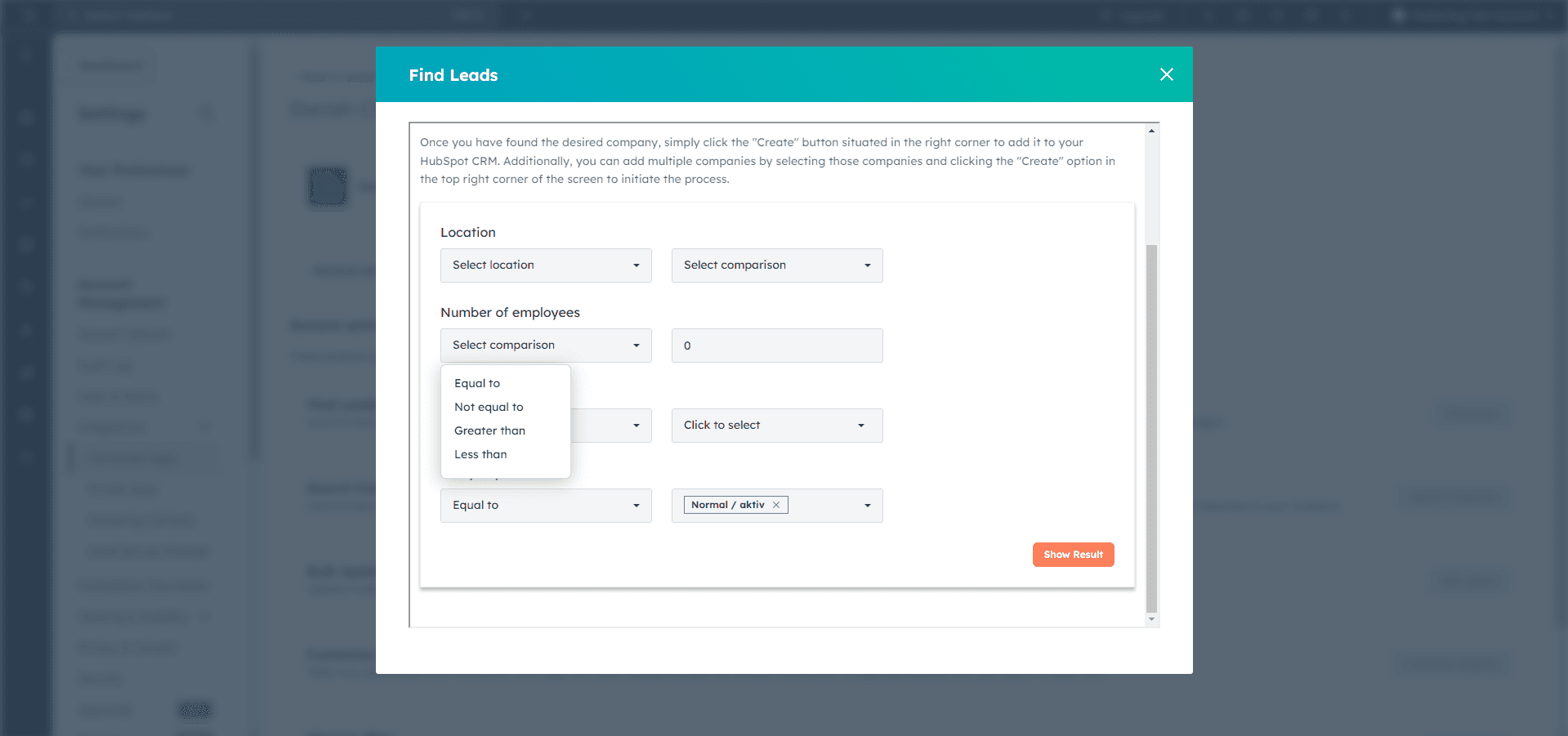
Industry Type
Select the comparison type, then choose one or more industries.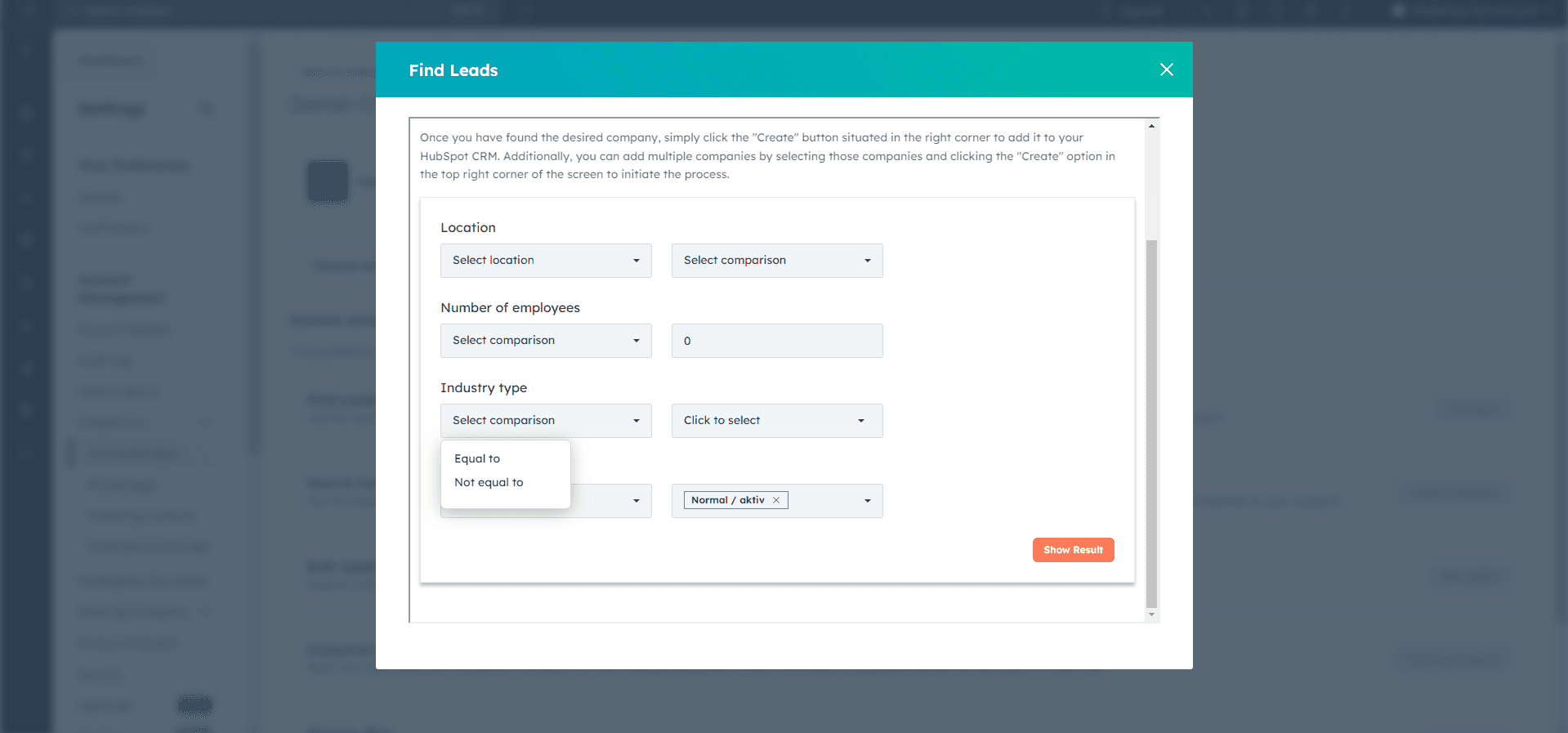

Company Status
Choose the company status. The default shown in the source guide is Normal / aktiv.
Show Result
After setting the filters, click Show Result to fetch matching companies.