

What this feature helps you do
- Access up-to-date Danish company data without leaving HubSpot
- Verify and refresh CVR data for existing records
- Add Danish companies to your CRM with richer information
- View financial information directly in the company record
- Maintain more accurate company records over time
How It Works
1
In HubSpot, go to CRM and select Companies.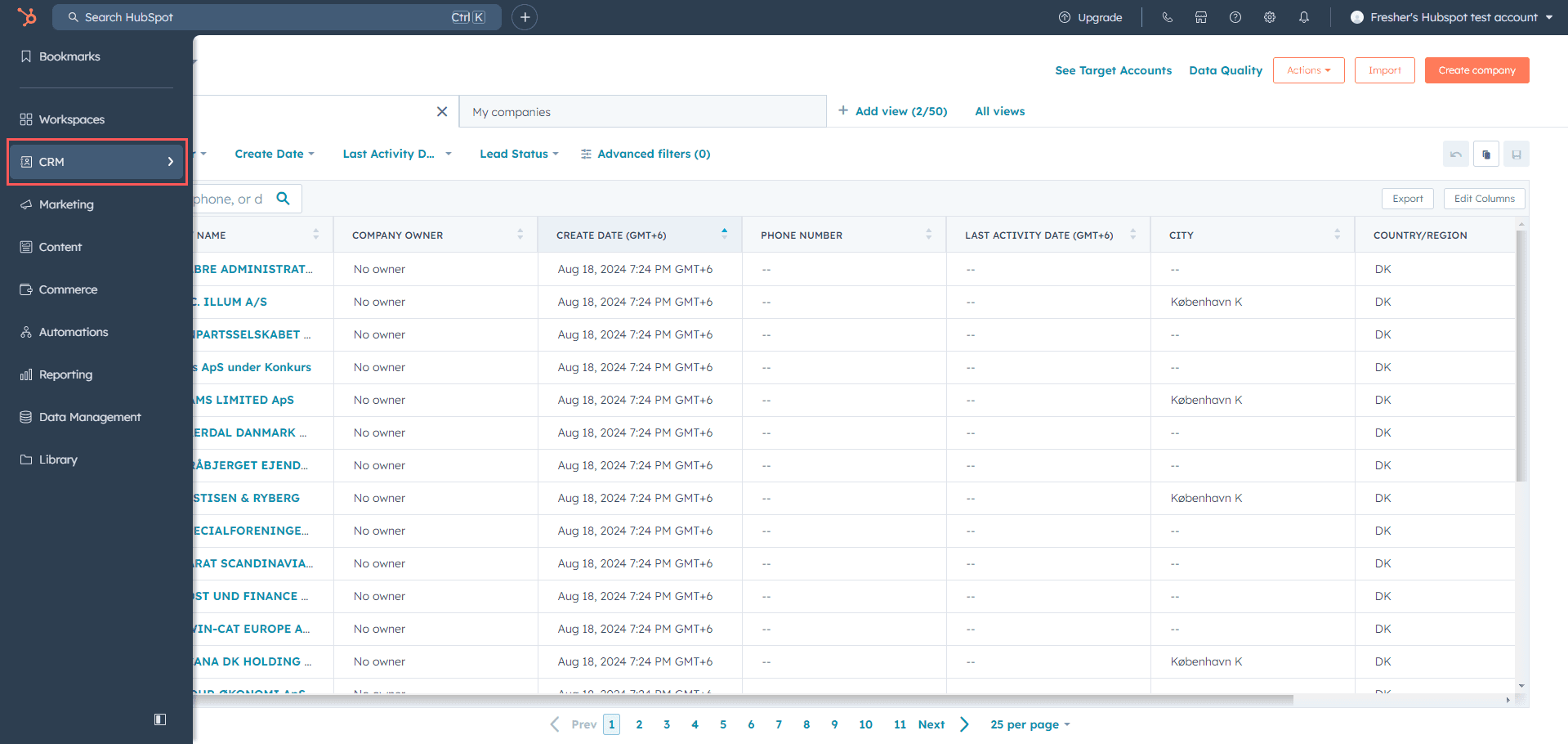
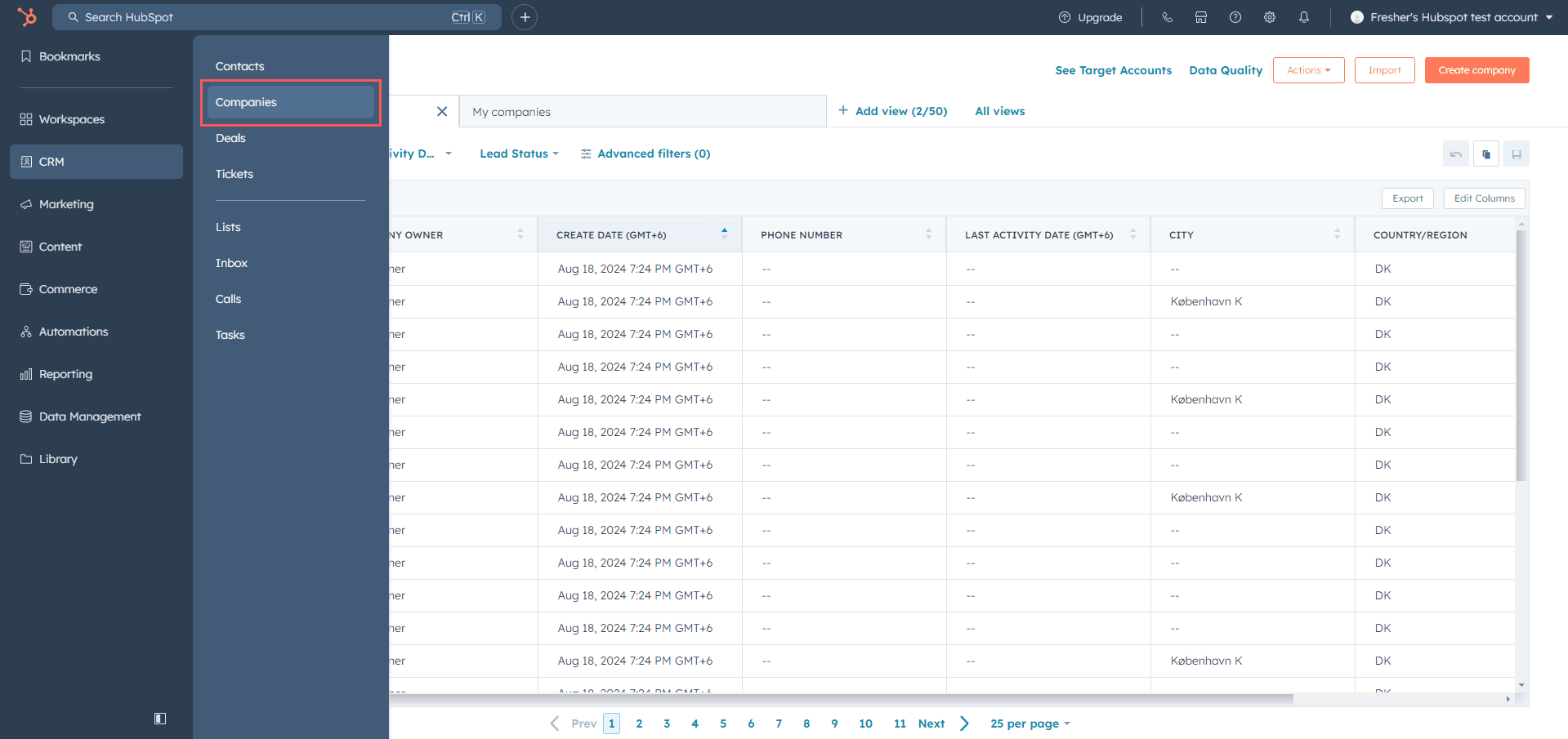
2
Click the company you want to review or update.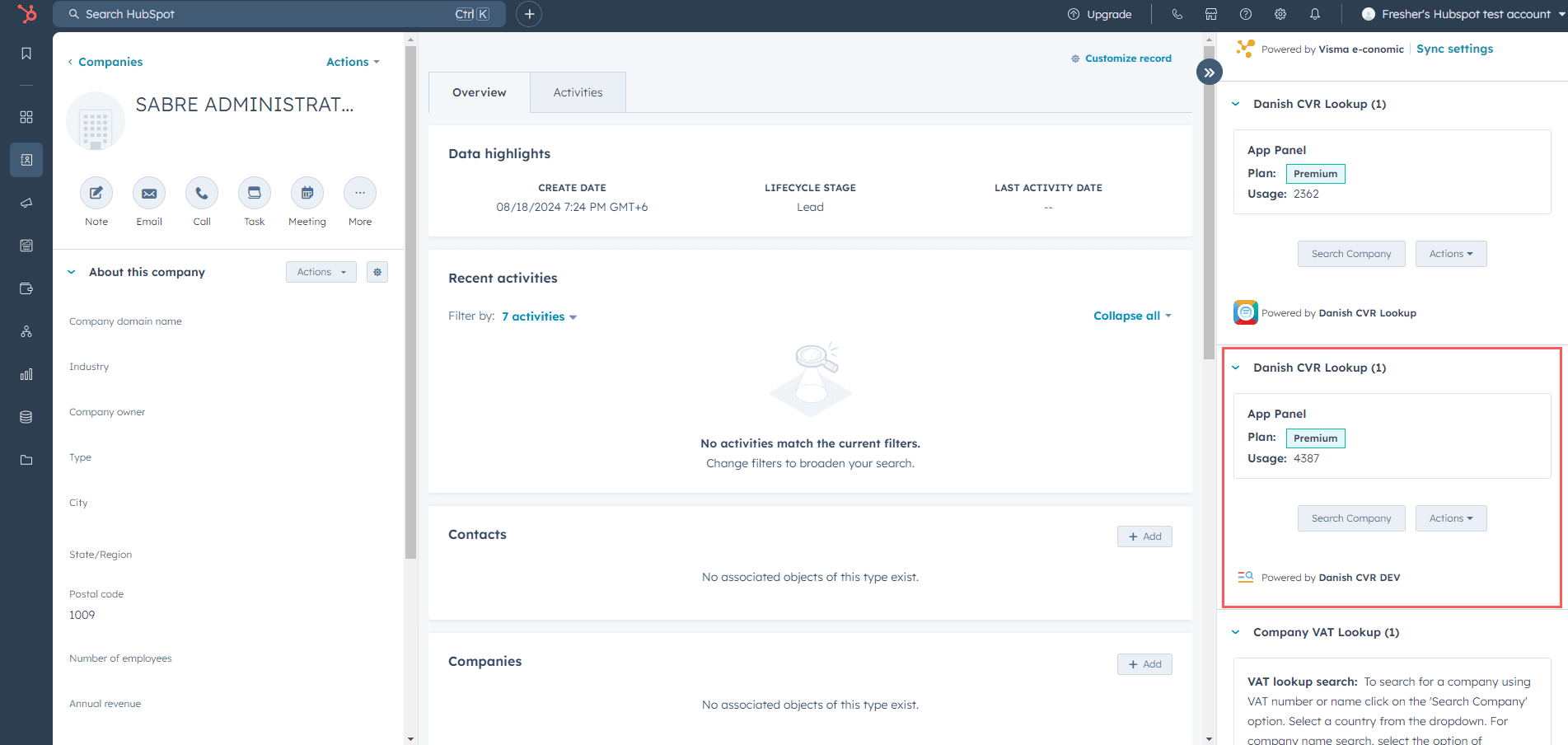
3
On the right side of the record, find the Danish CVR Lookup CRM card.
4
Use Search Company to search and add company data, or use Actions to update CVR data.
5
Search using a Danish company name or a valid CVR number.
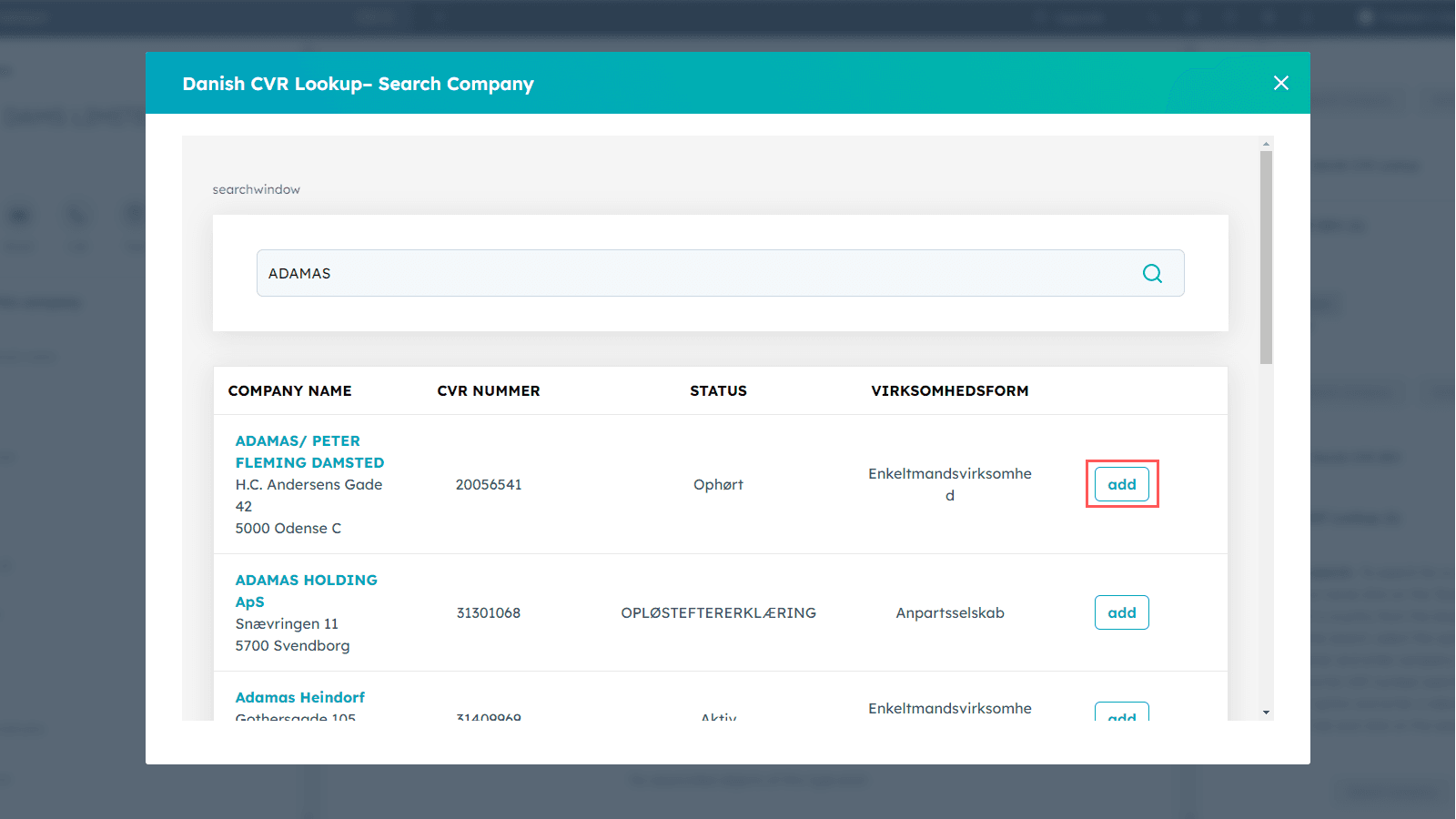
6
After successful addition or update, close the window and refresh the page.