

- Precisely target prospects by location, company size, industry, and status
- Efficiently build lists of qualified leads based on specific criteria
- Access accurate, official Danish business data for compliance and reliability
- Seamlessly add selected companies to Pipedrive CRM, streamlining the lead generation process
- Gain valuable market insights for strategic decision-making
How Does It Work?
1
Select Location — Choose the desired location from the dropdown based on: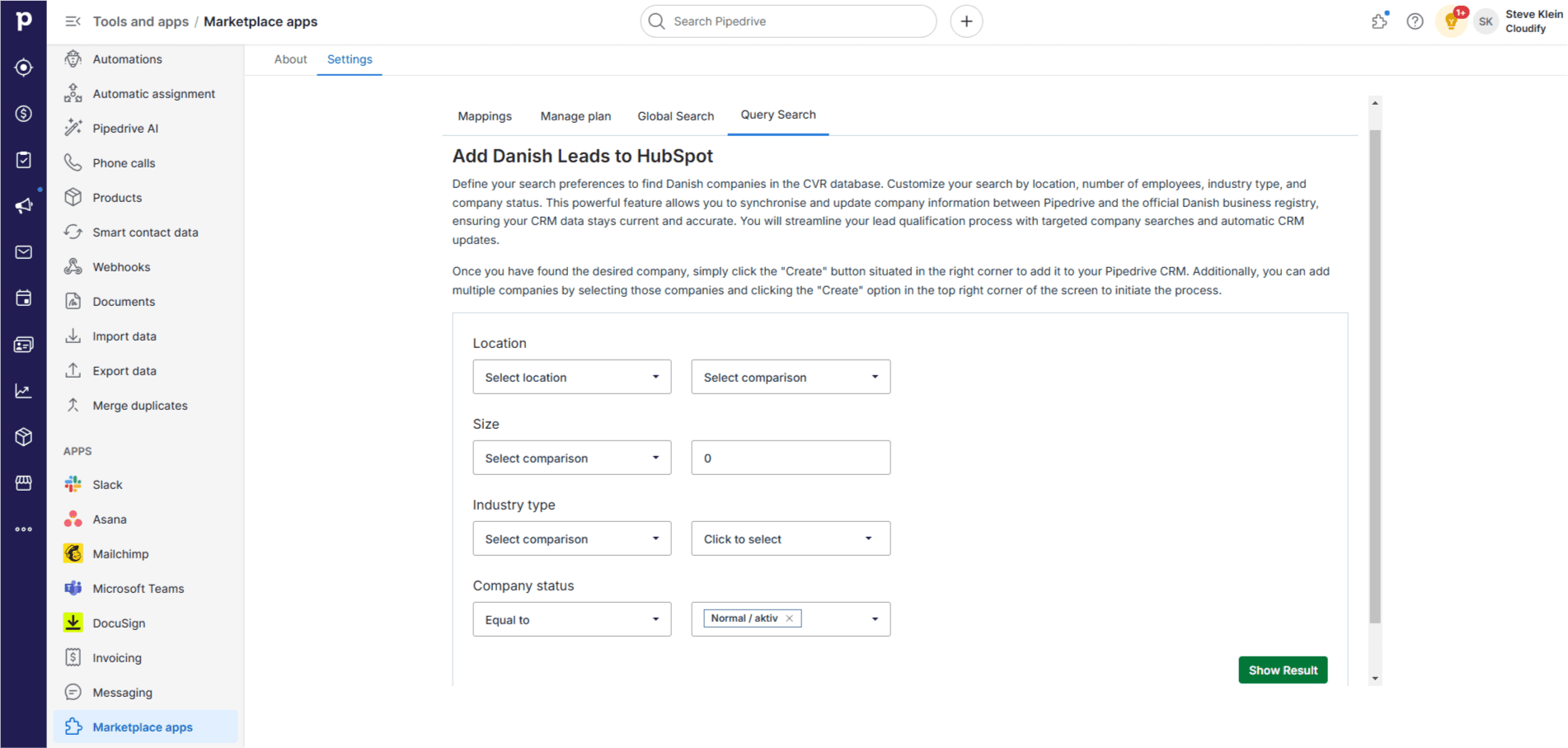
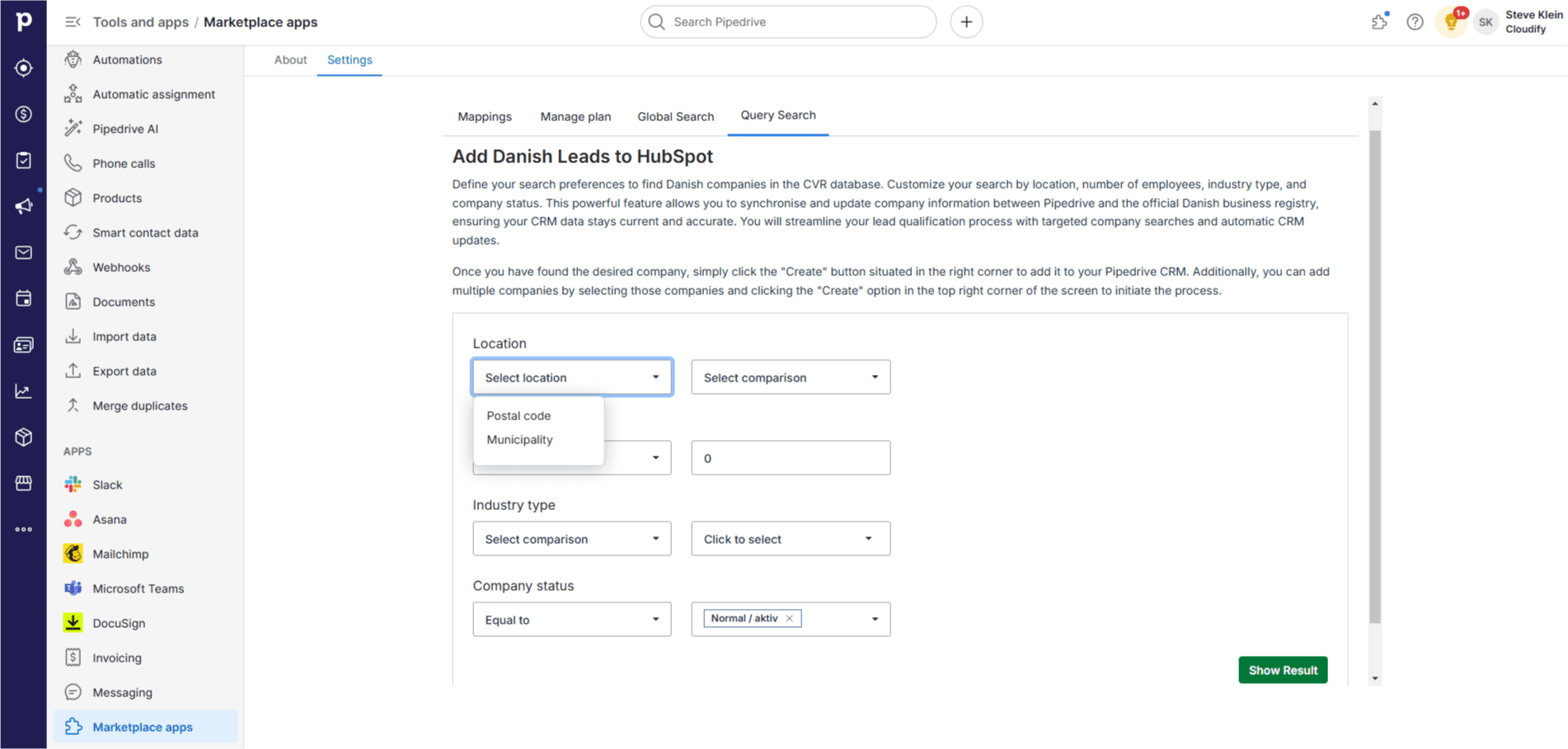
- Postal Code — Enter the specific postal code
- Municipality — Enter the name of the municipality
2
Select Comparison — Choose how you want to compare the location (e.g., equal to, not equal to).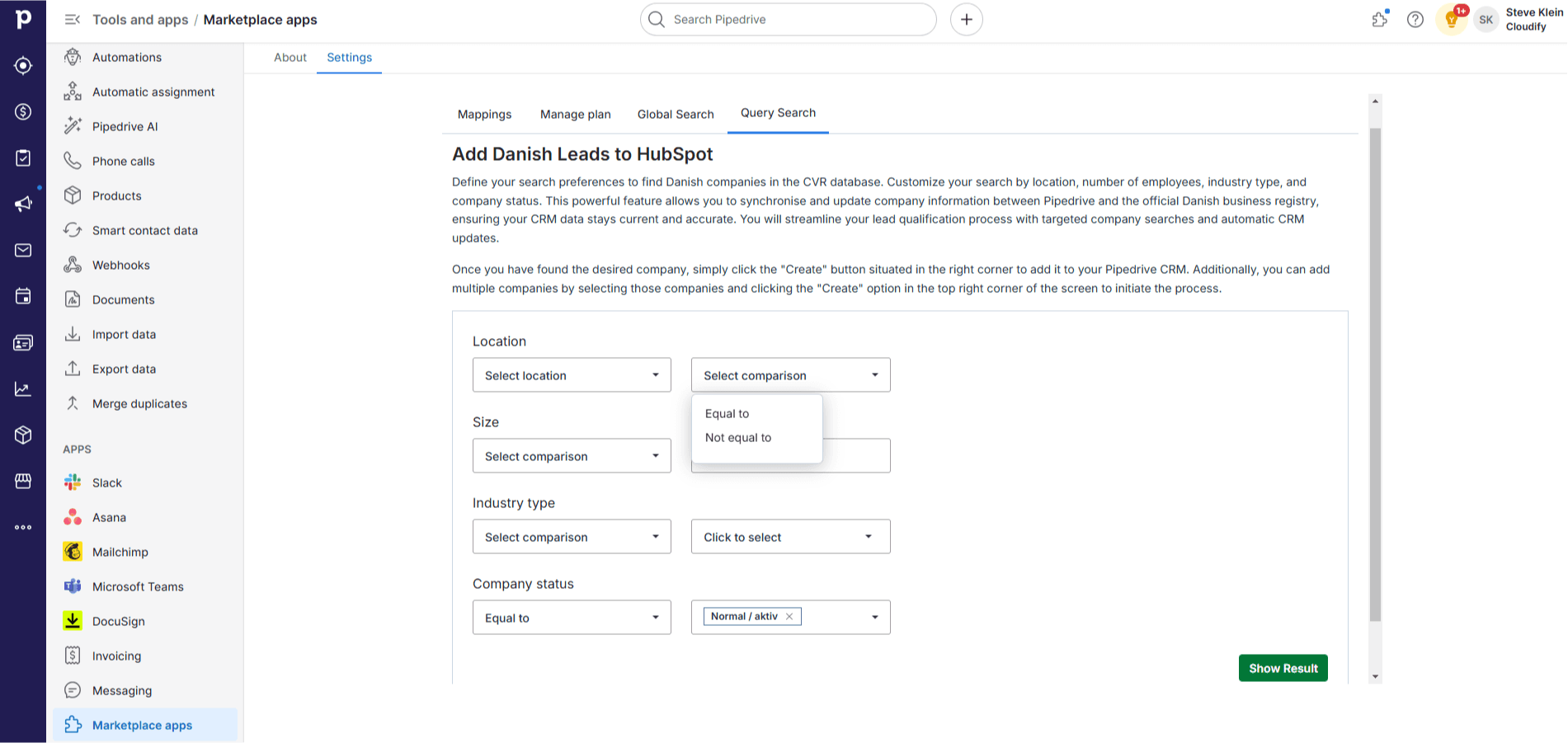
3
Select Municipality or Postal Code — Choose the postal code number or municipality name based on your selection.
4
Number of Employees — Select a comparison operator (e.g., equal to, greater than, less than) and enter the number of employees.
5
Industry Type — Select a comparison operator and choose the industry type from the list.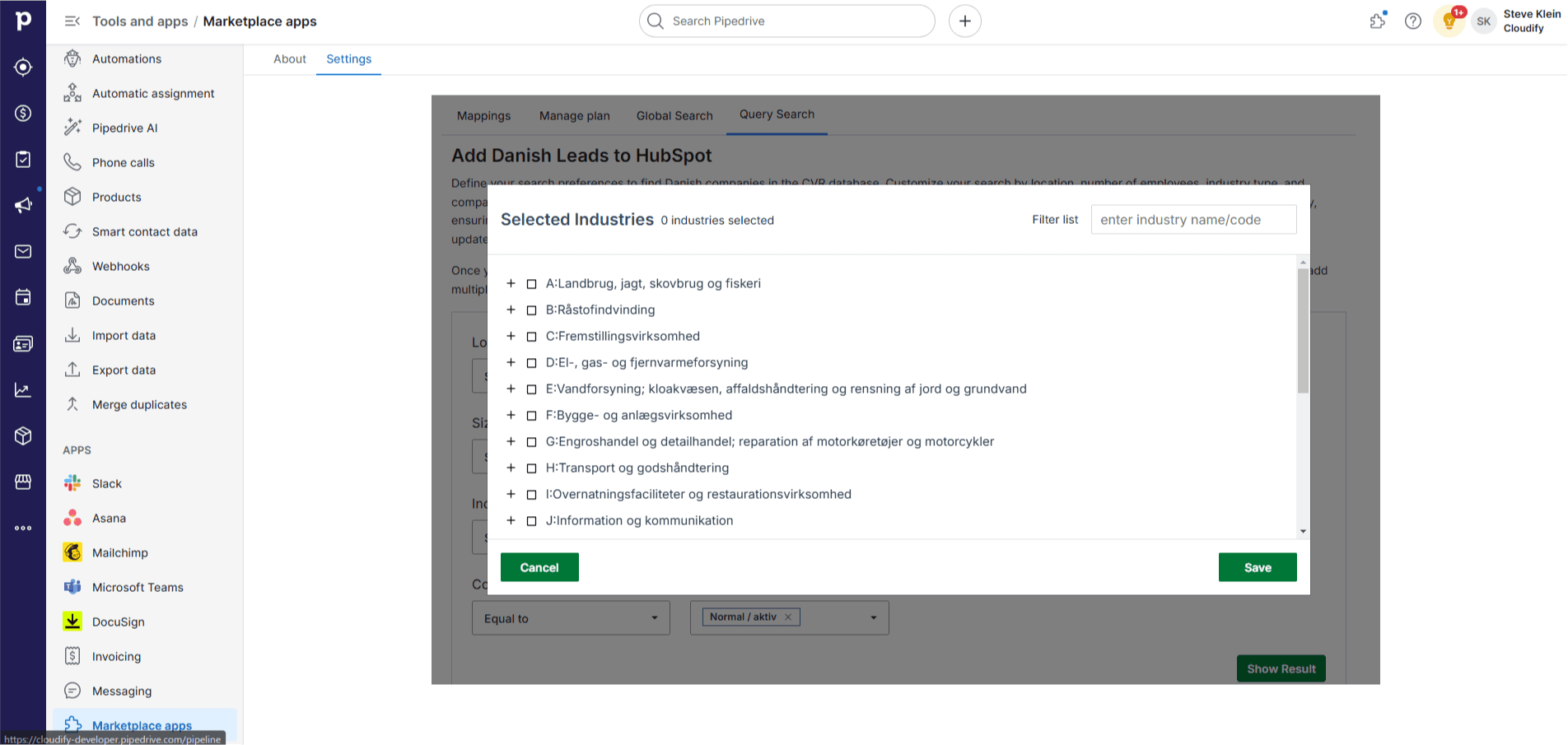
6
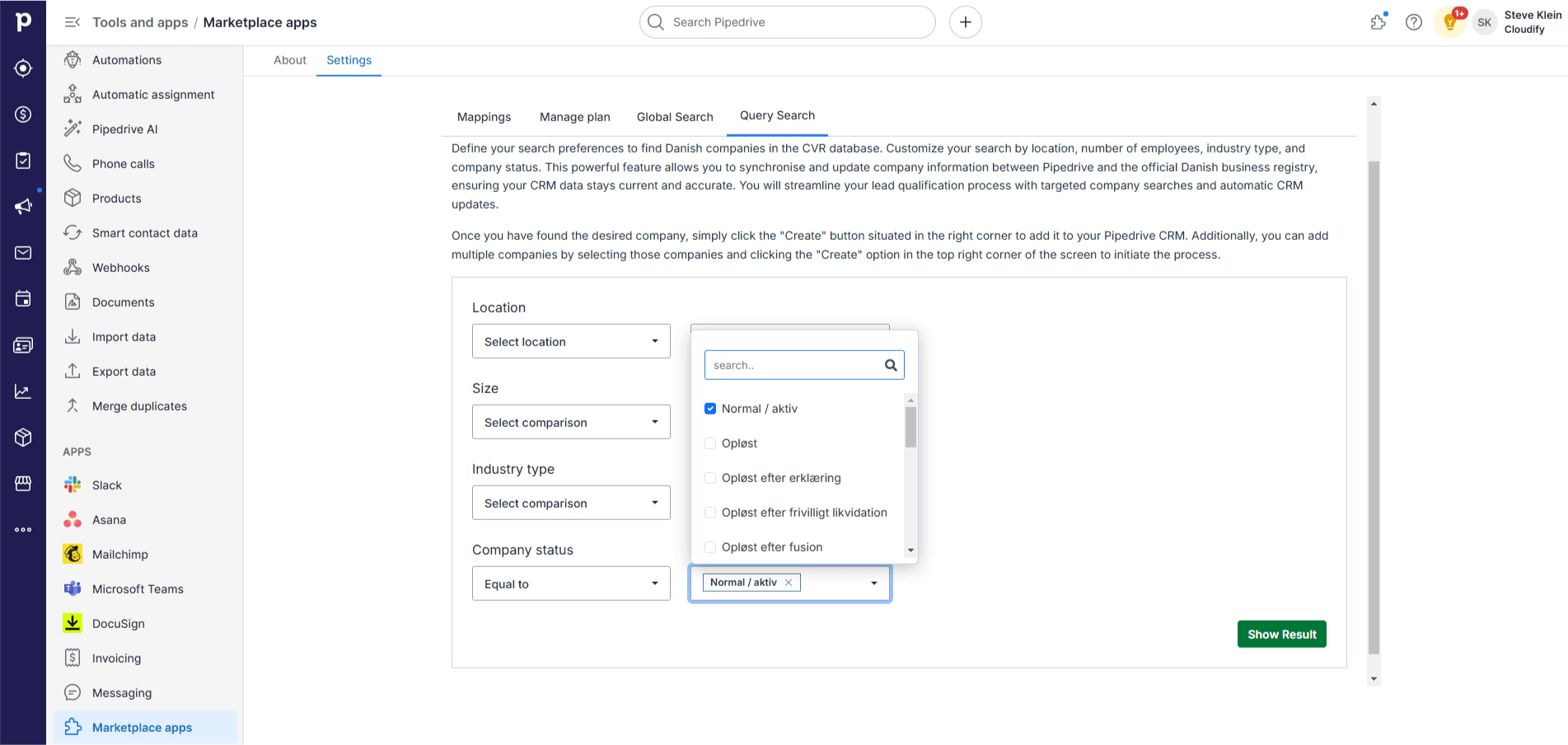
Company Status — Choose the status of the company. The default is “Normal / aktiv”.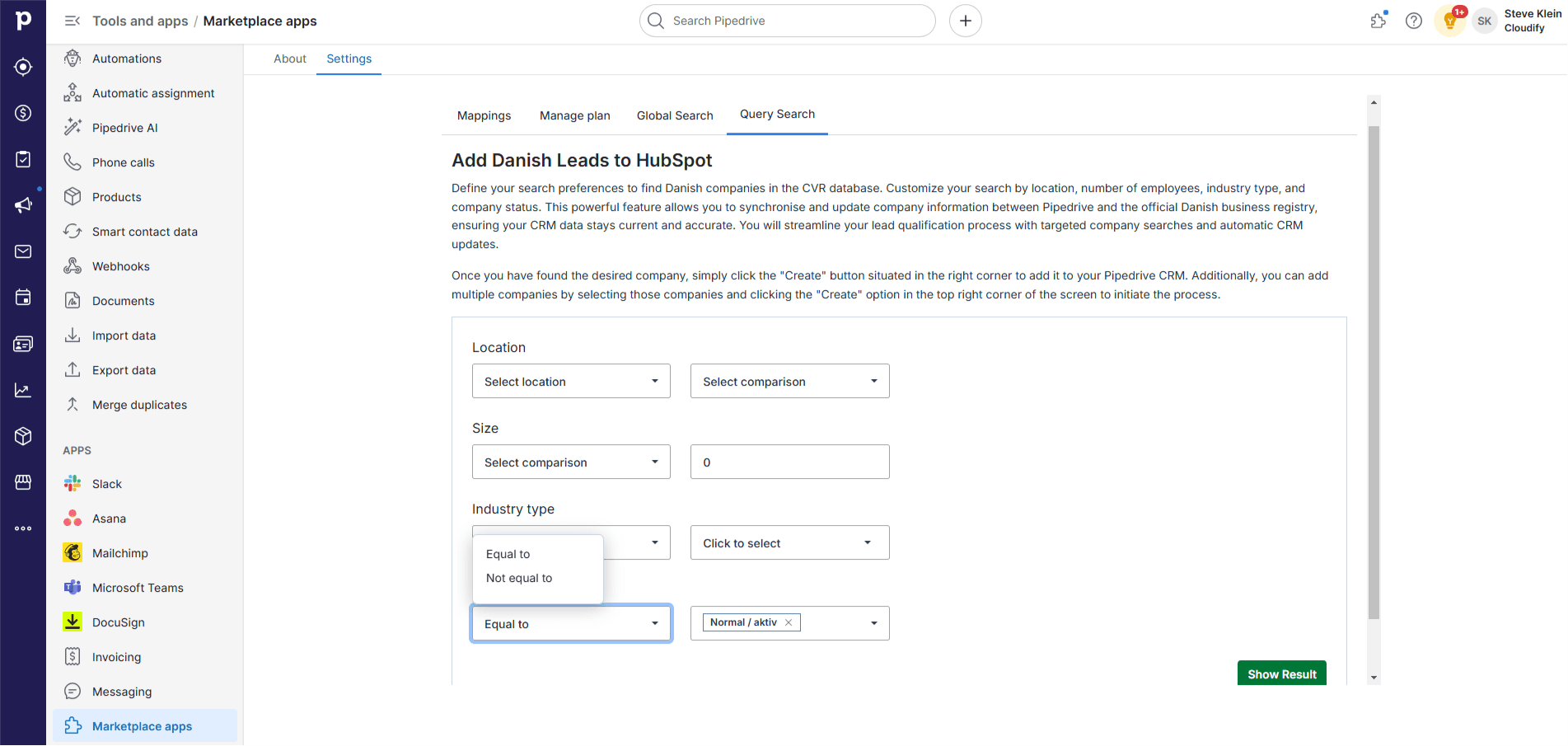
7
Click “Show Results”. The application will extract companies matching your criteria.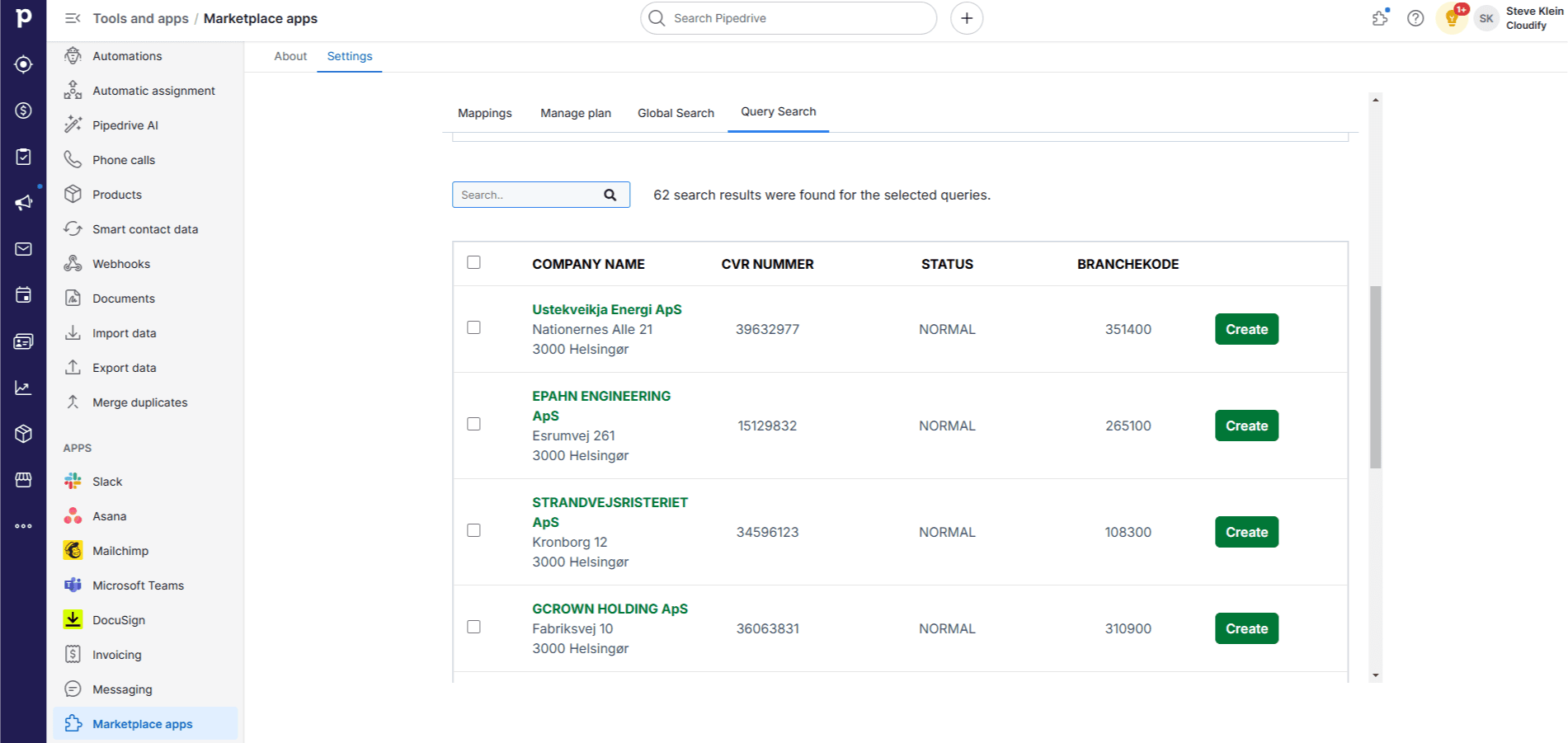
8
Select a company and click “Create” to add it to Pipedrive. For multiple companies, click the “Create” button at the top. A new screen will appear — click “Create” again.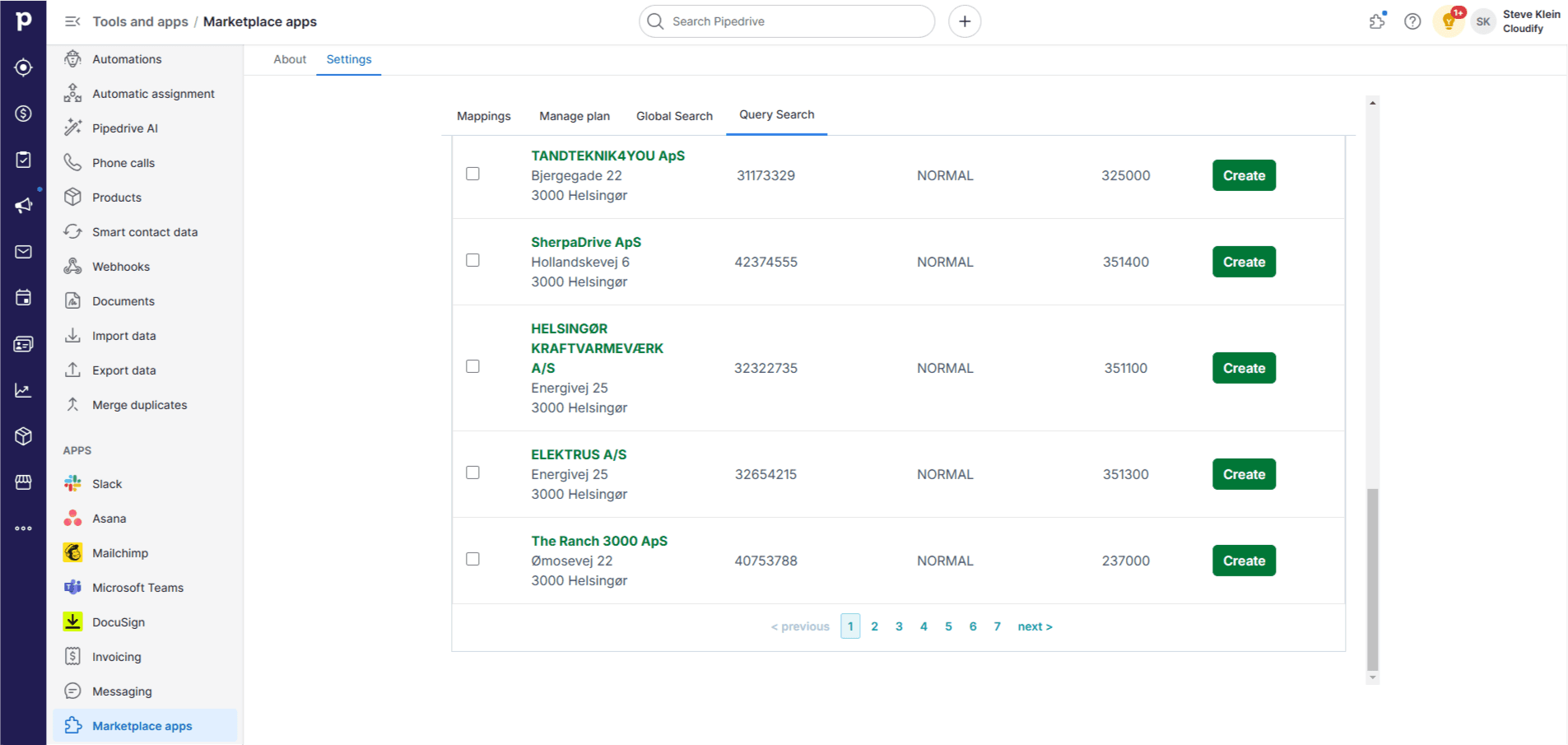
9
Once the companies are added, you will receive a success message. Close the window.