

- Ensure accurate product matching between Pipedrive and Business Central
- Streamline invoice and order creation
- Maintain consistent product data across platforms
- Handle scenarios where products may not match exactly
Setting Up Product Sync Settings
Manage how items are identified and matched between Pipedrive and Microsoft Business Central. Select the method of product search that best suits your needs, ensuring accurate invoice creation.Option 1: Select Search Parameters
Choose this method to set specific parameters for searching products in Microsoft Business Central when the integration is triggered.
Option 2: Set Custom Mappings
Select this method to link specific products one-to-many between Pipedrive and Microsoft Business Central directly.1
Click “Custom Mappings”.
2
Click “Not Mapped” for the specific Microsoft Business Central field.
3
Select the item from the drop-down box.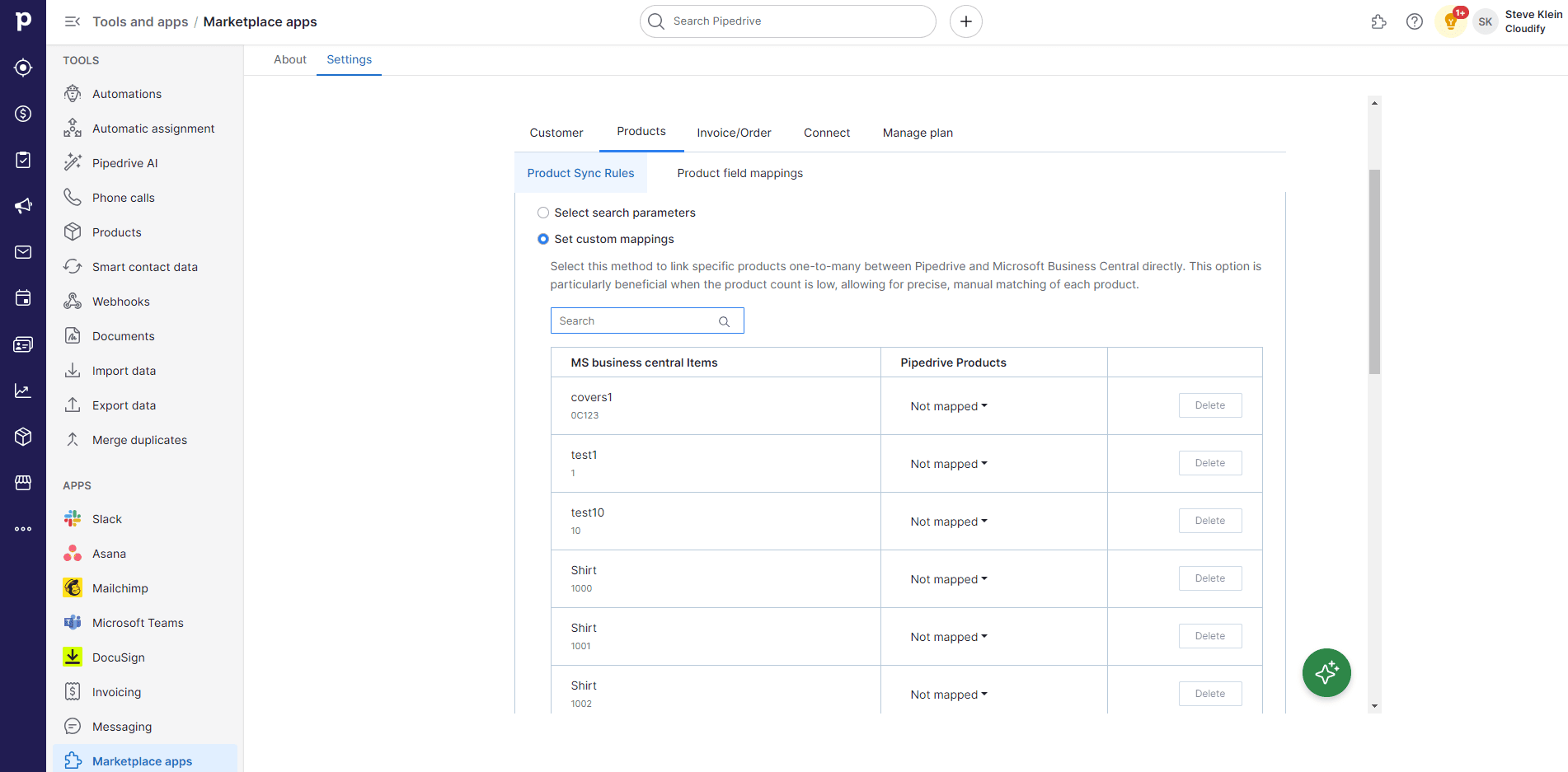
4
Click “Save Mappings”.
Advanced Settings
This option handles cases where a product is not found during the search. Choose one of the three behaviours below:Skip Invoice Generation
Select this option if you prefer not to create an invoice when a product isn’t found in Microsoft Business Central.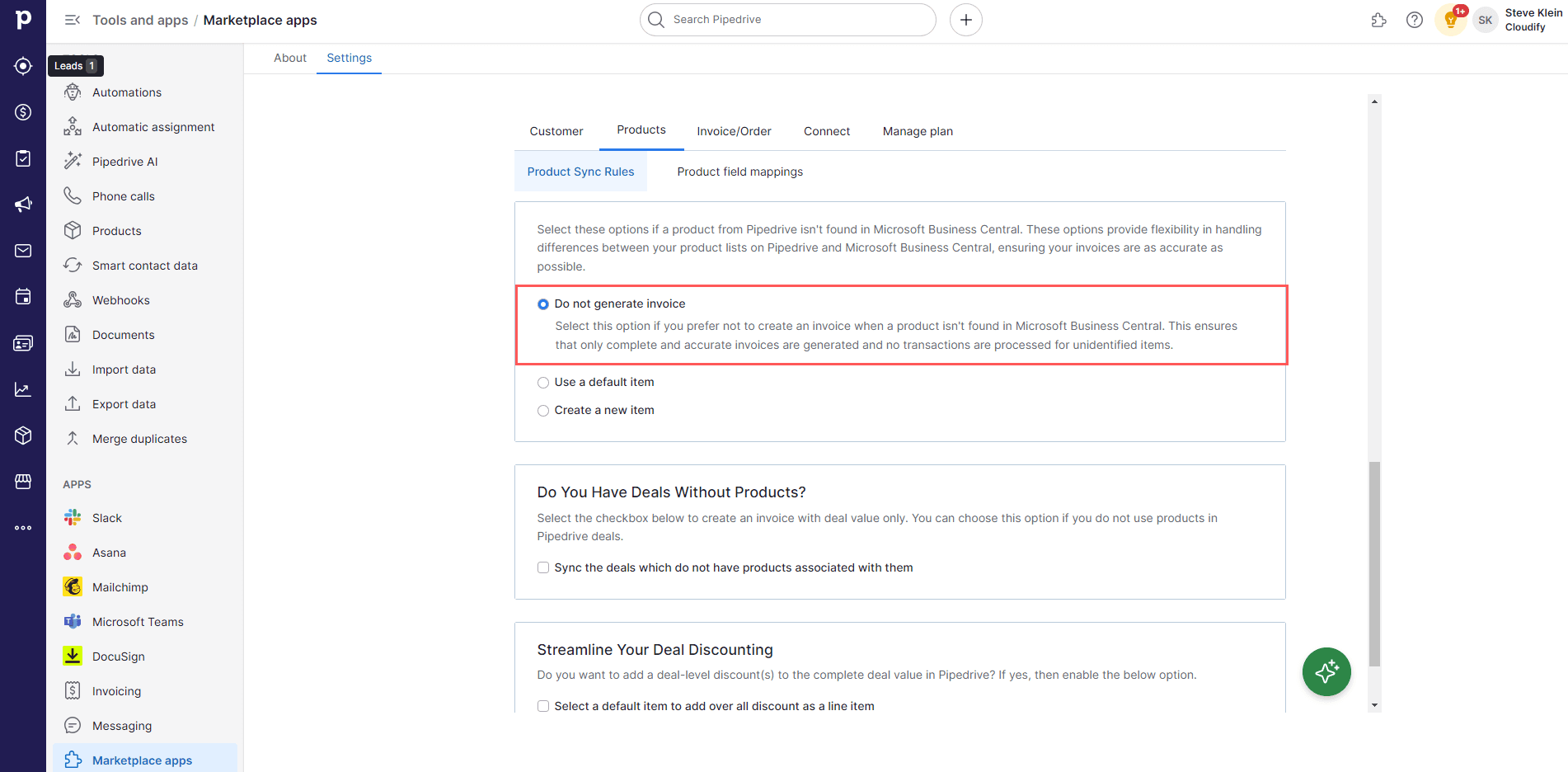
Use a Default Item
When an item is not found in Microsoft Business Central, the integration will fall back to a default item to generate the invoice. If you select this option, you must specify a default item from your Microsoft Business Central item list.
Create a New Item in Microsoft Business Central
Automatically generates a new item entry in Microsoft Business Central when a matching item isn’t found, using the product details from Pipedrive.
Sync Deals Without Products
This option applies when a deal has no products associated with it but you still want to sync it. Check the option, select a default product, and click “Finish”.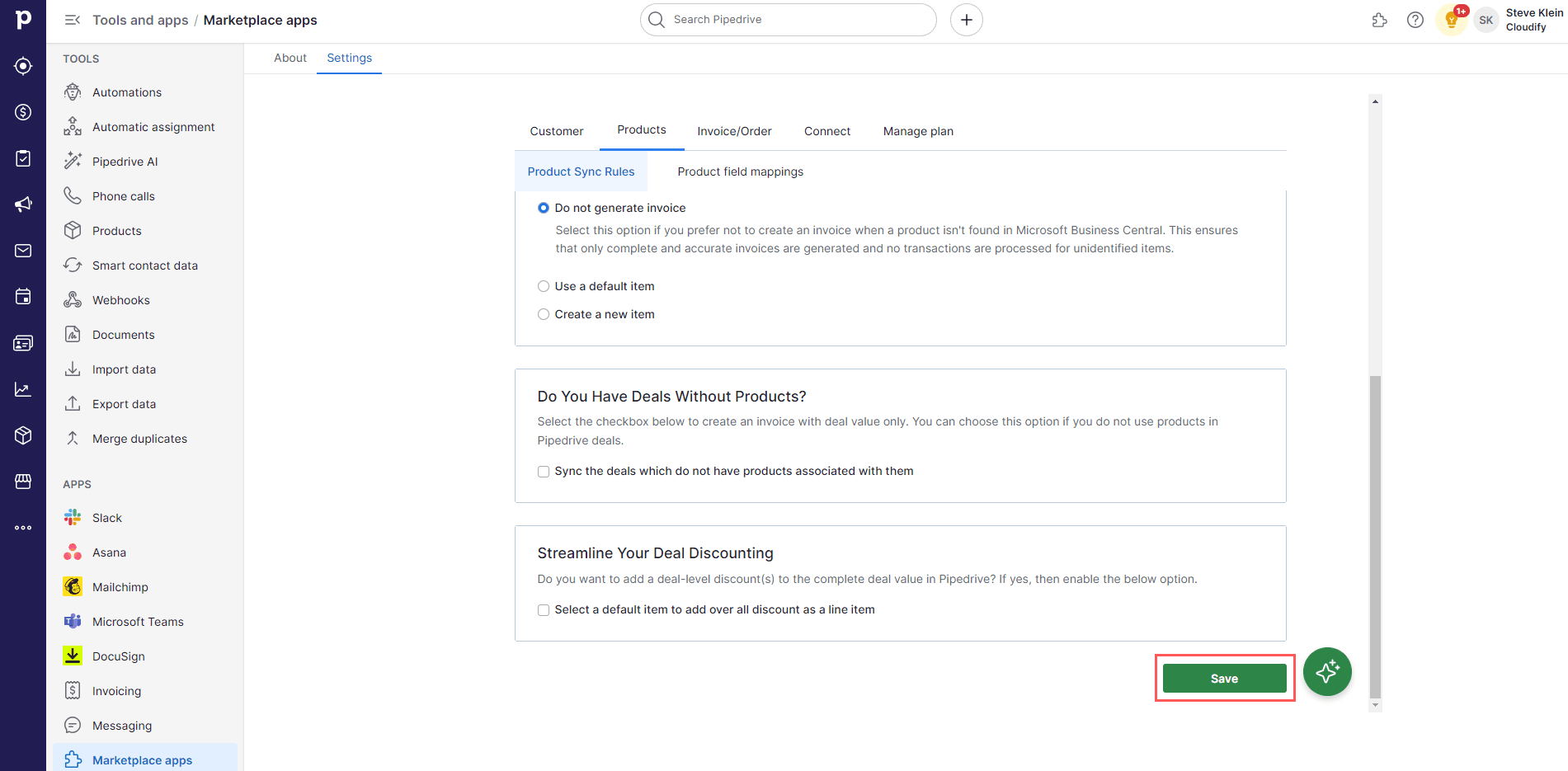
Select a Default Item to Add an Overall Discount as a Line Item
Use this feature to incorporate invoice-level discounts as line items in Microsoft Business Central. This enables you to apply a standard discount to entire deals, displaying it as a default product within the Pipedrive deal.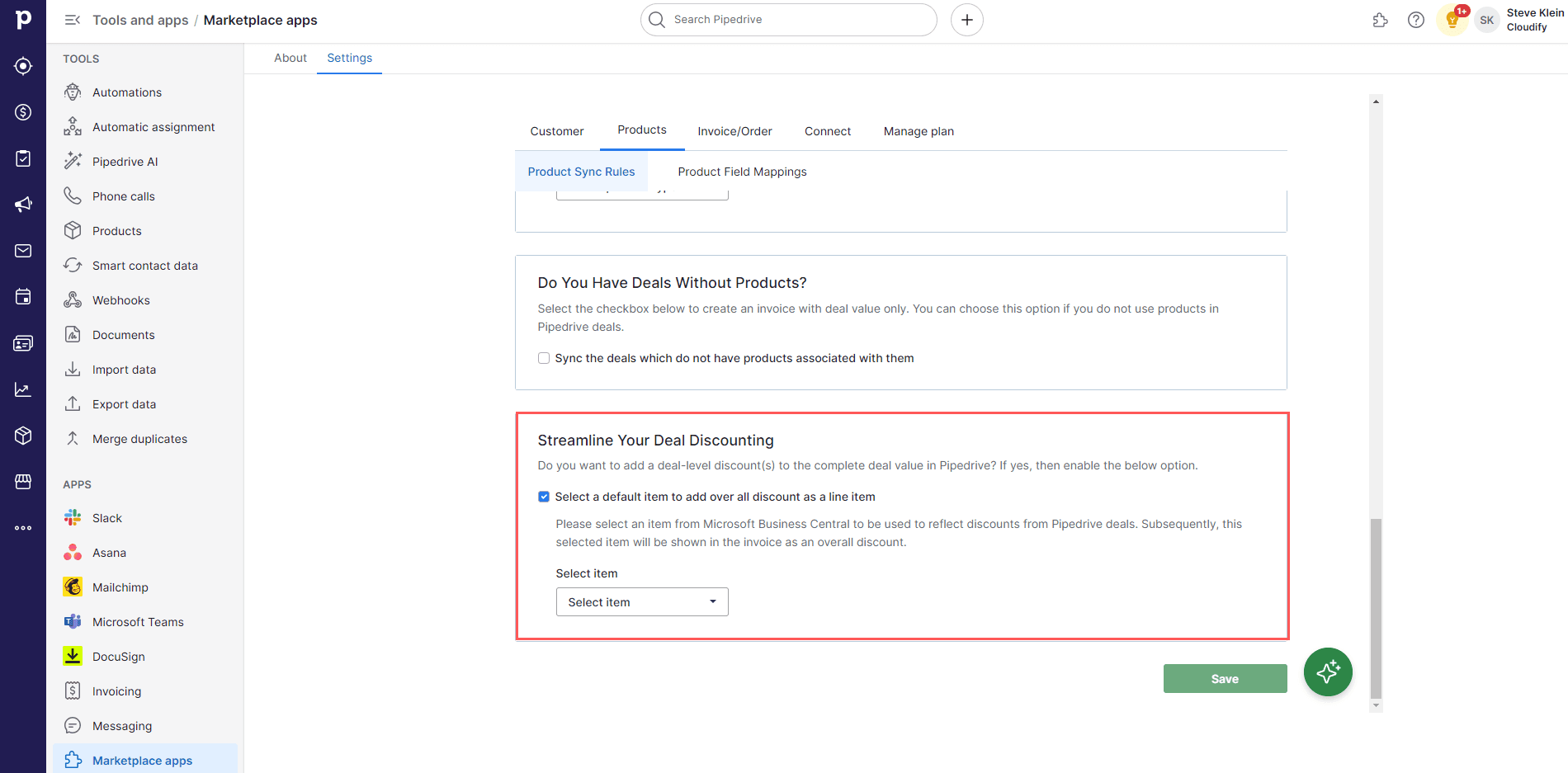
Product Field Mappings
Why Product Field Mappings Matter
- Ensure data consistency: Align product information between Pipedrive and Business Central.
- Customize for your needs: Tailor the product data transfer to fit your specific requirements.
- Maintain data accuracy: Ensure that essential product information is correctly represented in Business Central for proper accounting.
Setting Up Product Field Mappings
Product field mapping involves customizing how item data aligns between Pipedrive and Microsoft Business Central by setting equivalent fields. This ensures that item information like names and numbers is consistently and accurately transferred between the two systems.1
Click “Edit”.
2
Select the Pipedrive field you want to map from the drop-down menu.
3
Click “Save”.
4
Click “Save Mappings”.