1
Log in to your Pipedrive account and search for the ‘Microsoft Business Central Integration’ in the marketplace. If you have already logged into your Pipedrive account, click the application link directly.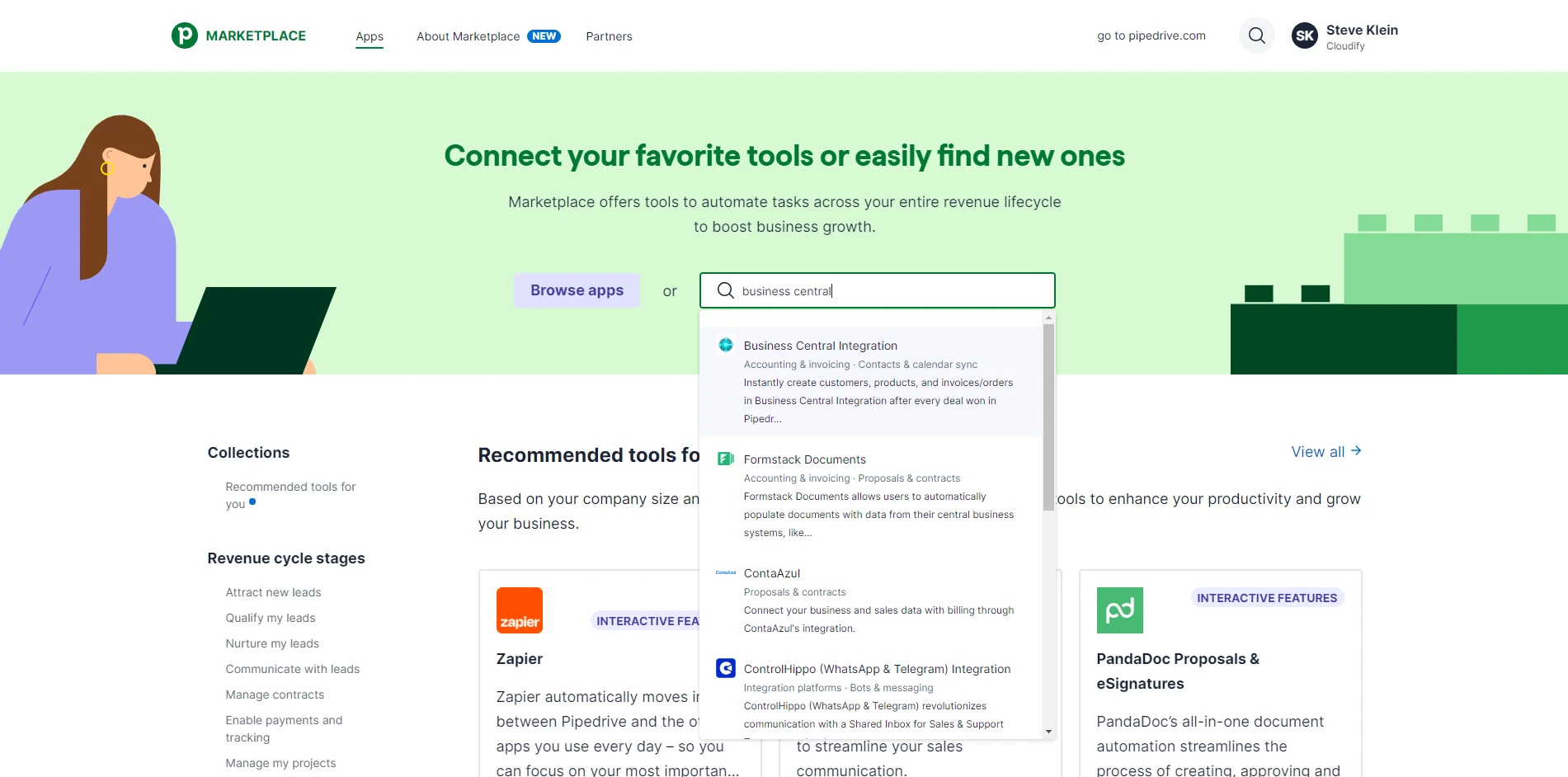
2
Click “Install now”. 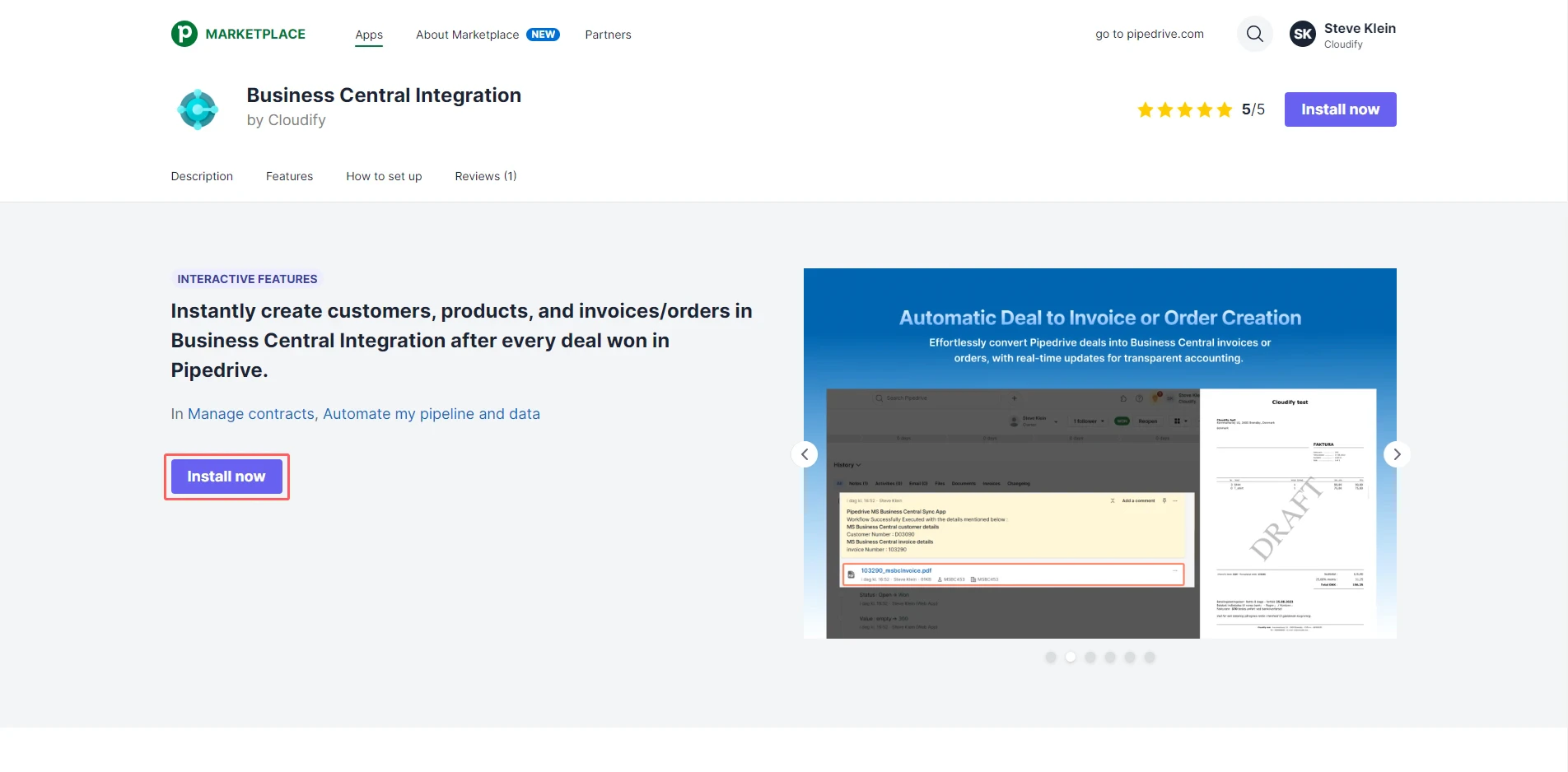
3
Click “Allow and Install.” 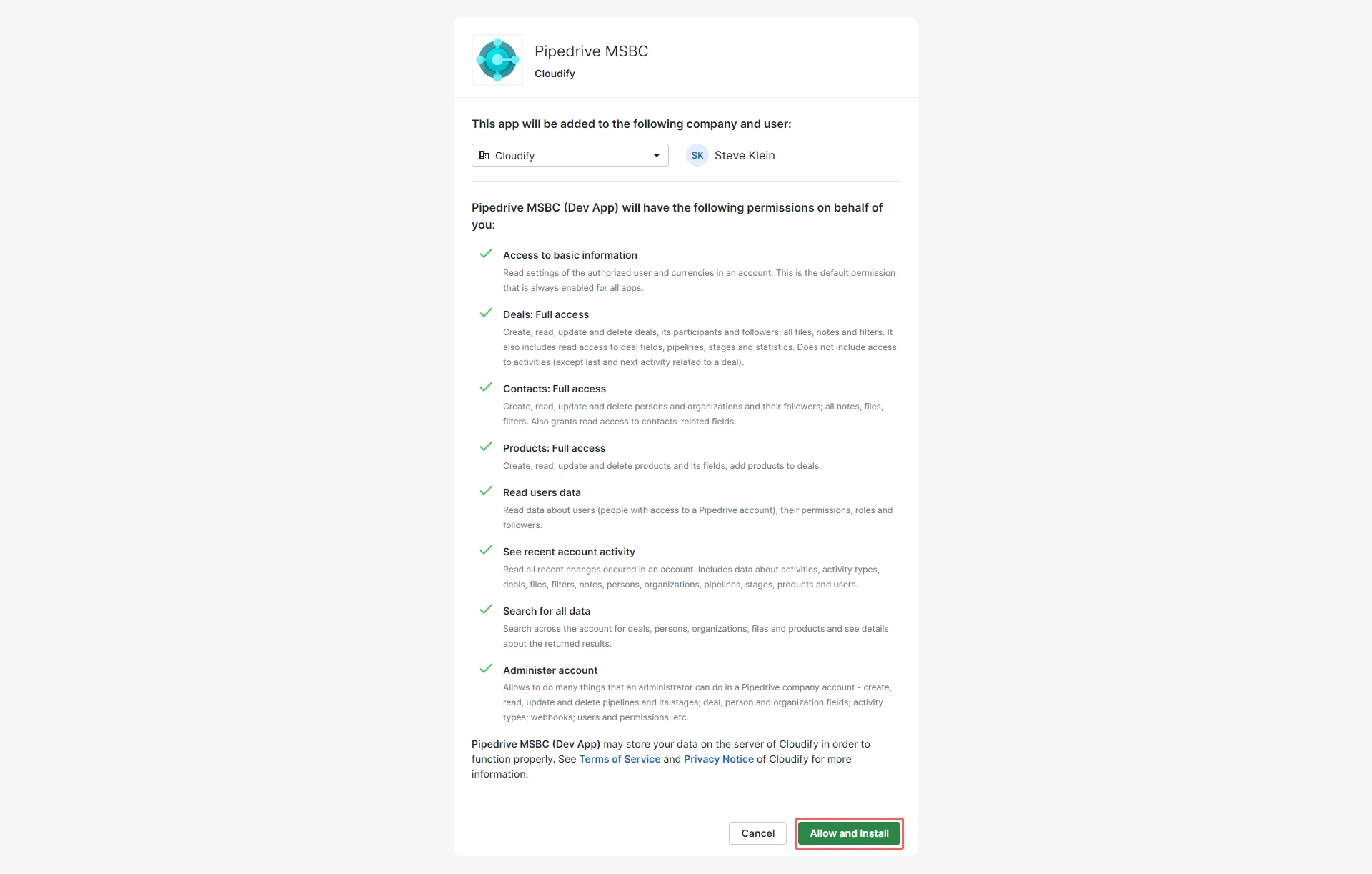
4
Click “Start”. 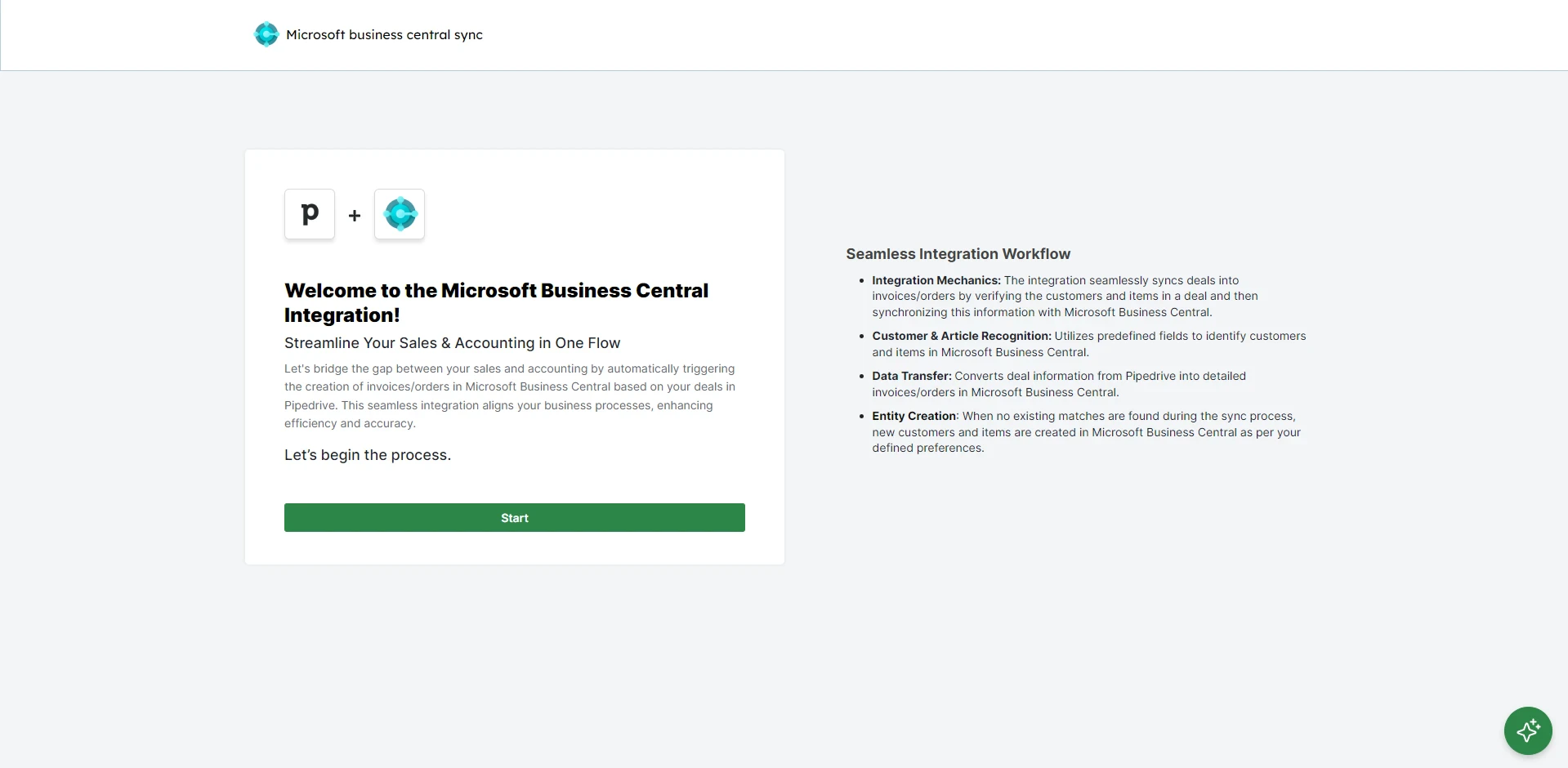
5
Connecting Microsoft Business Central account
Click “Connect Microsoft Business Central” to connect your Microsoft Business Central account.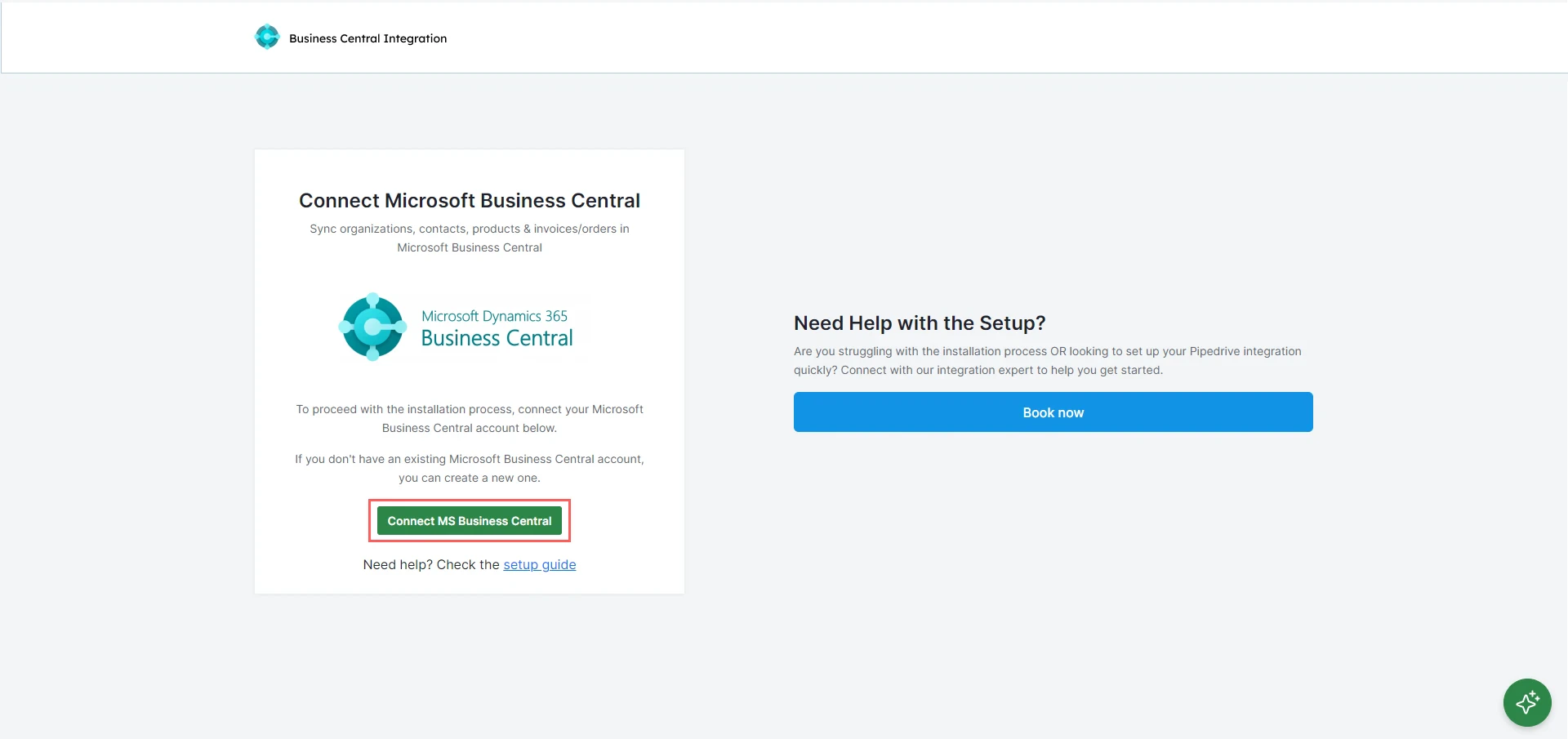
6
You will be asked to input your Microsoft Business Central credentials. First, fill in the email ID connected to your Microsoft Business Central account. Click “Next”.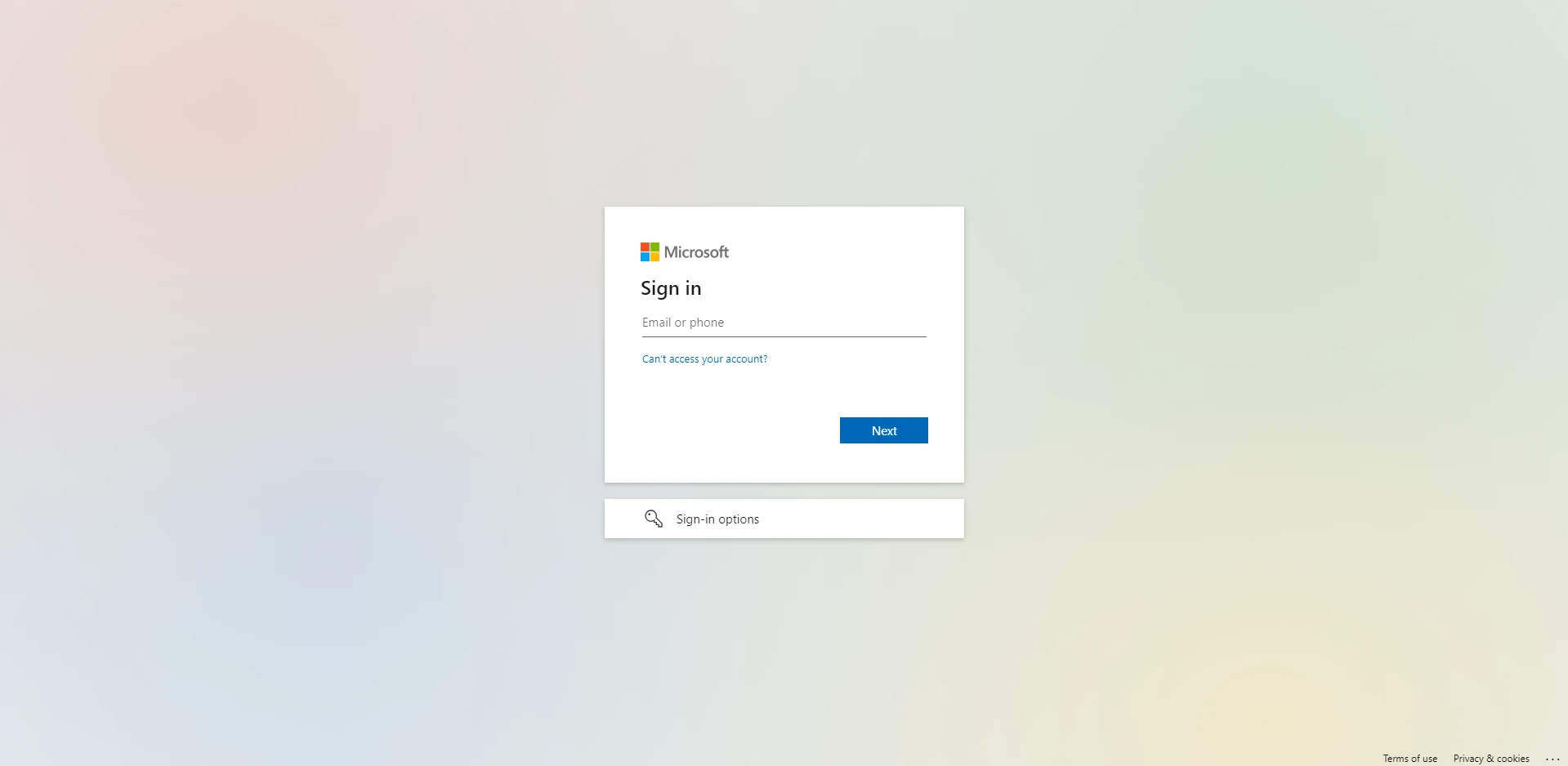
7
Input the password and click “Log In”.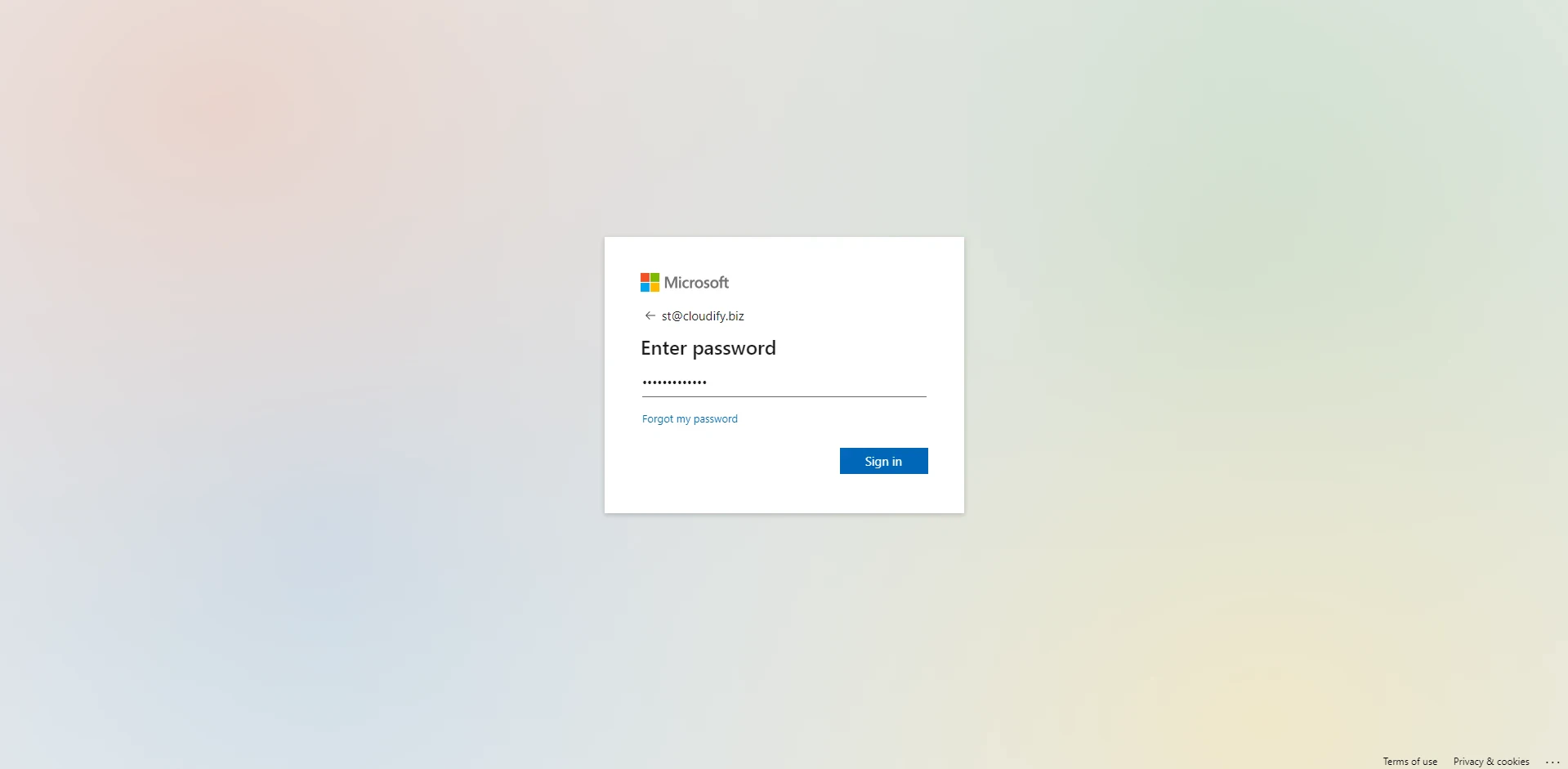
8
You will receive a successful message. Click anywhere on the screen to move to the next step.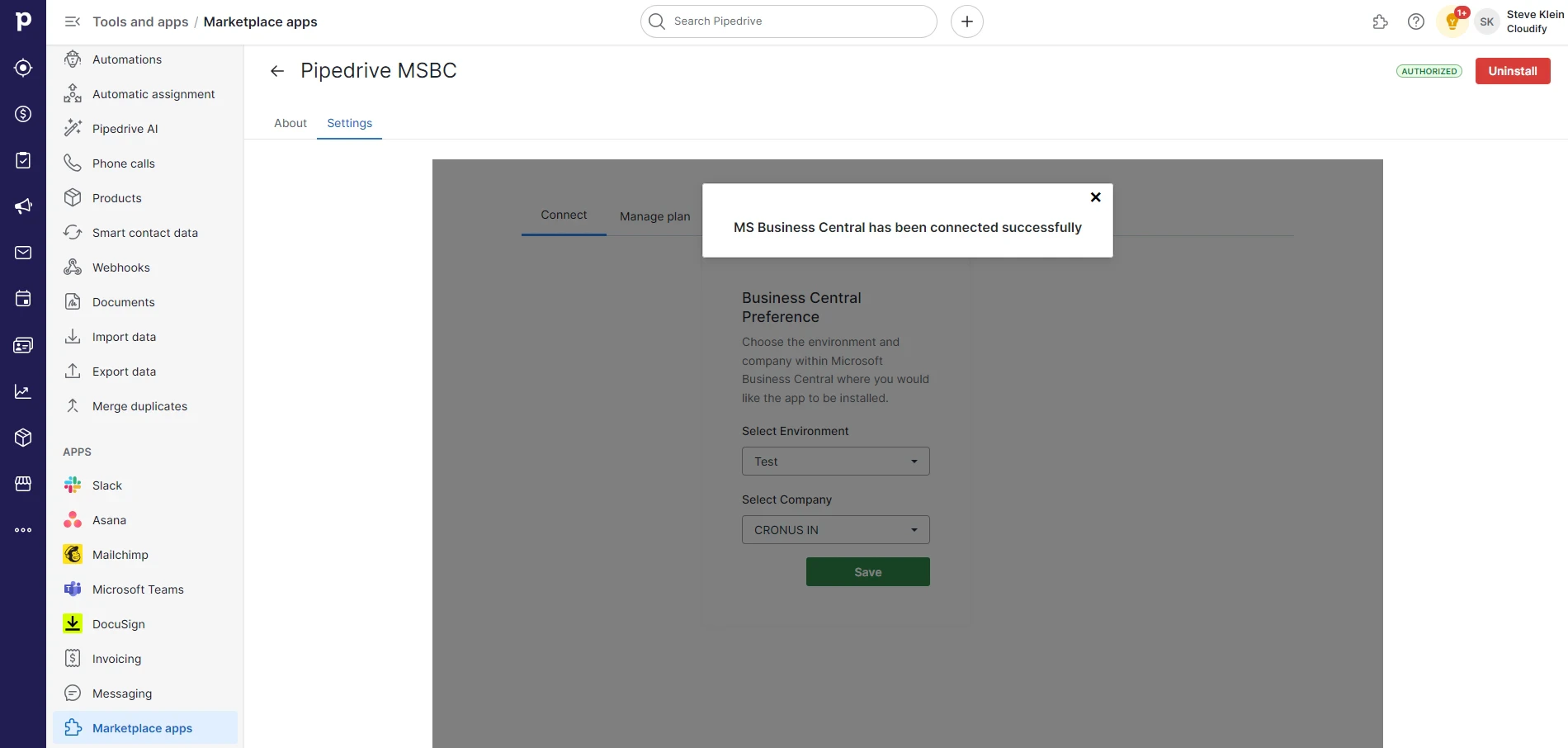
9
Click “Continue”. The Microsoft Business Central account is connected to your HubSpot.
10
Select Company & Environment
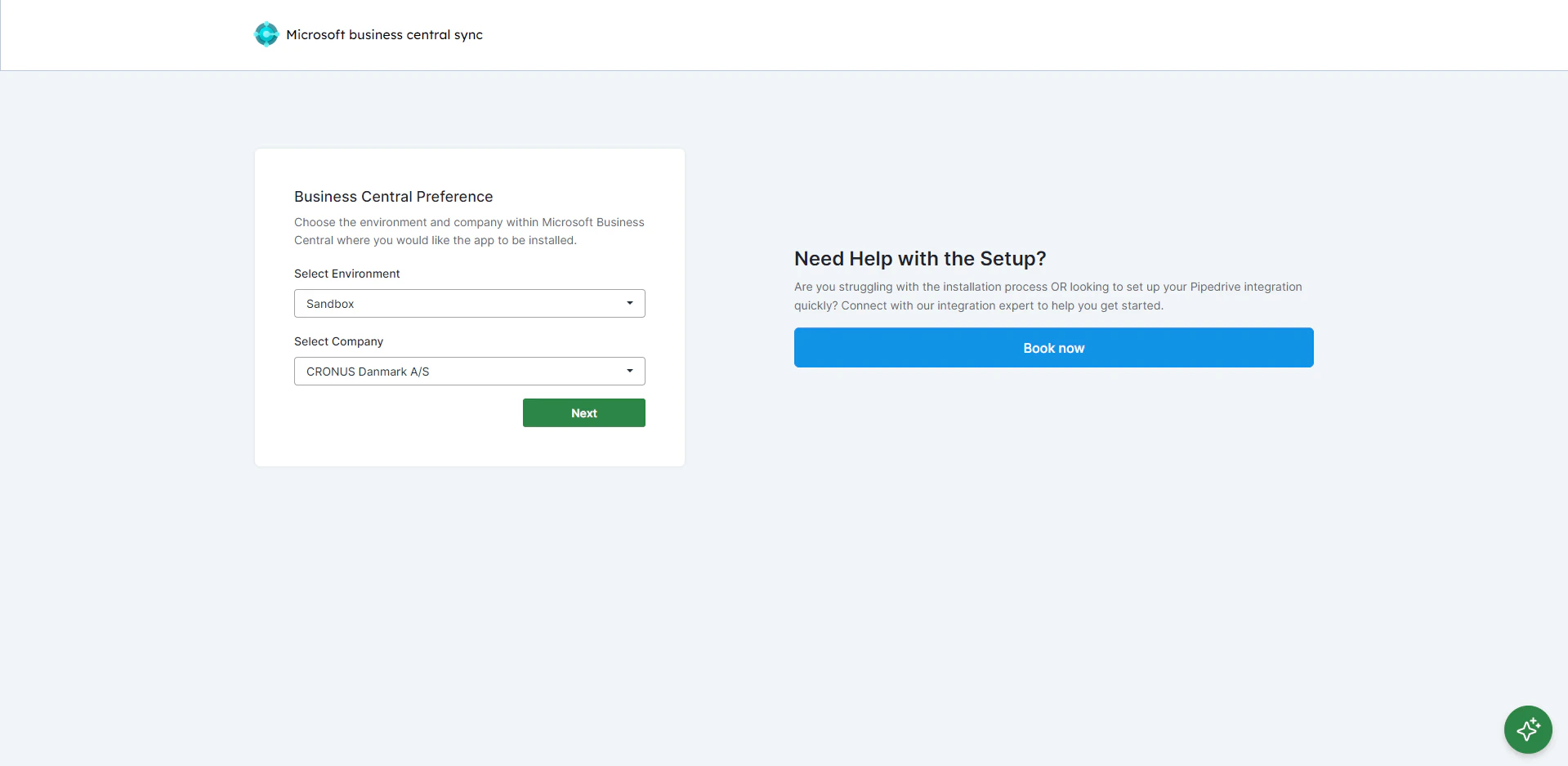
Choose the environment and company within Business Central where you would like the app installed. Click “Next”.