

1
Navigate to the Stripe Marketplace
2
Search for “Cloudify Business central”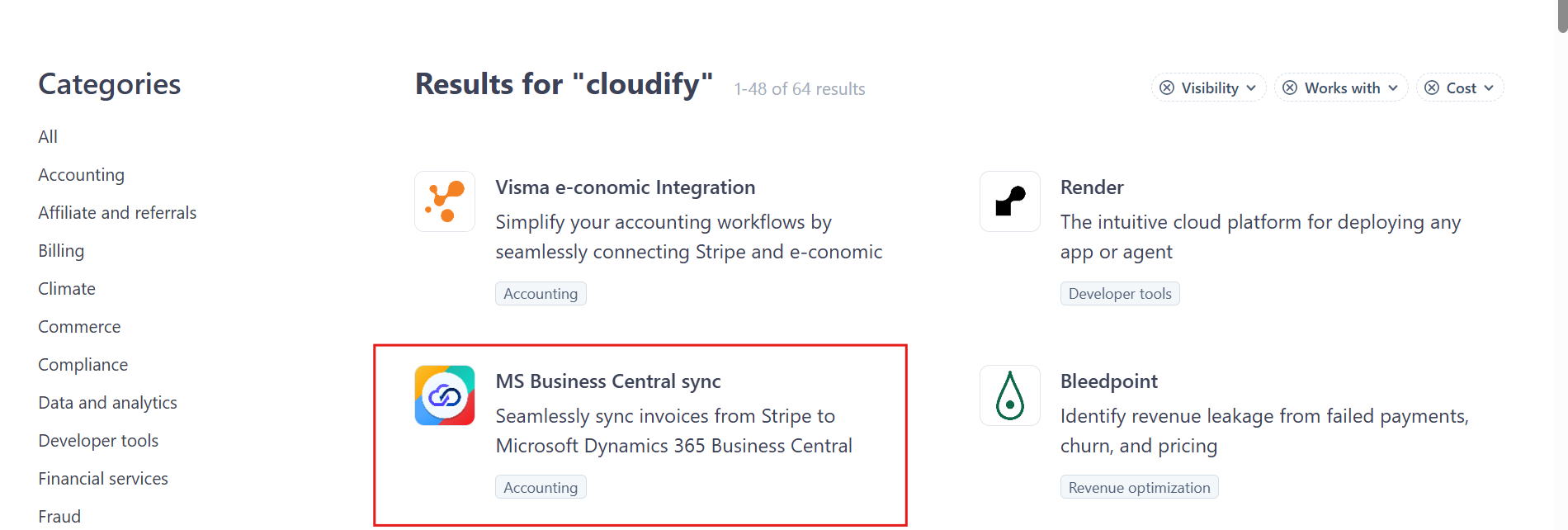
3
Click on the ‘Install App’ button. You’ll be redirected to the Stripe app page.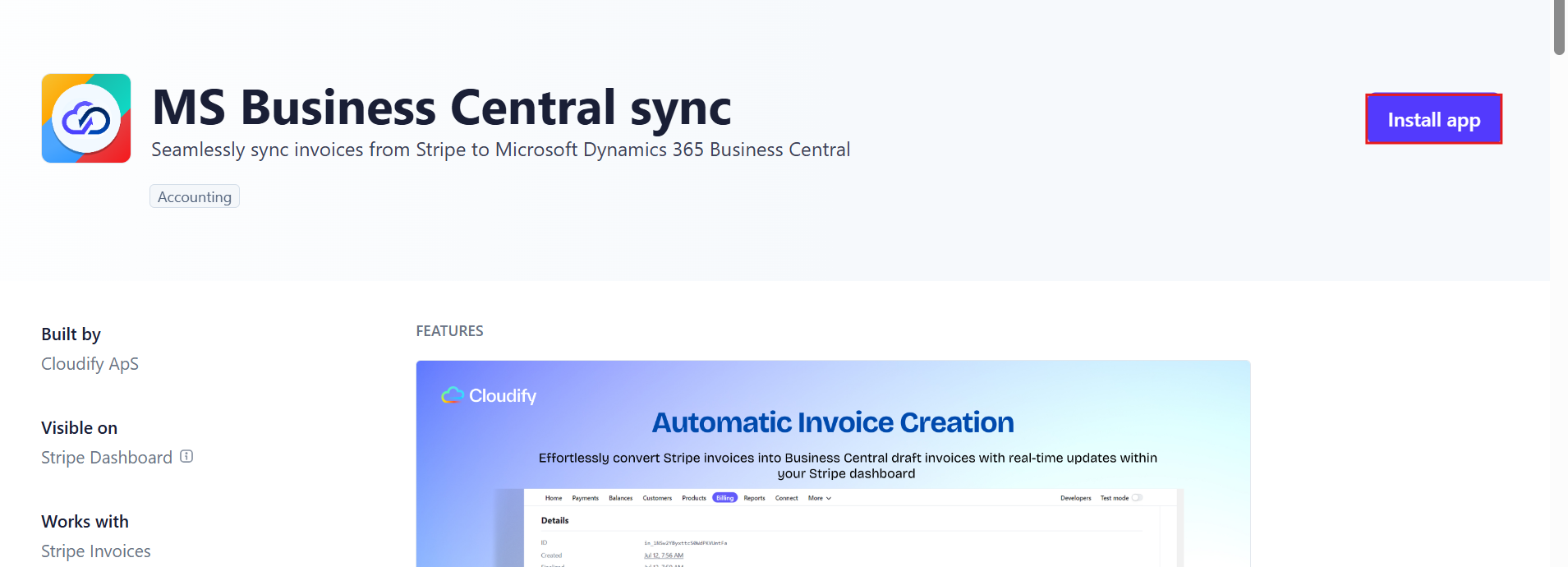
4
Complete the authorization process for Stripe. Click “Install app”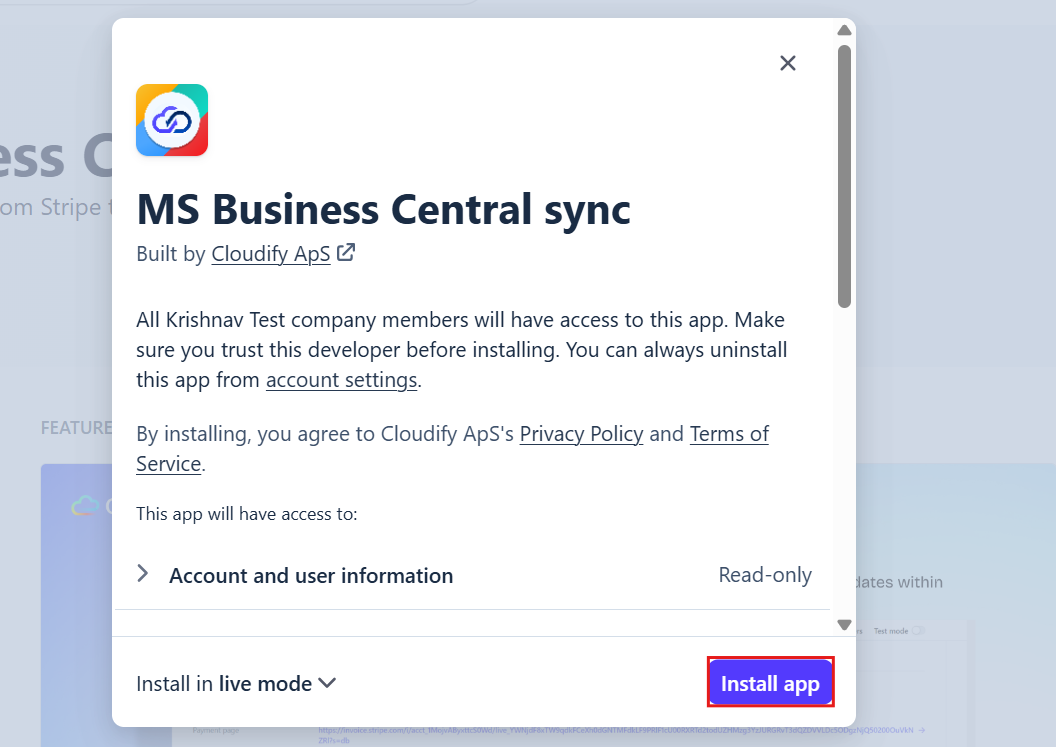
5
Connect your Business Central account when prompted. Click “Connect Business Central”
6
Select the Environment for your Business Central account.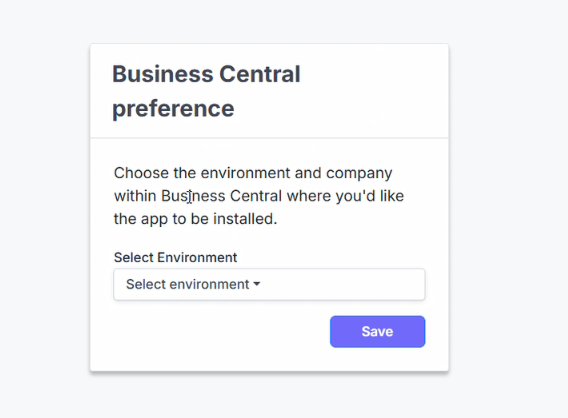
7
Select the Company within that environment, then click “Save” to continue.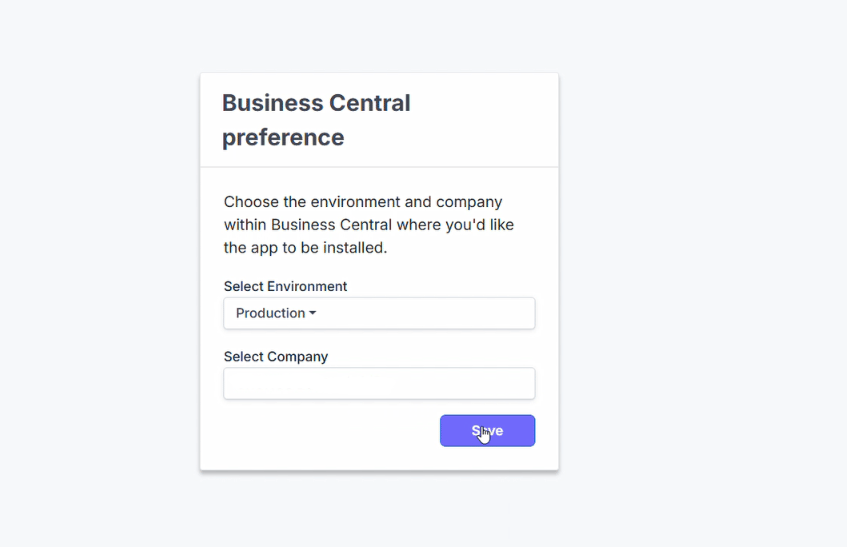
8
To sync with Stripe, you’ll first need to upload and deploy the extension in your Business Central account. Download the extension package file from here.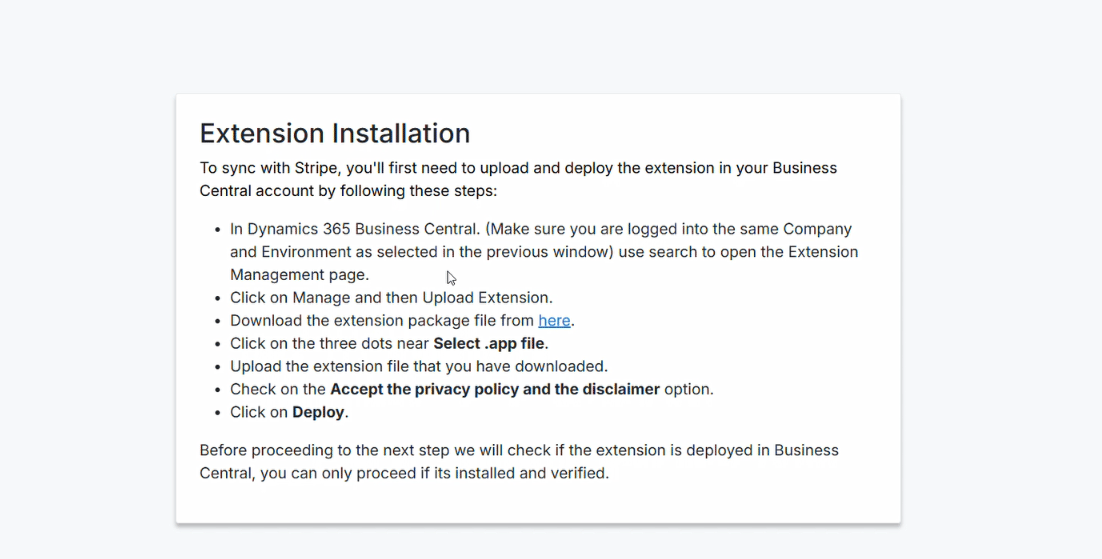
9
In Dynamics 365 Business Central (make sure you’re logged into the same Company and Environment selected in the previous window), use search to open the Extension Management page.
10
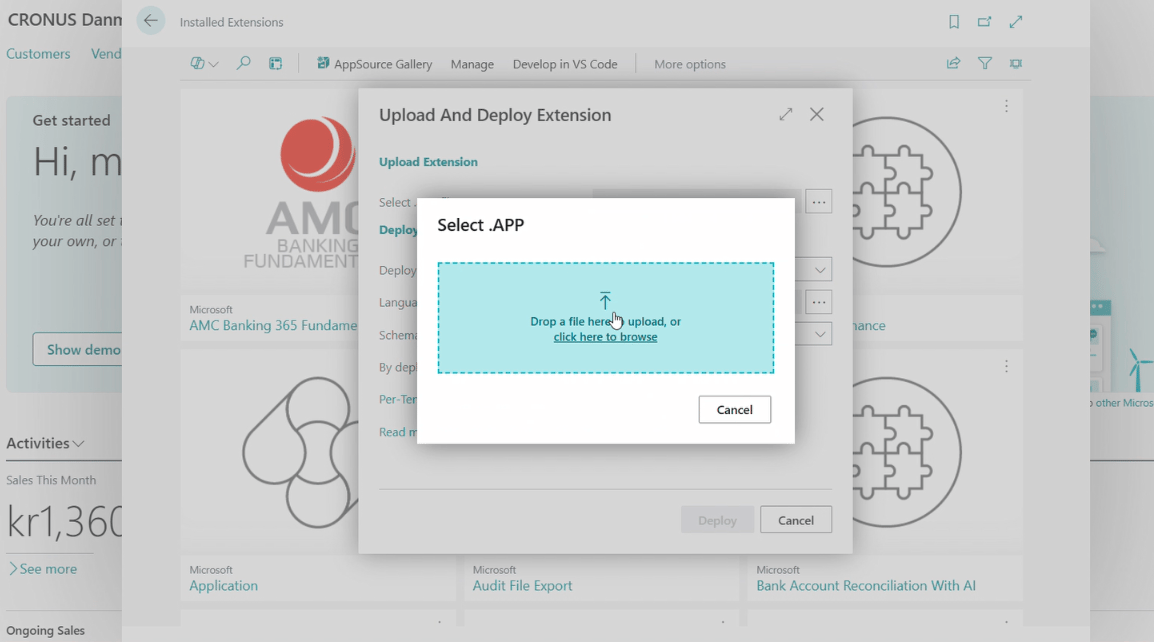
Click on Manage, then click “Upload Extension”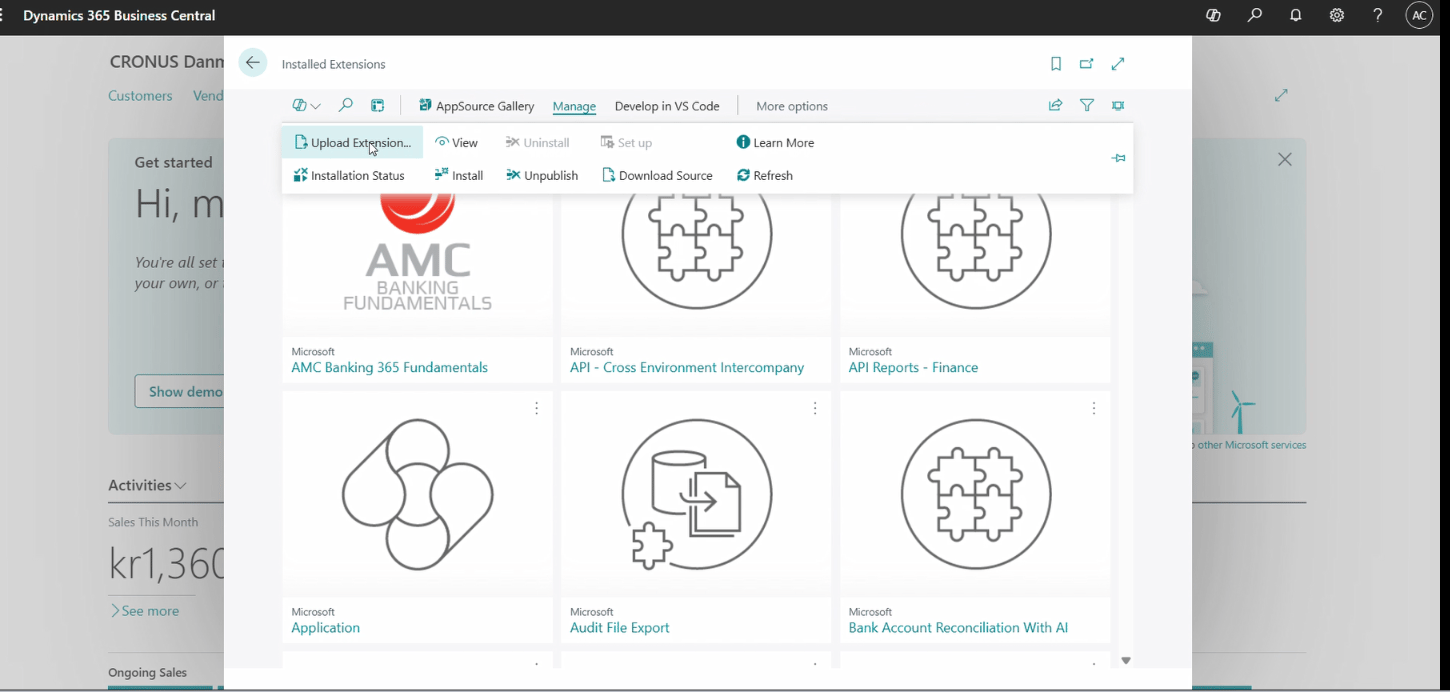
11
Click the three dots near Select .app file and upload the extension file you downloaded.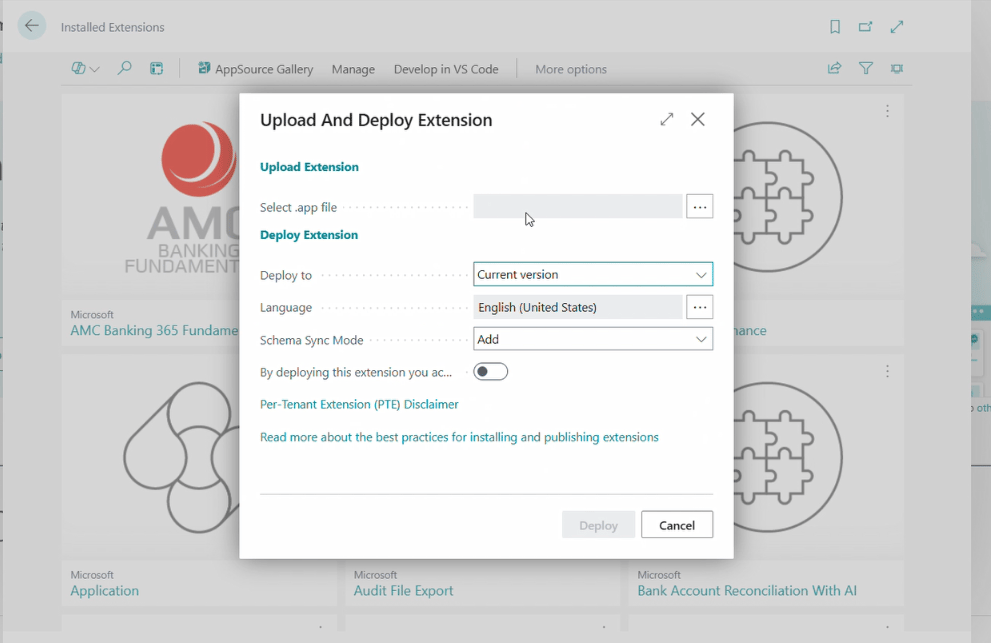
12
Toggle on “By deploying this extension you accept…” — this step is important and required before you can deploy.
13
Click “Deploy” to upload and deploy the extension.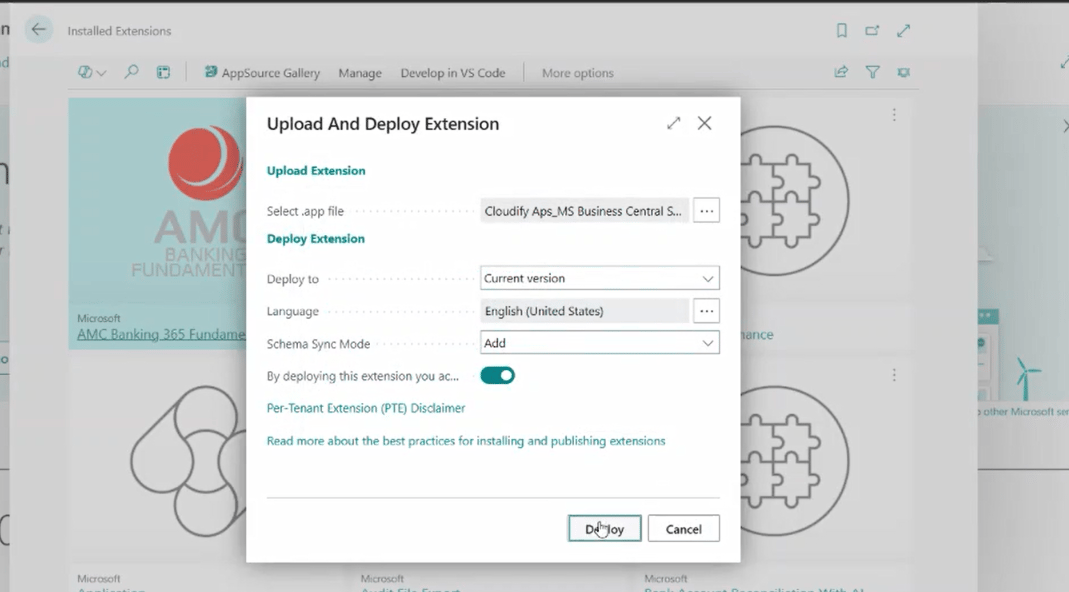
14
Use search to open Extension Installation Status and confirm the extension has finished installing.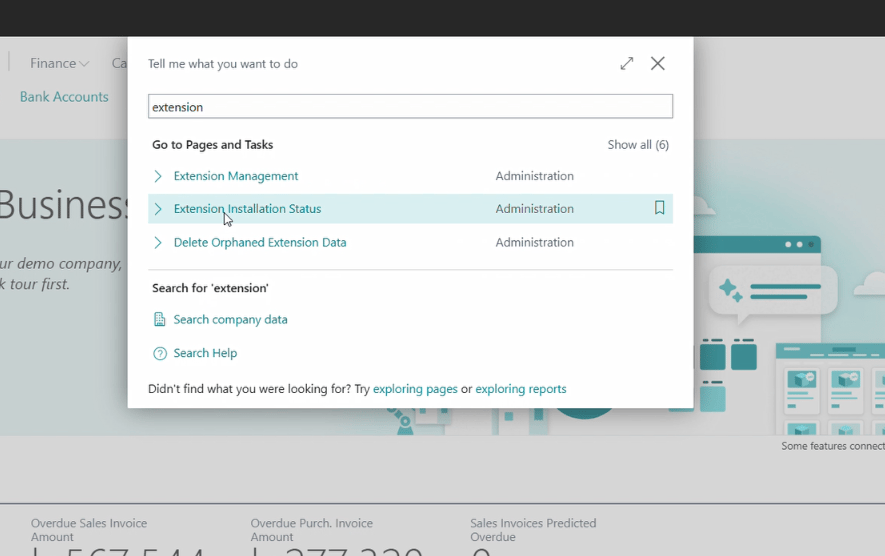
15
Once it’s installed, click Next. You’ll be taken to the Subscription page, where you can select the available plan based on your business needs.