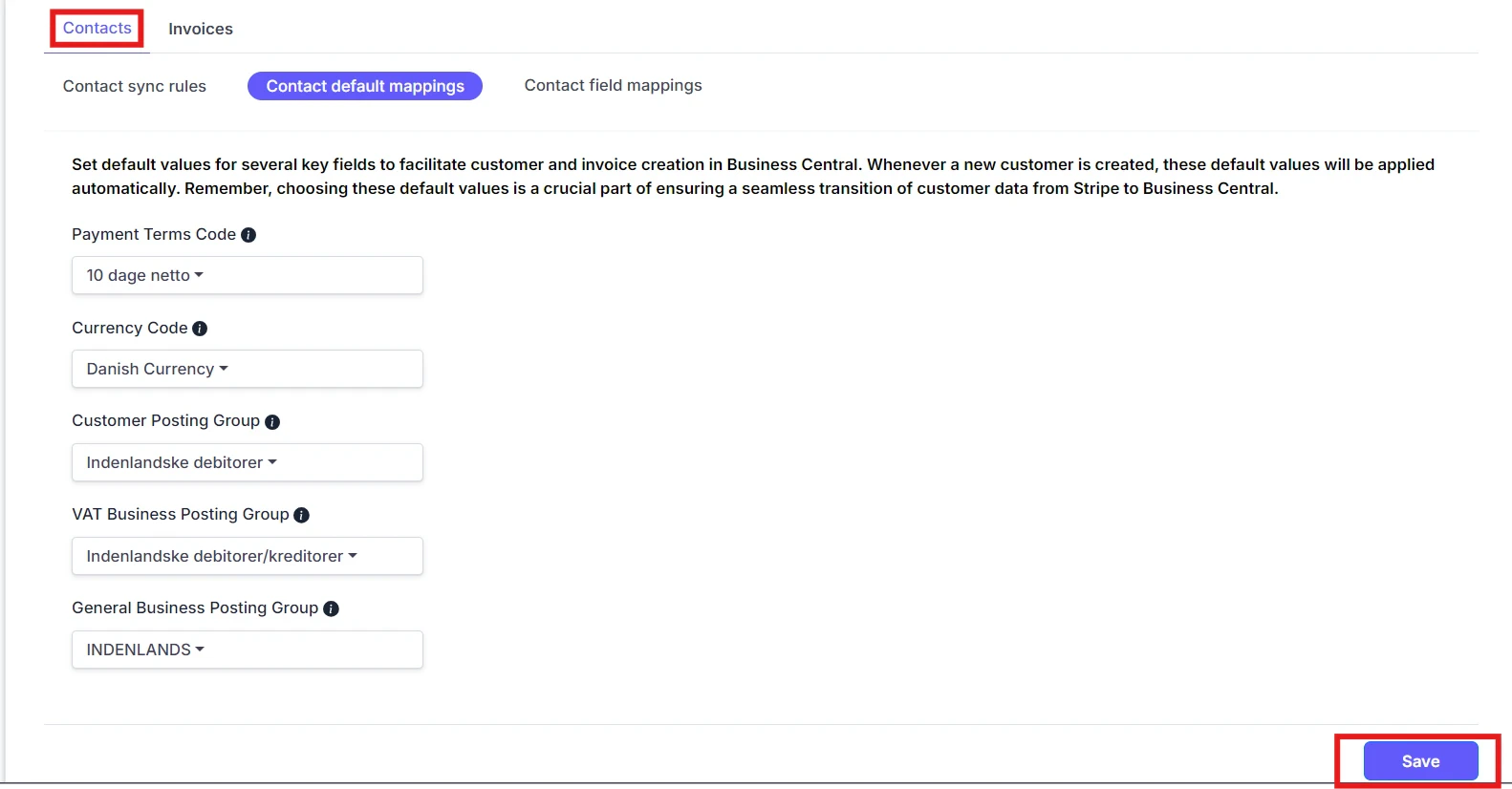
Customer Default Mappings
Default Fields Selection Select default values for Payment Terms Code, Currency Code, Customer Posting Group, VAT Business Posting Group, and General Business Posting Group. This info will be used as defaults when creating new customers.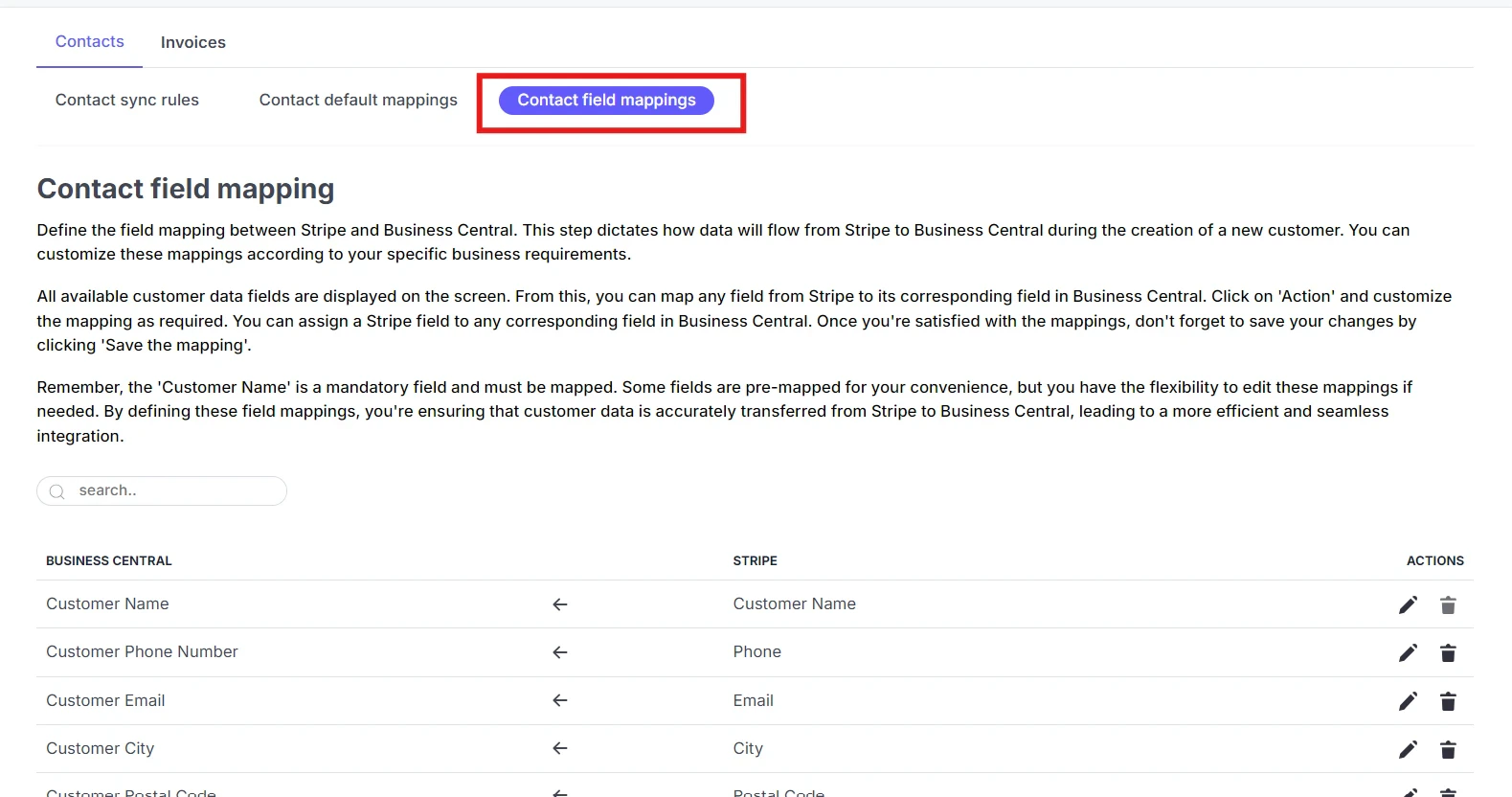
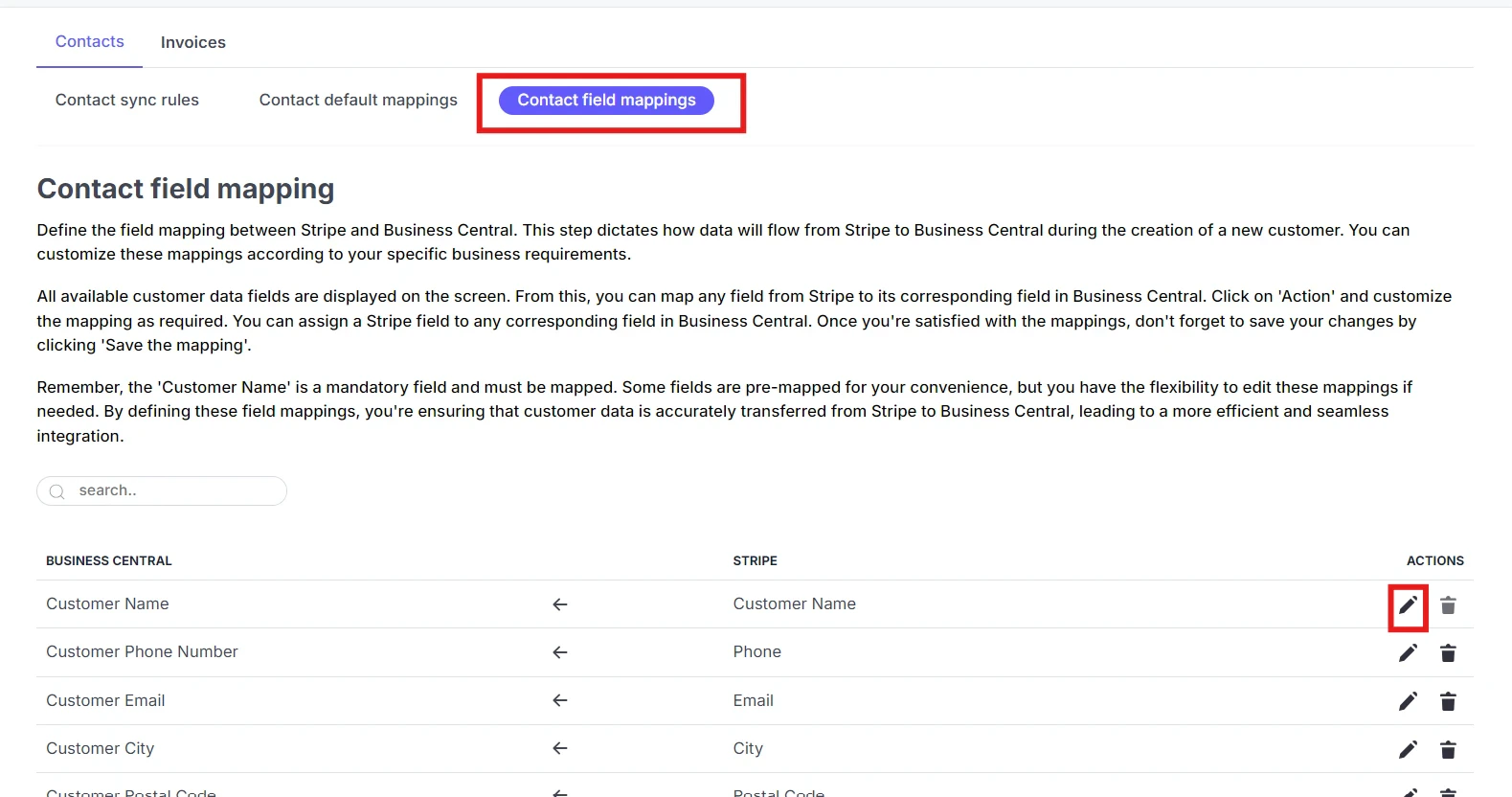
Contact Field Mappings
Field Mapping Customize how specific fields of data are transferred from Stripe to Business Central. This ensures that the right data goes to the right places. Product Search Parameter Select the parameter to be used when searching for products in Business Central during invoice creation. Product Action Decide the action to be taken when a product is not found in Business Central during invoice creation.