

Open The Settings Page
1
In HubSpot, click the marketplace icon and open Connected apps.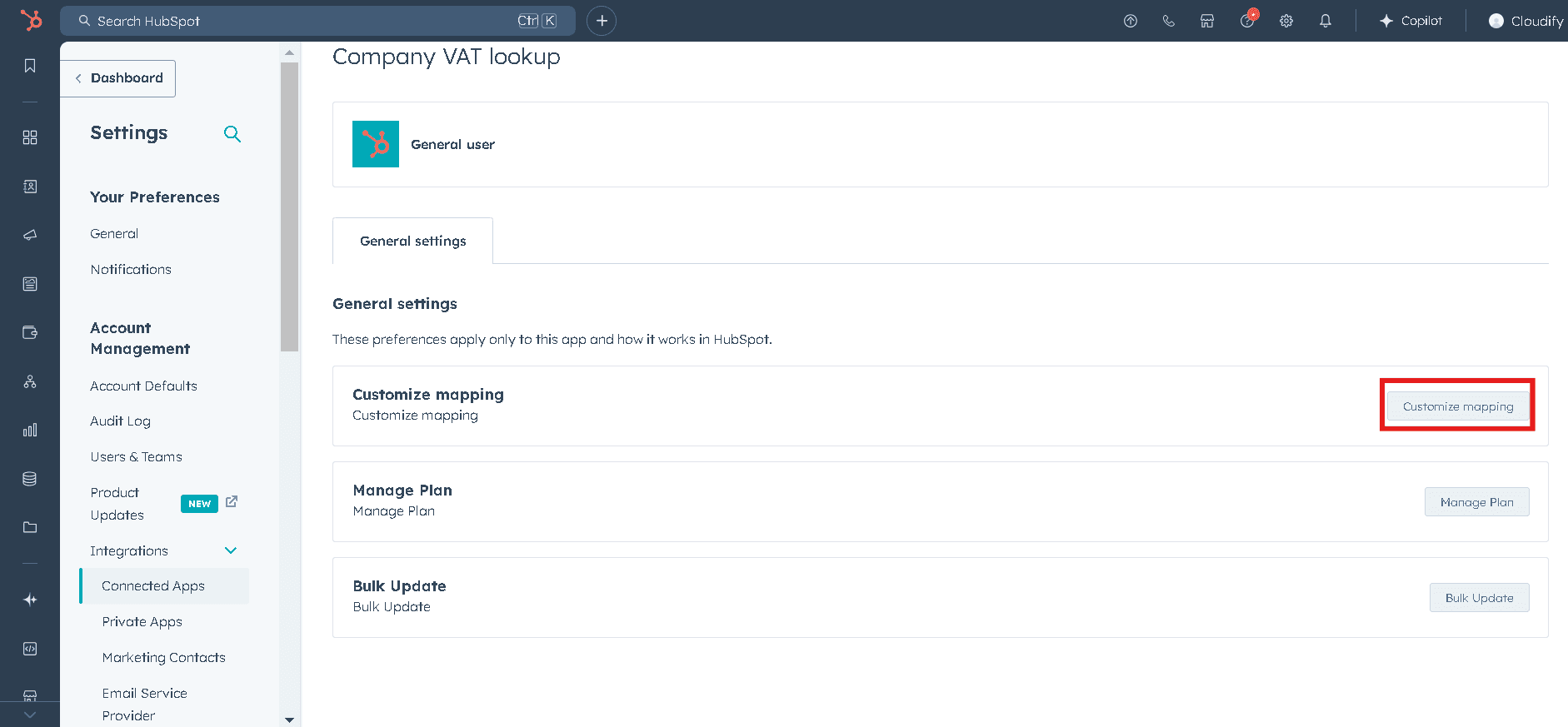
2
Click the Company VAT app and choose Go to settings.
3
Click Customize Mapping to access the configuration area.
4
You are now in the main Company VAT configuration area.
Main Configuration Areas
- Customize Mapping
- Manage Plan
- Bulk Update
Each area affects how your company data is synchronized and how your business processes are automated.
Next Step
Continue to the detailed mapping configuration guide.