

1
Find the Company VAT Lookup app and click Install.
2
Select the HubSpot account where you want to install the app.Then click Choose Account.
3
Review the requested permissions and click Connect app.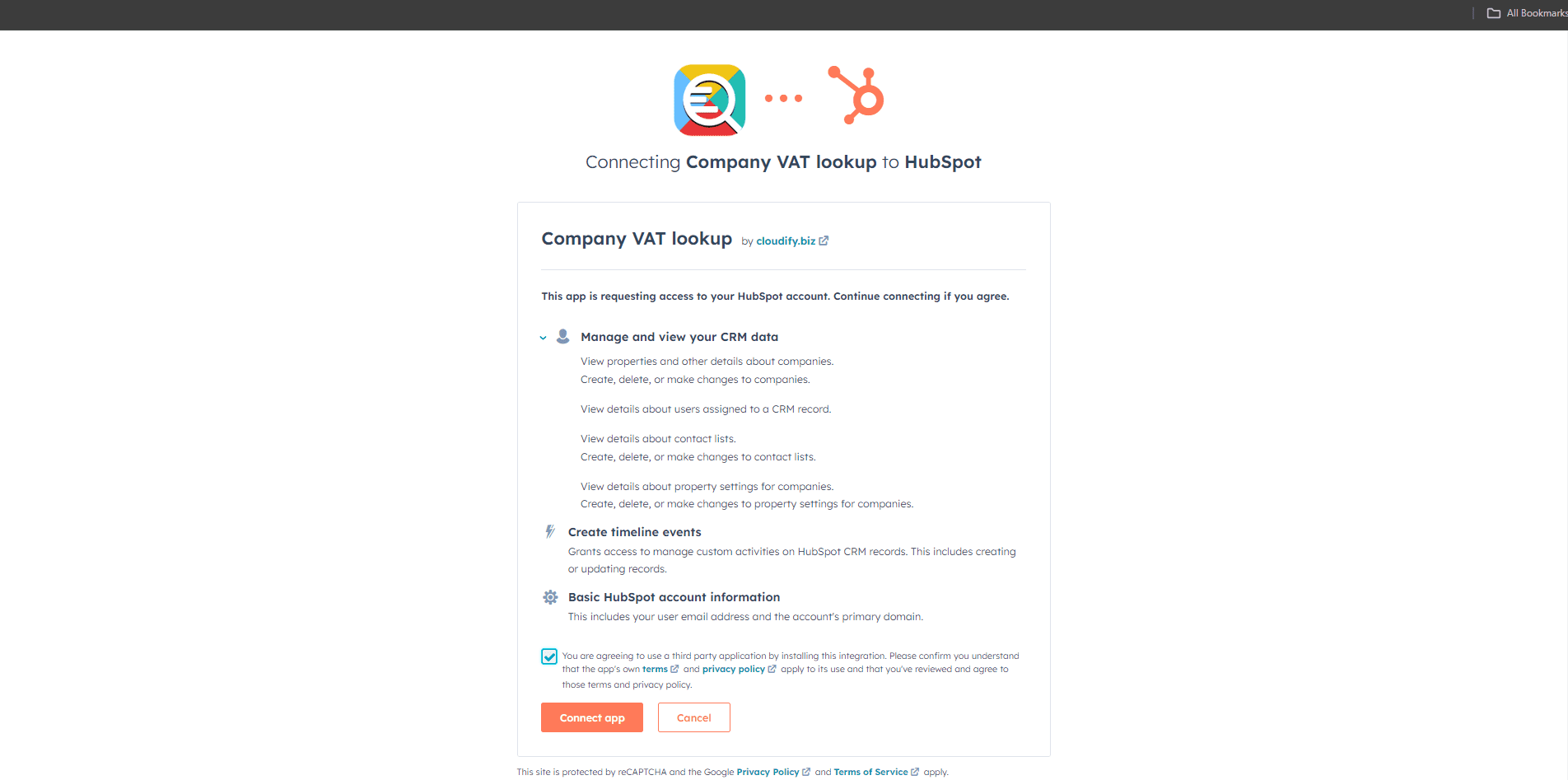
4
Once permission is granted, the app is installed automatically on the selected HubSpot account.
Next Step
Continue to plan selection after the app has been installed successfully.