How to Install the App
1
Log in to your HubSpot account and search for the “QuickBooks Integration” app in the HubSpot Marketplace. Click “Install App”.
2
Click “Sign In” to proceed.
3
Select the account you want to use to install the QuickBooks app and click “Choose Account”.
4
Select the checkbox and click “Connect App”.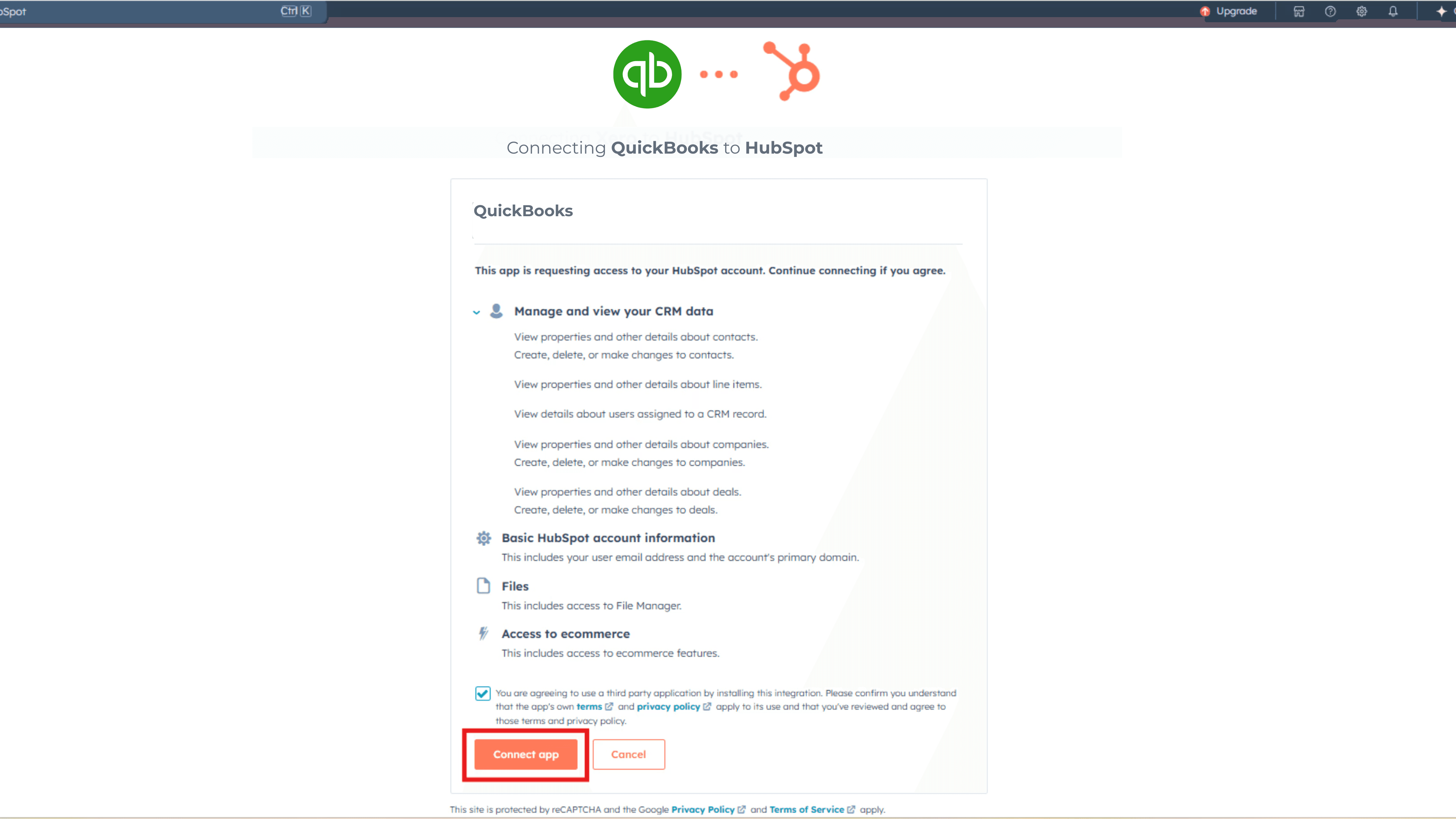
5
Click “Quick Install”.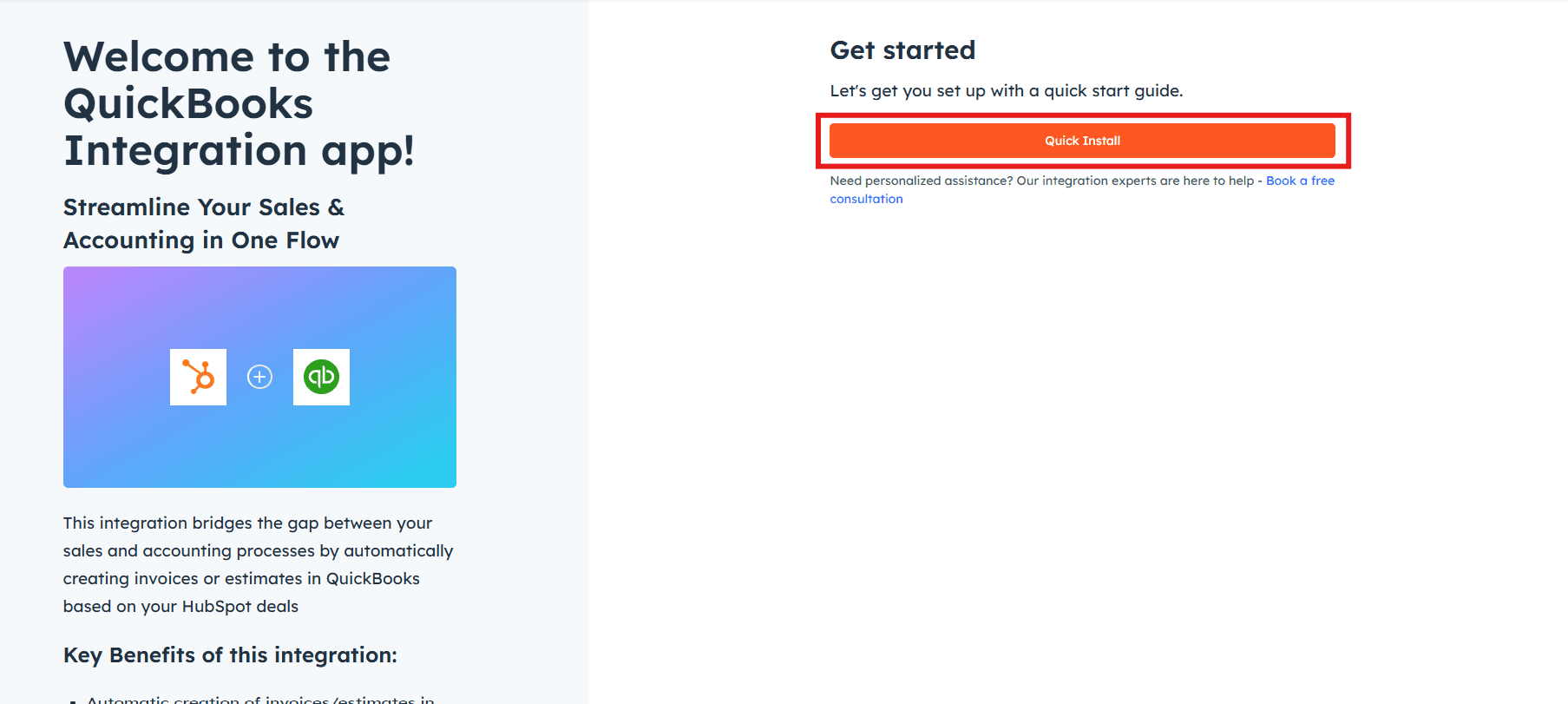
Connecting Your QuickBooks Account
1
Click “Select” to connect your QuickBooks account.
2
Enter your QuickBooks registered email address and password, then click “Continue”.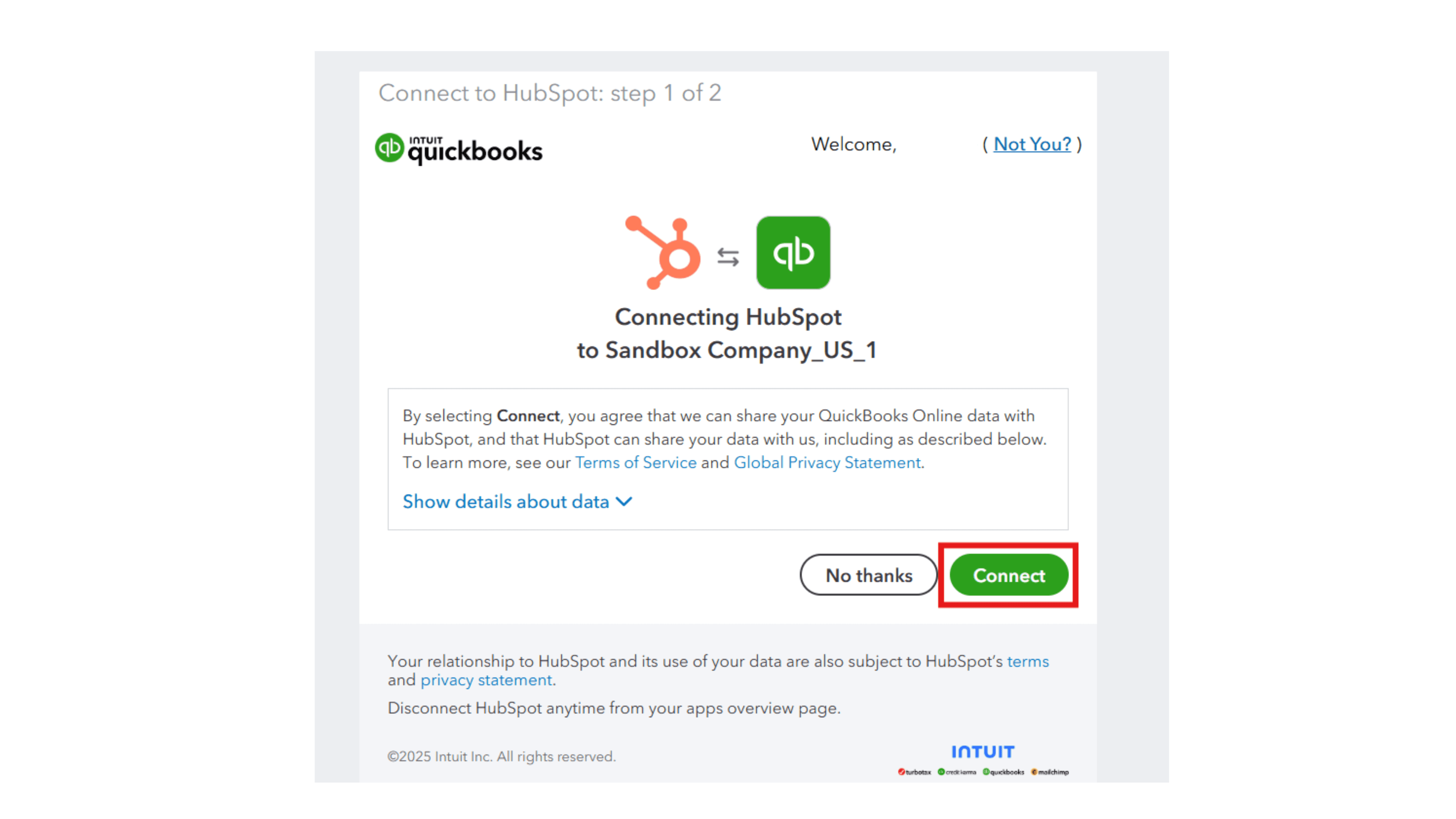
3
You will receive a success message. Click anywhere on the screen to move to the next step.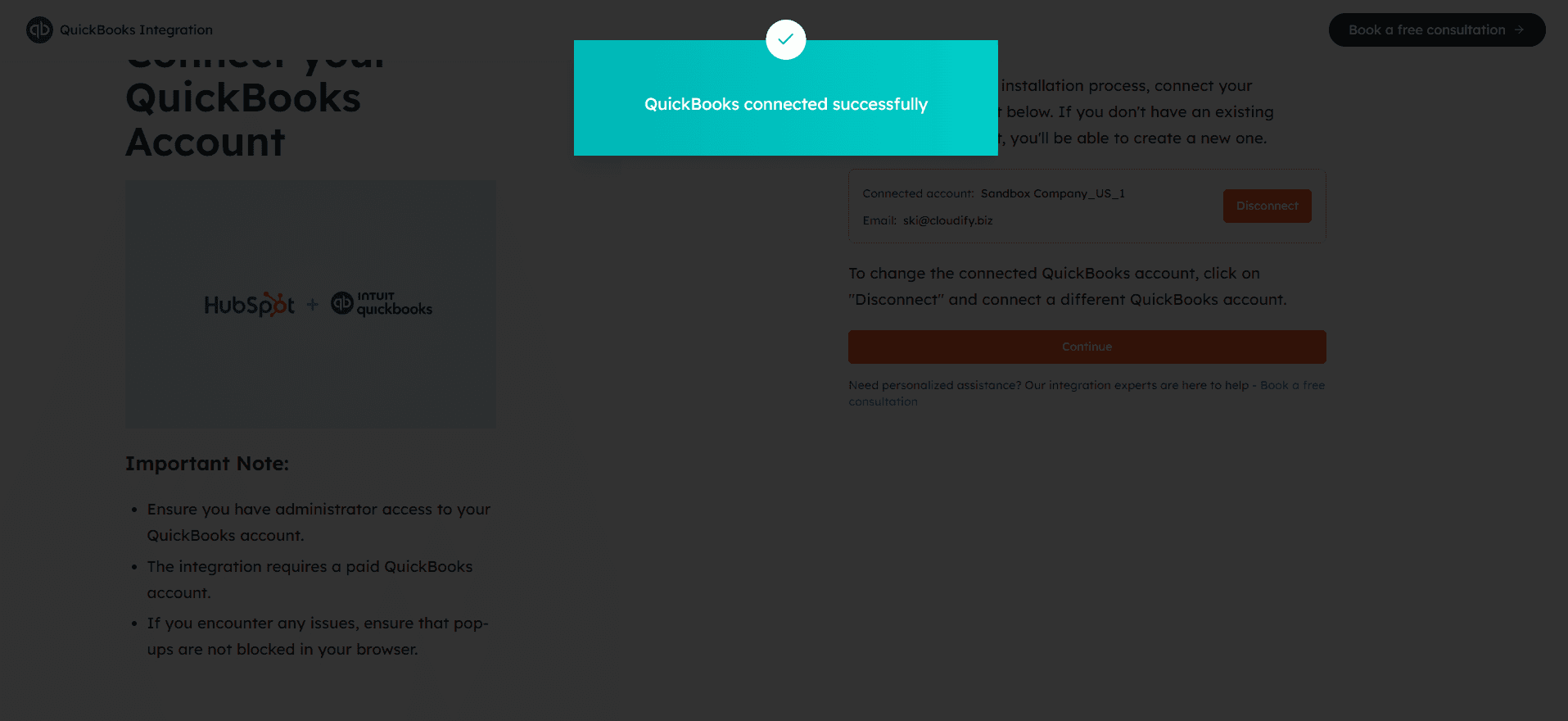
4
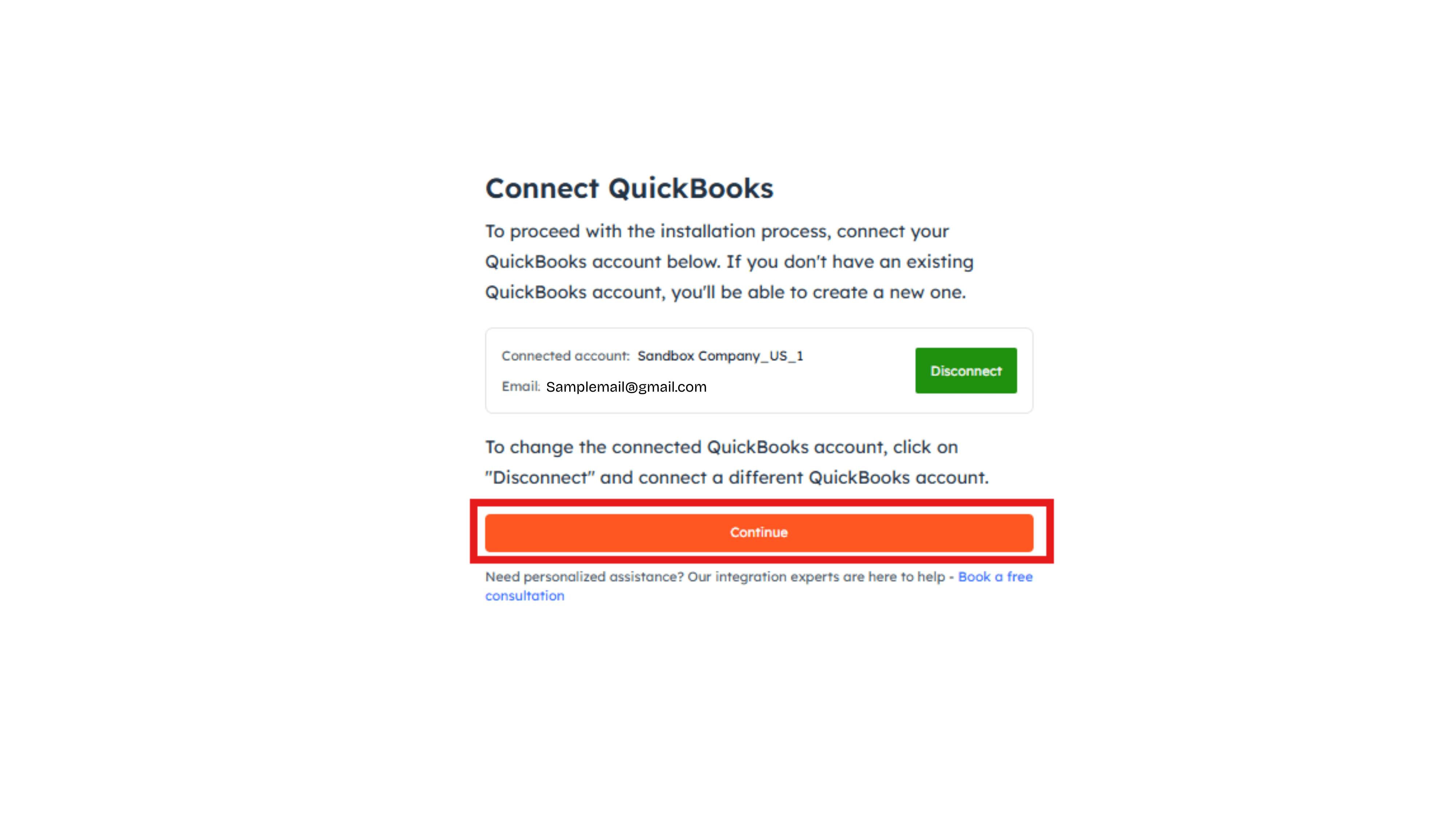
Click “Continue”. Your QuickBooks account is now successfully connected to HubSpot.