

How to Access the Integration Dashboard
1
Navigate to Xero Settings
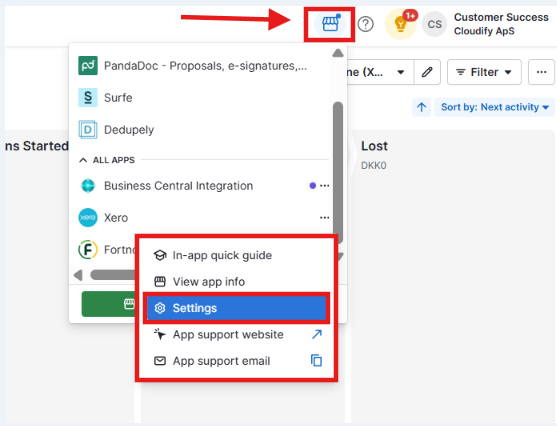
Click My apps → Xero → Settings.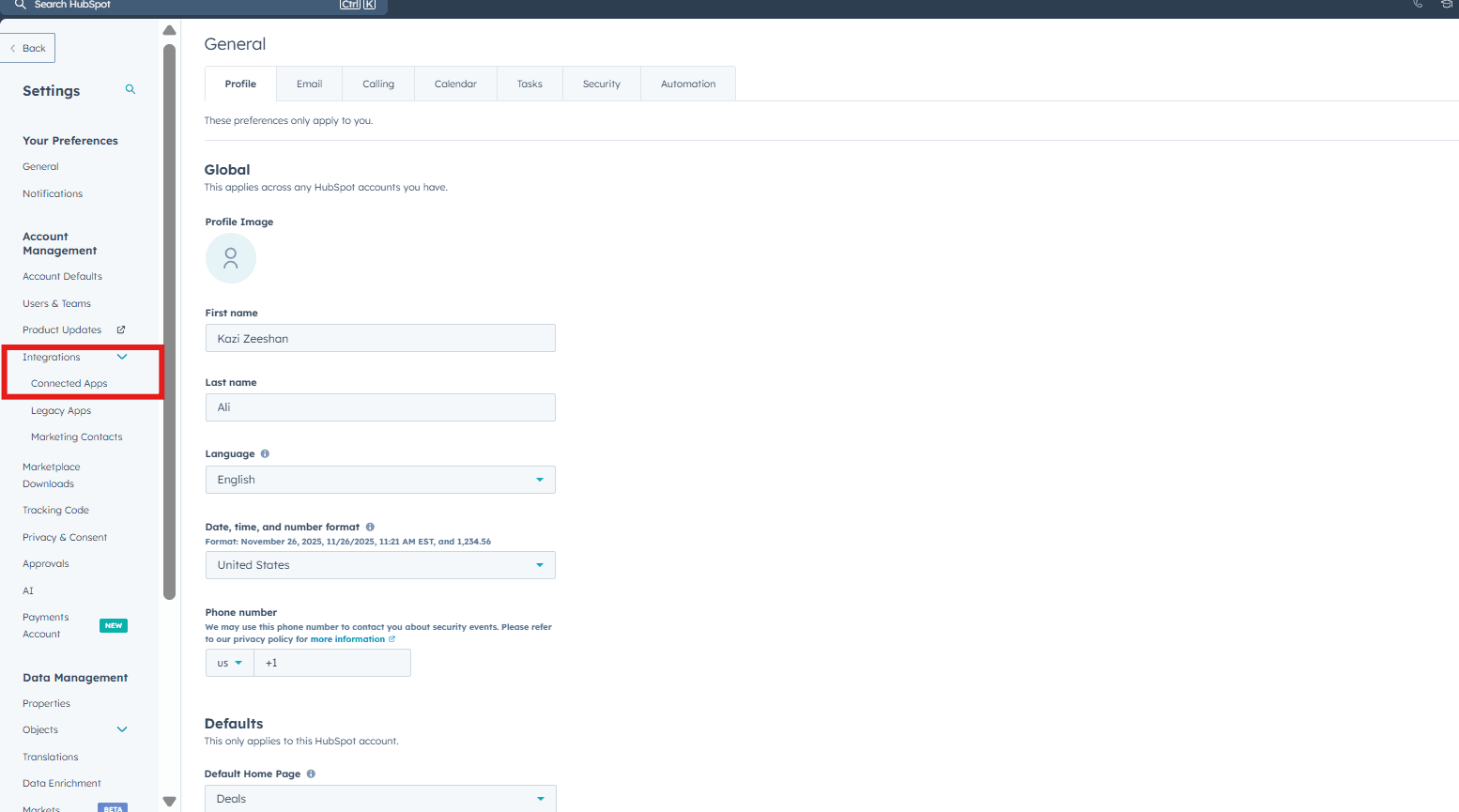
2
Open the Cloudify Dashboard
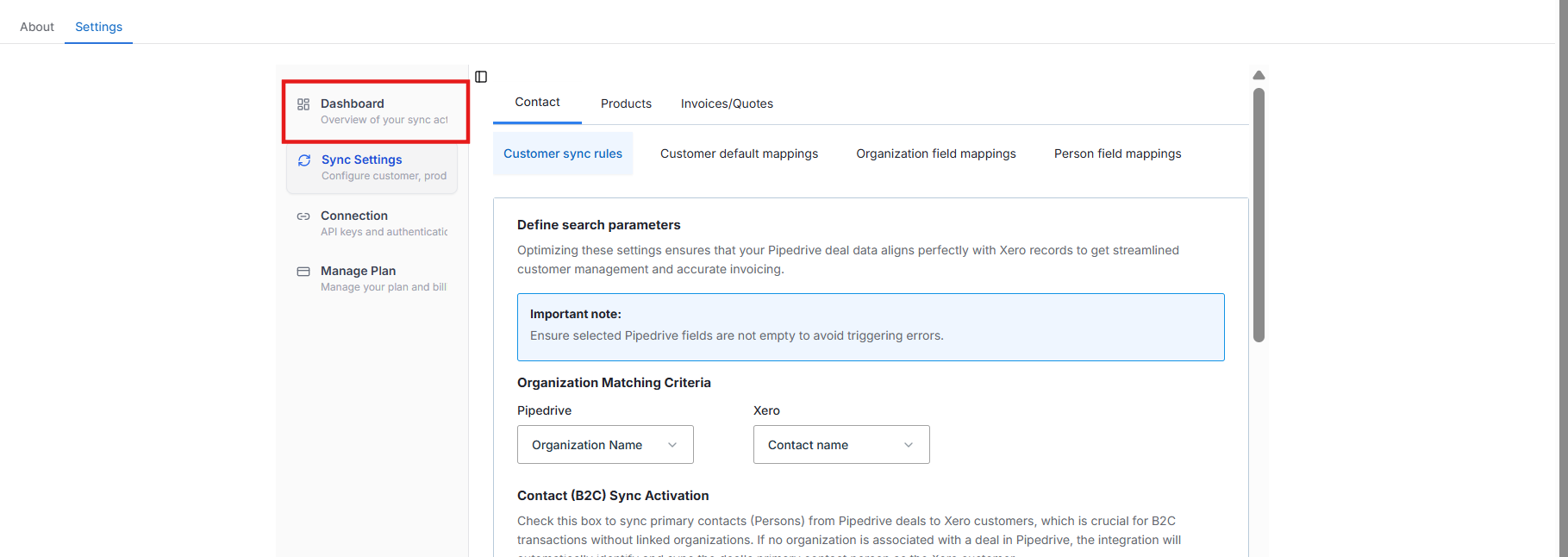
Under the Settings tab, go to Dashboard button on the left side.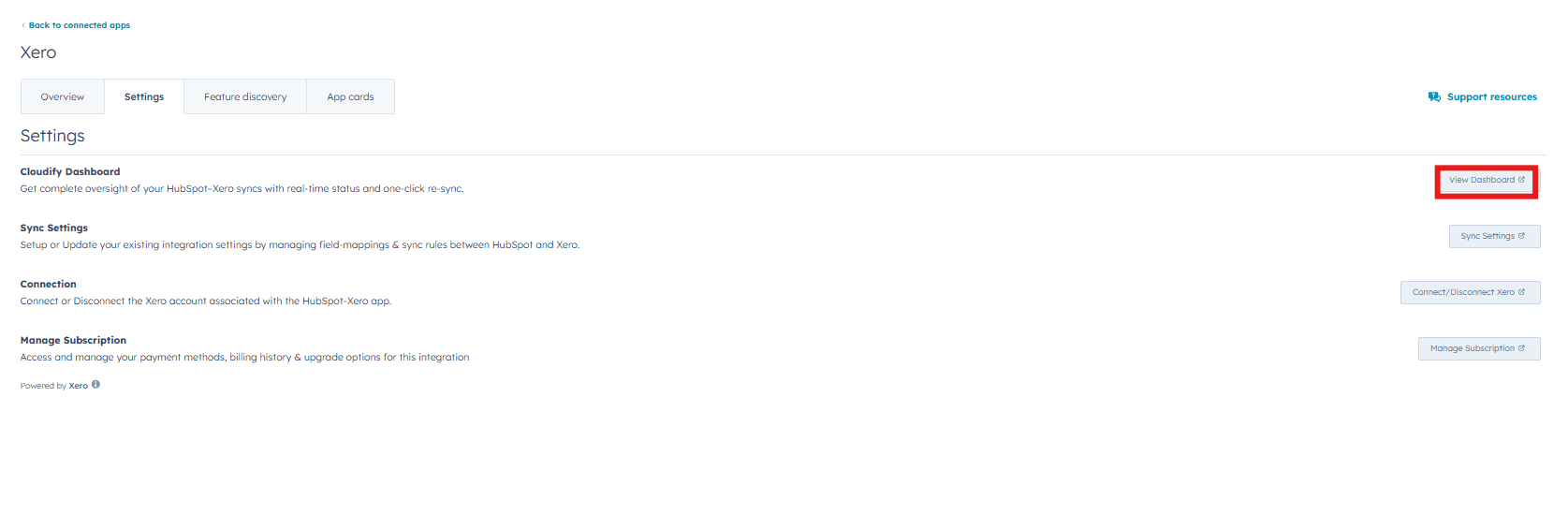
Dashboard Features
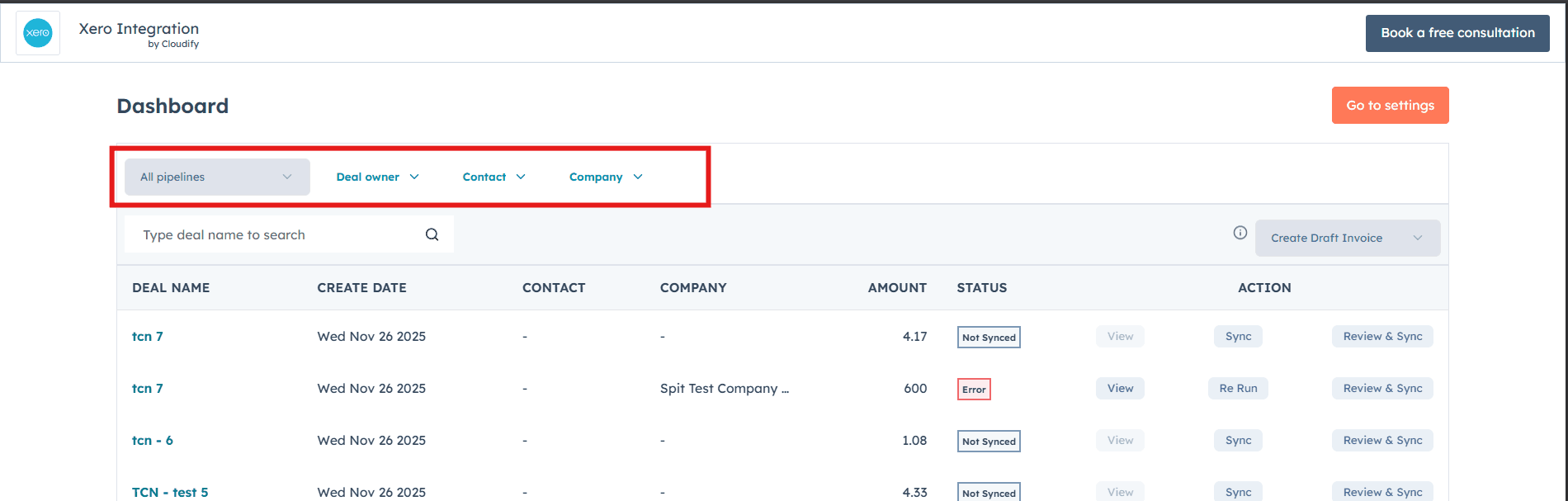
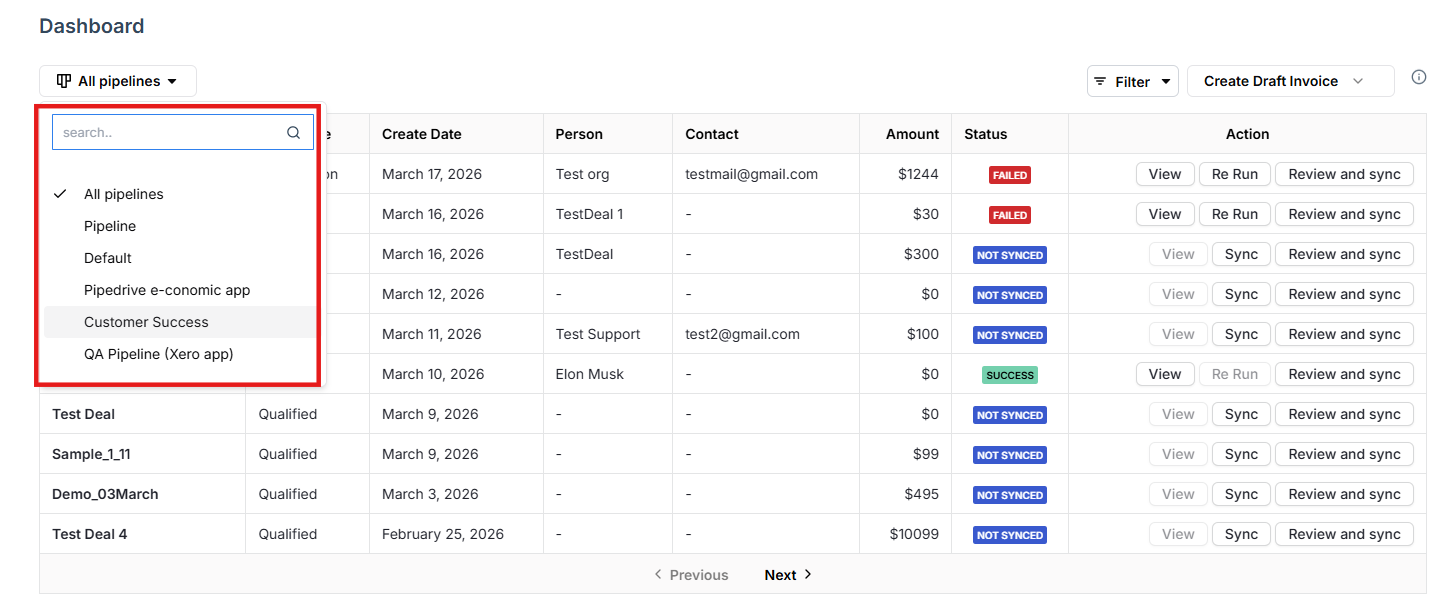
Filter by Pipeline, Contact or Person or Create date
Effortlessly refine your view by filtering deals based on Contact or Person or Create date — helping you find exactly what you need in seconds.
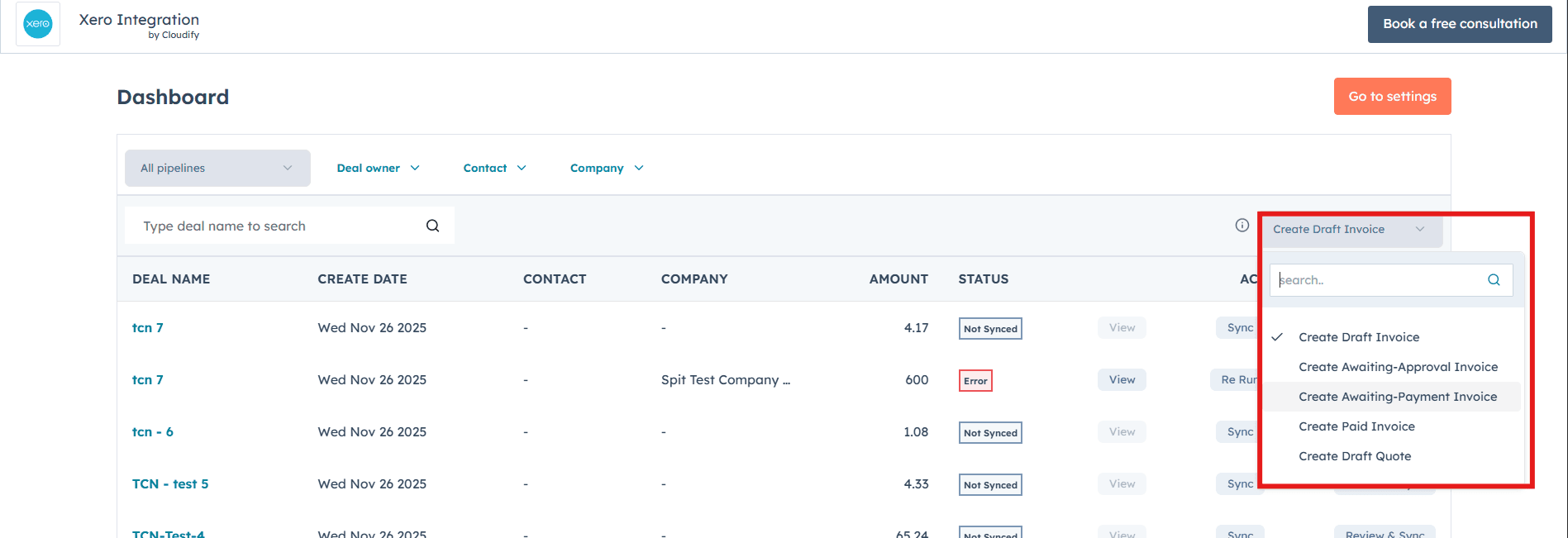
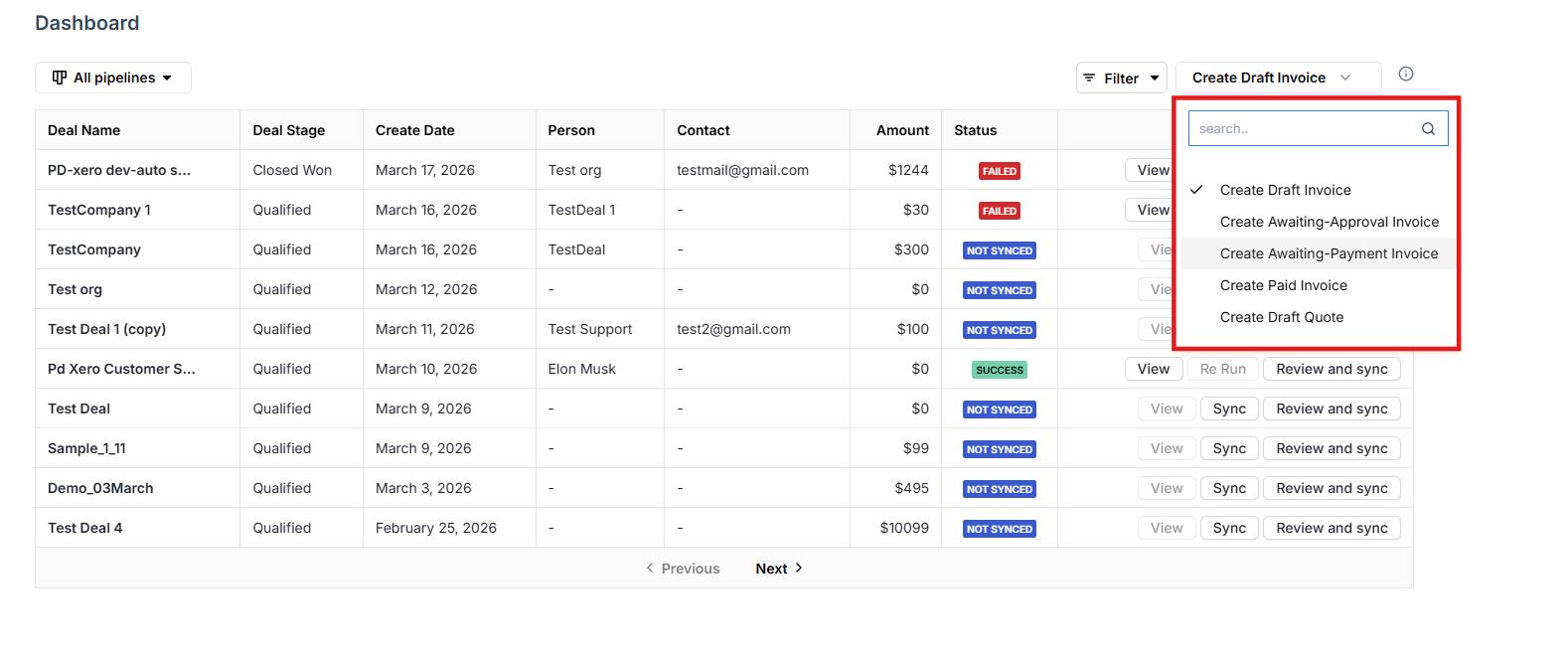
Choose invoice or quote type
Select the invoice or quote type you’d like to create in Xero directly from the dashboard, saving time without switching screens.
Real-time deal and sync status
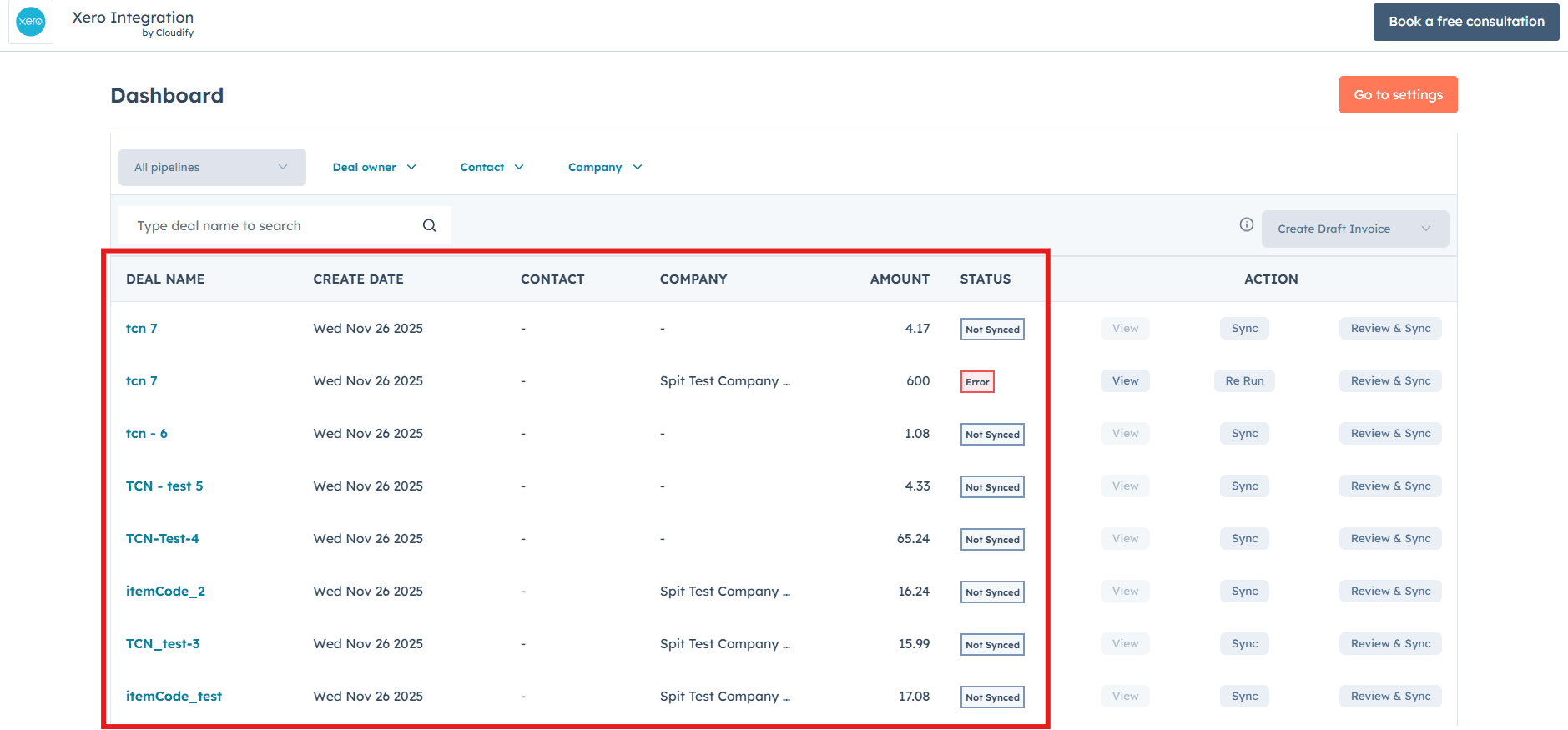
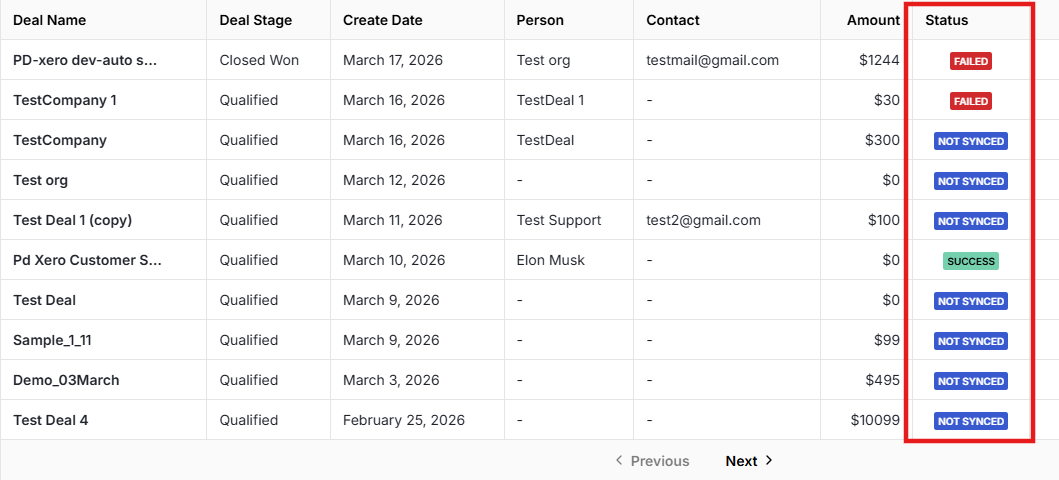
View all your Pipedrive deals along with their create date, person, contact, amount, and real-time sync status — so you can instantly see what’s synced, pending, or needs attention.
View deal details
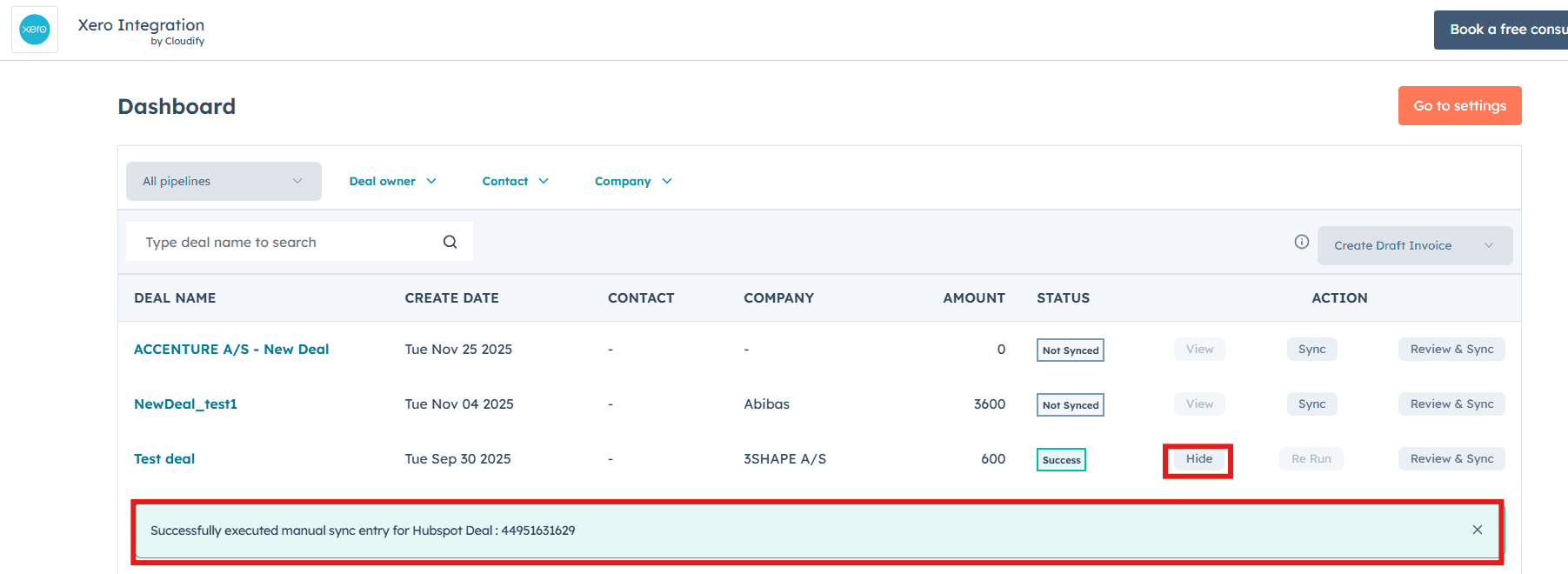
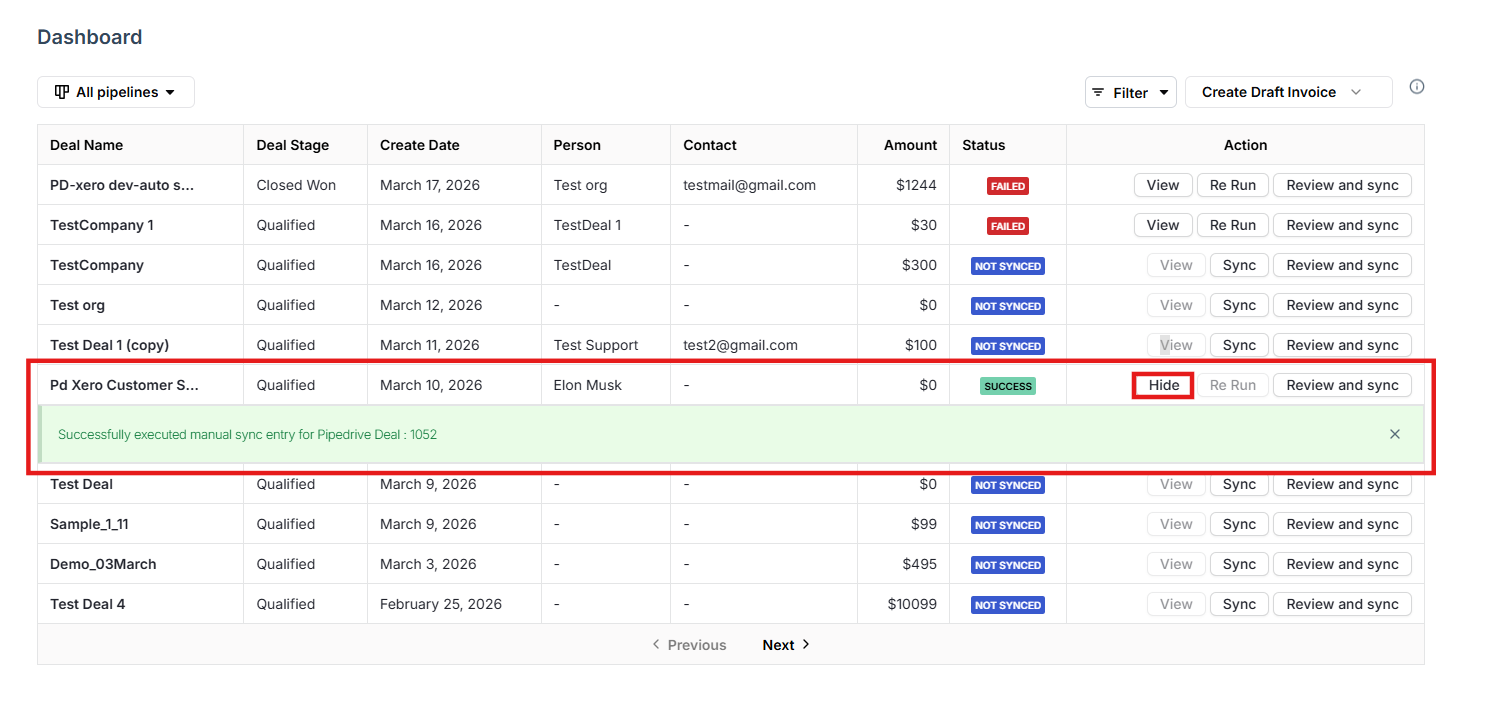
Use the View button to quickly open and review the associated Pipedrive deal, along with its sync details and invoice information.
Filtering Pipelines
Selecting Invoice or Quote Type
Deal List with Sync Status
Viewing Deal and Invoice Details
Syncing and Managing Invoices
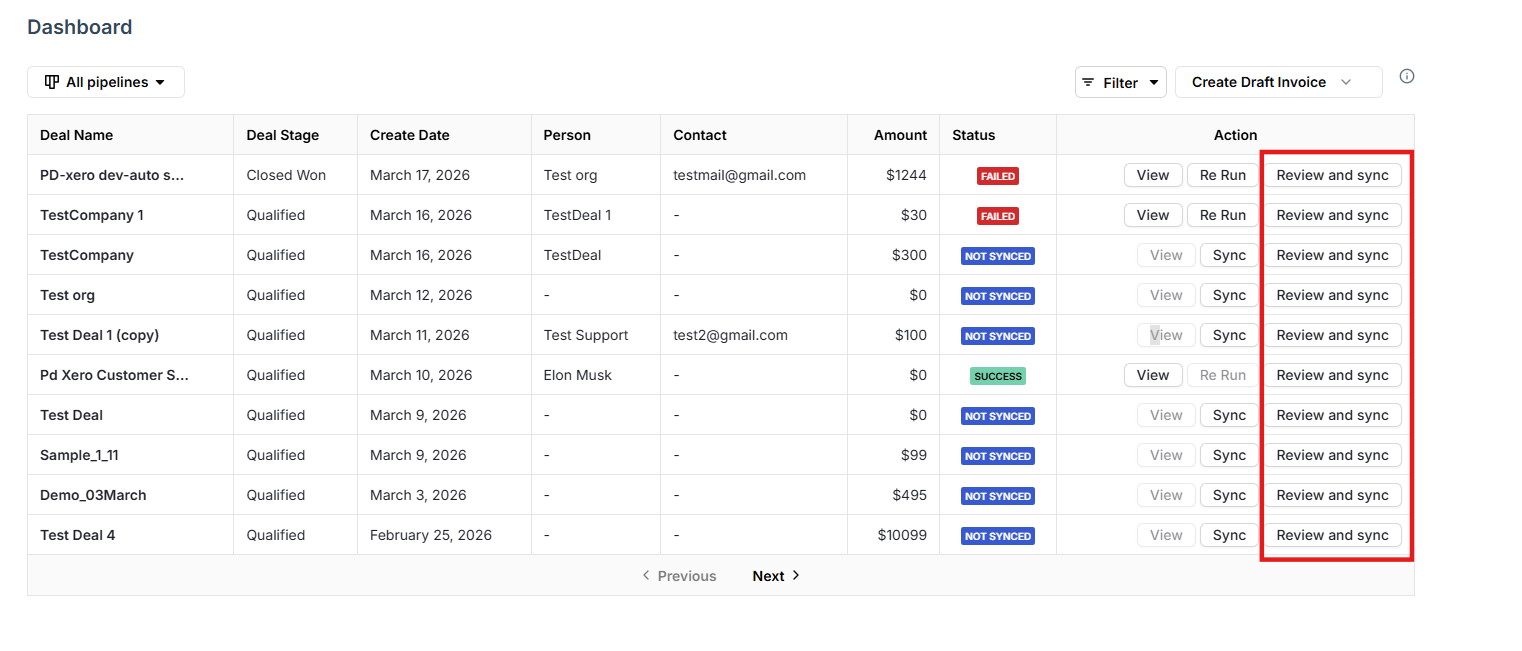
Use the Sync and Re Run buttons to instantly trigger or retry invoice syncing. Use Review & Sync to inspect and edit invoice or quote details before sending them to Xero.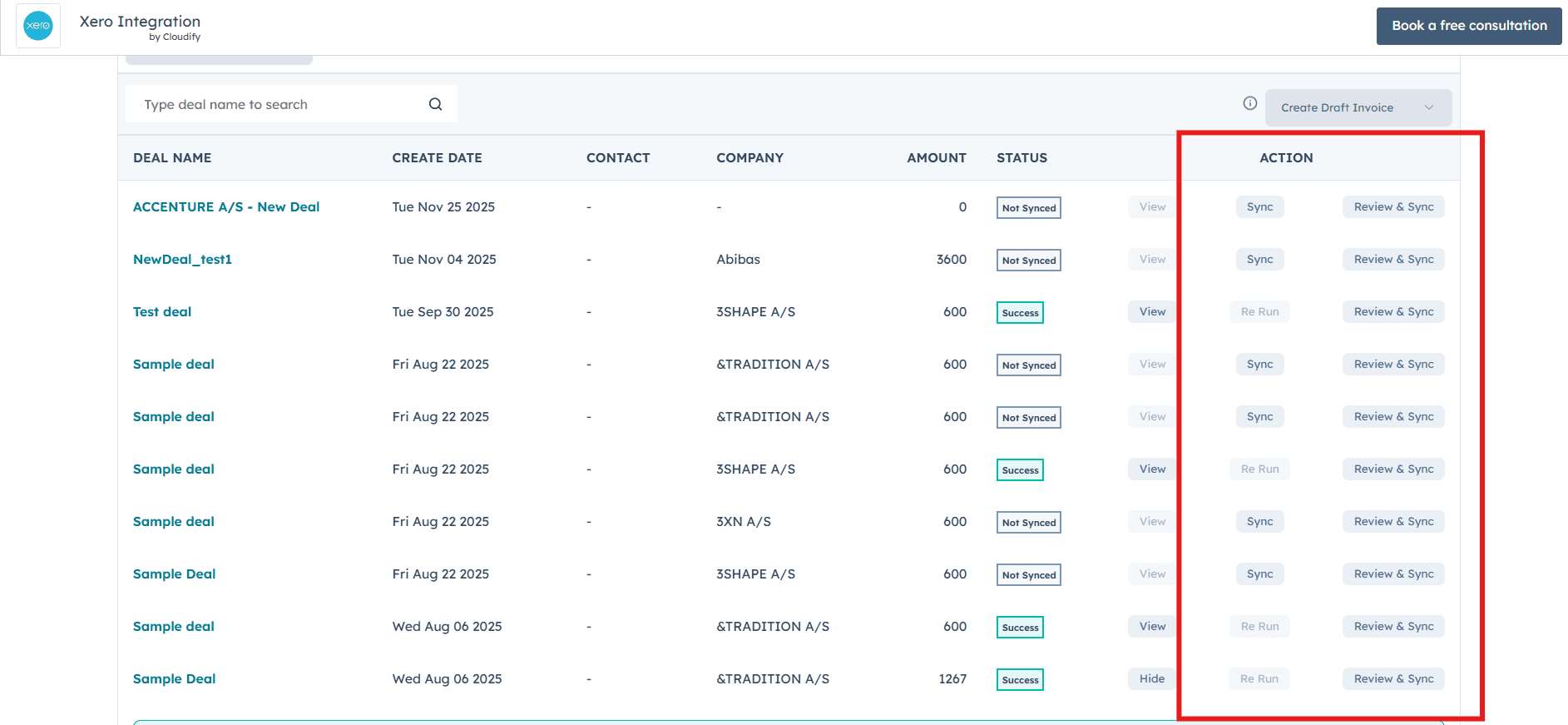
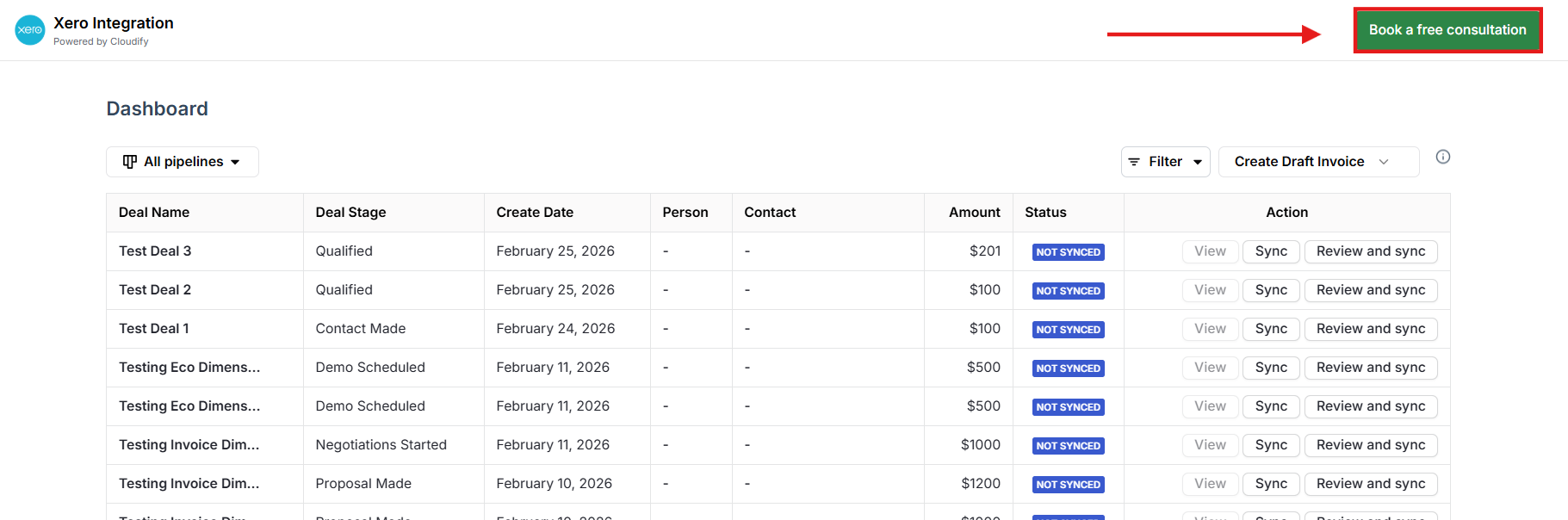
If you get stuck at any step, you can book a free consultation directly from the dashboard and our team will assist you.
Need help?
Contact our support team for further assistance.
Book a consultation
Book a free consultation with a Cloudify expert.