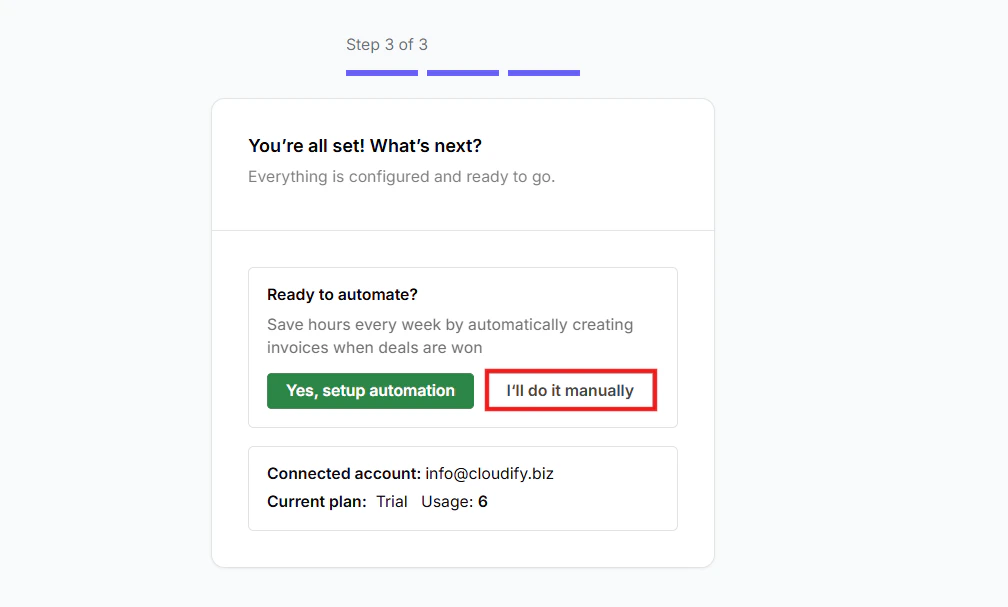
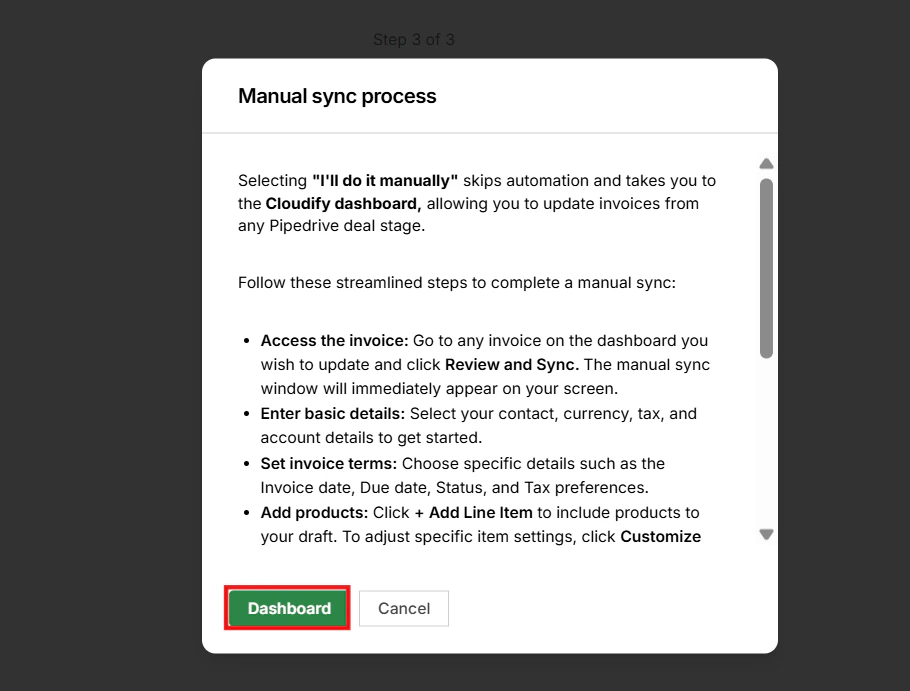
Selecting “I’ll do it manually” skips automation and takes you to the Cloudify dashboard, allowing you to update invoices from any Pipedrive deal stage.
1
Access the invoice: Go to any invoice on the dashboard you wish to update and click Review and Sync. The manual sync window will immediately appear on your screen.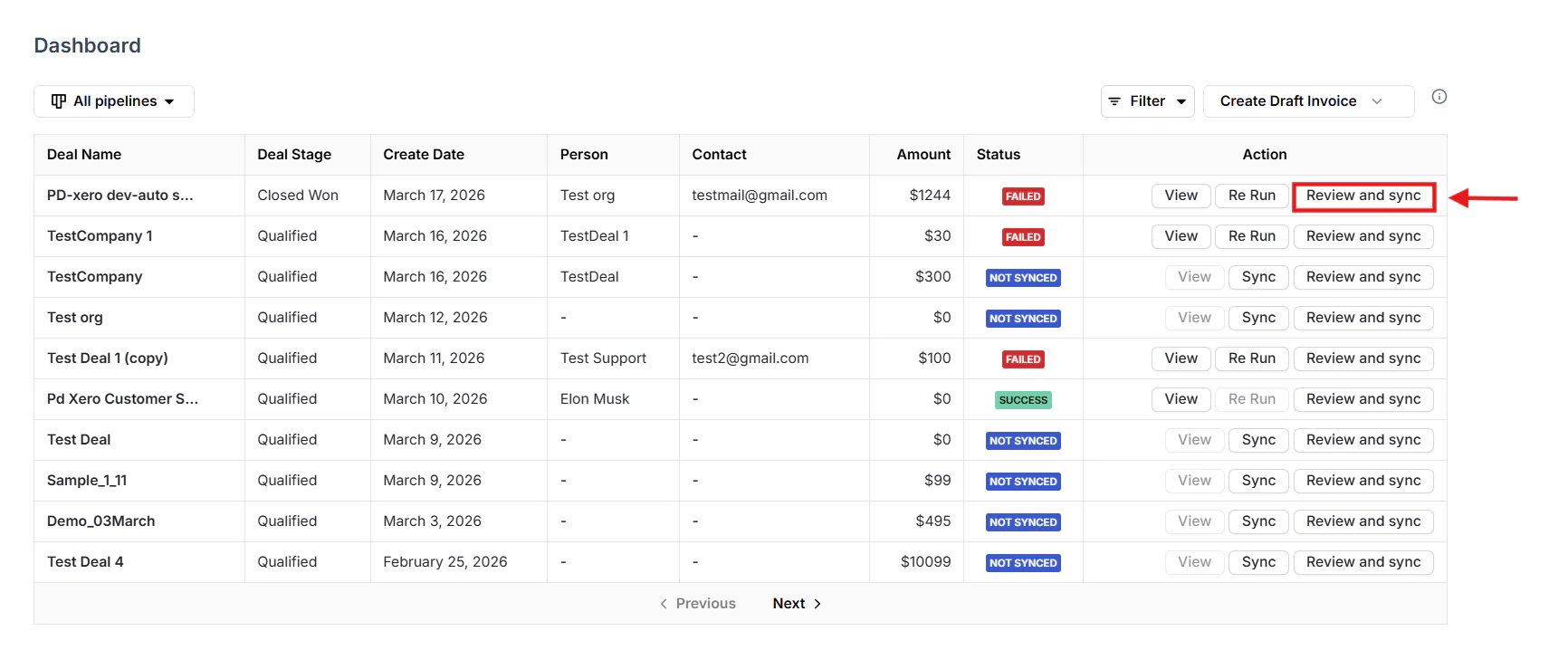
2
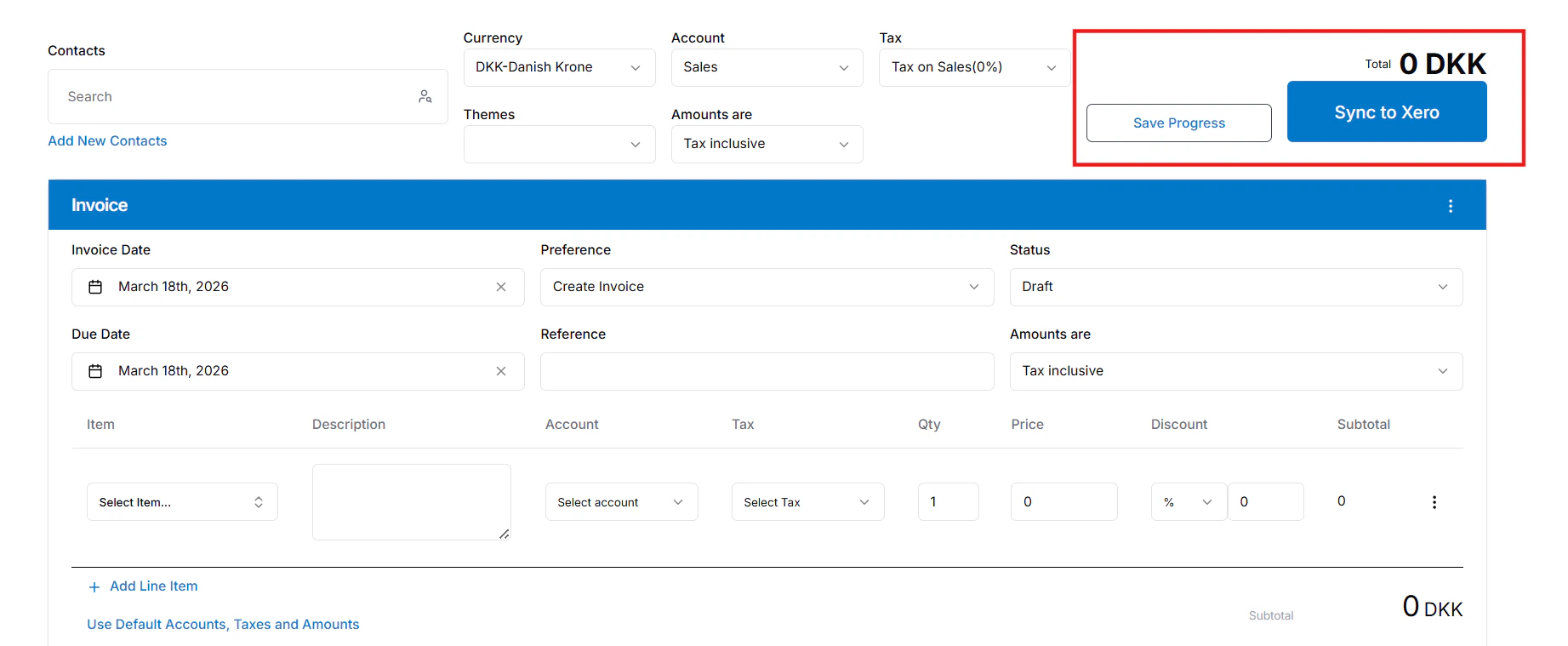
Enter basic details: Select your contact, currency, tax, and account details to get started.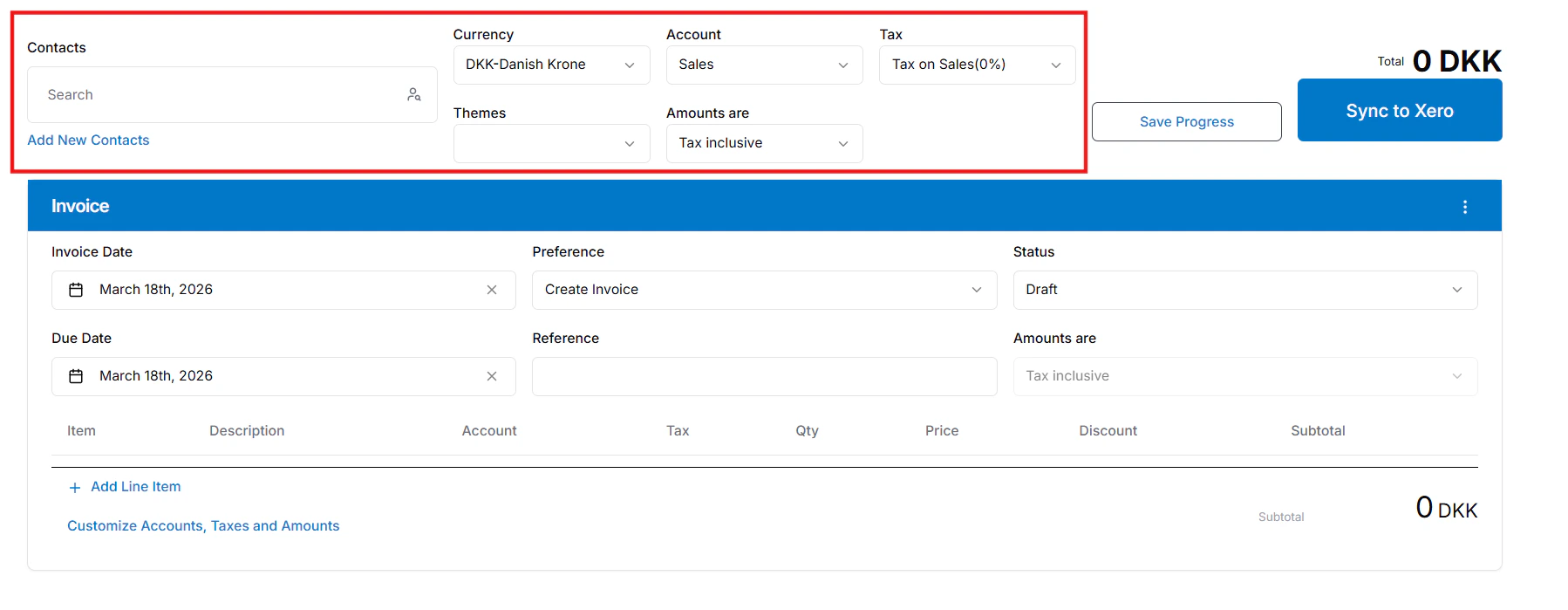
3
Set invoice terms: Choose specific details such as the Invoice date, Due date, Status, and Tax preferences.
4
Add products: Click + Add Line Item to include products to your draft. To adjust specific item settings, click Customize Accounts, Taxes and Amounts.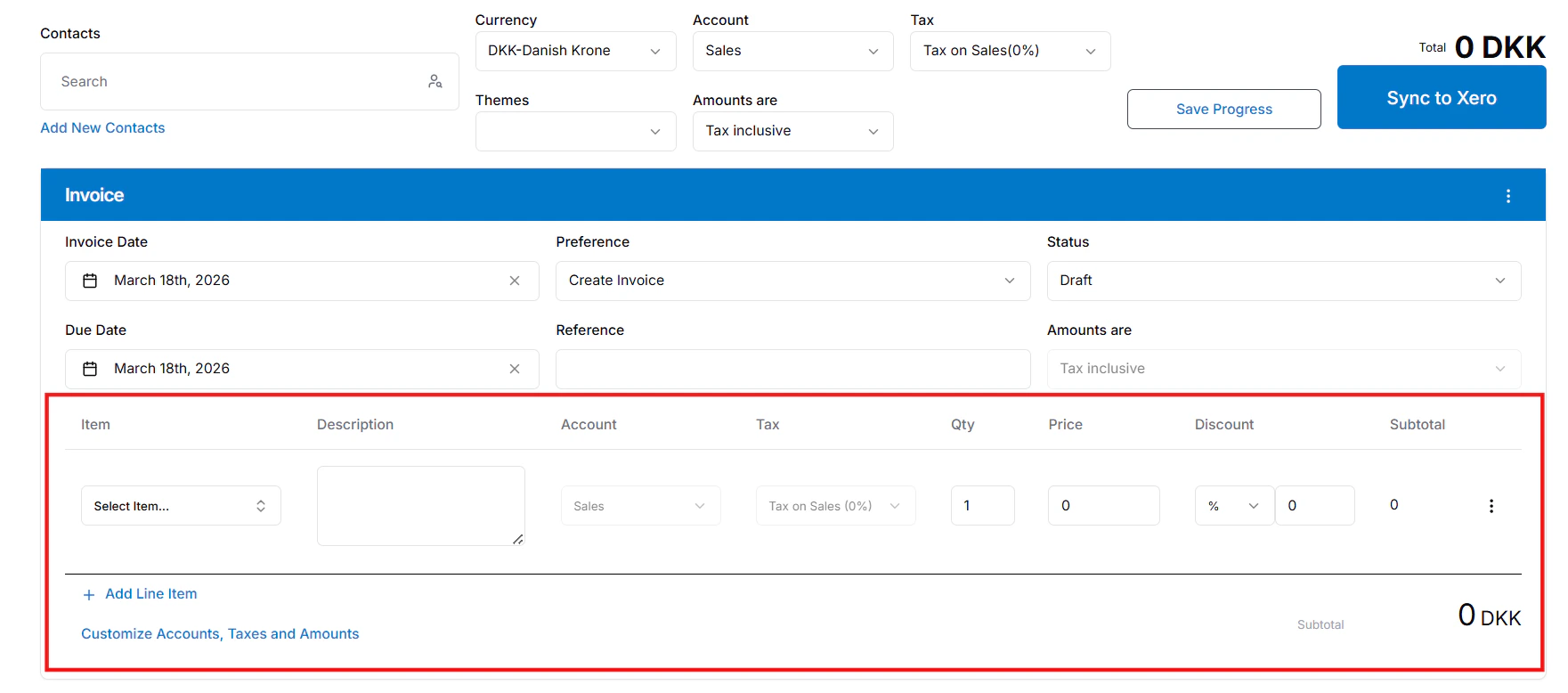
5
Adjust the invoice (Optional): Click the three-dots menu to Split your invoice by percentage or Duplicate it.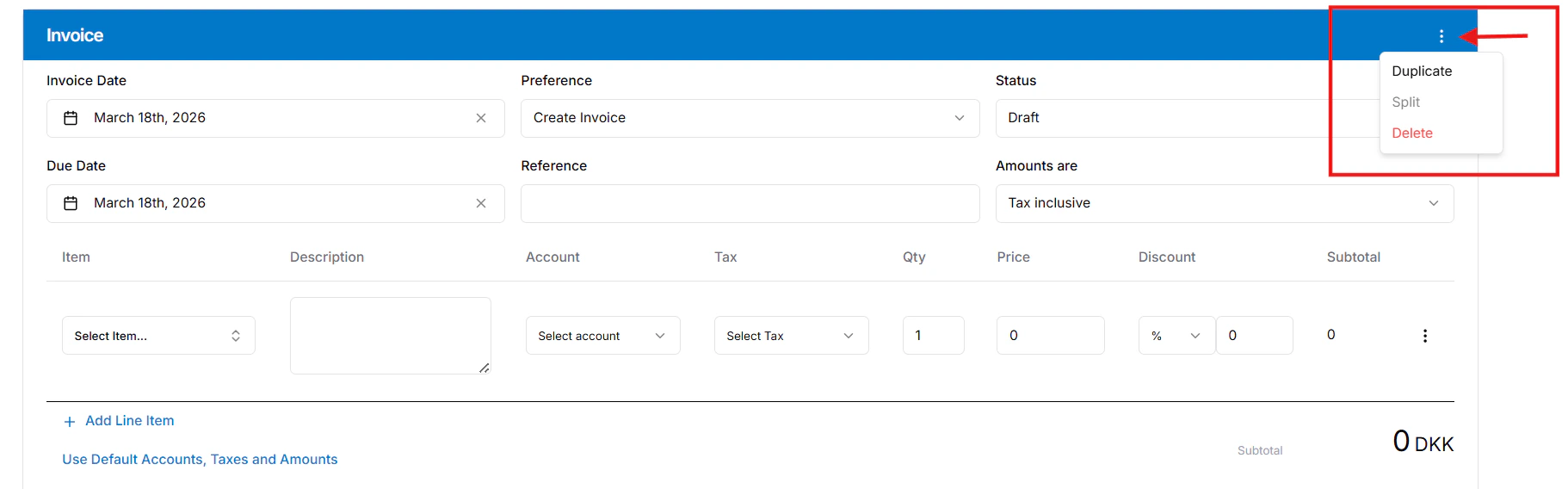
6
Finish and sync: Click Save Progress if you need to finish later, or Sync to Xero to push the draft Xero. You can view the final invoice in the deal’s attachments or notes.