Steps to cancel
1
Open Manage Apps
In Pipedrive, click the marketplace icon in the top navigation bar, then click Manage apps..png?fit=max&auto=format&n=KNfyPVYDqGHOzteu&q=85&s=82fdd3c87763bdb6dbe14e98cc2e923c)
2
Find Xero and open Settings
Search for Xero in your installed apps, click the ··· menu next to it, and select Settings.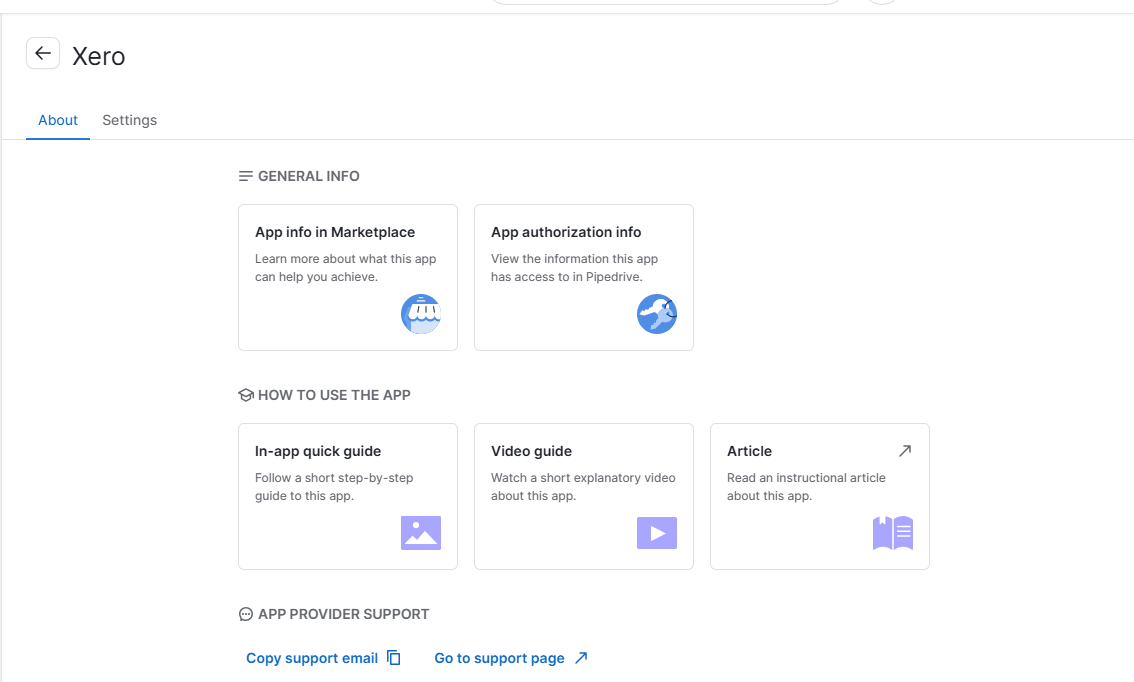
3
Go to Manage Plan
Inside the Xero app settings, click the subscription icon in the left sidebar, then click Manage Plan.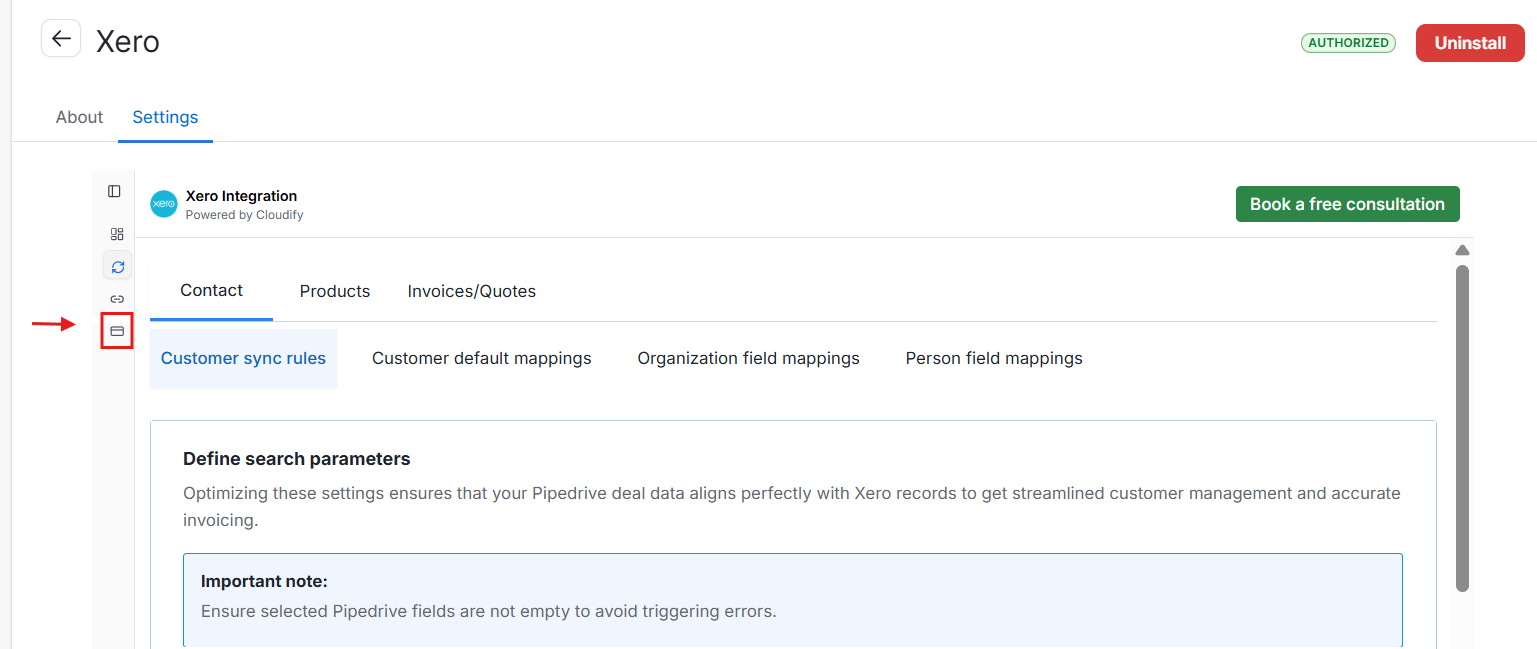
4
Cancel your plan
On the subscription page, click Cancel in the top-right corner of your current plan banner.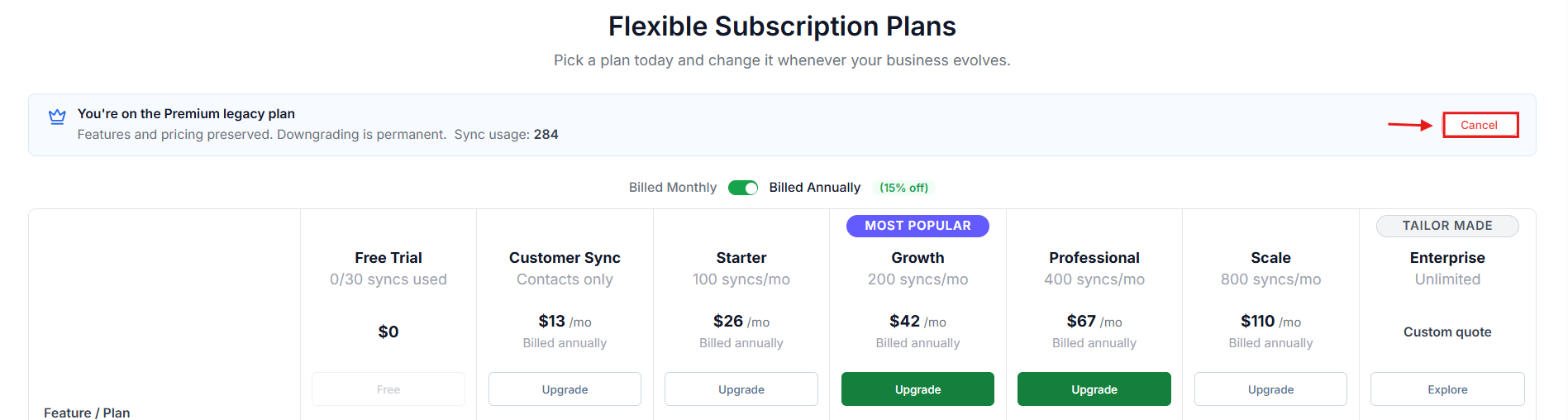
5
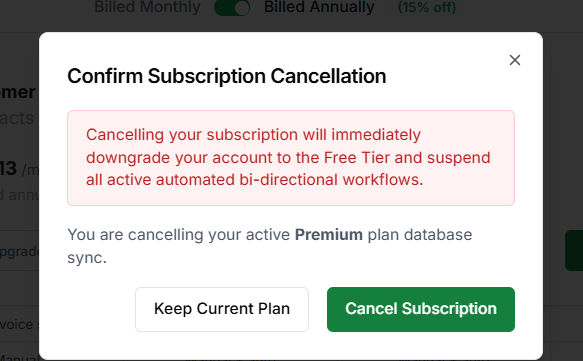
Confirm cancellation
A confirmation dialog will appear. Click Cancel Subscription to confirm.