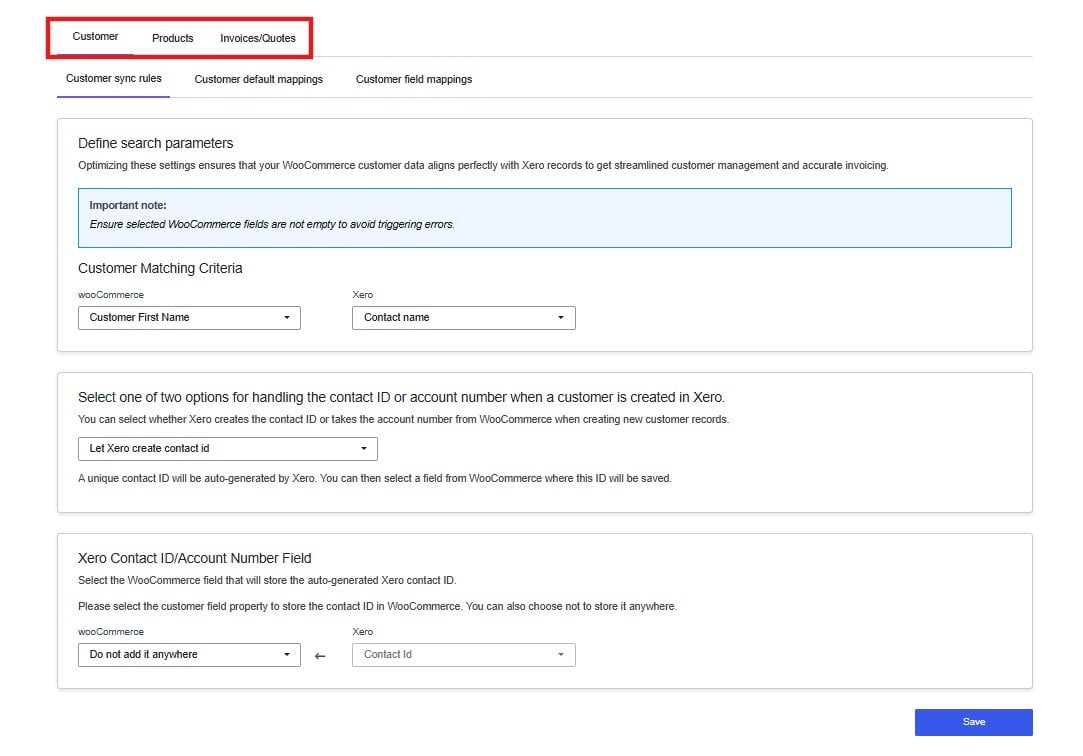
Step 1: Open the Plugin
From the WordPress admin sidebar, open Sync Orders with Xero – Cloudify, or simply hover over the plugin and click Settings.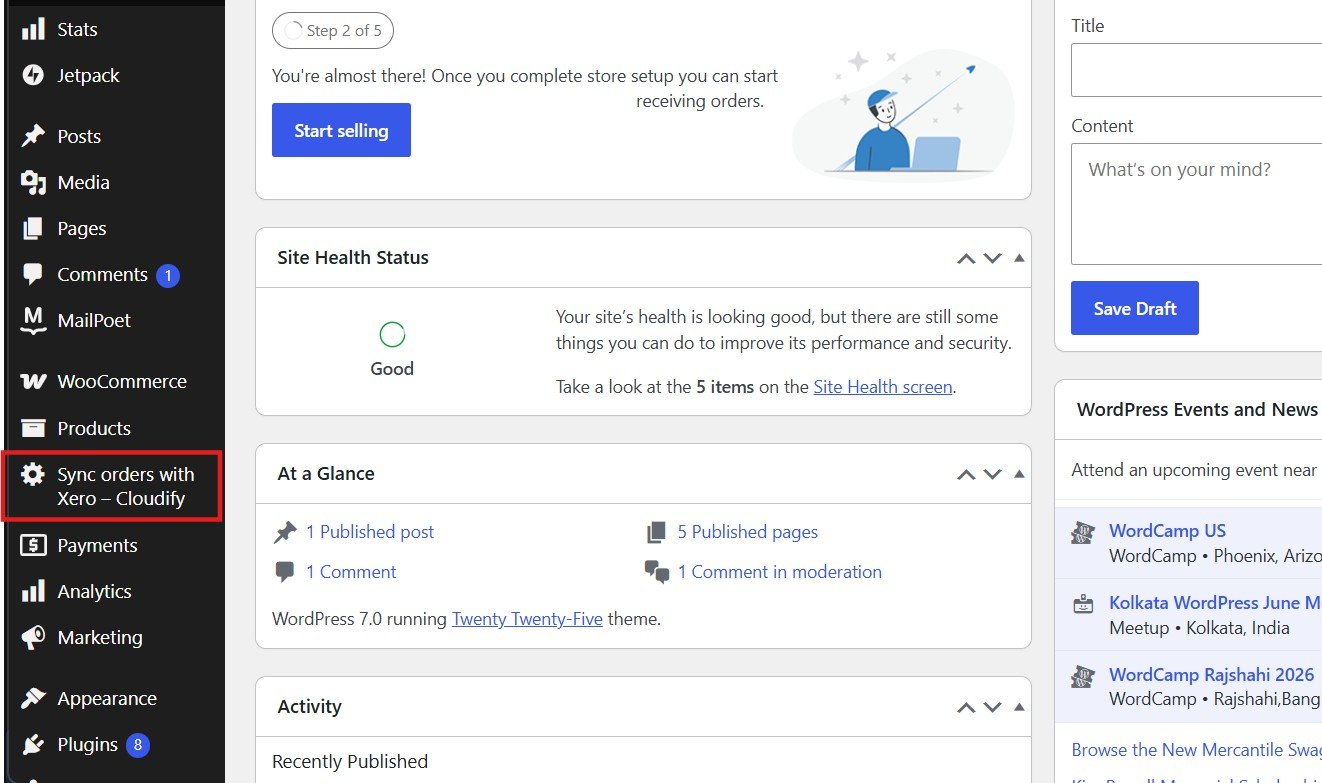
Step 2: Open Integration Settings
The plugin dashboard shows three sections: Xero Connection, Integration Settings, and Subscription.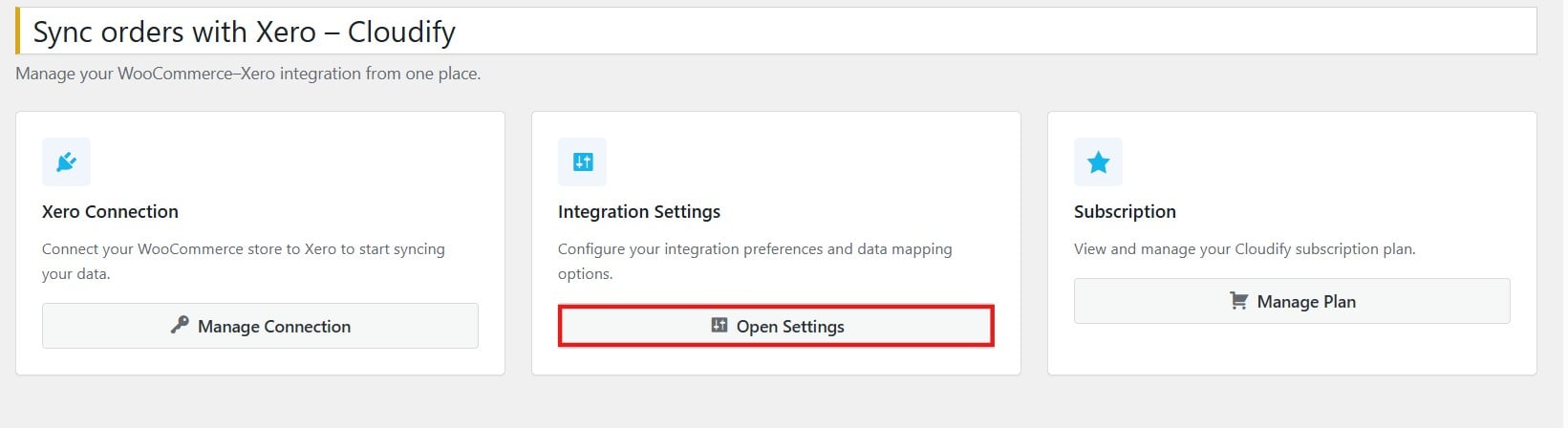
Overview of Settings
The Integration Settings page gives an overview of the three configuration areas:- Customer Mapping — Match WooCommerce customers to existing Xero contacts or create new ones automatically on each order.
- Product Mapping — Map WooCommerce products to Xero inventory items, or have new items created automatically on first sync.
- Invoice & Quote Settings — Choose whether WooCommerce orders sync as Xero invoices or quotes, and configure default accounts and tax rates.