

How to Install the App
1
Log in to your HubSpot account and search for Business Central in the marketplace. If you are already logged into your HubSpot account, open the application listing directly.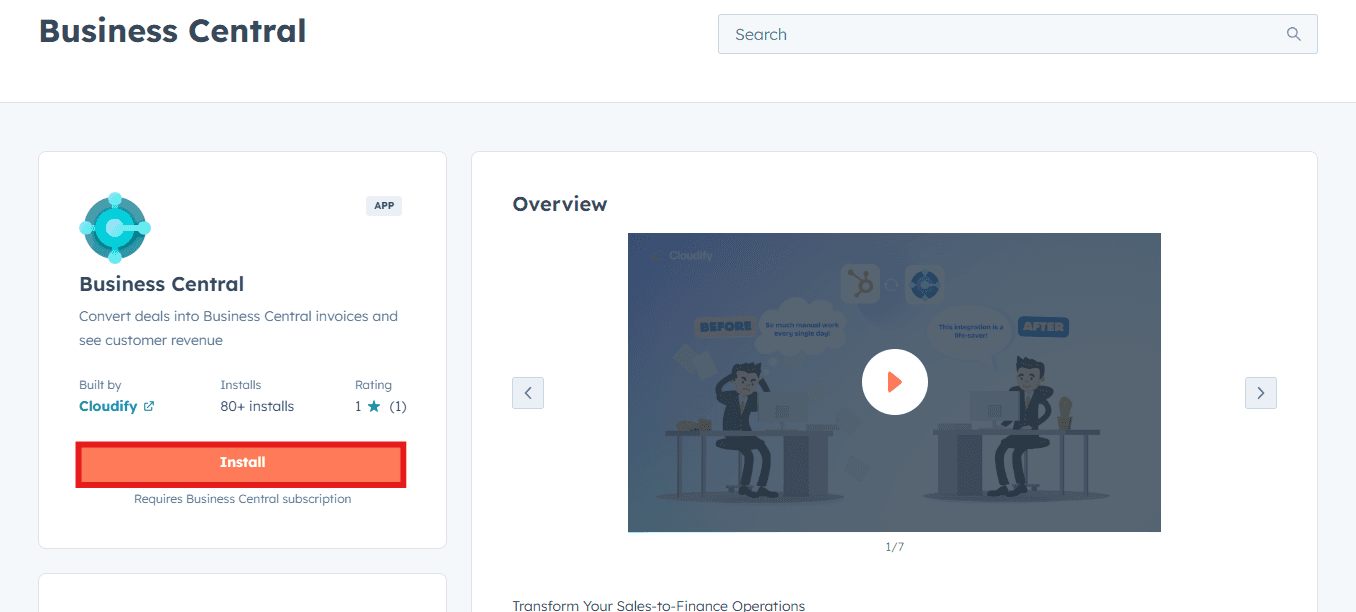
2
Click Install app.
3
Click Connect App.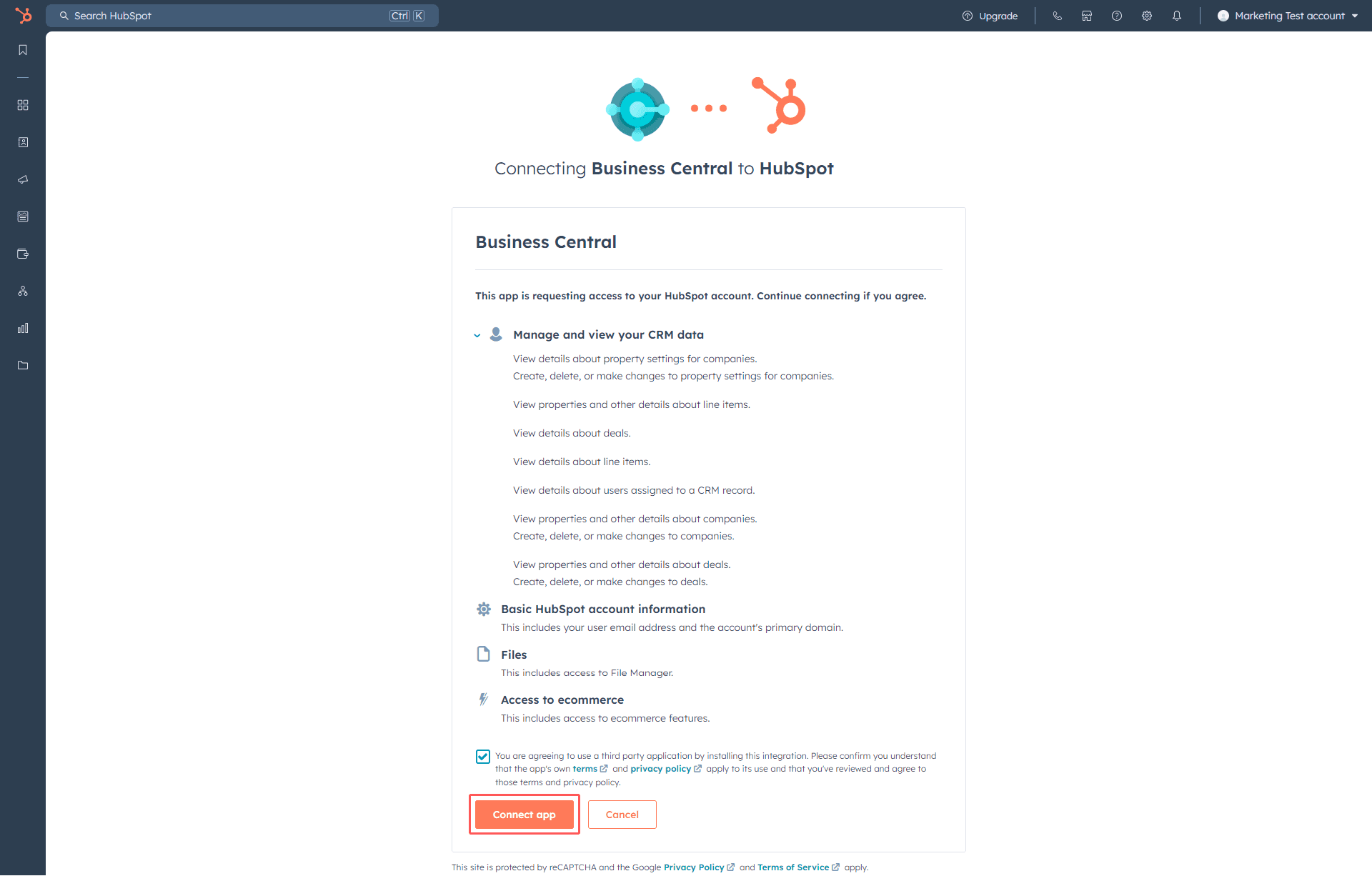
4
Click Start.
Connecting Microsoft Business Central account
1
Click Connect Microsoft Business Central to connect your Microsoft Business Central account.
2
You will be asked to input your Microsoft Business Central credentials. First, enter the email connected to your Microsoft Business Central account, then click Next.
3
Enter your password and click Sign in.
4
Once the account is connected successfully, click anywhere on the screen to move to the next step.
5
Click Continue. Your Microsoft Business Central account is now connected to HubSpot.
Select Company & Environment
1
Choose the environment and company within Business Central where you would like the app installed, then click Next.
If you need help during setup, you can book a guided installation with the Cloudify team.