1
Select a Pipeline from the drop-down menu. This step allows you to link the creation of invoices or quotes to a specific sales pipeline in HubSpot. It ensures that the invoices or quotes are generated at the right time in the sales process, improving efficiency and reducing the risk of errors associated with manual entry.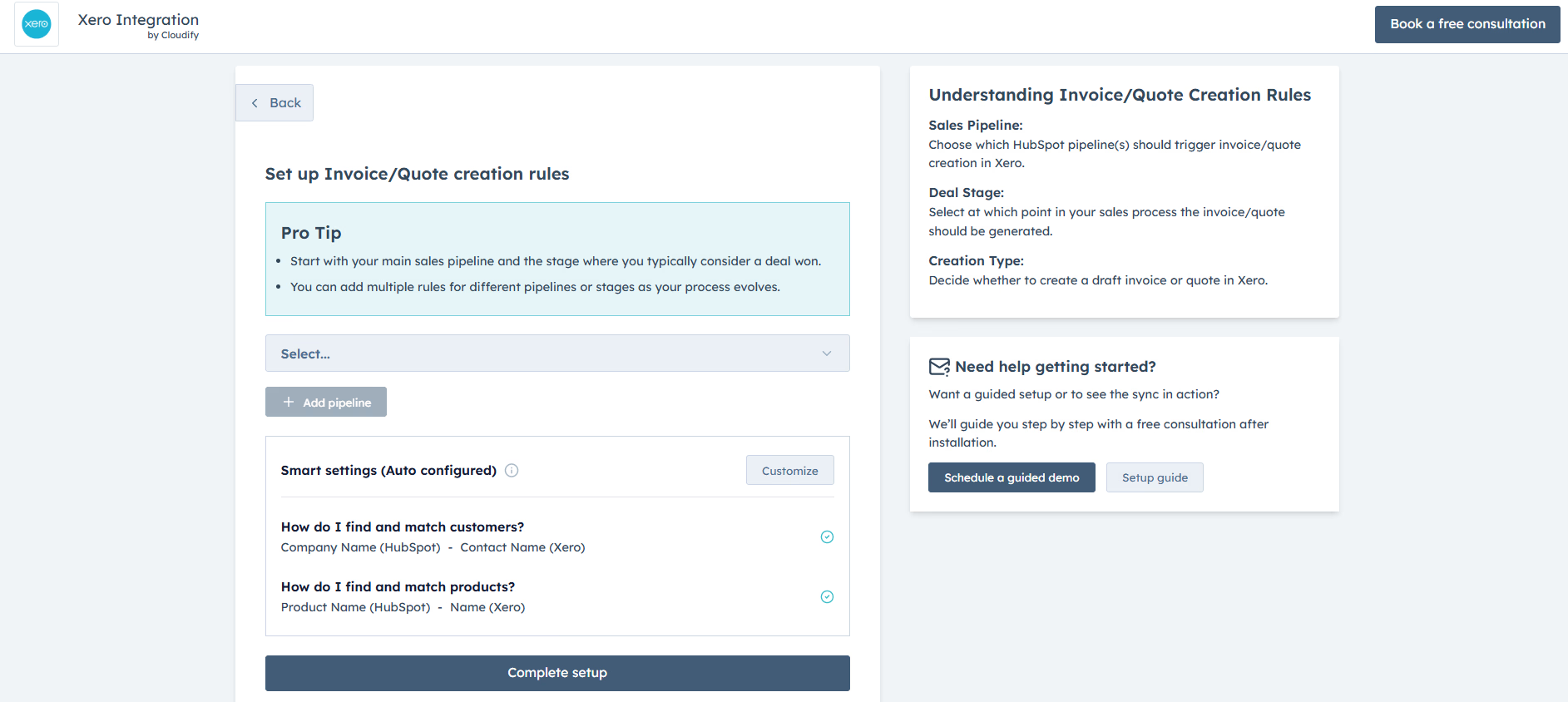
Feel free to click Get Guided Installation if you require assistance from Cloudify experts regarding the installation steps
2
Select the Deal Stage from the drop-down menu. Here, you select the particular stage within the sales pipeline that will trigger the creation of an invoice or quotes in Xero. This ensures the invoicing process aligns perfectly with your established sales flow.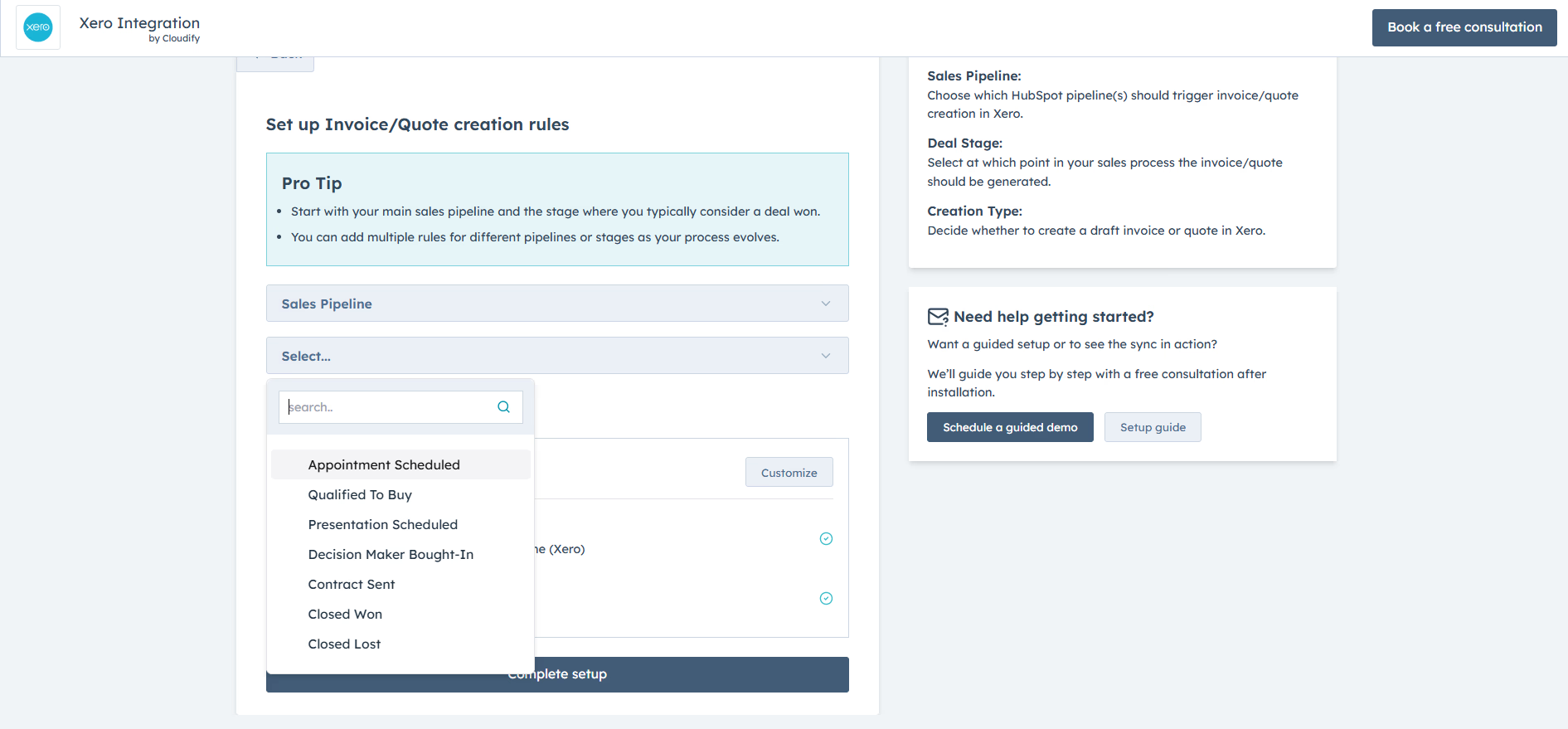
3
After selecting the required options, click on “Add Pipeline”.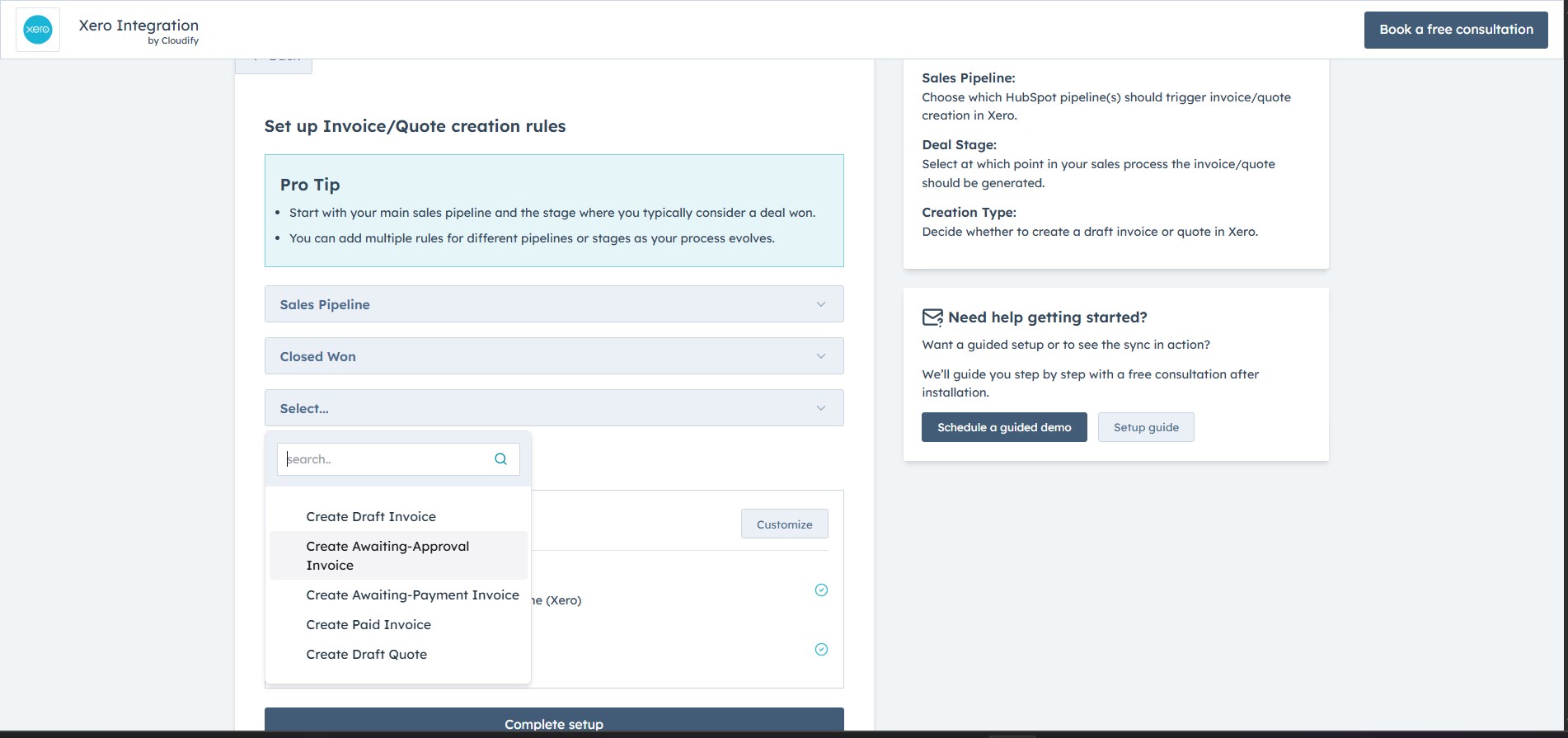
4
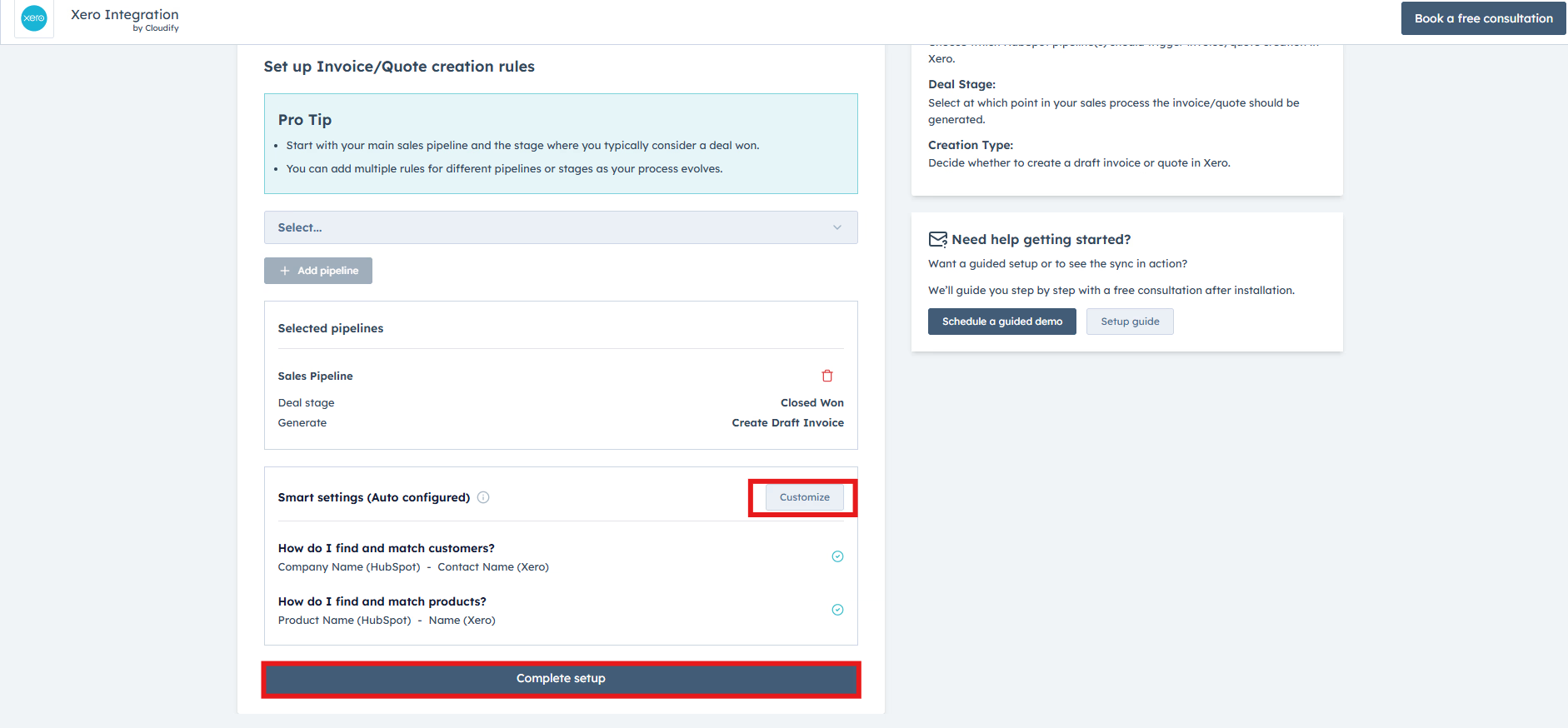
Once you’ve added the pipeline, you can click on “Customize” to set up your Customer Matching and Product Matching preferences, or click on “Complete Setup” to directly view the dashboard and start syncing.