

- Customer Payments
- Bank Payouts
- Processing Fees
- Refunds
- Adjustments
Journal Entries can only be configured when you are creating a Booked Invoice under Invoice Sync Rules.
Journal Entry Preferences
To enable journal entries, turn on Create Journal Entries.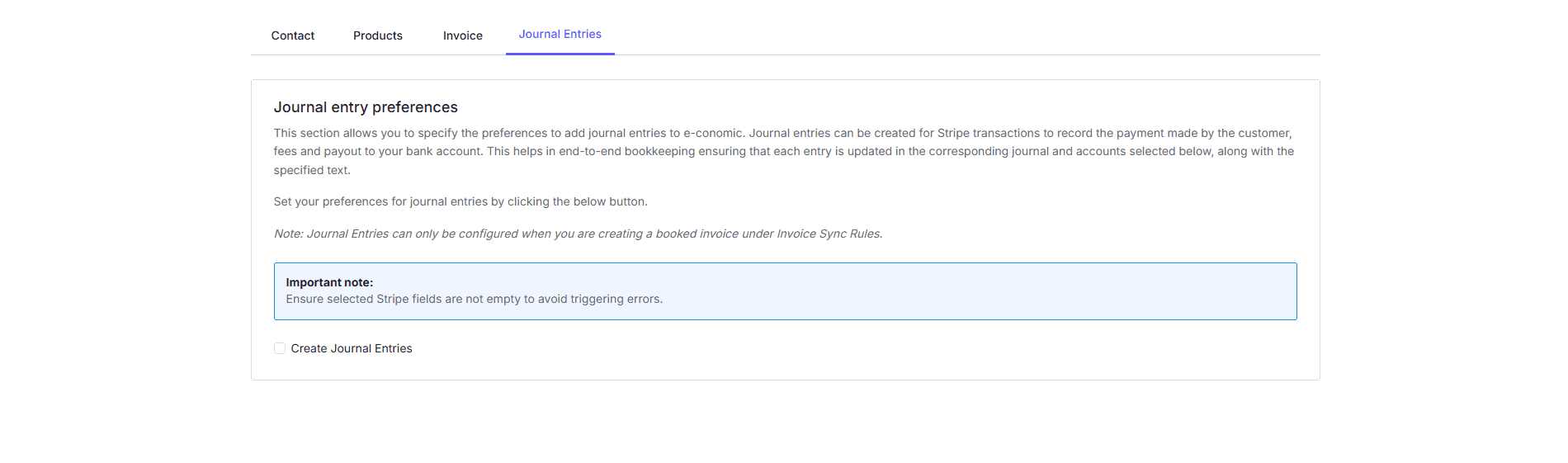

What You Need To Configure
Customer Payment
Choose:- Journal Number
- Customer Payment Text
Bank Payouts
Choose:- Payout Account
- Payout Text
Processing Fees
Choose:- Fee Account
- Fee Text
Refunds
Choose:- Refund Account
- Refund Text
Adjustments
Choose:- Adjustment Account
- Adjustment Text
How The Process Works
When a Stripe payout occurs:- The system creates the relevant journal entries automatically
- Each transaction type is recorded in the account you selected
- Each entry includes your chosen text together with transaction-specific information for easier tracking
Tips For Success
- Choose clear and separate accounts for each transaction type
- Make sure your e-conomic chart of accounts is ready before configuring this section
- Review the first few automatic entries to confirm everything is recorded correctly
- If needed, confirm the account setup with your accountant or financial advisor