Initial Installation
Getting Started
1
Navigate to the Stripe App Marketplace
2
Search for “Cloudify e-conomic Integration”
3
Click “Install app”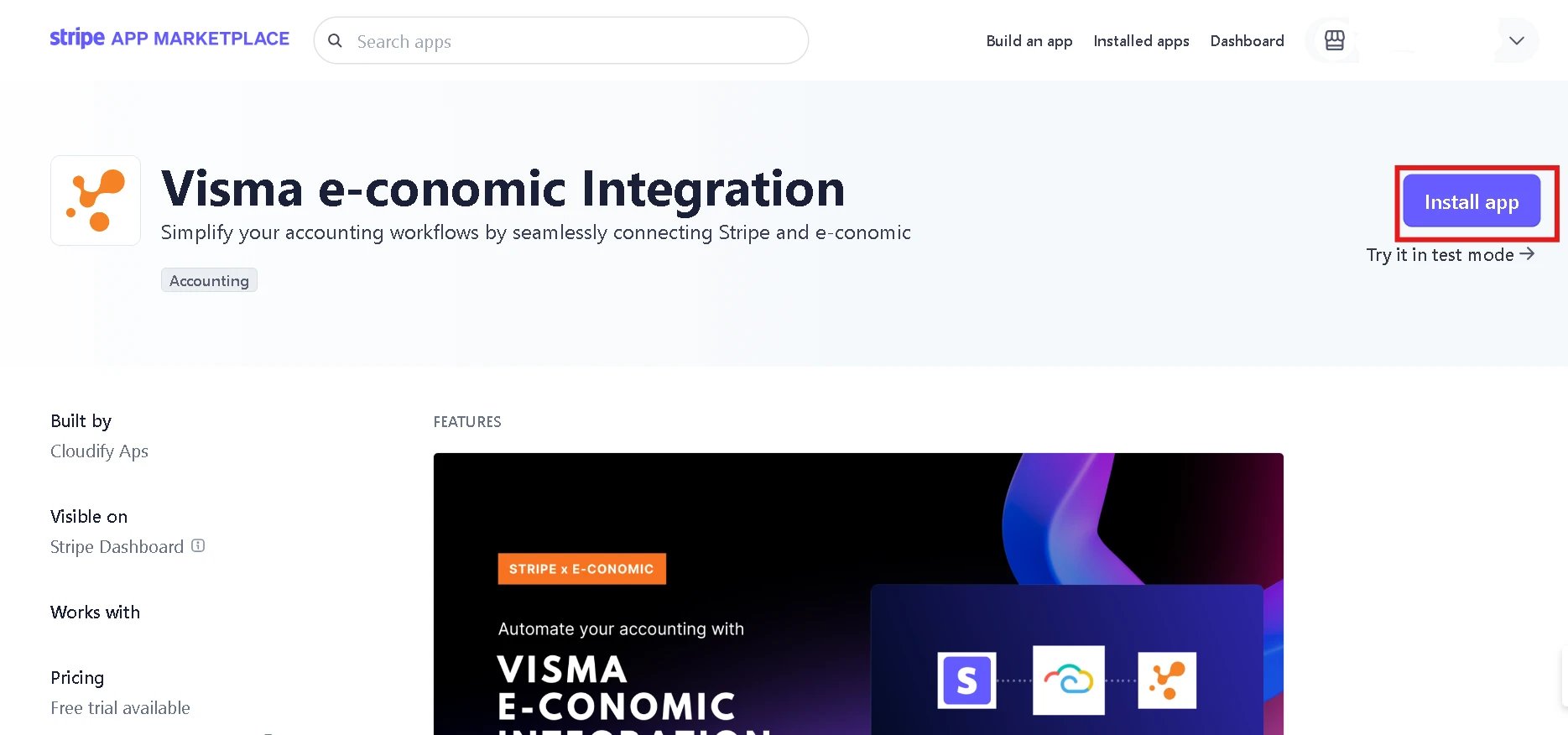
4
Complete the authorization process for Stripe
5
Connect your e-conomic account when prompted
Connecting e-conomic
1
Click “Connect e-conomic”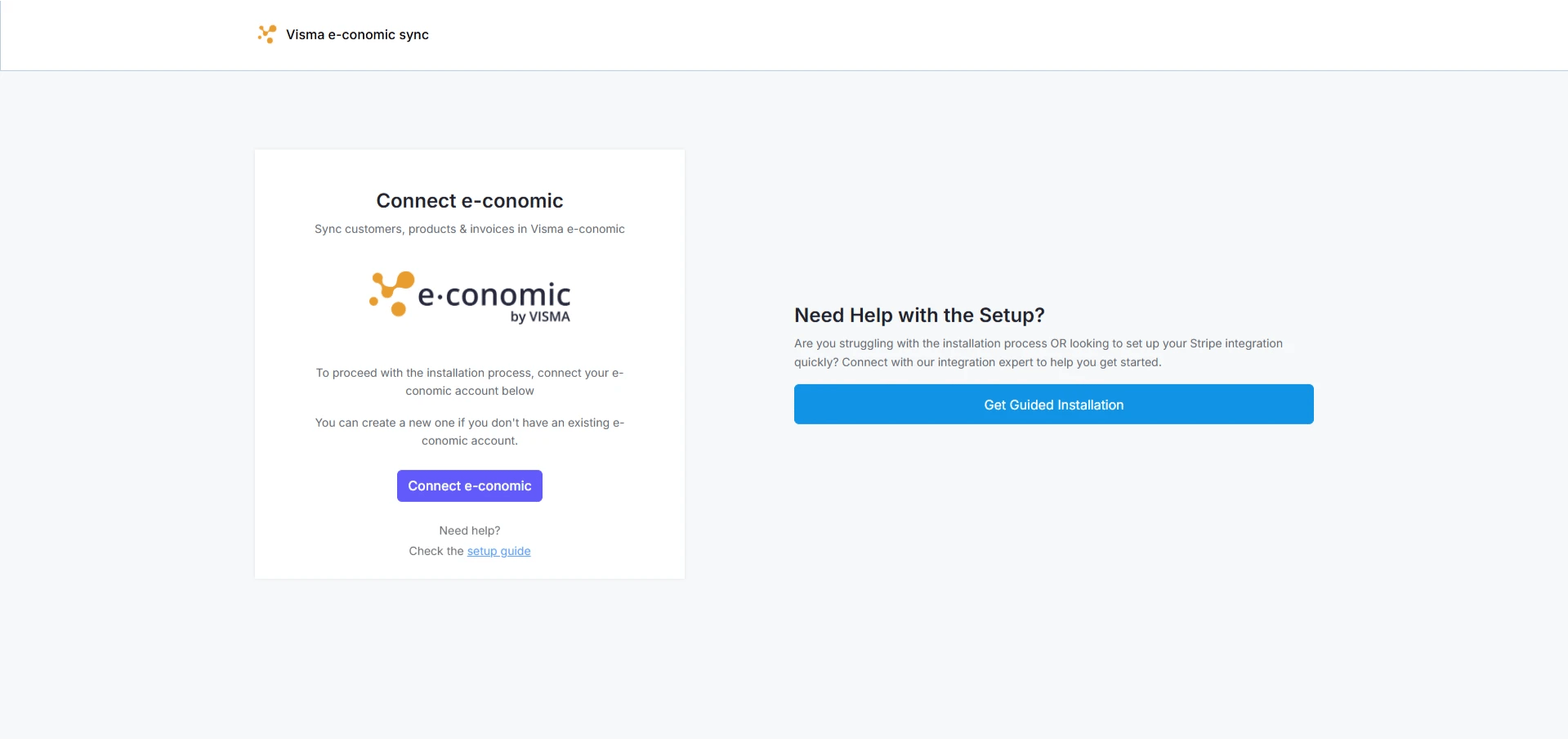
2
Log in to your e-conomic account by clicking “OK”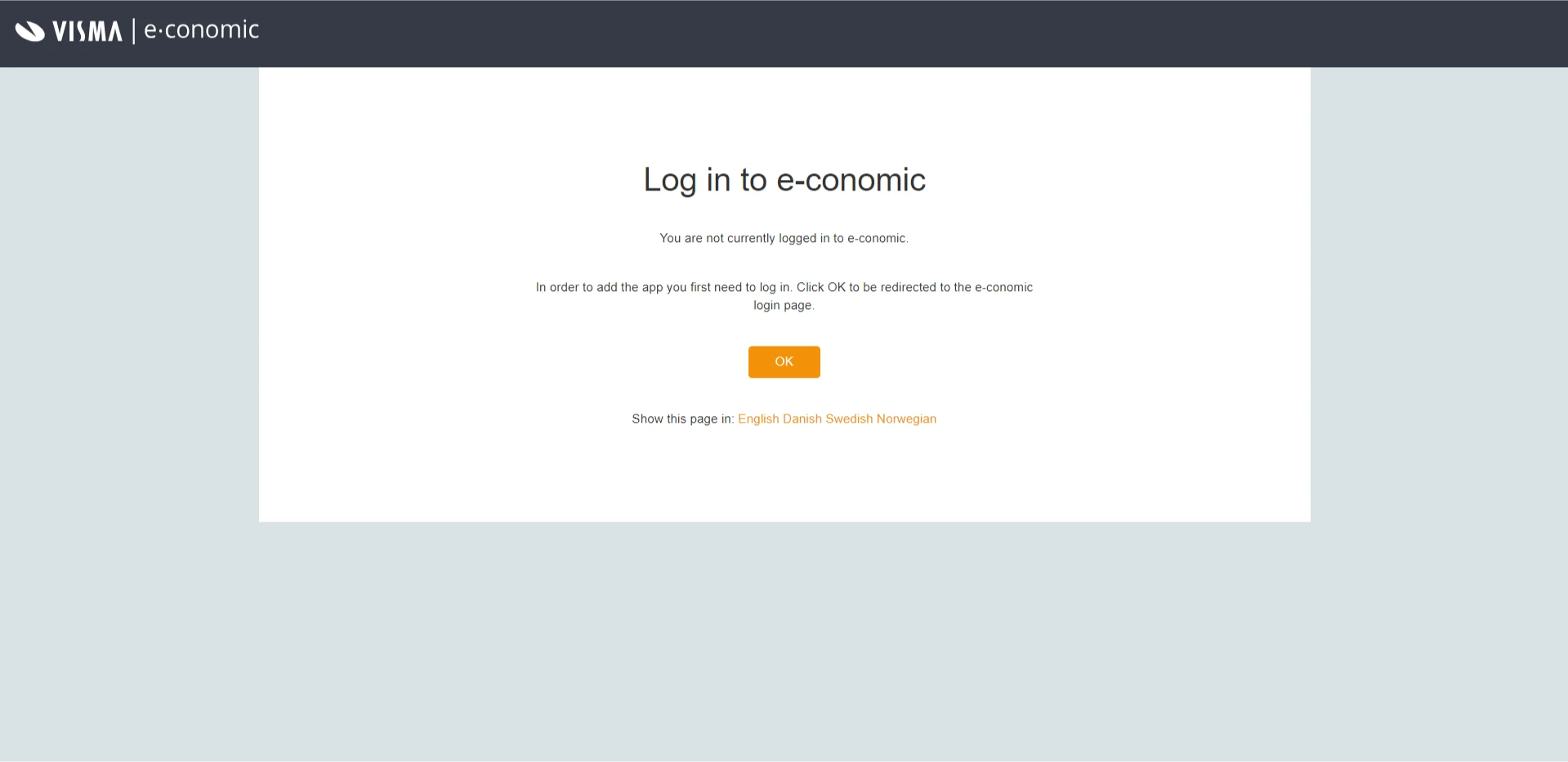
3
On the Visma e-conomic login page, enter your email address and click on “Next”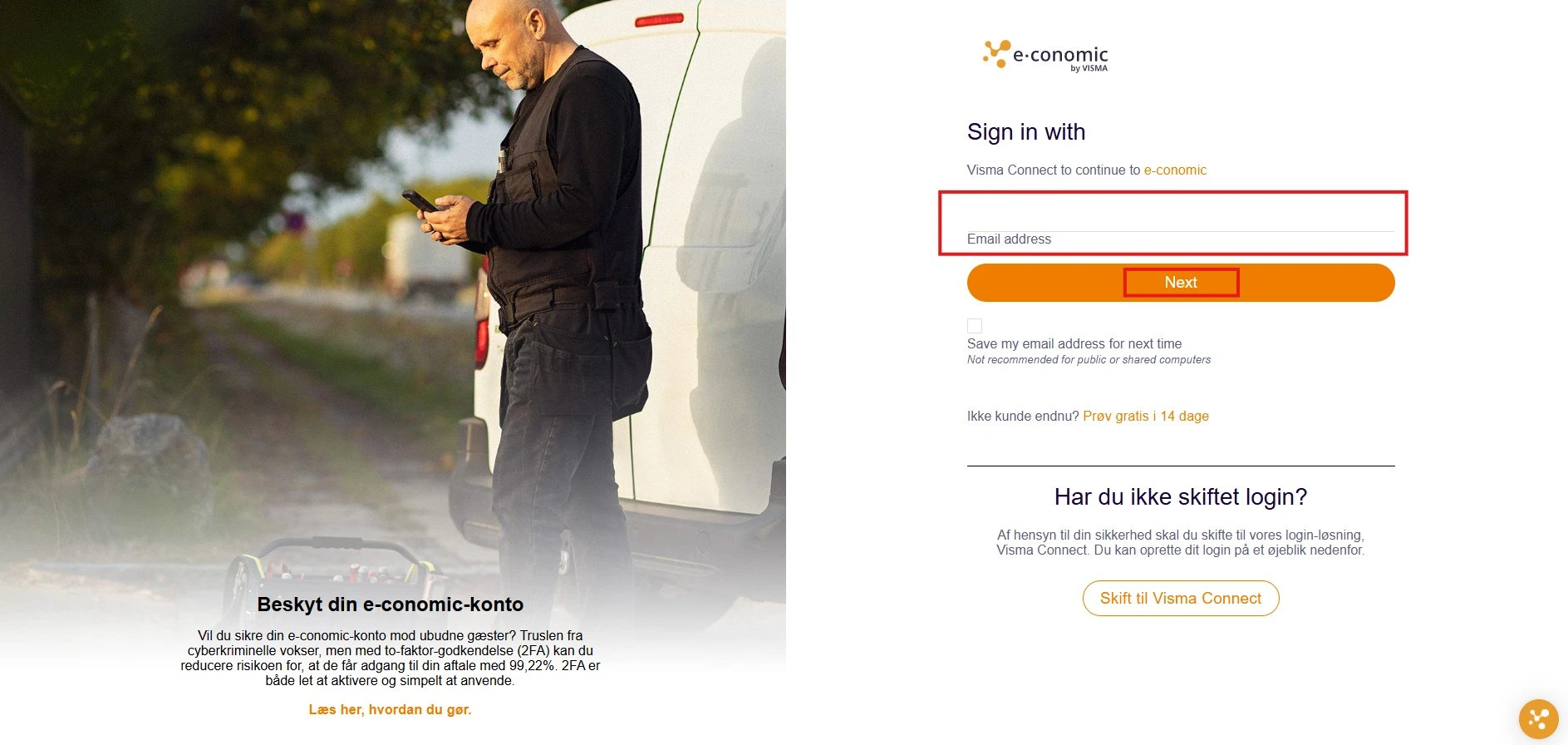
4
Enter the password and click on “Sign In”
5
Authorize the integration by clicking on “Add app”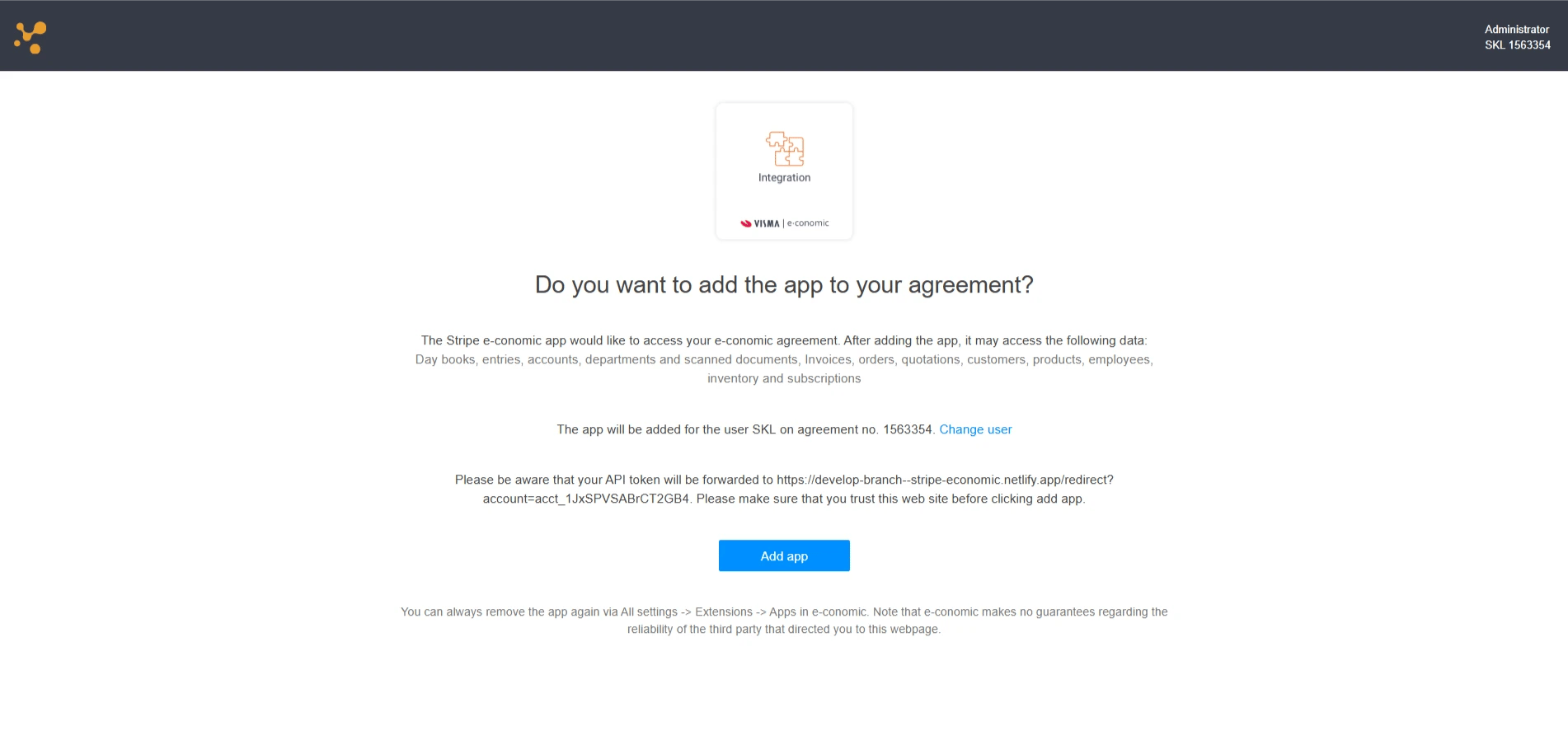
6
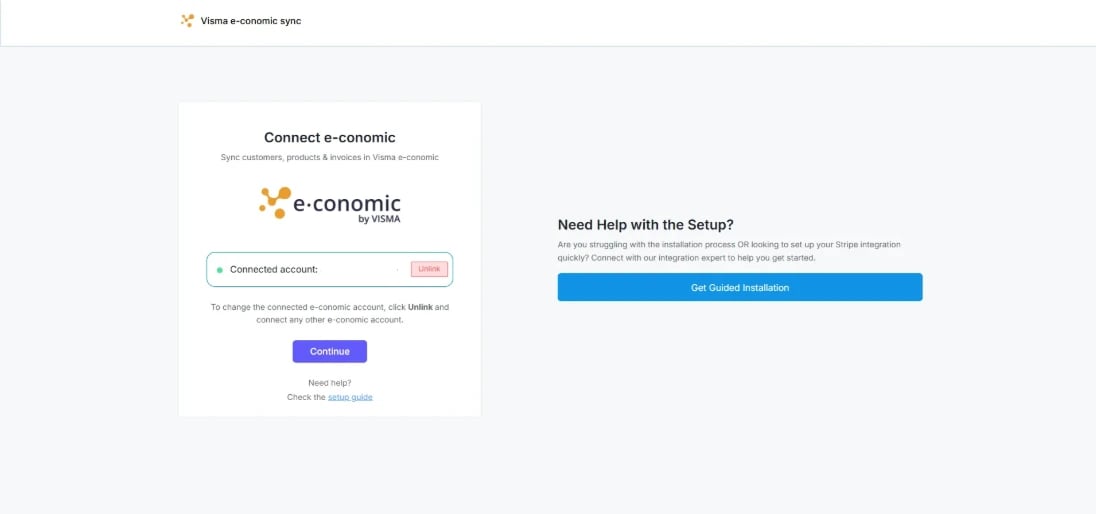
Verify the connection status shows “Connected”. Press “Continue” to proceed.