

Setting up the HubSpot to Fortnox Integration
Now that you’ve installed the app and connected your accounts, it’s time to configure how information flows between HubSpot and Fortnox. The quick install already covered the essential settings. With this guide, you will be able to customise your app further if needed.To Find the Settings Page
1
Click the Marketplace icon at the top of the page, then click “Connected Apps”.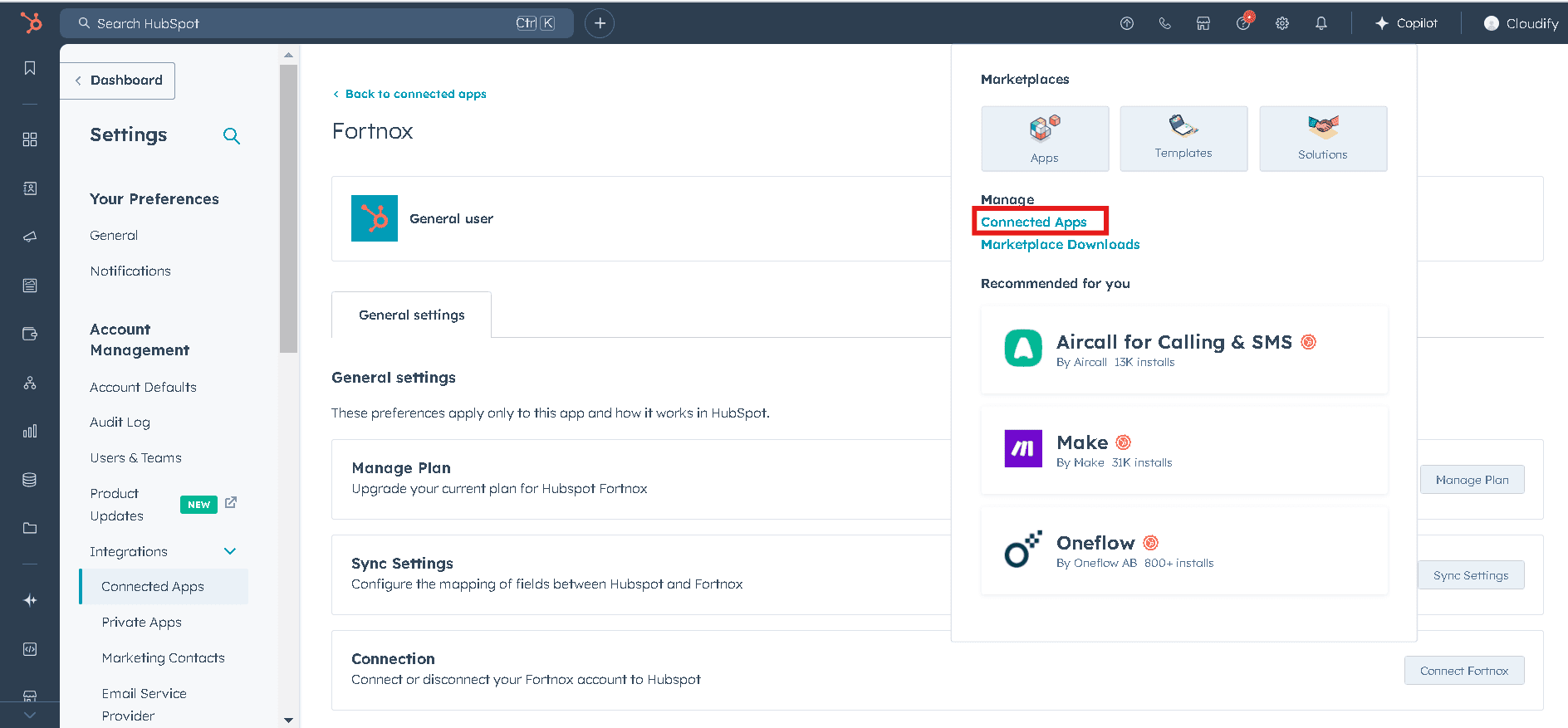
2
Click on the Fortnox app.
3
Select “Go to Settings”.
4
Click on “Sync Settings”.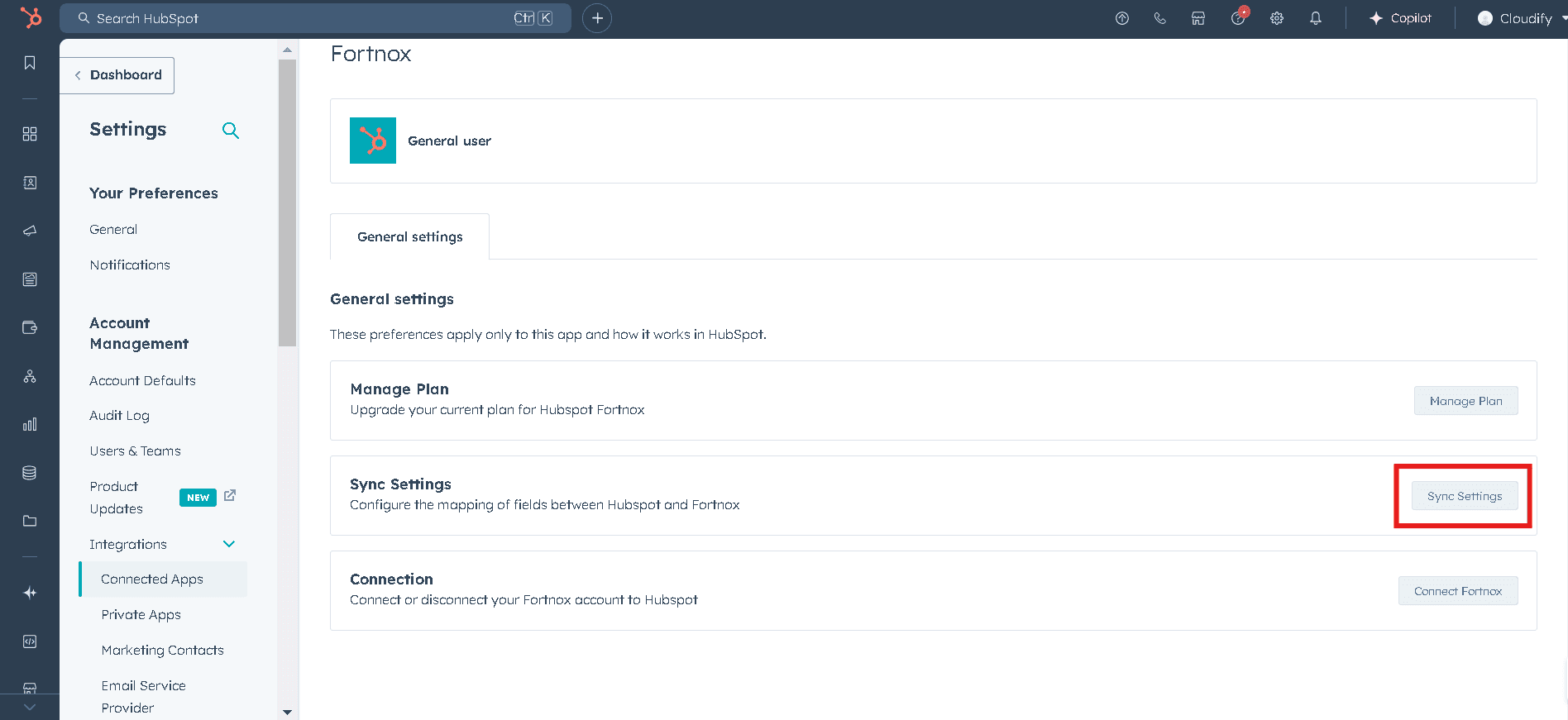
- Customer Settings
- Product Settings
- Invoice/Order Settings