How to Install the App
1
Log in to your HubSpot account and search for “Fortnox Integration” in the marketplace. If you already have a HubSpot account, you can click the application link directly.
2
Click “Install App”.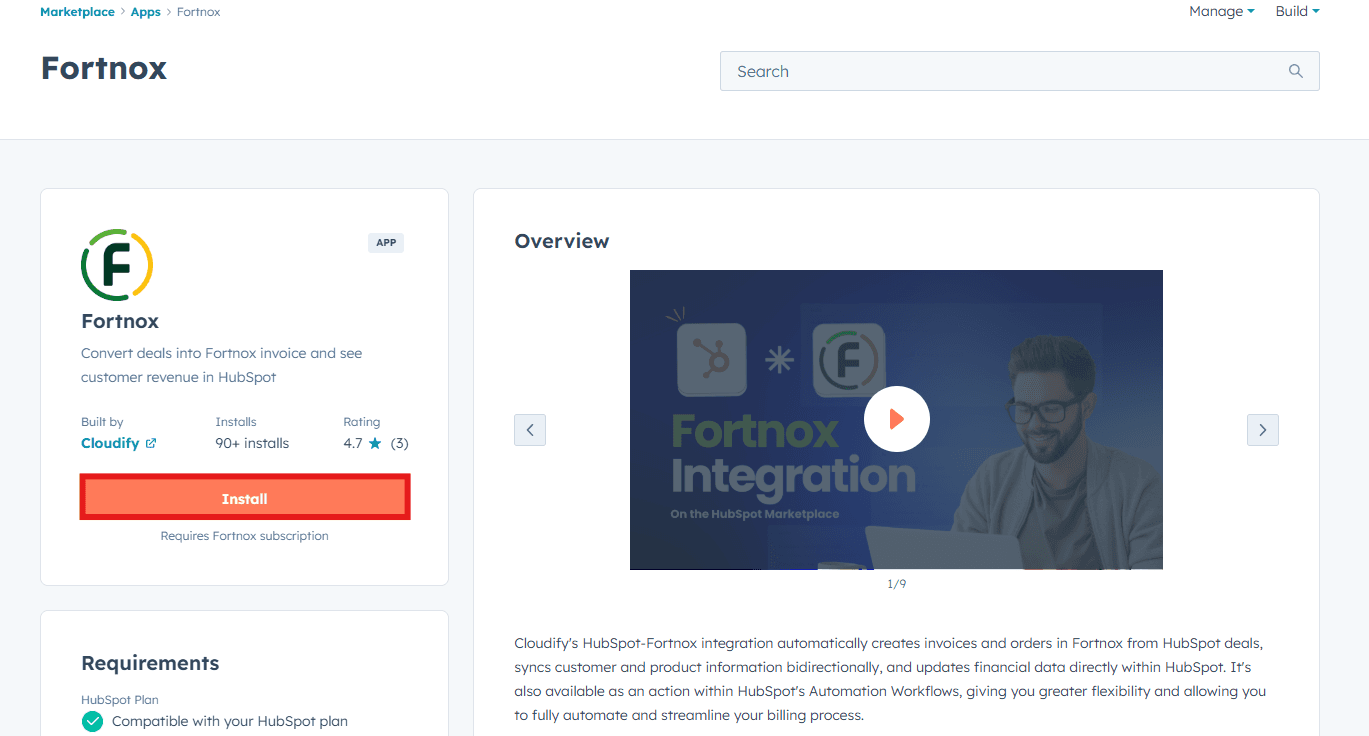
3
Click “Connect App”.
4
Click on “Let’s get started”.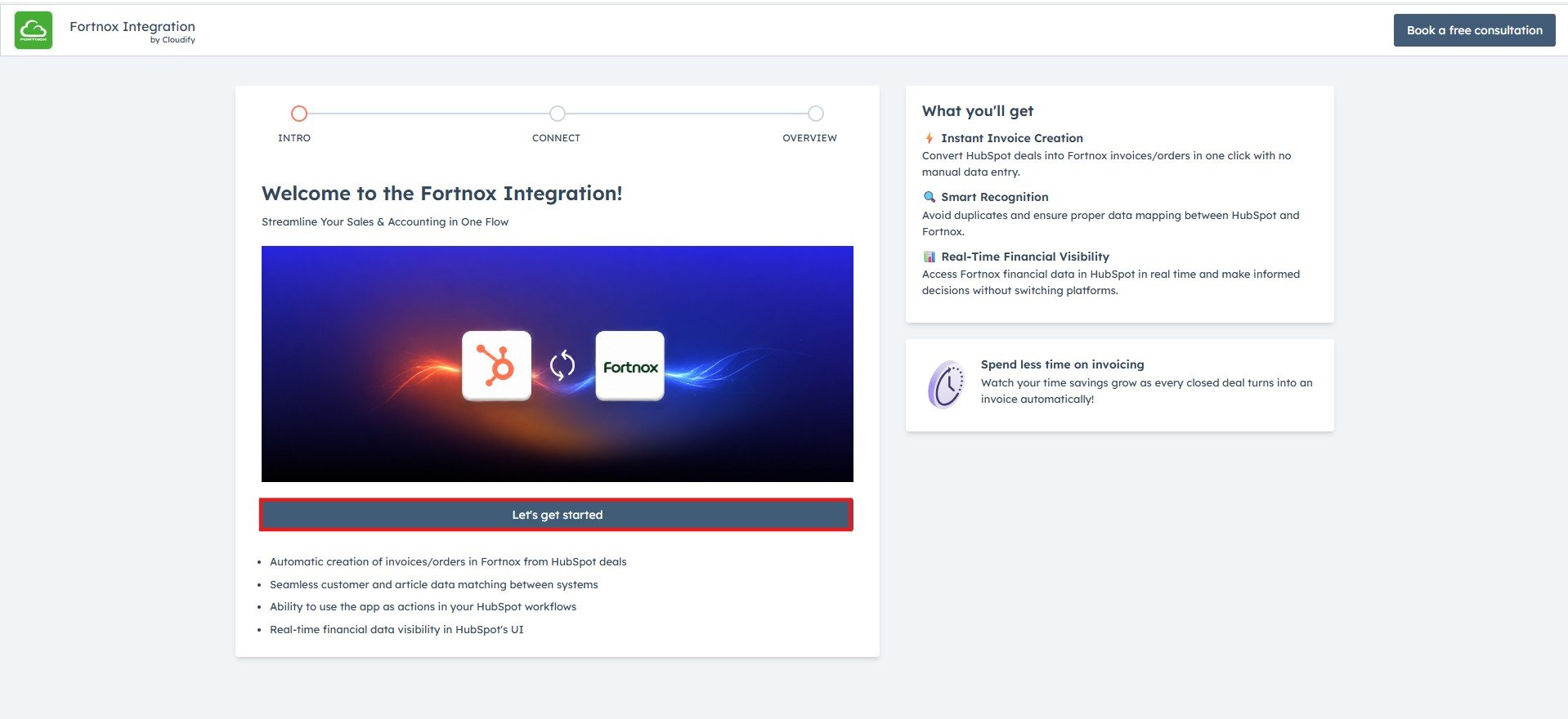
Connecting Your Fortnox Account
1
Click “Connect Fortnox” to connect your Fortnox account.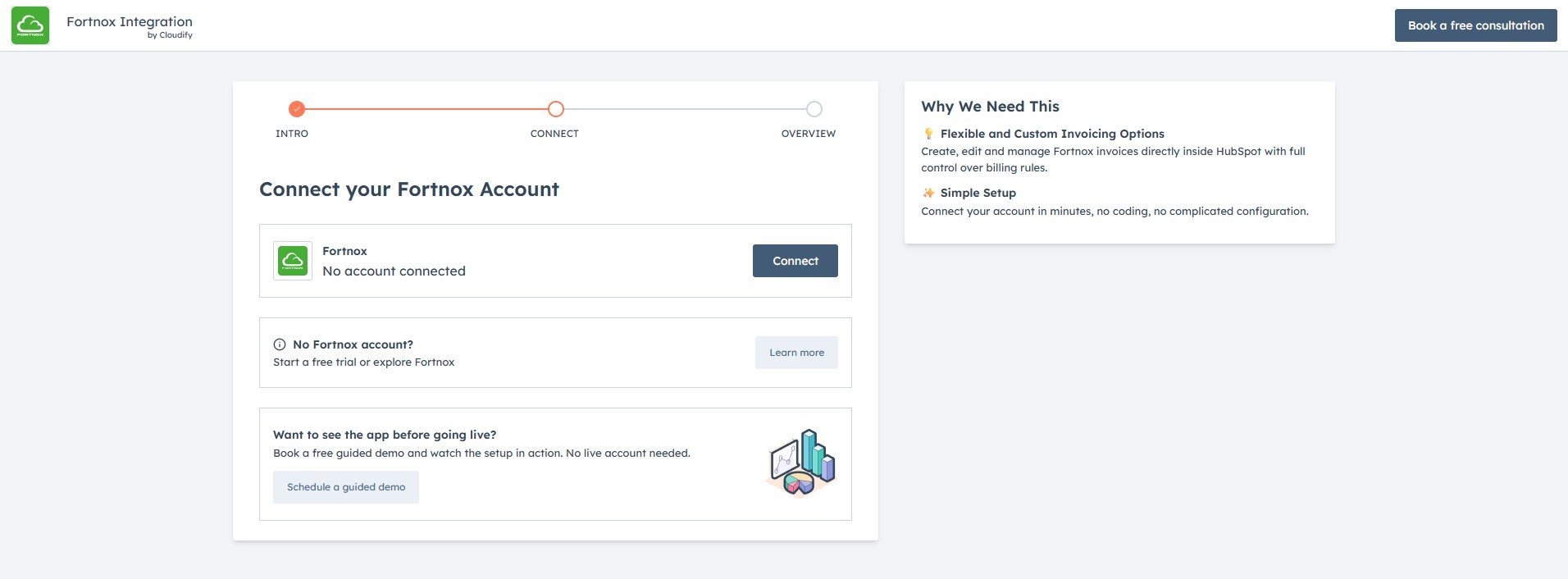
2
Enter the email address connected to your Fortnox account and click “Next”.
3
Enter your password and click “Log In”.
4
You will be asked to grant permission to add the app to your agreement. Click “Accept Permission”.
5
You will receive a success message. You will be automatically redirected to the final installation page.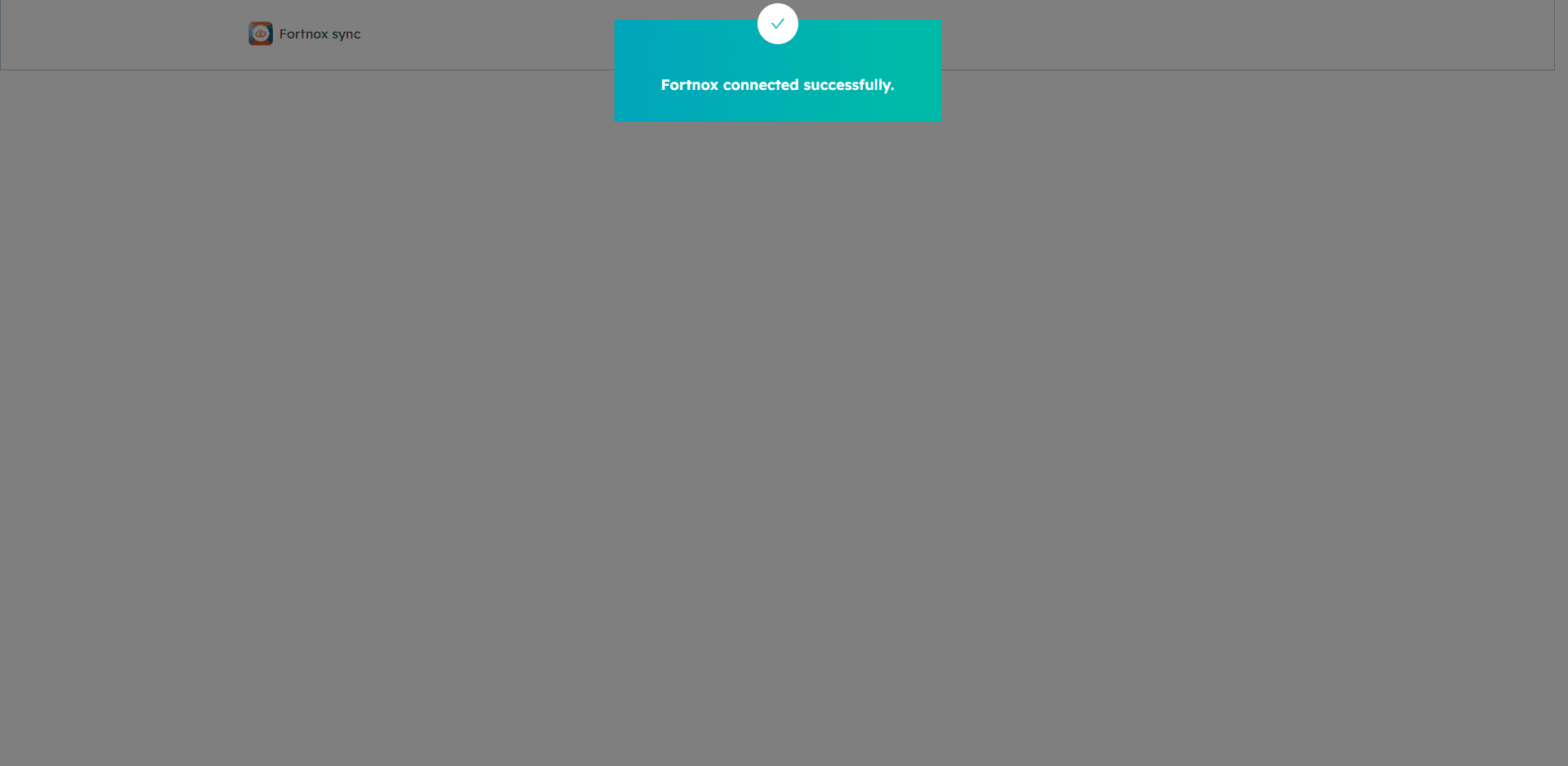
6
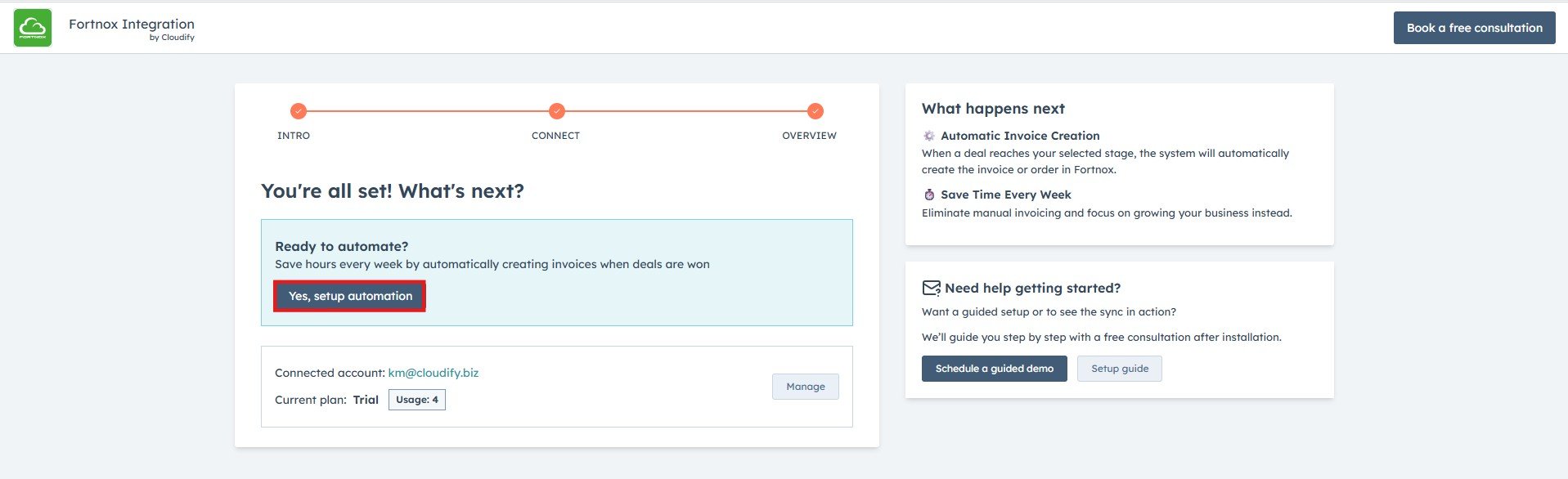
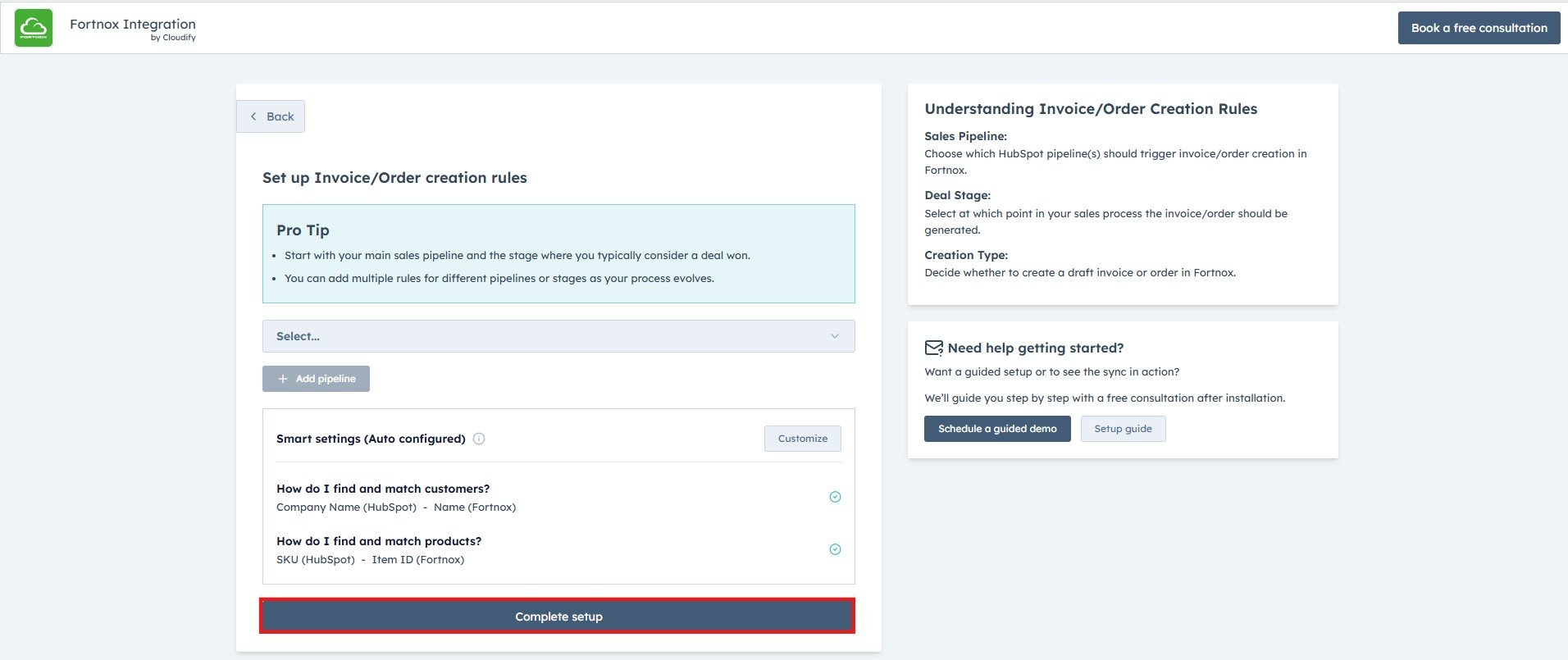
Click on Yes, Setup Automation to configure automatic invoice creation. Select your preferred sales pipeline and trigger stage, review the smart settings.