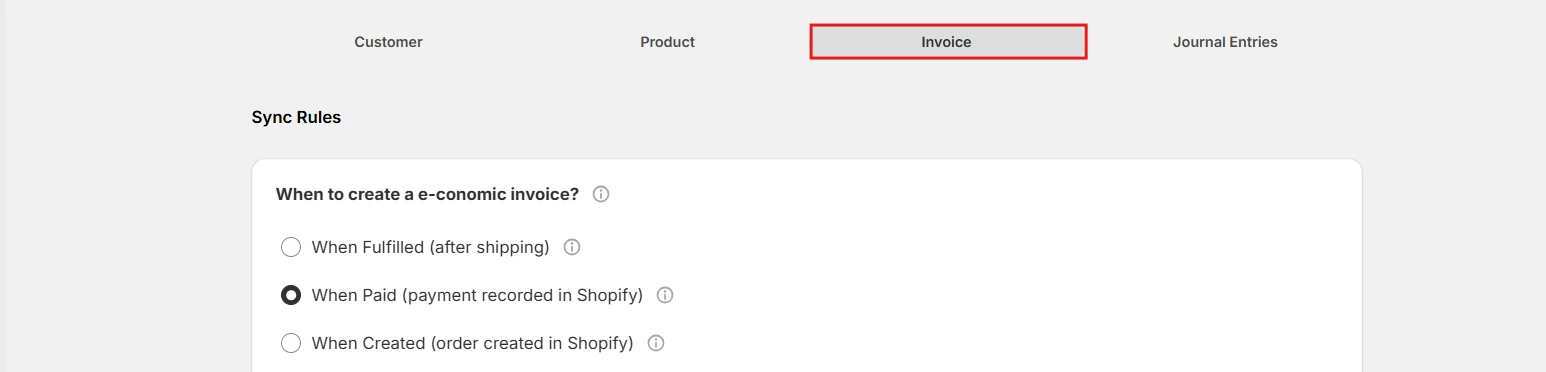
When to create a e-conomic invoice?
Why Invoice Timing Matters- Fulfilled-Based Creation An invoice will be created in e-conomic when the Shopify order status changes to ‘Fulfilled’. This usually means the products have been shipped. Select this option if you want to invoice customers only after their order has been dispatched.
- When Paid (payment recorded in Shopify) An invoice will be automatically created in e-conomic as soon as the Shopify order is marked as ‘Paid’. This takes place when the payment is successfully processed in Shopify, even if the products are not shipped yet, helping you maintain quicker and more accurate financial records.
- When Created (order created in Shopify) Perfect for Cash-on-Delivery orders or if you’d like an invoice to be created automatically in e-conomic the moment a new order comes into your Shopify store.
Note:When an invoice sync runs, the system will:
- First check for the customer in e-conomic (create a new one, if needed)
- Then check for products (handled according to your Product Sync Rules)
- Finally create the invoice with your specified settings
Invoice Types Explained
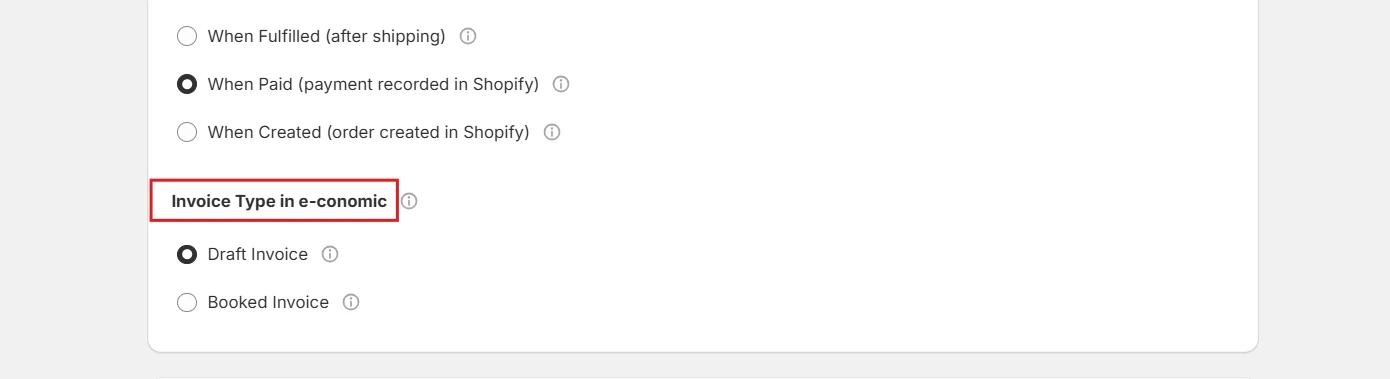
- Draft Invoices Creates a draft invoice in e-conomic that you can edit before posting. Best suited if you usually need to review or make changes before finalizing invoices.
- Booked Invoices Creates a booked invoice in e-conomic, which is final and automatically sent to the customer. Choose this option for a fully automated process with no manual review.
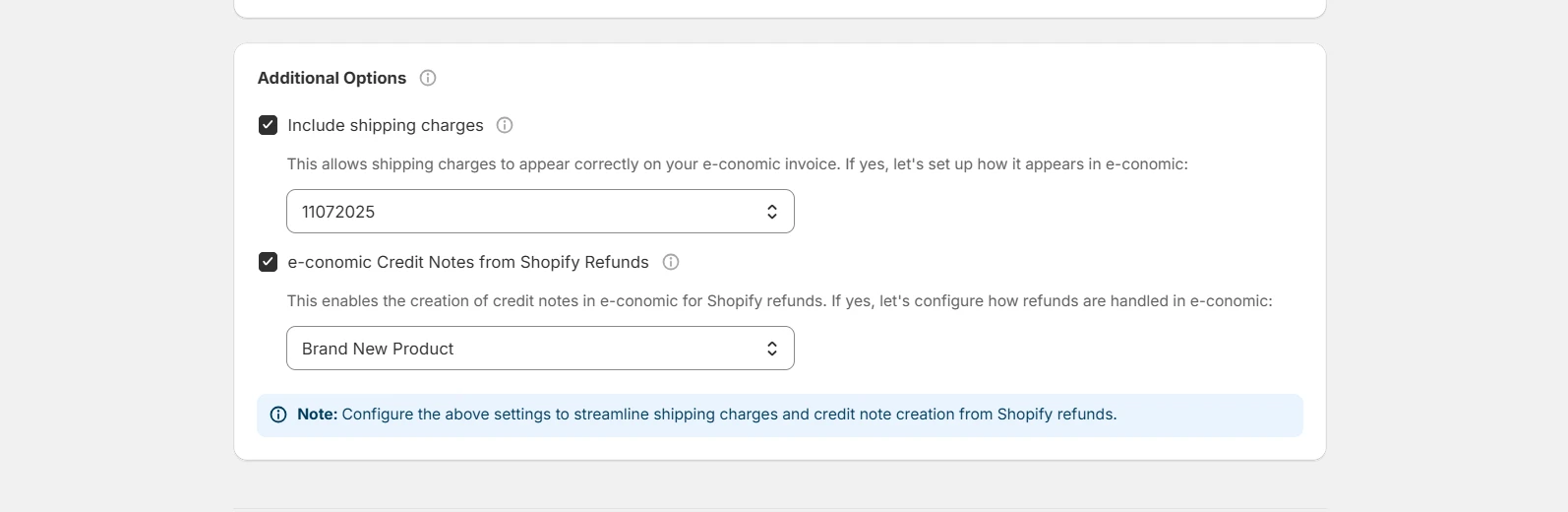
Additional Options
- Configure how to handle:
- Including Shipping Charges:
- Enable/disable shipping cost transfer
- Select e-conomic product for shipping
- Refunds:
- Set up refund processing
- Configure credit note generation
- Including Shipping Charges:
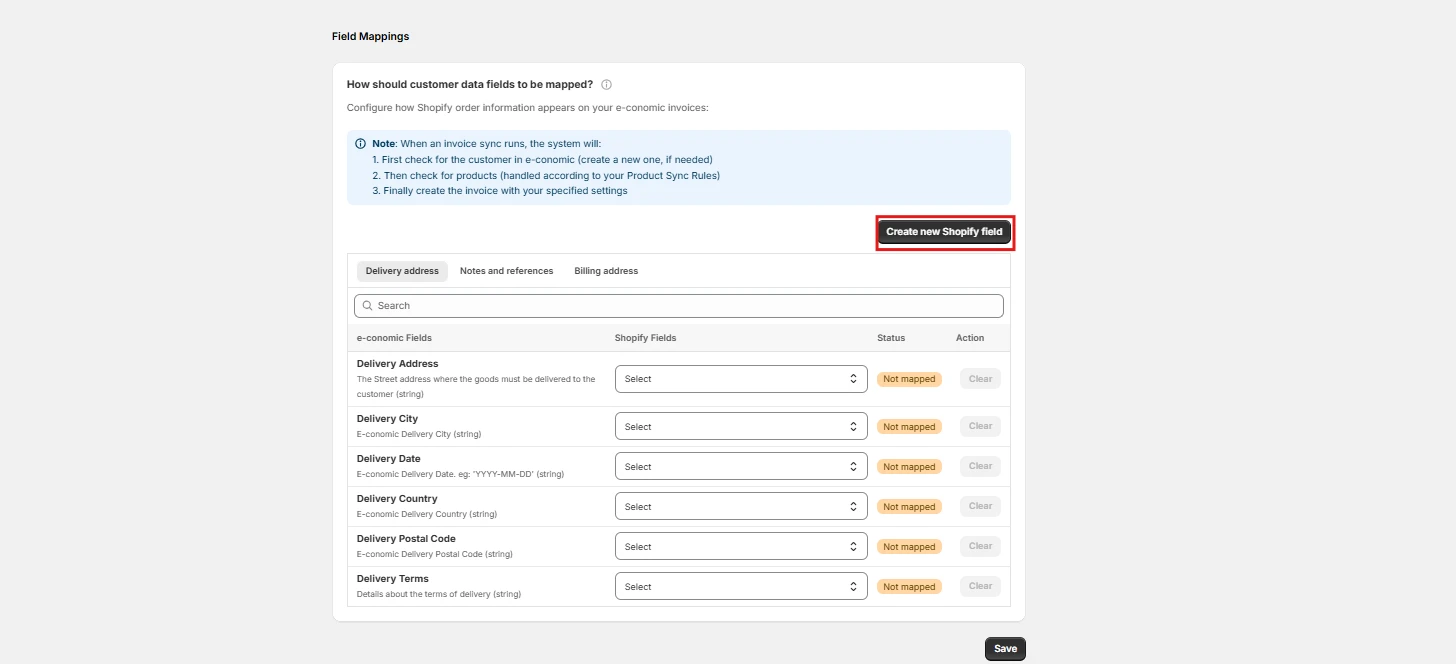
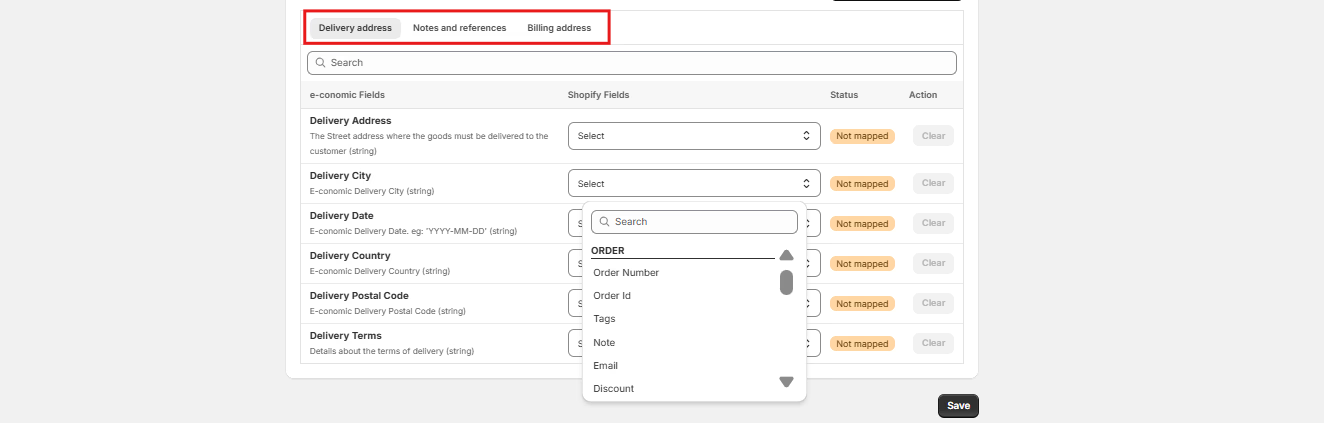
How should customer data fields to be mapped?
Configure how Shopify order information appears on your e-conomic invoices