Automatically Create Invoices from Shopify Orders in Visma e-conomic
Automatically Create Invoices from Shopify Orders in Visma e-conomic
Convert Shopify orders into e-conomic invoices with zero manual work. Trigger invoice creation automatically as orders come in, saving time and ensuring accurate, up-to-date financial records.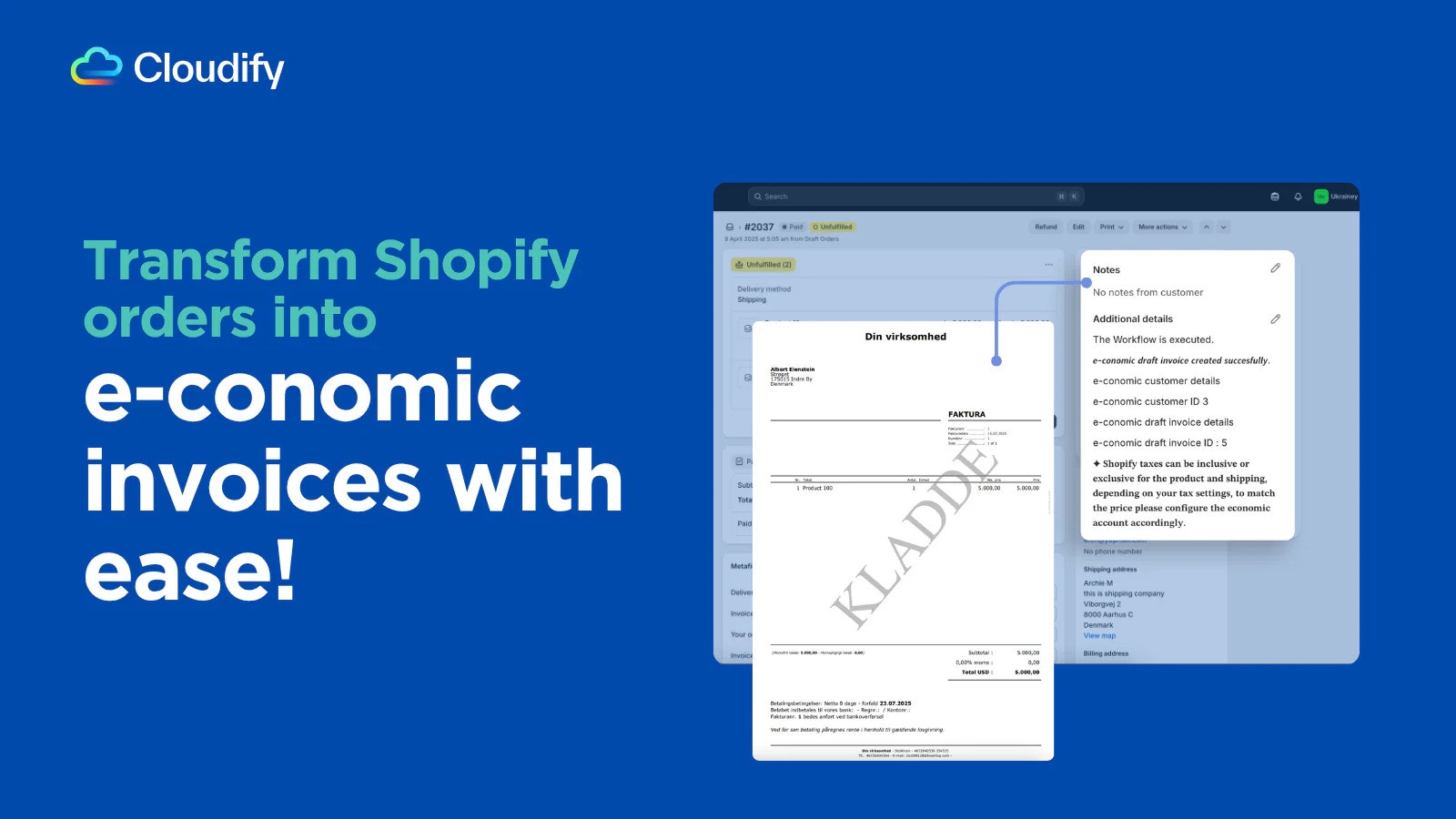
Automate Journal Entries for Shopify Payouts, Fees & Refunds
Automate Journal Entries for Shopify Payouts, Fees & Refunds
Save time and reduce errors by auto-posting journal entries in e-conomic for every Shopify payout, transaction fee, and refund. Ensure accurate, up-to-date bookkeeping without manual effort.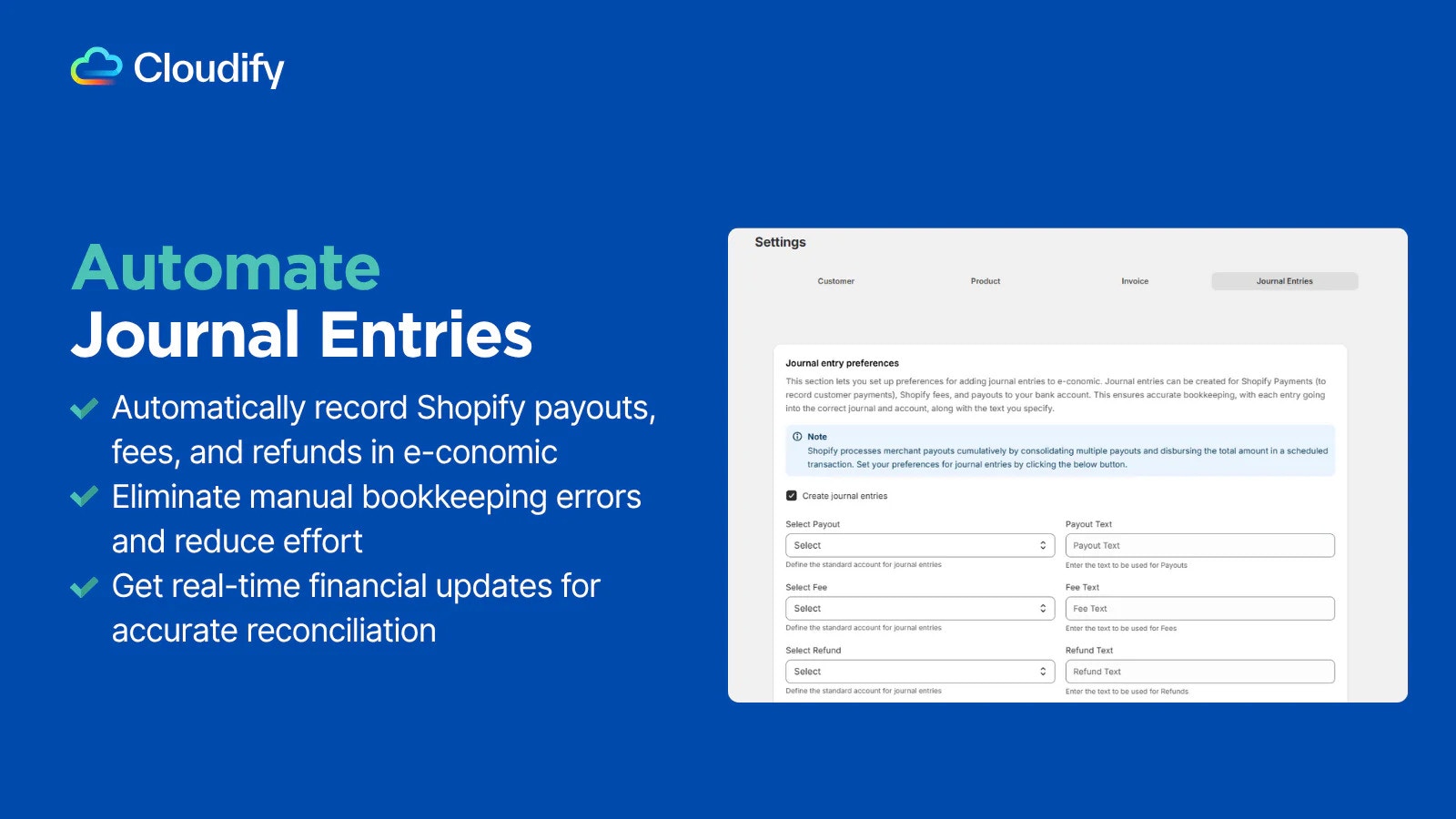
Replay Invoice Syncs with One Click
Replay Invoice Syncs with One Click
Quickly retry failed invoice syncs between Shopify and e-conomic. Ensure accurate records and smooth reconciliation with one-click recovery.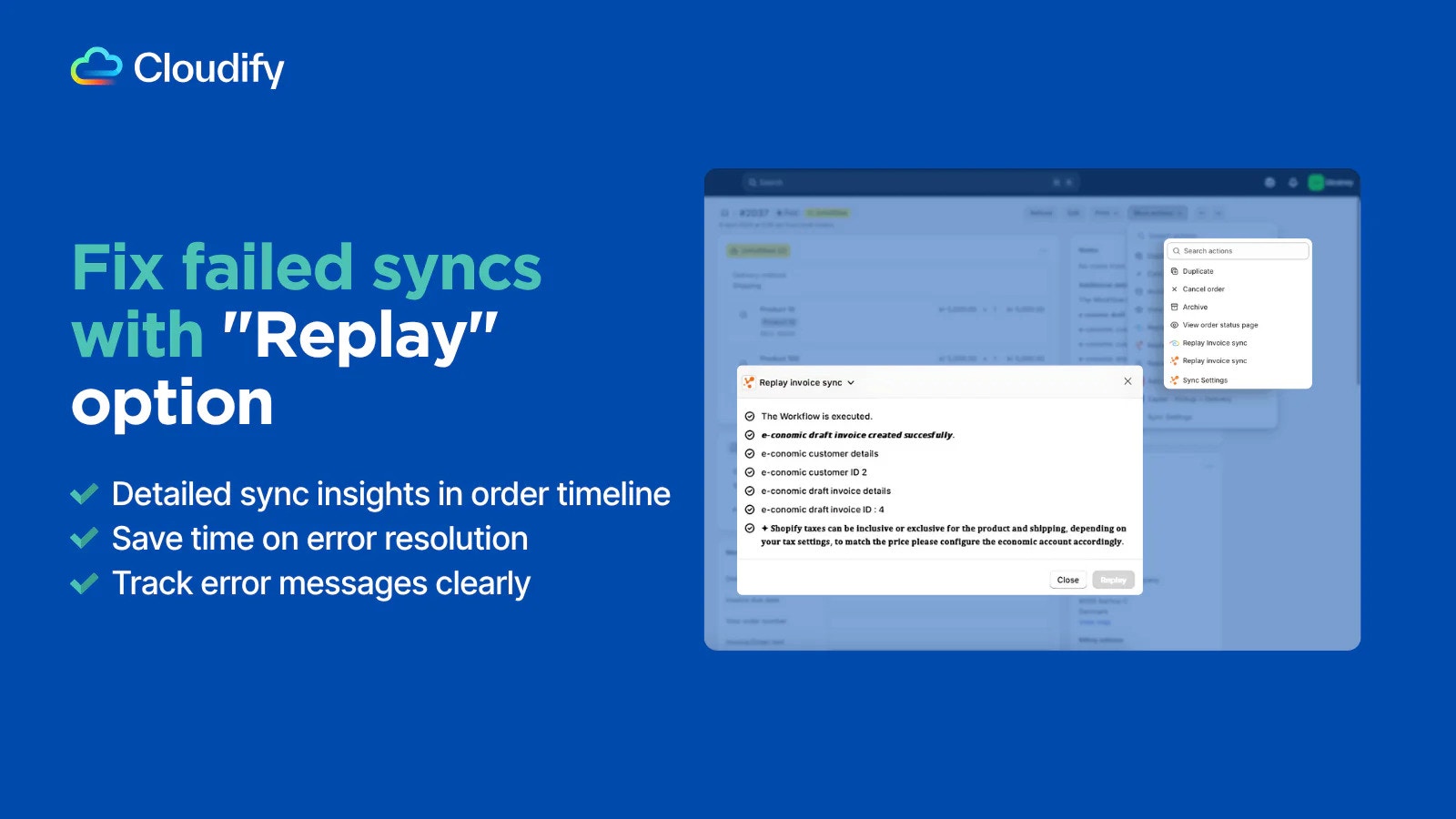
Simplify Syncing with the Unified Dashboard
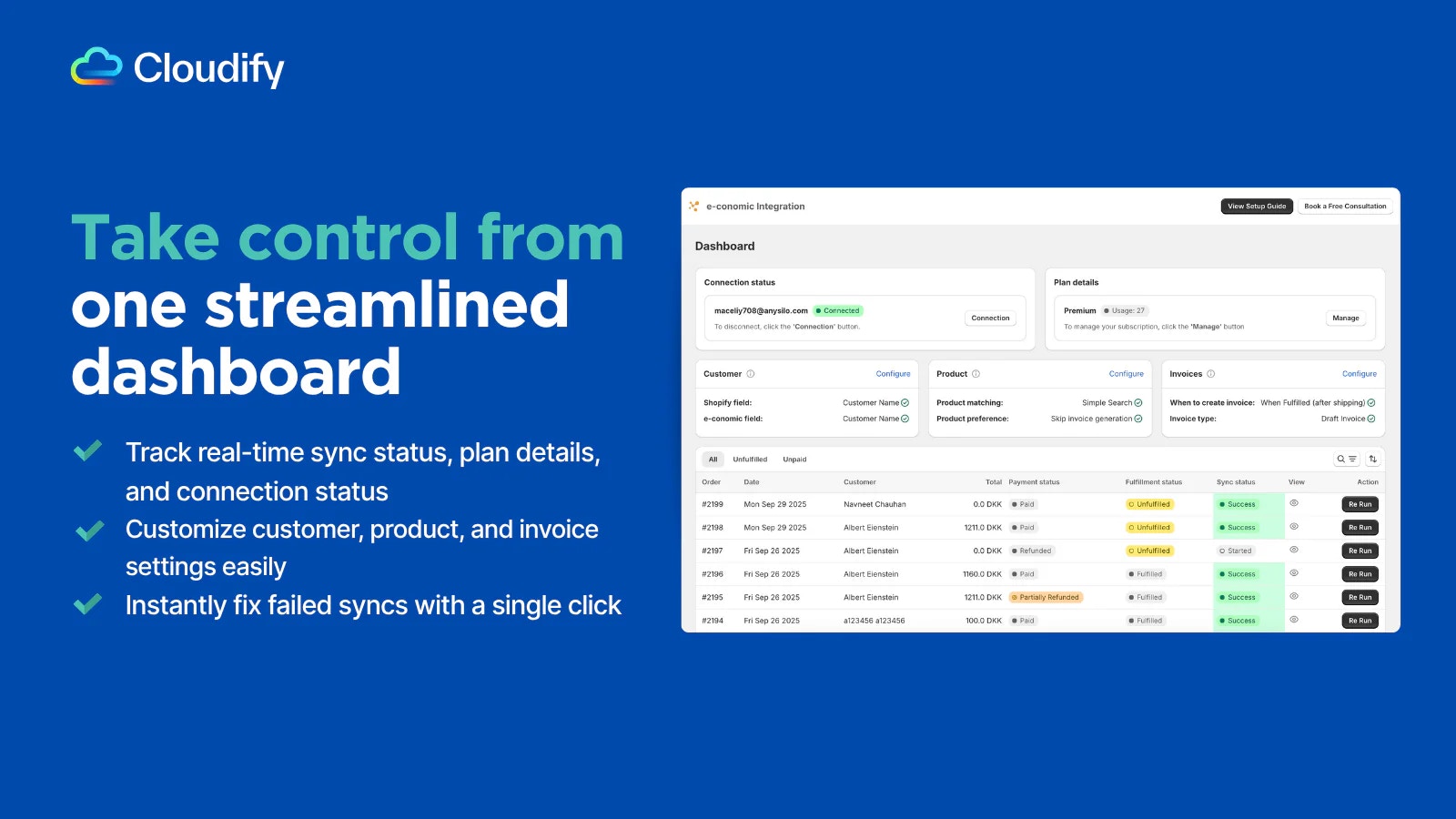
Simplify Syncing with the Unified Dashboard
- Complete Integration Oversight
Control your entire integration from a single, powerful dashboard. Monitor connection status in real time and access all integration settings in one place. - Sync & Resync with One-Click
Manually trigger or retry Shopify order syncs instantly. Create or update invoices quickly and eliminate the need to search through logs. - Resync Historical Orders Effortlessly
Access and resync historical orders directly from the dashboard. Retry failed integrations anytime with a single click, no need to open individual orders.
Test the Integration Before Going Live
Test the Integration Before Going Live
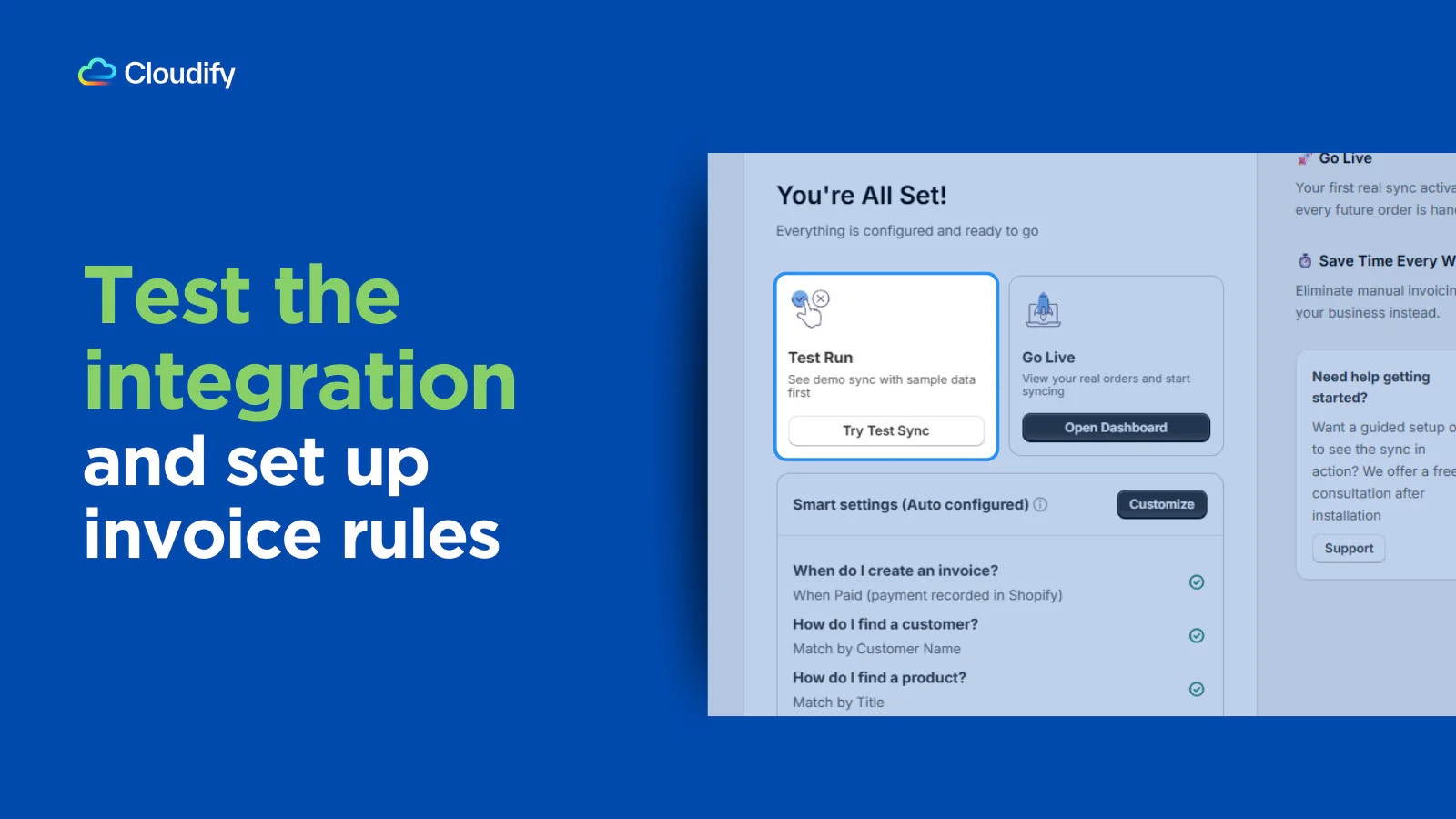
Run a quick test sync using sample data to see how the integration works before going live. Verify that your invoice rules, customer matching, and product matching are configured correctly. Once everything looks good, you can proceed with confidence.