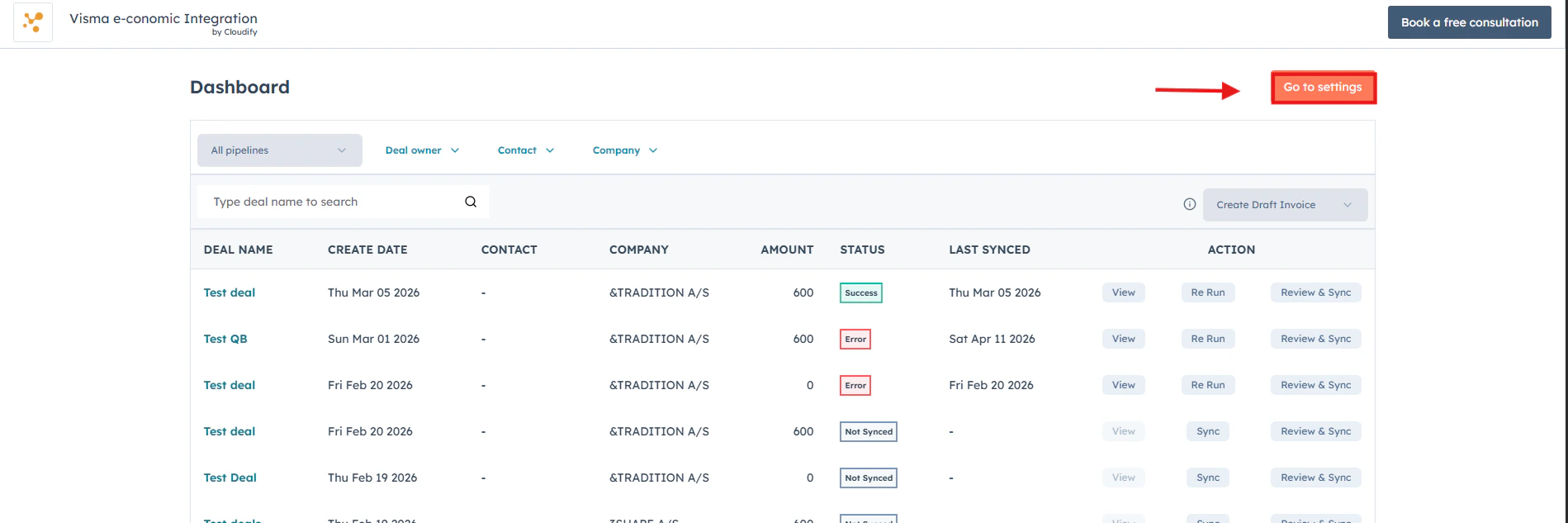
How to Access the Integration Dashboard
1
Navigate to Visma e-conomic Settings
Click Connected Apps → Visma e-conomic→ Settings.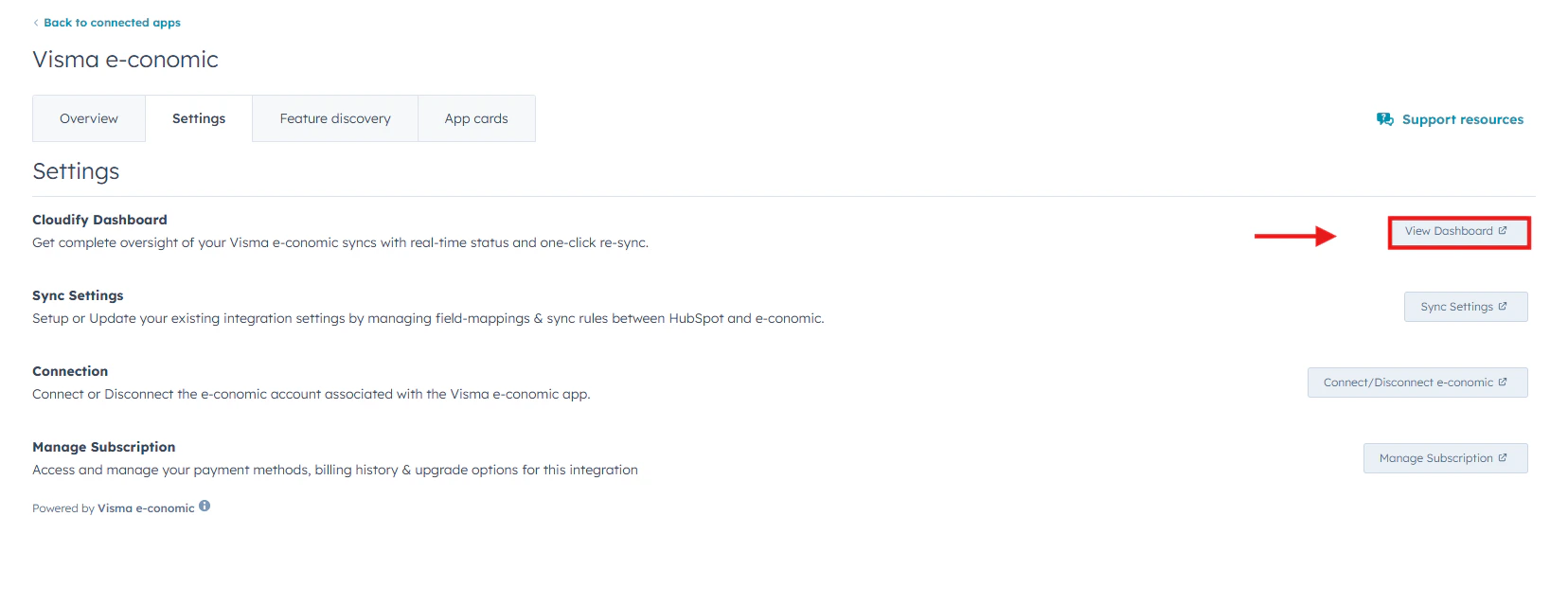

2
Open the Cloudify Dashboard
Under the Settings tab, go to Cloudify Dashboard and click the View Dashboard button on the right side.This will open the full Cloudify HubSpot–e-conomic dashboard, where you can monitor sync statuses, manage invoices, and take action on your deals in real time.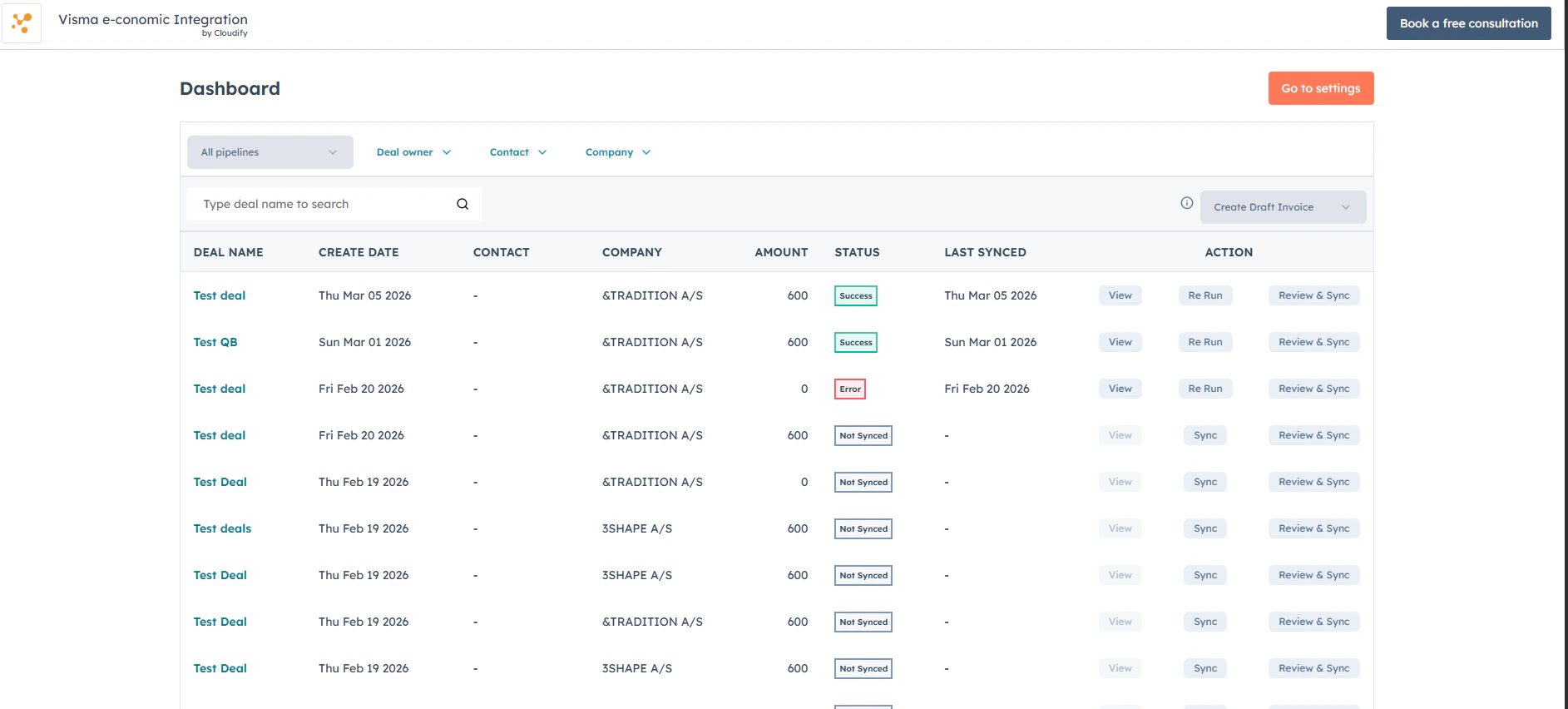
Benefits
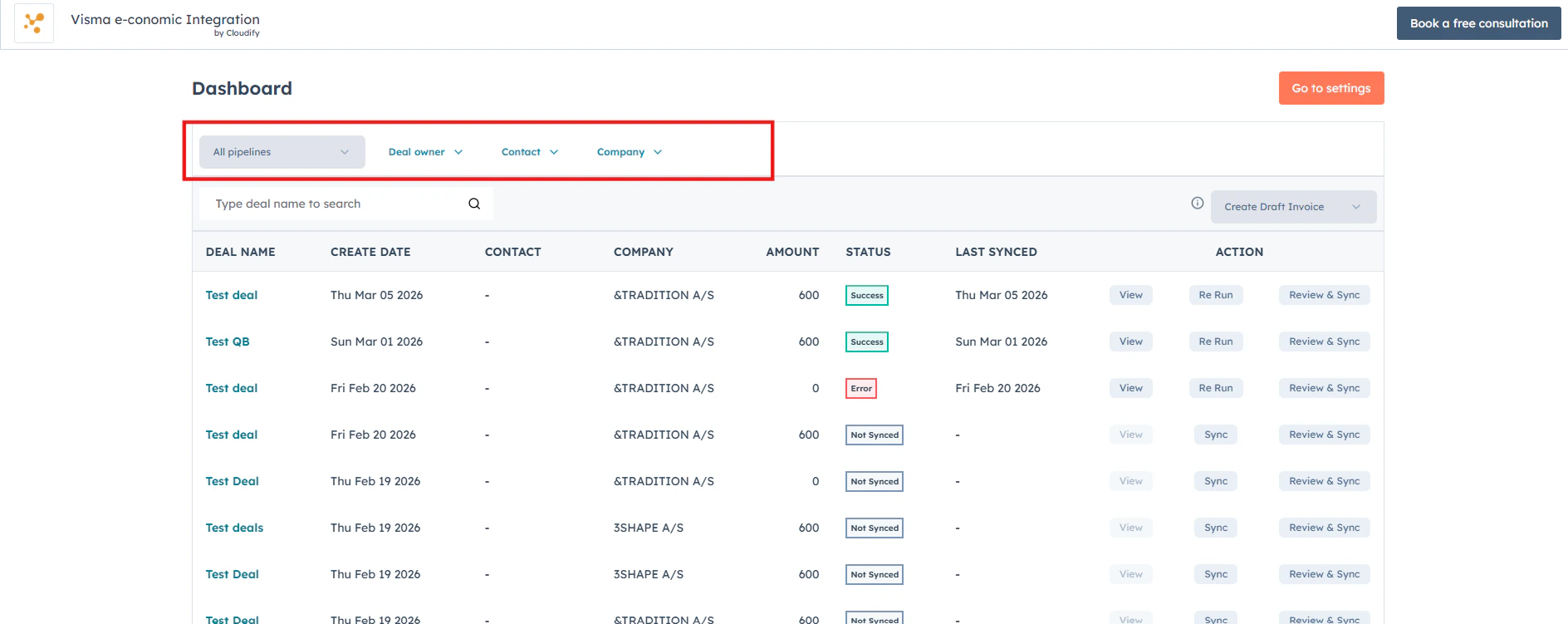
Filter by Pipeline, Owner, Contact, or Company
Effortlessly refine your view by filtering deals based on Pipeline, Deal Owner, Contact, or Company — helping you find exactly what you need in seconds.
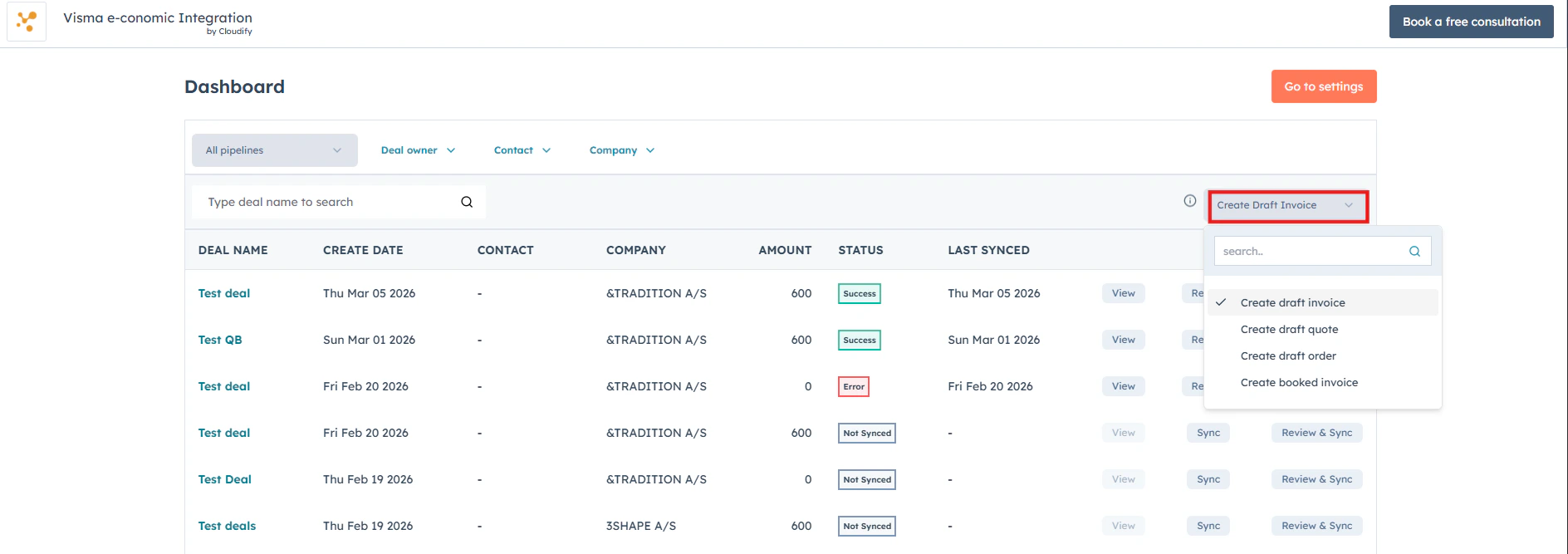
Choose invoice or quote type
Select the invoice or quote type you’d like to create in e-conomic directly from the dashboard, saving time without switching screens.
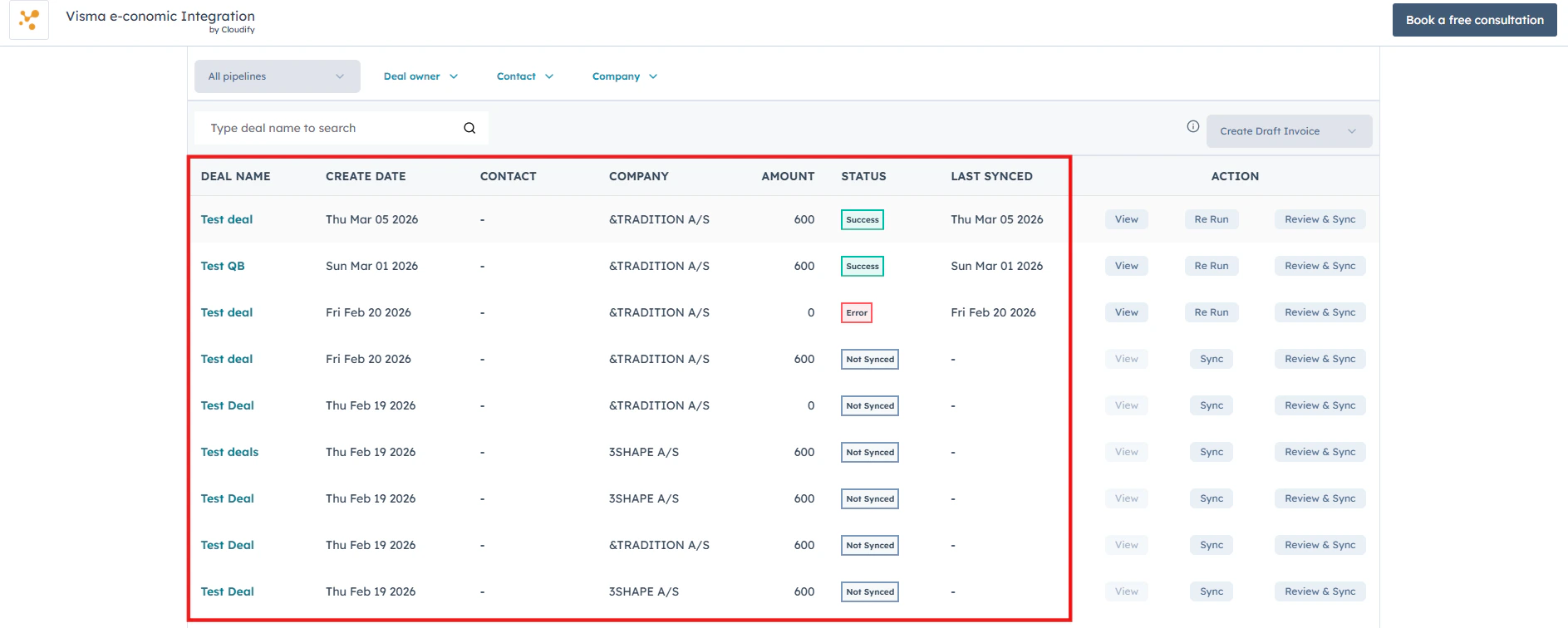
Real-time deal and sync status
View all your HubSpot deals along with their create date, contact, company, amount, and real-time sync status so you can instantly see what’s synced, pending, or needs attention.
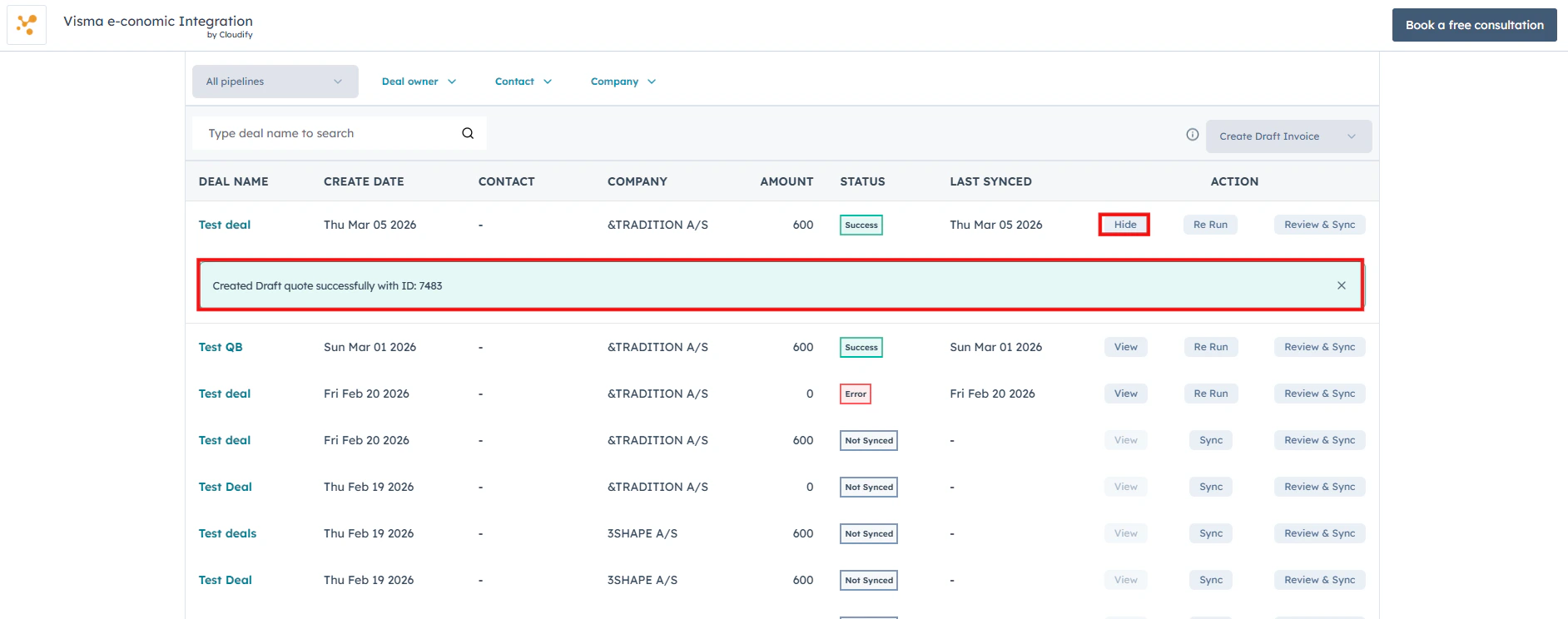
View deal details
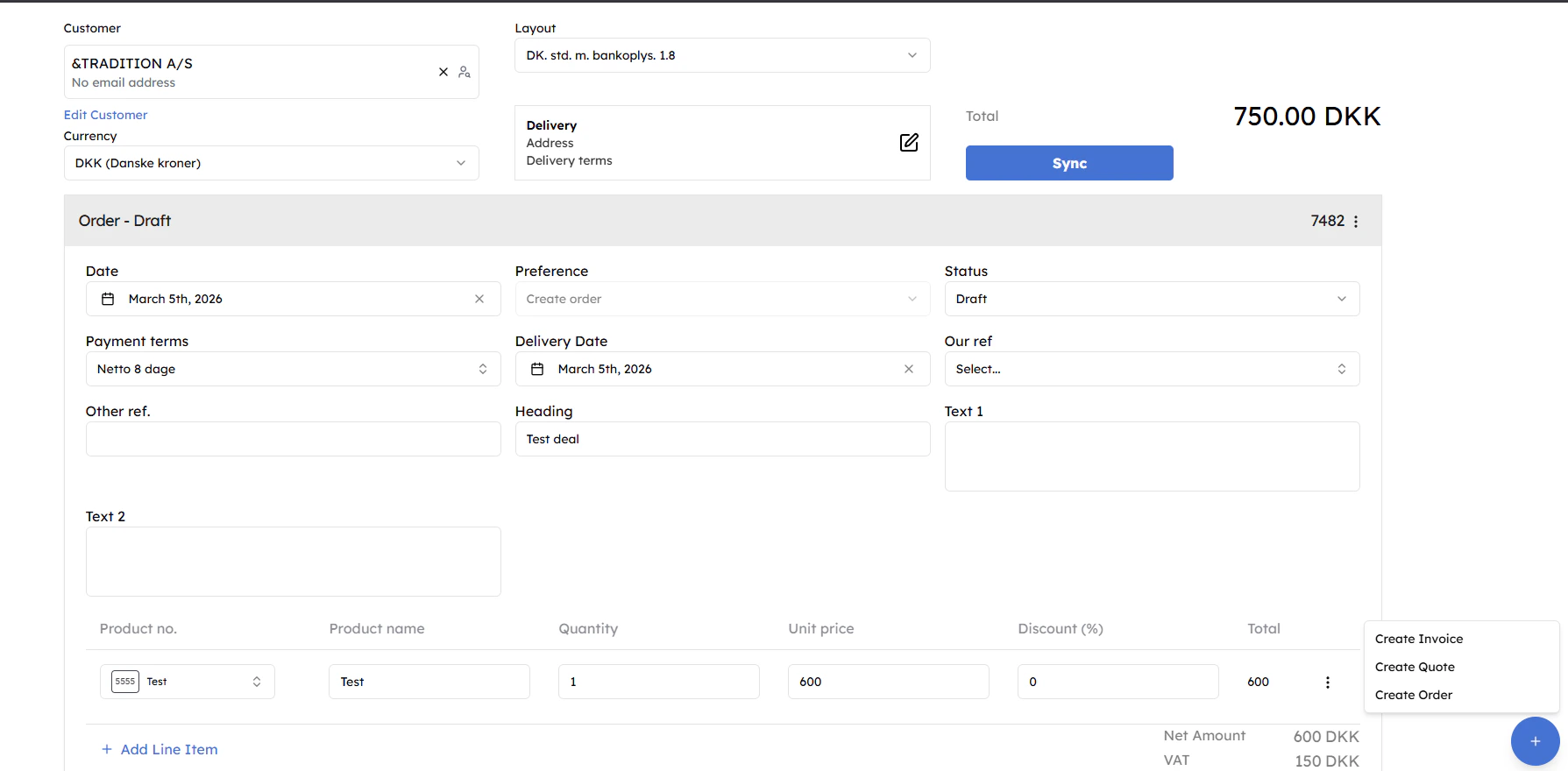
Use the View button to quickly open and review the associated HubSpot deal, along with its sync details and invoice information.
- Filtering Deals

- Selecting Invoice, Quote, Order Type

- Deal List with Sync Status

- Viewing Deal and Invoice Details

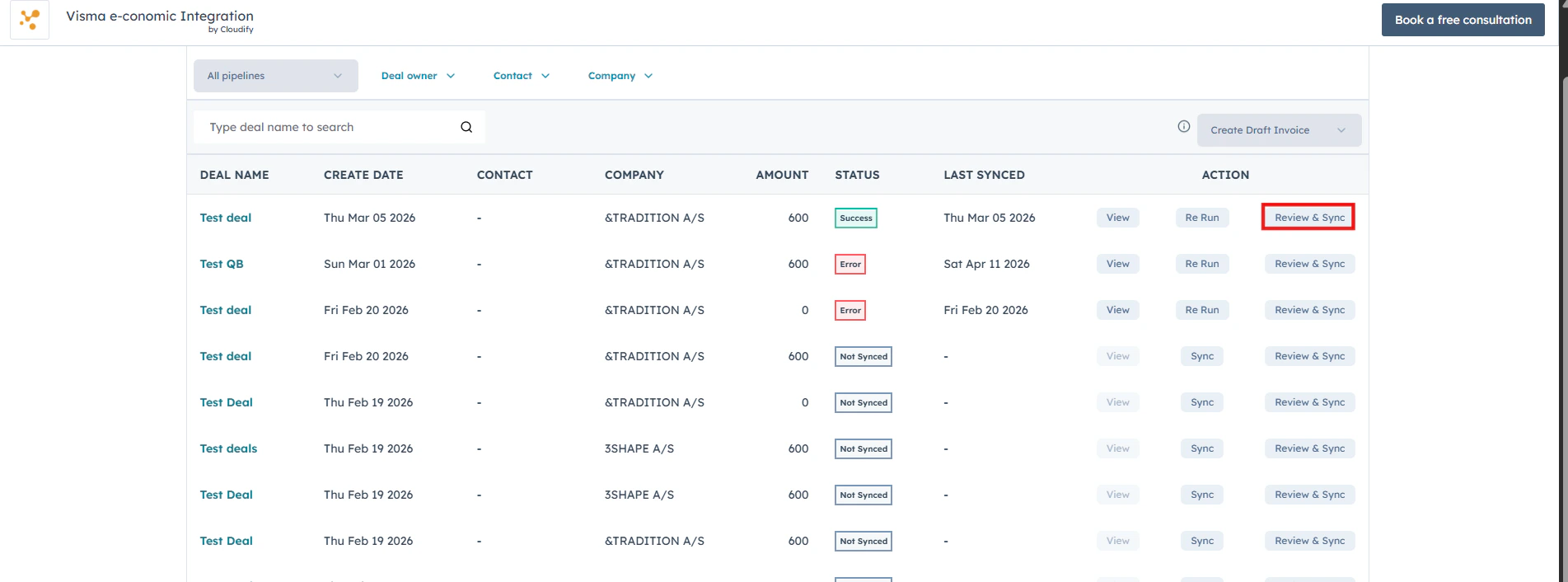
- Syncing and Managing Invoices

- Updating Settings