

1
Log in to your HubSpot account.Click the settings icon located in the top navigation bar.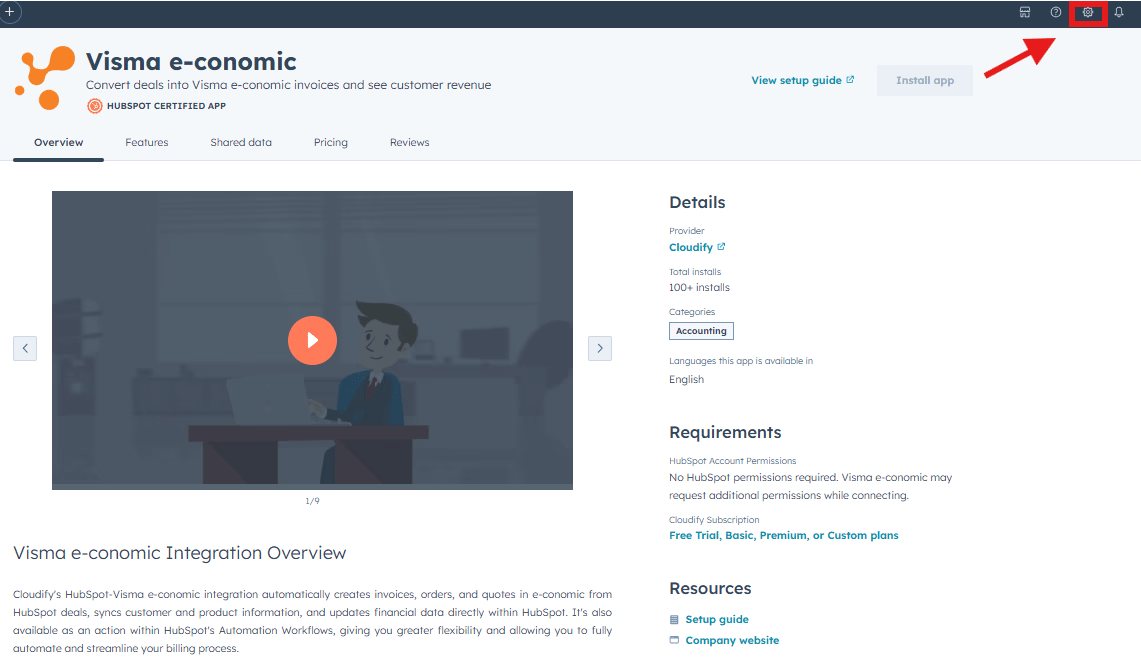
2
In the left sidebar menu, go to Integrations > Connected Apps.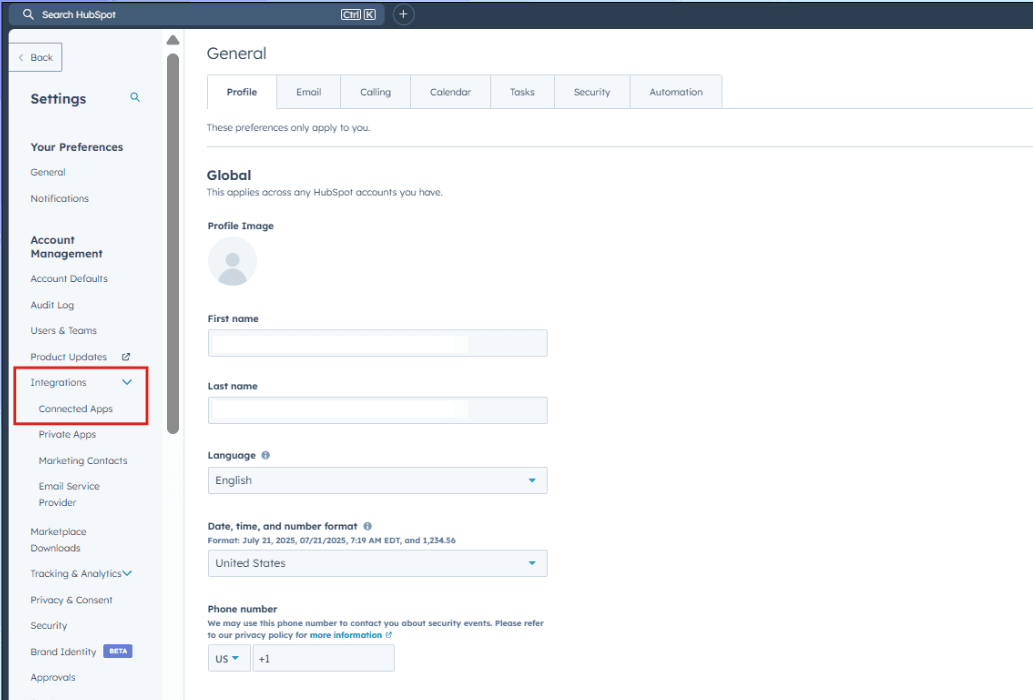
3
Locate the e-conomic integration app in the list of connected apps.Click Actions next to the e-conomic app.Select Uninstall from the dropdown menu.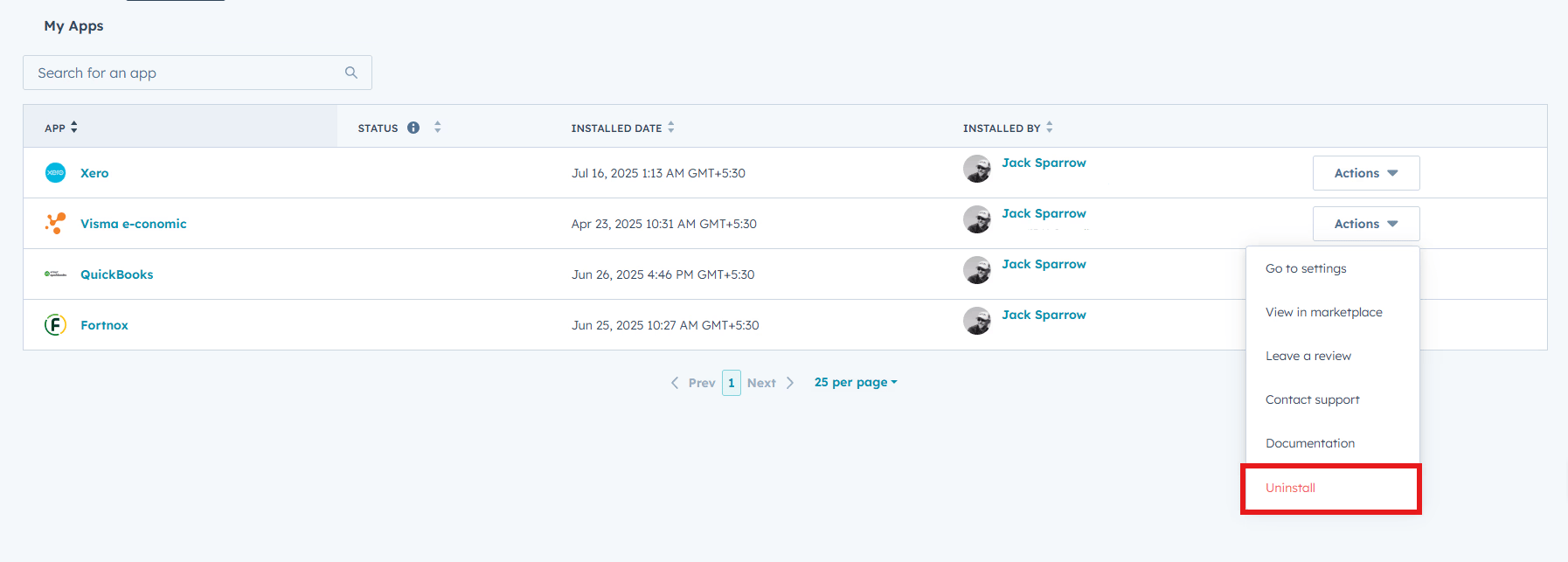
4
In the dialog box that appears, type Uninstall in the provided text field.Click Uninstall to confirm and complete the process.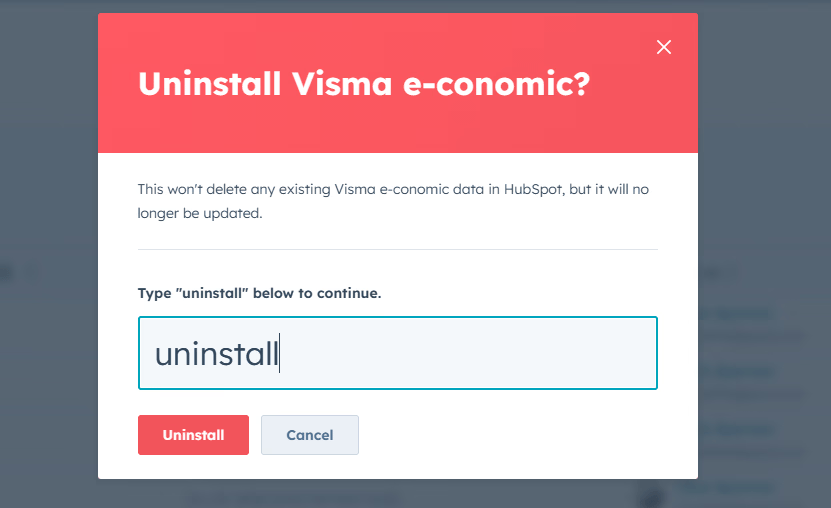
Uninstalling the app will not delete any of your existing data, however, it
will impact your ability to use the functionality described above.
Got unique integration needs?
Our custom team can build tailored integrations, specialized data mappings,
and workflow automations to perfectly match your specific business processes.