

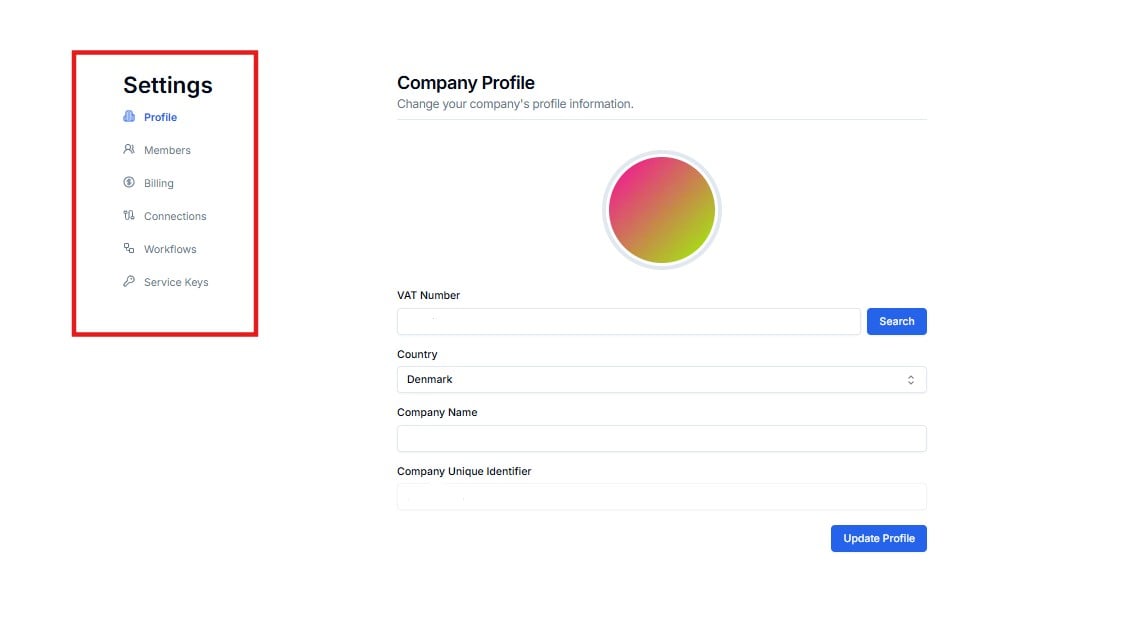
Settings — six sub-pages for managing your account
Profile
Update your company name, VAT number, country, and company unique identifier. Click Search after entering your VAT number to auto-fill company details.
Members
View active members, manage their roles (Owner / Editor / Viewer), invite new team members, and manage pending invitations.
Billing
Manage your subscription plan, payment method, billing information, and view invoice history.
Connections
View all authenticated app connections linked to your Lighthouse account. Reauthorize or delete connections from here.
Workflows
View and manage all integration workflows deployed on your account directly from Settings.
Service Keys
API keys that authenticate programmatic access to your Lighthouse endpoints. These are technical credentials managed by Cloudify — most clients will never need to use this page. If you haven’t been specifically asked by Cloudify to generate or manage a key, you can safely ignore this section.
Settings is shared across your organisation. Changes made here — such as removing a member or deleting a service key — take effect immediately. Contact Cloudify if you are unsure about any action.