

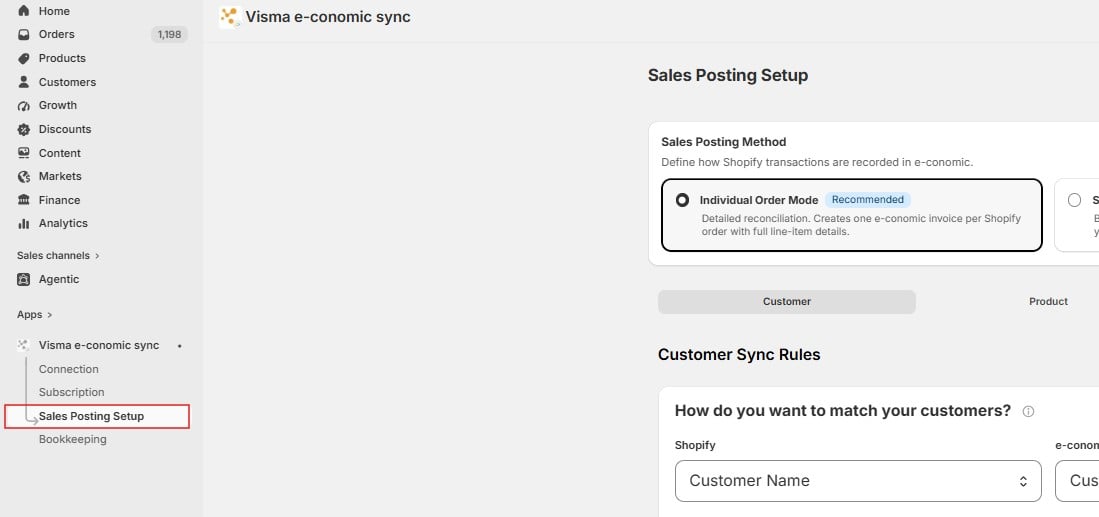
- Sales Posting Method – choose how transactions are recorded in e-conomic: Individual Order Mode (one invoice per Shopify order, recommended) or Sales Summary Mode (sales grouped into periodic journal entries).
- Customer tab – rules for how customers are matched between Shopify and e-conomic, how customer numbers are created, default values for new customers, VAT zones, and field mappings.
- Product tab – rules for how products are matched and synced between Shopify and e-conomic.
- Invoice tab – rules for how invoices are created and what they contain.