Steps to cancel
1
Open Subscription
In your Shopify admin, go to Apps → Visma e-conomic Integration, then click Subscription in the left sidebar.Or from the Cloudify dashboard, click Manage under the Plan details section.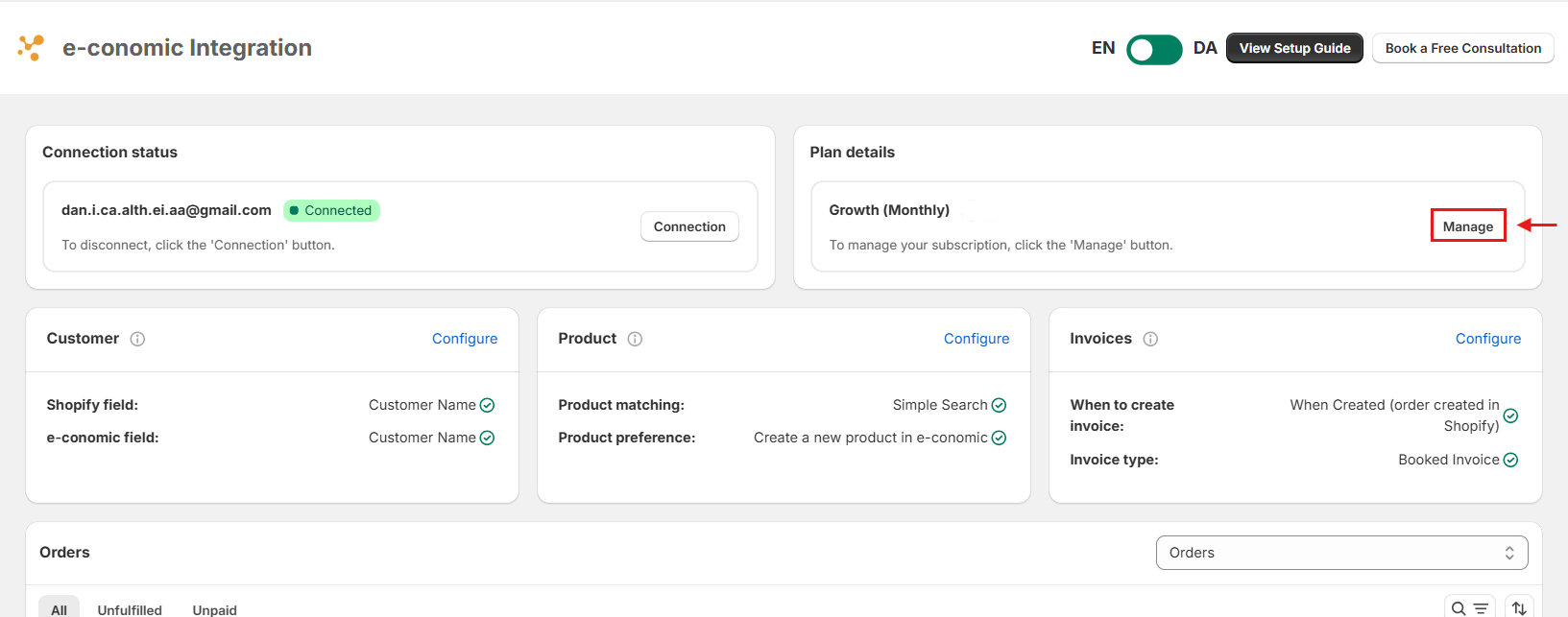
2
Cancel your plan
On the subscription page, click Cancel subscription in the top-right corner.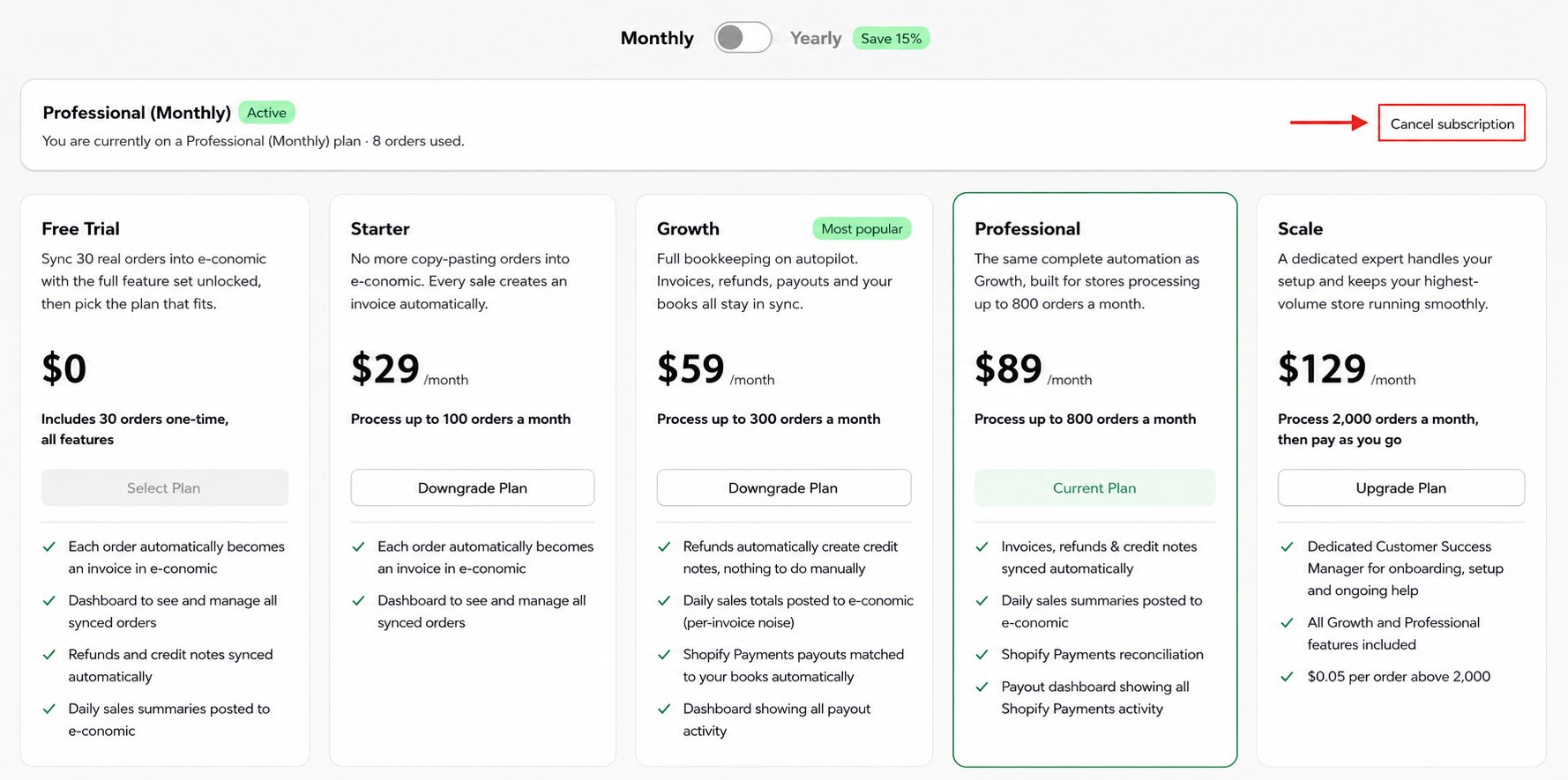
3
Confirm cancellation
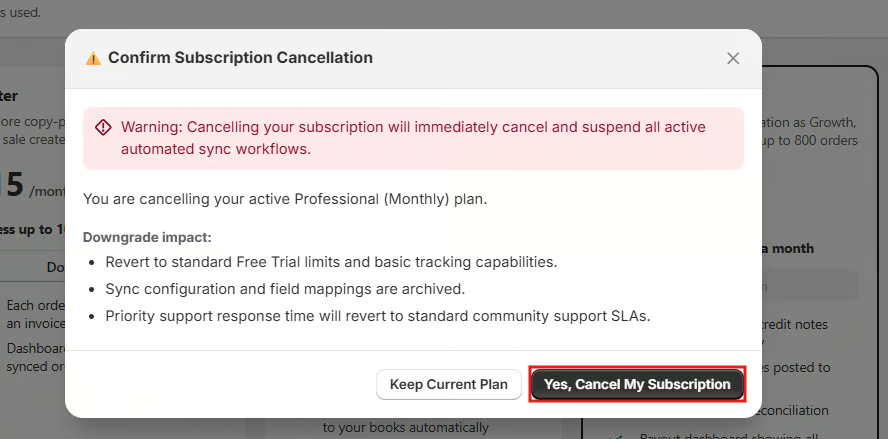
A confirmation dialog will appear. Review the downgrade impact, then click Yes, Cancel My Subscription.